
Hama Fullmotion Monitor Arm 95826 Manual
PDF manual · 22 Pages
English



Quick check
Incorrect answer, please try again.
Chat with your Hama Fullmotion Monitor Arm 95826 manual using AI
Get instant AI answers from your Hama Fullmotion Monitor Arm 95826 manual
Ask anything about the Hama Fullmotion Monitor Arm 95826. Answers come from this manual, with the pages they are based on.
Fullmotion Monitor Arm 95826 Maintenance Schedule
After mounting the product and load, check for sufficient stability and operational safety. Repeat this check at regular intervals.
Clean only with a slightly damp, lint-free cloth. Do not use aggressive cleaning agents.
Free maintenance reminders
Timed to your purchase date. Always free, unsubscribe anytime.
Ask a Question
Do you recommend Fullmotion Monitor Arm 95826?
Yes NoFrequently Asked Questions
It is designed for flat-panel displays from 10 to 26 inches. The maximum load is 10 kg, so it is best suited for smaller, lightweight monitors that fit the VESA 100x100 standard.
Is this answer helpful?
Yes. It offers a high level of movement, including 360° rotation, a wide tilt range, and swivel on one joint. The manual also notes that side movement does not require loosening screws.
Is this answer helpful?
The installation is straightforward if the monitor is compatible, but the manual recommends two people for mounting and adjustment. It also stresses checking the screw length and fastening hardware before starting.
Is this answer helpful?
No. The product is intended for indoor use only. It is designed for home or office interiors, where the screen can be mounted safely and used within the specified limits.
Is this answer helpful?
Not always, but compatibility varies. The included kit covers many cases, yet some monitors may need different screws or fastening parts from a specialist store.
Is this answer helpful?
The instructions recommend inspecting the mounted arm and load at regular intervals, at least every three months, to make sure everything remains secure and safe to use.
Is this answer helpful?
Advantages and Disadvantages
Advantages

- Wide movement range with 360° rotation and strong tilt flexibility for comfortable viewing.
- Supports VESA 100x100 monitors up to 10 kg, covering many compact screen setups.
- Side adjustments can be made without loosening screws, making daily changes easier.
- Helps clear desk space and improve ergonomics in home or office environments.
Disadvantages

- Only supports monitors up to 26 inches and 10 kg, so larger screens are excluded.
- Designed for indoor use only, with no mention of outdoor or heavy-duty applications.
- Installation may require two people and compatible extra screws for some monitors.
- Regular safety inspections are needed, adding ongoing maintenance responsibility.
Product Specification
Type
Desk mount
Number of monitors
1
Screen size
10-26"
Mobility
tiltable (-90 deg, +85 deg), swiveling (360 deg), height adjustable
Max. load capacity
22.05 lb
VESA
75x75, 100x100
Special features
Cable management
Color
black
Product Description
Hama Full Motion Monitor Arm
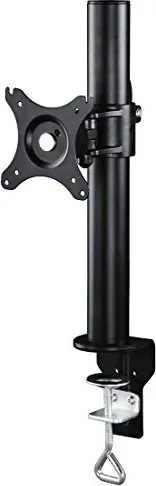
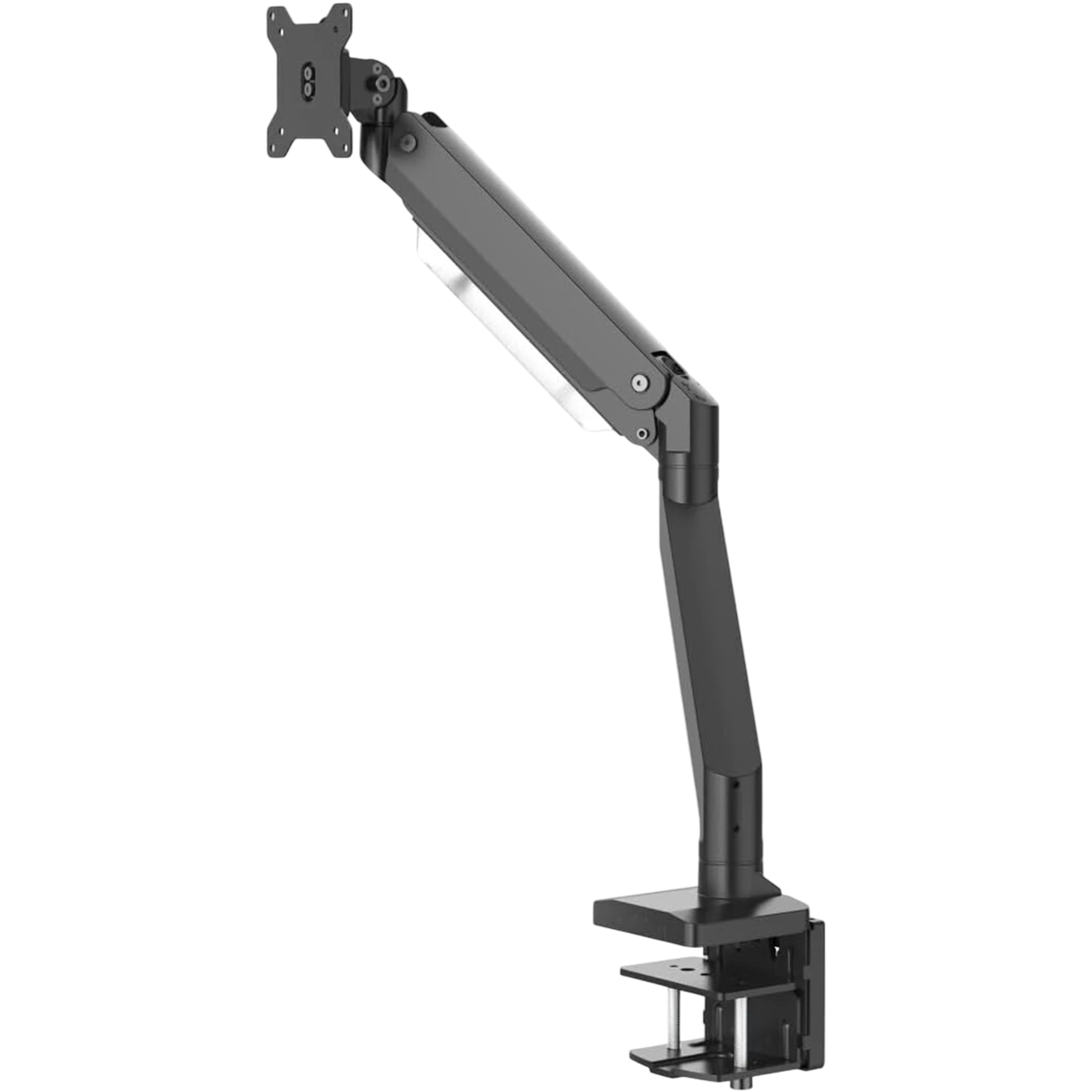
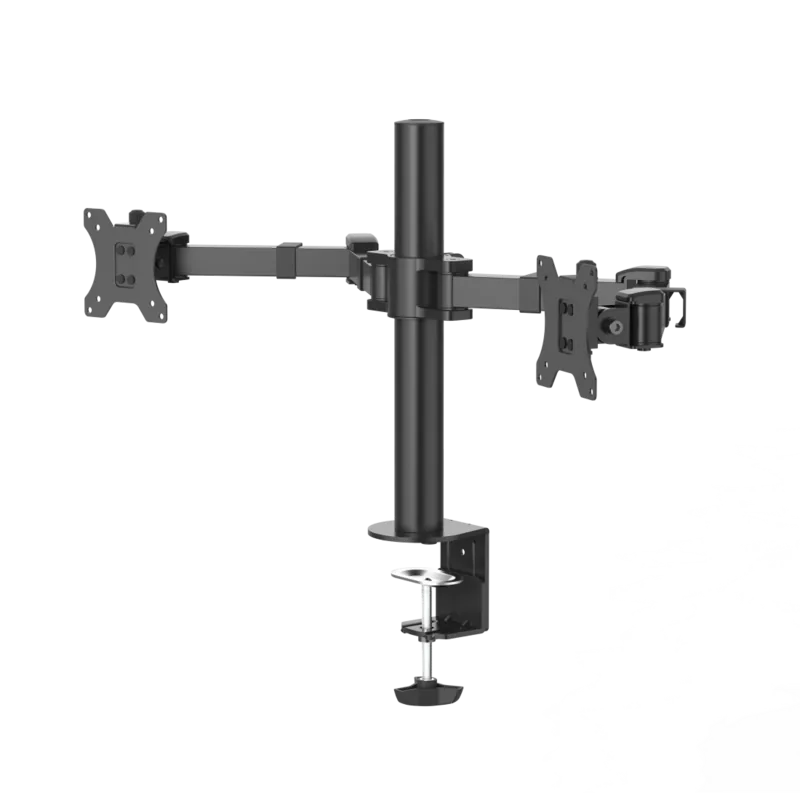
The Hama Full Motion Monitor Arm is a smart choice for anyone who wants a cleaner desk and a more adaptable screen setup. Built for flat-panel displays between 10 and 26 inches, it supports monitors up to 10 kg and uses the VESA 100x100 mounting pattern. That makes it a practical fit for compact home offices, study corners, and lightweight workstations where space and comfort matter.
Its biggest strength is movement. The arm offers 360° rotation, a wide tilt range from -90° to +85° depending on the display, and up to 360° swivel on one joint. In everyday use, that flexibility helps you line up your screen for better posture, share content more easily, or simply find a viewing angle that feels natural. For people who spend long hours at a desk, this kind of adjustment can make a real difference.
The design also focuses on stability and safe use. The installation guidance highlights the need for the correct screws, compatible fastening materials, and a balanced load. The included mounting kit covers many common setups, but not every monitor uses the same hardware, so compatibility checks are essential before installation. A second person is recommended during mounting and adjustment, which adds confidence when handling the screen and arm together.
In practical terms, this monitor arm is about more than holding a display in place. It helps free up valuable desk space, keeps the work area tidier, and supports a more ergonomic setup. Once installed properly, side movements can be made without loosening screws, which makes everyday repositioning quicker and less frustrating. That convenience is especially useful in shared rooms or multi-use spaces where the screen may need frequent changes.
If you are looking at the Hama Full Motion Monitor Arm Manual before setting it up, the main takeaway is preparation. Check the package contents, confirm that your monitor fits the size and weight limits, and make sure cables and ports will still remain accessible after mounting. The manual also recommends regular safety checks, at least every three months, to keep the setup secure over time. For small-screen users who value flexibility, the Hama arm offers a straightforward balance of function, comfort, and control.
Notes
- Indoor use only
- Best suited for smaller monitors
- Regular safety checks are recommended
- Use only compatible mounting hardware
Search for 67,732 Manuals online


Type-in Brand or Model