
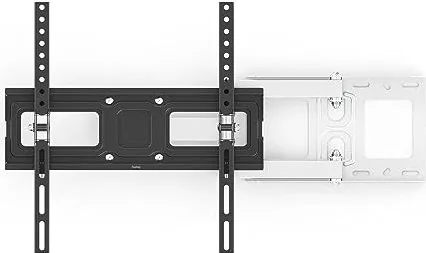
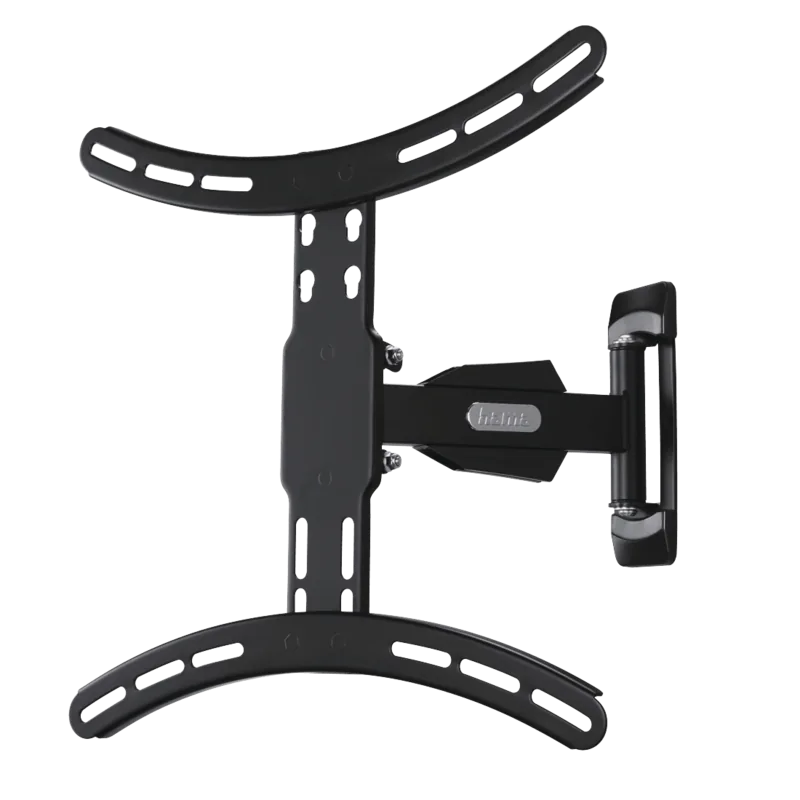
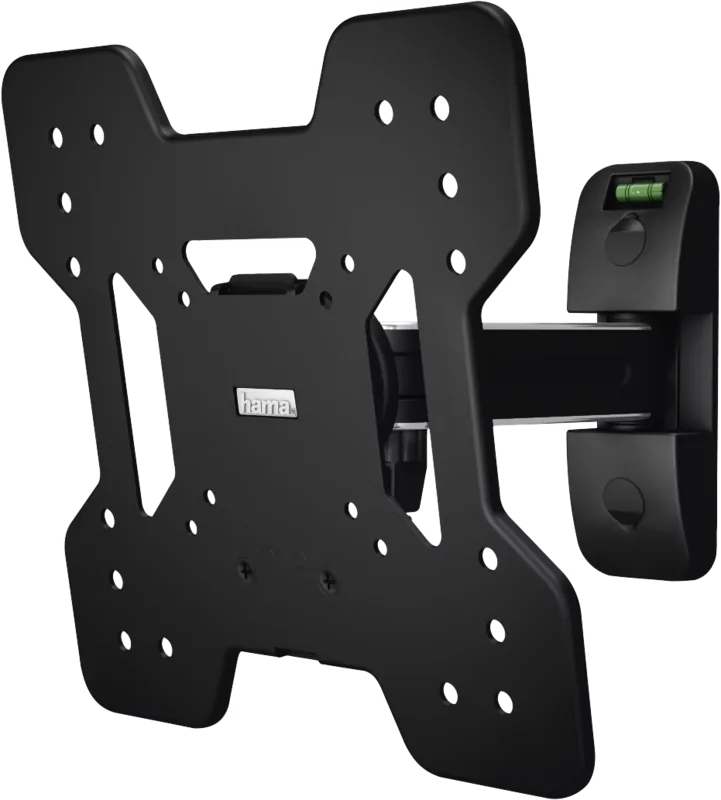
Hama Fullmotion 400x400 Manual
PDF manual · 30 Pages
English



Quick check
Incorrect answer, please try again.
Chat with your Hama Fullmotion 400x400 manual using AI
Get instant AI answers from your Hama Fullmotion 400x400 manual
Ask anything about the Hama Fullmotion 400x400. Answers come from this manual, with the pages they are based on.
Fullmotion 400x400 Maintenance Schedule
Verify that the bracket is securely fastened, safe to use, and does not exceed maximum load bearing capacity or dimensions. Ensure symmetrical loading.
Use only water or standard household cleaners for cleaning the product.
Free maintenance reminders
Timed to your purchase date. Always free, unsubscribe anytime.
Ask a Question
Do you recommend Fullmotion 400x400?
Yes NoFrequently Asked Questions
This mount supports flat panel displays with screen sizes ranging from 32 inches to 65 inches diagonally.
Is this answer helpful?
The included wall plugs are designed for concrete and solid brick walls only. For other wall types like drywall, you must purchase suitable anchors from a specialized dealer.
Is this answer helpful?
Maintain the necessary safety clearance around the attached load depending on the specific model chosen to allow for full 180-degree pivoting movement without obstruction.
Is this answer helpful?
Installation requires patience and strict adherence to illustrated steps. It is recommended to use a second person and check for hidden wiring before drilling.
Is this answer helpful?
Clean the bracket only with water or standard household cleaners. Avoid harsh chemicals that might damage the durable black finish.
Is this answer helpful?
No, the provided wall plugs are approved for concrete and solid brick walls only. Check your wall type before installation.
Is this answer helpful?
Advantages and Disadvantages
Advantages

- Allows 180-degree pivoting on three joints for optimal viewing angles
- Supports screens up to 65 inches with a 35 kg weight capacity
- Sleek black finish complements modern interior designs
- VESA compatible up to 400x400 mounting patterns
- Includes installation kit with necessary screws and ties
Disadvantages

- Wall plugs provided only suitable for concrete and solid brick walls
- Requires two people for safe and secure installation
- Intended for indoor private use only, not commercial settings
- Maximum load limit of 35 kg restricts very large heavy sets
- Manual must be read thoroughly to ensure proper safety
Product Specification
Type
Wall Mount
Number of Monitors
1
Screen Size
32-65"
Mobility
Tilt (-15 deg, +15 deg), Swivel (6 deg), Pan (180 deg), Extendable
Wall Distance
3.54-16.73 in
Max Load
77.16 lbs
VESA
min. 3.94x3.94 in, max. 15.75x15.75 in
Features
Cable Management
Color
Black
Product Description
Introduction to the Hama Fullmotion Mount
Transform your living space with the Hama Fullmotion 400x400 Black TV Wall Mount. This versatile bracket offers exceptional flexibility for home entertainment setups. Designed for flat panel displays ranging from 32 to 65 inches, it supports a maximum load of 35 kg. The mount features a sleek black finish that complements modern interiors while ensuring stability during use.
A key feature is the fullmotion capability allowing up to 180 degrees of pivoting on three joints. This helps viewers find the perfect angle from different parts of the room or seating areas. The tilt function adjusts plus or minus 15 degrees to reduce glare significantly from windows or overhead lights. The wall mounting plate measures 29.7 by 17.8 cm with VESA compatibility up to 400x400 patterns. Depth adjustment ranges from 9.0 to 42.5 cm from the wall surface to accommodate various device depths.
Reading the Hama Fullmotion 400x400 Black TV Wall Mount Manual is crucial for safe installation and optimal performance. The guide emphasizes using a second person during mounting to prevent accidents involving heavy screens falling. It specifies that included wall plugs work only for concrete and solid brick construction types. Always check for hidden wiring or pipes inside walls before drilling any holes to avoid damage. The installation kit includes various screws and cable ties to keep cords tidy and out of sight from guests. Keep leftover parts in a safe place for future moves or when mounting a new television later on.
Safety is paramount throughout the entire process and usage lifecycle. The guide warns against mounting above areas where people might linger constantly or sleep. Regular checks every three months ensure the load remains secure and functional over time. The product is intended for indoor private household use only and not commercial settings like hotels. Avoid asymmetrical loading to maintain balance during adjustment operations to prevent stress. Cleaning should only involve water or standard household cleaners to prevent damage to durable finishes. By following these detailed guidelines, users ensure longevity and safety for their investment in high quality home theater equipment. This robust mount provides an excellent solution for watching television from multiple angles without compromising wall integrity or aesthetic appeal of the room. Installation requires patience and strict adherence to illustrated steps provided. Ensure all screws are tightened by hand before final securing to protect threads. Use the included spirit level to verify horizontal alignment perfectly during setup. With these considerations, your viewing experience improves dramatically while maintaining a clean look on your walls. Furthermore, resistance for tilt and lateral movement can be adjusted using specific screws mentioned in the technical notes. This allows users to personalize the feel of the arm movement. It also highlights that spacers may be needed for curved TV backs. Ensuring the bracket lays flat is essential for weight distribution. The wall capacity must support the weight plus the mount itself. Do not use it on other wall types without proper anchors purchased separately. Maintain the necessary safety clearance around the attached load depending on the specific model chosen. If the supplied screw is too long, remove spacers from the wall plate. This customizes the depth perfectly for your specific television needs.
Search for 67,732 Manuals online


Type-in Brand or Model