
Hama EWS-800 Manual
PDF manual · 137 Pages
English



Quick check
Incorrect answer, please try again.
Chat with your Hama EWS-800 manual using AI
Get instant AI answers from your Hama EWS-800 manual
Ask anything about the Hama EWS-800. Answers come from this manual, with the pages they are based on.
Ask a Question
Do you recommend EWS-800?
Yes NoFrequently Asked Questions
The wireless transmission range is up to 30 meters in open spaces. However, obstacles like buildings, trees, and vehicles may disrupt the signal.
Is this answer helpful?
The base station features a DCF-controlled clock that searches for radio signals to set the time and date automatically. If the signal is not found, you can set it manually.
Is this answer helpful?
Yes, the base station automatically stores the maximum and minimum temperature and humidity values. You can view these records with the recorded date and time.
Is this answer helpful?
The base station requires three AA batteries, while the outdoor measuring station requires two AAA batteries. Ensure correct polarity when installing.
Is this answer helpful?
Yes, you can set the atmospheric pressure threshold values between 2 hPa and 4 hPa to adjust how changes in pressure are registered as weather variations.
Is this answer helpful?
The outdoor measuring station is designed for outdoor use but must be protected from direct sunlight and rain. The base station is intended for indoor placement only.
Is this answer helpful?
Clean the product only with a slightly damp, lint-free cloth. Do not use aggressive cleaning agents and ensure water does not enter the device.
Is this answer helpful?
Advantages and Disadvantages
Advantages

- Wireless connection allows flexible indoor and outdoor sensor placement without complex wiring.
- Built-in barometer enables weather forecasting for the next twelve to twenty-four hours.
- Radio-controlled DCF clock syncs time automatically with high precision for data accuracy.
- Customizable alarms for temperature, humidity, and pressure help monitor extreme conditions.
- Automatic memory storage tracks minimum and maximum values for historical analysis.
Disadvantages

- Device relies on batteries for operation, requiring replacement to maintain functionality.
- Wireless range can be reduced significantly by obstacles like walls or heavy structures.
- Lacks smart app connectivity for remote monitoring or cloud data backup integration.
- Manual calibration is limited and recommended mainly for specific private use cases.
- Synchronization may fail if batteries are swapped without resetting on the base unit.
Product Specification
Type
digital
Temperature
indoor and outdoor
Humidity
indoor and outdoor
Weather Forecast
Icons
Forecast Method
Barometer
Other Displays
Time, Date, Battery Status Indicator, Air Pressure Trend for the Last 24h, Stored Min/Max Temperature/Humidity
Connectable Outdoor Sensors
up to 3 (Range max. 328.08 ft)
Outdoor Temperature Measurement Range
-40 F to 149 F
Installation
Wall mounting possible
Color
black, silver
Package Contents
1 Outdoor Sensor (with integrated Temperature/Humidity Display)
Product Description
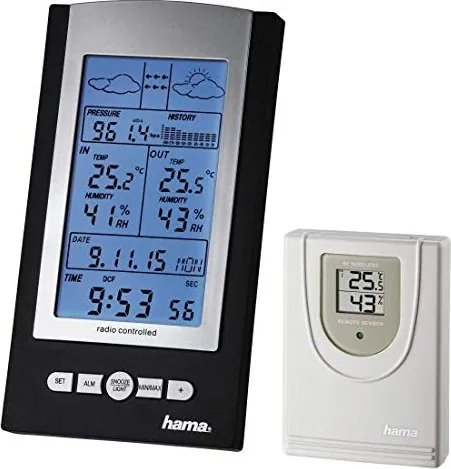
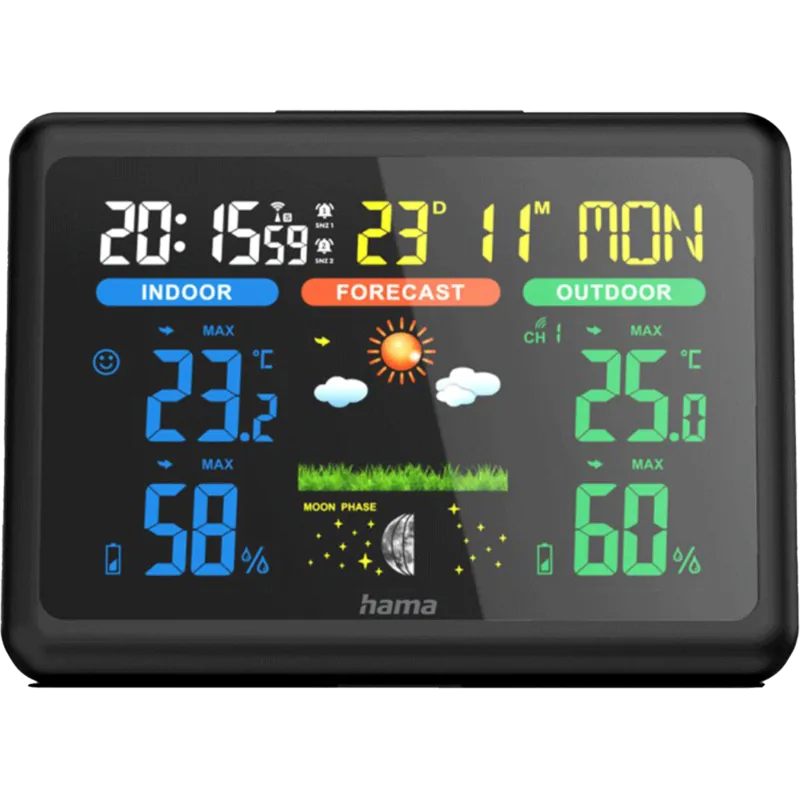
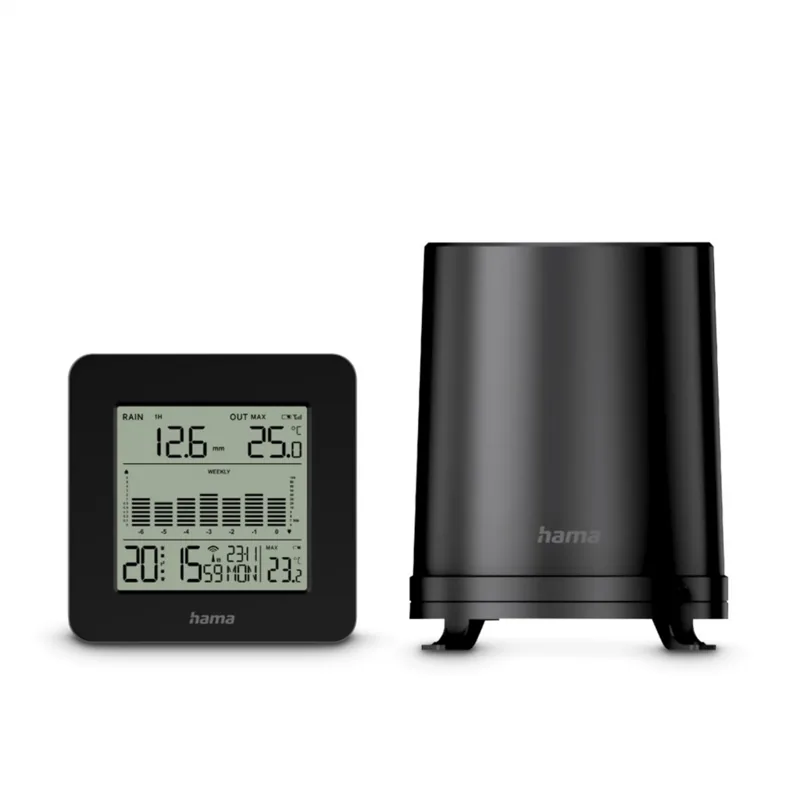
Discover the Hama EWS-800 Wireless Weather Station Digital
Welcome to the world of precise home meteorology. When you are looking to keep an eye on the elements inside and outside your home, the Hama EWS-800 Wireless Weather Station Digital stands out as a reliable companion for monitoring daily conditions. It combines modern technology with ease of use to provide accurate data right on your wall or desk for continuous observation.
Advanced Features for Home Owners
This device offers a comprehensive suite of functions designed specifically for private households seeking better climate control. You can measure indoor and outdoor temperature and humidity with high precision using the wireless sensors. The base station features a built-in barometer which allows it to generate a weather forecast for the next twelve to twenty-four hours based on pressure changes. This predictive capability is crucial for planning your activities outside or preparing for potential storms approaching your area. The unit also includes a radio-controlled DCF clock that synchronizes automatically with time signals.
Easy Setup and Operation
Setting up the system is straightforward for most users. You simply insert batteries into the outdoor measuring station and the base unit. Once powered on, the base station searches for signal reception and synchronizes with the transmitter unit nearby. The connection range can reach up to thirty meters in open spaces, though thick obstacles may affect transmission distance slightly. Users can customize alarms for extreme temperature or humidity levels to alert them to changing conditions in their home. Viewing historical data is also simple, as the station records minimum and maximum values automatically during operation.
Comprehensive Data Tracking
If you are researching the Hama EWS-800 Wireless Weather Station Digital Manual for setup details, this guide will help you utilize all features effectively including storm thresholds. The wireless design removes the need for complex cabling, making installation flexible across different rooms. Whether placed on a countertop or mounted on a wall, it fits seamlessly into modern interiors without disrupting aesthetics. The display is clear and easy to read, showing trends with arrow indicators for visual simplicity.
Conclusion
Ultimately, this weather station brings professional monitoring capabilities to your fingertips for everyday use. It serves as a practical tool for weather enthusiasts and anyone interested in energy efficiency or comfort management within their home environment. The system ensures you stay informed about atmospheric pressure and other vital climate factors. Regular cleaning with a damp cloth maintains its performance over time for long-lasting reliability.
Search for 67,732 Manuals online


Type-in Brand or Model
Stefan Klein
7 months ago
The outdoor sensor does not communicate with the base station. I followed the manual for three days with no success. Is there a solution?
Manual.ly
7 months ago
We are sorry to hear this. Please ensure the base station and sensor are updated to the latest firmware. Reset the base station by removing batteries for 2 minutes. Pairing requires proximity. Contact support with your order number if the problem continues for a replacement.