
Hama C-600 Pro Manual
PDF manual · 2 Pages
English



Quick check
Incorrect answer, please try again.
Chat with your Hama C-600 Pro manual using AI
Get instant AI answers from your Hama C-600 Pro manual
Ask anything about the Hama C-600 Pro. Answers come from this manual, with the pages they are based on.
Ask a Question
Do you recommend C-600 Pro?
Yes NoFrequently Asked Questions
The webcam records at full HD 1080p resolution at 30 frames per second, offering clear video suitable for video calls, online classes and casual streaming.
Is this answer helpful?
In most modern operating systems the Hama C-600 Pro functions as a plug-and-play USB device with no special drivers required for basic video and audio. For advanced features you may check the manufacturer's resources.
Is this answer helpful?
It has built-in stereo microphones that deliver basic two-channel audio for voice calls and recordings. They perform best at close range in quiet environments and are not replacements for dedicated external microphones in professional setups.
Is this answer helpful?
Yes, the camera includes a closable privacy protection so you can physically block the lens when it’s not in use for added security and peace of mind.
Is this answer helpful?
Use the webcam only indoors and in dry conditions, route cables to avoid trip hazards, do not bend or crush the cable, avoid dropping or heavy shocks, keep packaging away from children, and stop using the device if it becomes damaged.
Is this answer helpful?
Hama provides warranty terms but disclaims liability for damage resulting from improper installation, mounting, misuse, or failure to follow the operating and safety instructions. Always follow manufacturer guidance to retain warranty rights.
Is this answer helpful?
Advantages and Disadvantages
Advantages

- Full HD 1080p at 30 fps offers clear video for calls and streaming.
- Autofocus helps maintain sharp images during normal head movement.
- Built-in stereo microphones provide basic two-channel audio capture.
- Simple USB plug-and-play setup with a 1.8 m cable for flexible placement.
- Integrated privacy cover lets you physically block the lens when idle.
Disadvantages

- 30 fps may be insufficient for fast-motion streaming or gaming content.
- Built-in mics are best for close-range use and may pick up background noise.
- Not suitable as a professional studio camera—limited advanced features.
- No mention of advanced low-light enhancements or software controls.
- Warranty excludes damage from improper installation or misuse.
Product Specification
Type
Webcam
Image Sensor
1x CMOS 2.0 MP
Resolution
1920x1080 Pixels (30fps)
Viewing Angle
76°
Pan
360°
Connections
1x USB-A 2.0 (480Mb/s)
Wireless
N/A
Focusing
Autofocus
Camera Cover
Slider
Microphone
integrated (stereo)
Speaker
N/A
Lighting
N/A
Cable Length
5.91 ft
Power Supply
via USB
Mounting
Mounting clip, with 1/4" thread
Dimensions
2.56x1.57x3.94 in
Scope of Delivery
Camera
Special Features
Status LED
Product Description
Hama C-600 Pro 1080p Webcam Manual Overview
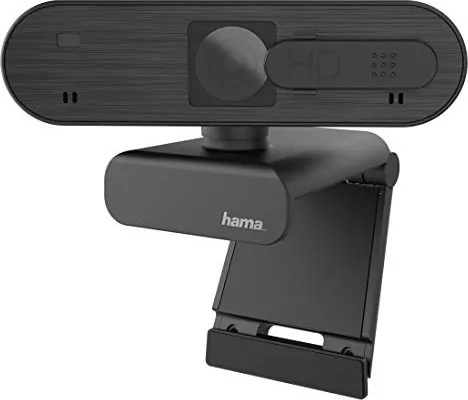
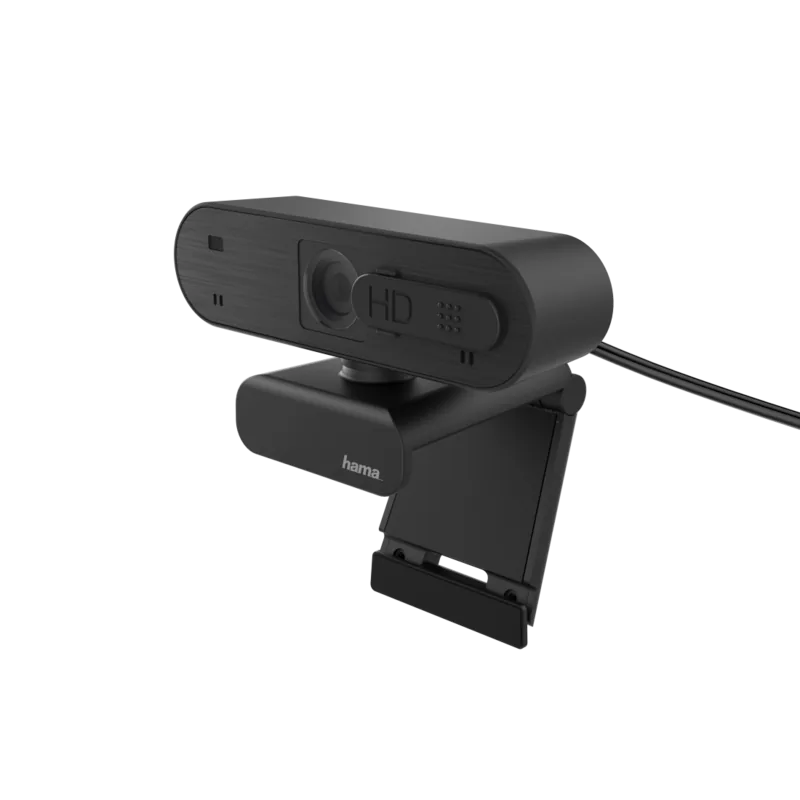
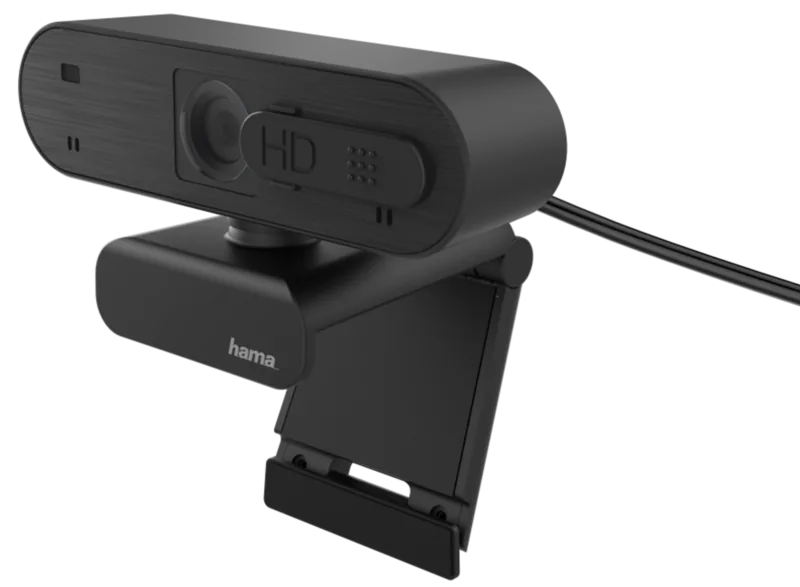
The Hama C-600 Pro 1080p Webcam is a compact, user-focused webcam that targets everyday streamers, remote workers, and casual video callers. With full HD 1080p resolution at 30 fps, a 76° field of view, autofocus and built-in stereo microphones, it balances simple plug-and-play convenience with useful features for clear video and acceptable audio. The camera connects via a 1.8 m USB cable and includes basic privacy protection that can be closed when not in use.
Design and Performance
Physically modest and easy to mount on a monitor or tripod, the Hama C-600 Pro prioritizes reliability and straightforward operation. Autofocus ensures subjects remain sharp during routine movements, and the 76° field of view captures a typical home office or desk area without excessive distortion. Video at 1080p/30fps provides sufficient clarity for video calls, online lessons and casual streaming. The dual microphones capture stereo sound for a fuller voice presence, though they are best suited to close-range use in quiet environments.
Ease of Use and Safety
Setup is typically plug-and-play on modern operating systems, requiring no specialized drivers for basic functionality. The camera’s USB connection length (1.8 m) offers flexibility in placement. Safety guidance emphasizes using the webcam in dry indoor environments, routing cables to avoid trip hazards, not bending or crushing the cable, and avoiding use if the device is damaged. Packaging should be kept away from children and disposed of per local regulations. The manufacturer disclaims liability for damage from improper installation or misuse.
Who Should Choose It
This model is ideal for users who want an affordable, no-fuss webcam that delivers consistent 1080p image quality and autofocus without complex setup. It fits well for remote meetings, online tutoring, casual streaming and content creation where advanced features like high-frame-rate capture or studio-grade microphones aren’t required.
Notes
- Keep the cable unbent and avoid heavy shocks to the device.
- Close the privacy cover when the camera is not in use.
- If the device is damaged, stop using it and contact support or follow warranty instructions.
- Dispose of packaging responsibly and keep packaging materials away from children.
Search for 67,706 Manuals online


Type-in Brand or Model
Cortney Koepp
7 months ago
Is this webcam truly plug-and-play, and how good is the built-in stereo microphone for video calls without a headset?
Manual.ly
7 months ago
Yes. Reviewers report that it is recognized immediately when connected (plug-and-play) and is ready to use right away. The built-in stereo microphone delivers clear audio, with good results even from a few meters away (around 3 meters reported). You typically can reduce or skip the need for a separate headset. Image quality is also praised, and fast autofocus helps keep you sharp during calls. The camera also supports flexible mounting (including monitor positioning and tripod use), and it has an indicator LED for discreet use.