
Hama AM-8000 Manual
PDF manual · 2 Pages
English



Quick check
Incorrect answer, please try again.
Chat with your Hama AM-8000 manual using AI
Get instant AI answers from your Hama AM-8000 manual
Ask anything about the Hama AM-8000. Answers come from this manual, with the pages they are based on.
Ask a Question
Do you recommend AM-8000?
Yes NoFrequently Asked Questions
It is designed for everyday computer control, such as browsing, document work, and general desktop navigation. Its wireless format makes it a convenient choice for users who prefer a tidy setup.
Is this answer helpful?
The product uses a USB connection, which suggests a simple plug-and-play style setup with a USB receiver or comparable connection method. That makes it easy to start using on compatible devices.
Is this answer helpful?
Yes. Its optical design, wireless convenience, and understated black finish make it a practical fit for office, home, or study environments where basic, dependable mouse control is needed.
Is this answer helpful?
The guidance emphasizes correct installation, proper use, and following operating instructions. It suggests the mouse should be handled as directed to avoid problems and to keep warranty conditions valid.
Is this answer helpful?
The warranty disclaimer states that Hama is not responsible for damage caused by improper installation, mounting, unsafe use, or ignoring the instructions and safety notes. Careful use is important.
Is this answer helpful?
Electronic devices and batteries should not be thrown away with household waste. They should be returned to an official collection point or the place of sale, following local recycling rules.
Is this answer helpful?
Advantages and Disadvantages
Advantages

- Wireless design helps keep the workspace neat and cable-free.
- USB-based setup supports quick, uncomplicated everyday use.
- Optical tracking is well suited for basic office and browsing tasks.
- Neutral black finish gives it a professional, versatile look.
Disadvantages

- Warranty protection is limited if the mouse is installed or used incorrectly.
- The available information focuses more on compliance than detailed features.
- No advanced functions such as extra buttons or high-end gaming specs are mentioned.
- Users must follow recycling and disposal rules for electronics.
Product Specification
Usage
both hands (left hand, right hand)
Buttons
3 (total), 2 (main), 1 (scroll wheel click)
Scroll wheel
1x 2-way
Tracking
LED-red/IR
Resolution
1200dpi
Lighting
N/A
Connection
wireless (2.40GHz), USB-A (USB-A receiver)
Power supply
2x AAA
Dimensions (WxHxD)
2.17x1.26x4.13in
Approximate Volume
2.93in³ (approximate shape)
Color
black
Product Description
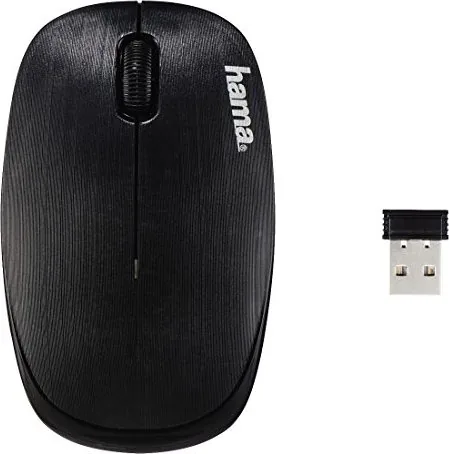
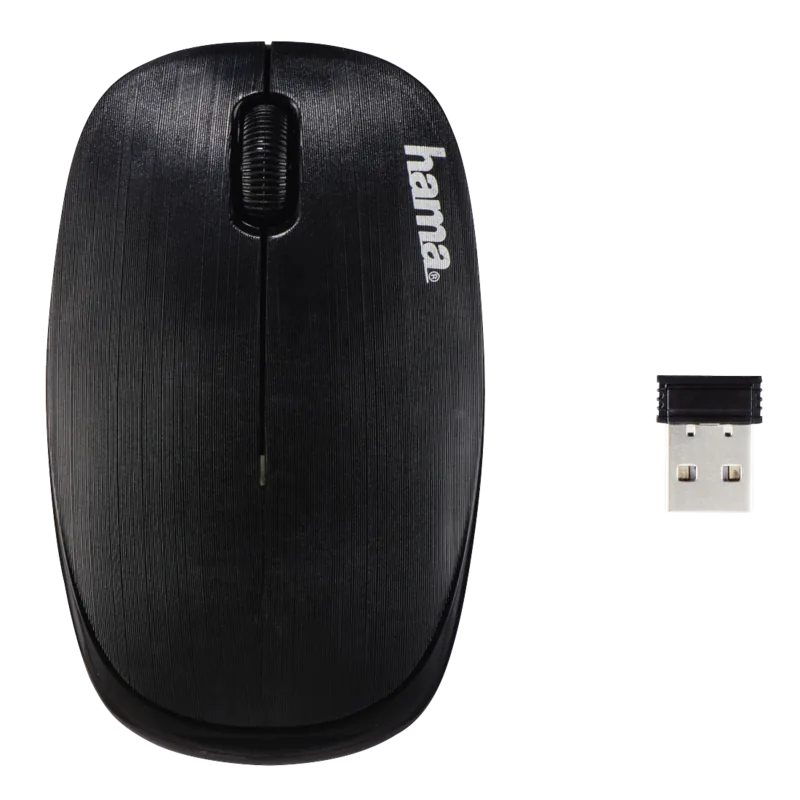
Hama AM-8000 Wireless Mouse, Black, USB
The Hama AM-8000 wireless mouse, black, USB Manual presents itself as a practical everyday accessory for users who want a cleaner desk and a simple, reliable navigation tool. With its wireless design and compact optical build, it fits naturally into home offices, study spaces, and travel setups where convenience matters just as much as performance.
A simple tool for daily work
This mouse is designed around ease of use. The wireless setup helps reduce cable clutter, while the USB connection makes pairing and everyday operation feel straightforward. For users who value a no-fuss experience, that combination is often enough to make the AM-8000 an appealing choice. It is the kind of device that aims to blend into your routine rather than demand attention.
Built for practical comfort
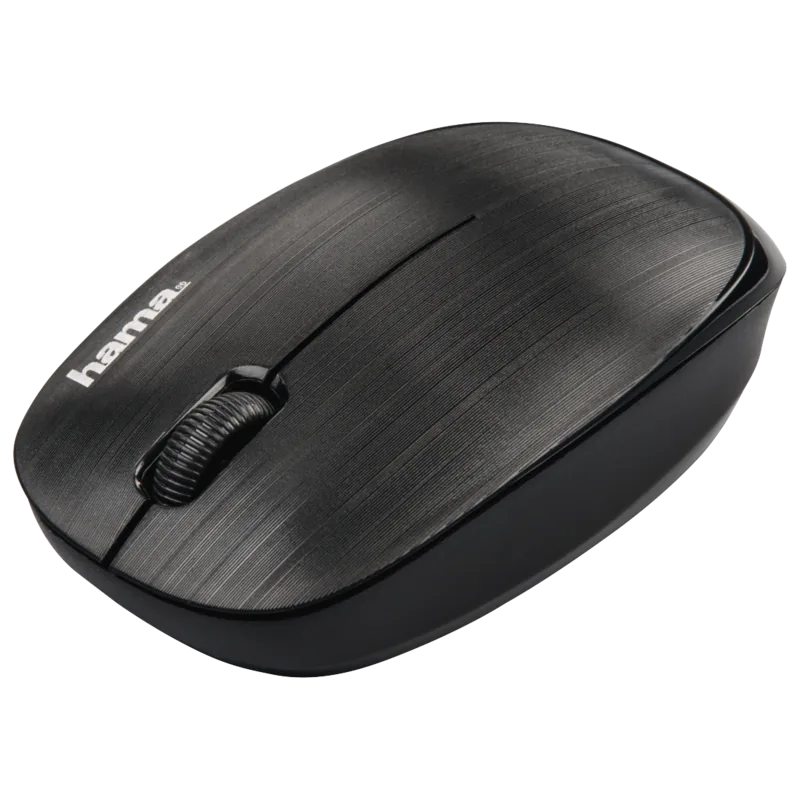
The black finish gives the mouse a clean, understated look that works well with most laptops and desktop environments. Because it is an optical mouse, it is suited to common tasks such as browsing, document editing, and general office navigation. The overall idea is simple: dependable movement, easy handling, and a shape that supports regular use without unnecessary complexity.
What stands out in the product guidance
The accompanying USB manual guidance places strong emphasis on safe use, proper installation, and careful handling. That means the product is meant to be used as intended, with attention to setup instructions and general operating notes. The documentation also reflects Hama’s broad international support approach, which is useful for users who prefer clear, multi-language product information.
Important notes
- Warranty coverage is limited when the product is installed or used incorrectly.
- Environmental disposal rules apply to electronic devices and batteries.
- The product is intended for normal, responsible everyday use.
Overall, the Hama AM-8000 is best understood as a straightforward wireless mouse for users who want basic functionality, a tidy workspace, and familiar USB convenience. It does not try to be flashy; instead, it focuses on offering a simple and practical experience that suits everyday computing needs.
Search for 67,732 Manuals online


Type-in Brand or Model