
Hama AM-7300 Manual
PDF manual · 2 Pages
English



Quick check
Incorrect answer, please try again.
Chat with your Hama AM-7300 manual using AI
Get instant AI answers from your Hama AM-7300 manual
Ask anything about the Hama AM-7300. Answers come from this manual, with the pages they are based on.
Ask a Question
Do you recommend AM-7300?
Yes NoFrequently Asked Questions
It offers a simple wireless setup, a clean USB connection, and a compact design that suits routine tasks like browsing, office work, and general computer use. Its appeal is mainly convenience and ease of handling.
Is this answer helpful?
Use the included USB receiver and follow the setup steps in the manual. The product is designed for straightforward installation, so connection should be quick as long as the instructions are followed correctly.
Is this answer helpful?
Yes. The text states that Hama does not accept liability for damage caused by incorrect installation, improper use, or ignoring operating and safety instructions. Following the manual helps protect warranty-related rights.
Is this answer helpful?
No. The environmental guidance says electrical devices and batteries should not be thrown away with household waste. They should be taken to a proper collection point or returned according to local recycling rules.
Is this answer helpful?
Yes. Its wireless design, practical look, and simple operation make it a good fit for both home and office environments. It is especially useful for users who want a tidy workspace and uncomplicated daily use.
Is this answer helpful?
Advantages and Disadvantages
Advantages

- Wireless USB connection reduces cable clutter and keeps the desk organized.
- Apple green/black design adds a distinctive look without losing practicality.
- The manual provides clear guidance on setup, safety, and environmental care.
- Compliance notes and structured instructions build trust in responsible use.
Disadvantages

- Warranty is limited if installation or use is incorrect.
- The documentation focuses heavily on legal and safety notices.
- Battery and e-waste disposal rules require extra attention.
- Users seeking advanced features may find the product fairly basic.
Product Specification
Usage
both hands (left hand, right hand)
Buttons
3 (total), 2 (main), 1 (scroll wheel click)
Scroll wheel
1x 2-way
Tracking
LED-red/IR
Resolution
1000dpi
Lighting
N/A
Connection
wireless (2.40GHz), USB-A (USB-A receiver)
Power supply
2x AAA
Dimensions (WxHxD)
2.52x1.34x4.02in
Approximate Volume
3.54in3 (approximate shape)
Color
multicolor, black/green
Features
stowable receiver
Product Description
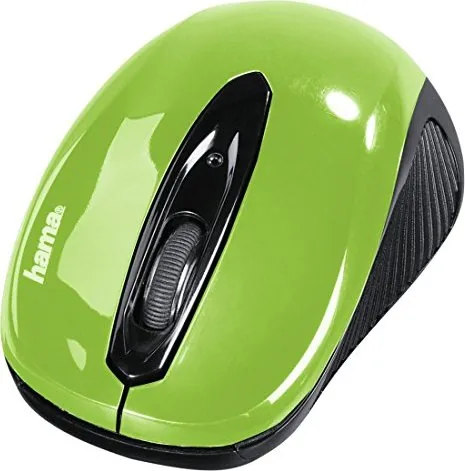
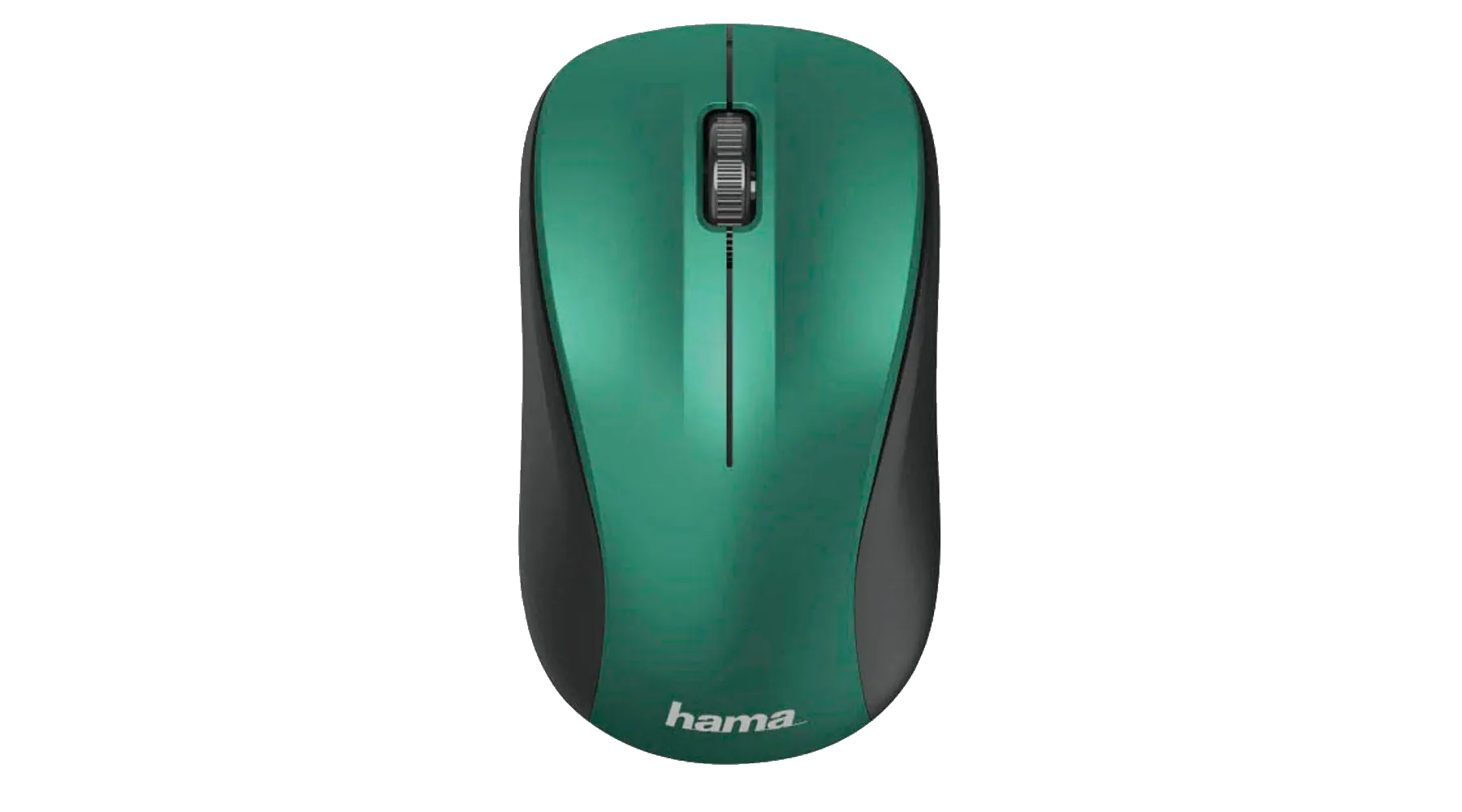
Hama AM-7300 Wireless Mouse in Apple Green/Black
The Hama AM-7300 brings a simple, practical approach to everyday computing. With its wireless USB connection and fresh apple green/black colorway, it is designed for users who want a tidy desk, quick setup, and comfortable navigation without the clutter of a cable. It fits naturally into a home office, study space, or portable work setup where convenience matters.
What stands out most is the balance between style and function. The apple green accent adds a lively touch, while the black base keeps the look professional and easy to pair with other accessories. As a wireless mouse, it supports a cleaner workspace and more freedom of movement, making it a solid choice for routine browsing, office tasks, and general computer use. The USB receiver format makes it easy to connect and get started with minimal fuss.
The accompanying Hama AM-7300 wireless mouse apple green/black, USB Manual focuses on the essentials: proper installation, correct handling, and responsible use. It also reminds users that the product should be used according to the instructions and safety notes. That kind of guidance is especially useful for people who want a reliable device but also appreciate clear expectations about setup and care.
Another important theme in the text is compliance and responsibility. Hama states the device meets relevant European requirements, which adds reassurance for buyers who care about standards and documentation. At the same time, the manual emphasizes that damage caused by incorrect installation, improper use, or ignored instructions is not covered by warranty. In practice, that means the mouse is meant to be straightforward, but still deserves careful handling.
For users who switch between tasks throughout the day, the AM-7300 offers the kind of low-friction experience that makes a difference. It is easy to imagine it as a dependable desk companion for emails, web browsing, office work, or everyday school use. The lightweight wireless idea also makes it appealing for people who prefer minimal accessories and a clean setup, especially when moving between rooms or using a laptop on the go.
The environmental guidance is equally important. Like other electronic devices, the mouse and its batteries should not be disposed of with household waste. Instead, they should be returned to appropriate collection points or recycling channels. This makes the product a better fit for users who value sustainability and want to follow local disposal rules.
Overall, the Hama AM-7300 is a colorful, no-nonsense wireless mouse that pairs everyday usefulness with clear user guidance. It is less about flashy extras and more about dependable performance, easy connection, and a responsible ownership experience.
Notes
- Follow the manual for installation and safe use.
- Warranty coverage may not apply if the product is misused.
- Recycle the mouse and batteries according to local rules.
Search for 67,732 Manuals online


Type-in Brand or Model
Lukas Keller
10 months ago
How durable is this mouse if I accidentally drop it? Will it stop working, or can I expect it to survive normal daily use?
Manual.ly
10 months ago
Based on customer feedback, the mouse feels comfortable and easy to use for everyday office work, and its visible color helps you spot it quickly. However, like most wireless mice, it should be handled carefully. An accidental fall can damage the internal sensor or switches, so we recommend avoiding drops and using it on a stable desk or mouse pad. For the best protection, keep the cable/receiver area clear and store it safely when not in use. If it is defective after an incident, contact our support with your order details so we can review options for repair or replacement under the applicable terms.