
Green Cell AiO Manual
PDF manual · 28 Pages
English



Quick check
Incorrect answer, please try again.
Chat with your Green Cell AiO manual using AI
Get instant AI answers from your Green Cell AiO manual
Ask anything about the Green Cell AiO. Answers come from this manual, with the pages they are based on.
Ask a Question
Do you recommend AiO?
Yes NoFrequently Asked Questions
The typical transfer time is between 2 to 6 milliseconds, ensuring minimal interruption for connected computers.
Is this answer helpful?
Yes, it is designed for IT equipment like PCs, routers, and monitors, but not for medical devices or heavy appliances.
Is this answer helpful?
The battery requires approximately 6 to 8 hours of charging to reach 90 percent capacity after a full discharge.
Is this answer helpful?
No, the battery is sealed. Replacement must be done by trained technicians at authorized service centers only.
Is this answer helpful?
The device switches to battery power automatically, providing backup time and protecting data from unexpected shutdowns.
Is this answer helpful?
No, the unit has internal stabilizers. Connecting external surge protectors or extension cords is not recommended.
Is this answer helpful?
The device should operate in room conditions between 0 degrees Celsius and 40 degrees Celsius to avoid overheating.
Is this answer helpful?
Advantages and Disadvantages
Advantages

- AVR technology protects equipment from voltage fluctuations up to 15 percent.
- Compact design and light weight make it ideal for limited office spaces.
- Cold start function allows operation on battery power without external connection.
- Green Power function helps save energy during normal grid operation.
- Automatic switching ensures uninterrupted power during grid failures.
Disadvantages

- User cannot repair or replace the battery independently due to safety risks.
- Not suitable for household appliances like kettles or vacuum cleaners.
- Battery self-discharge may require charging after several days of storage.
- Loud alarm every ten seconds when battery mode is active.
- Cannot connect devices via extension cords or power distributors.
Product Specification
Type
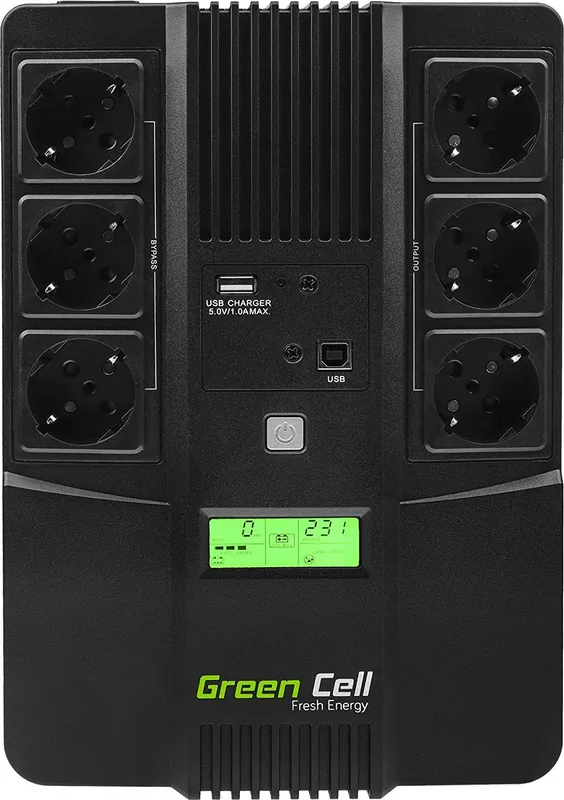
Power strip with integrated UPS
Classification
VI (Line-Interactive)
Voltage
230V
Input
1x C14
Outputs
6x EU Sockets, 1x USB-A
Interfaces
USB-B 2.0
Data Line Protection
RJ-11, RJ-45
Charging Time
8 hrs (90%)
Dimensions (WxHxD)
7.48x3.54x10.63 in
Height Units
N/A
19" Rack Depth
N/A
Features
LCD, HID Support
Manufacturer Warranty
2 years
Product Description
Protecting Your Workspace with the Green Cell AiO UPS Series
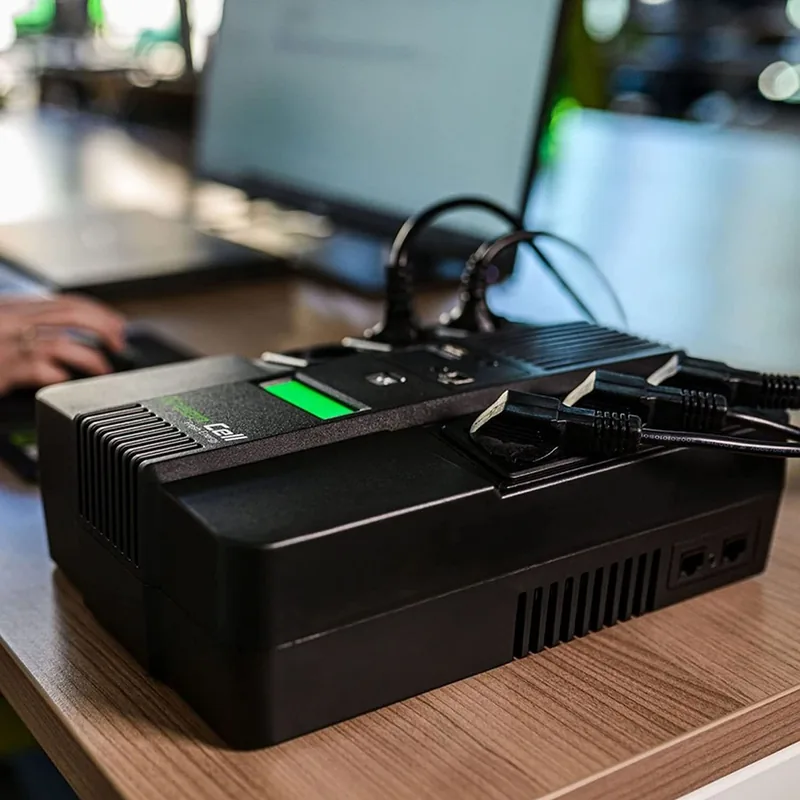
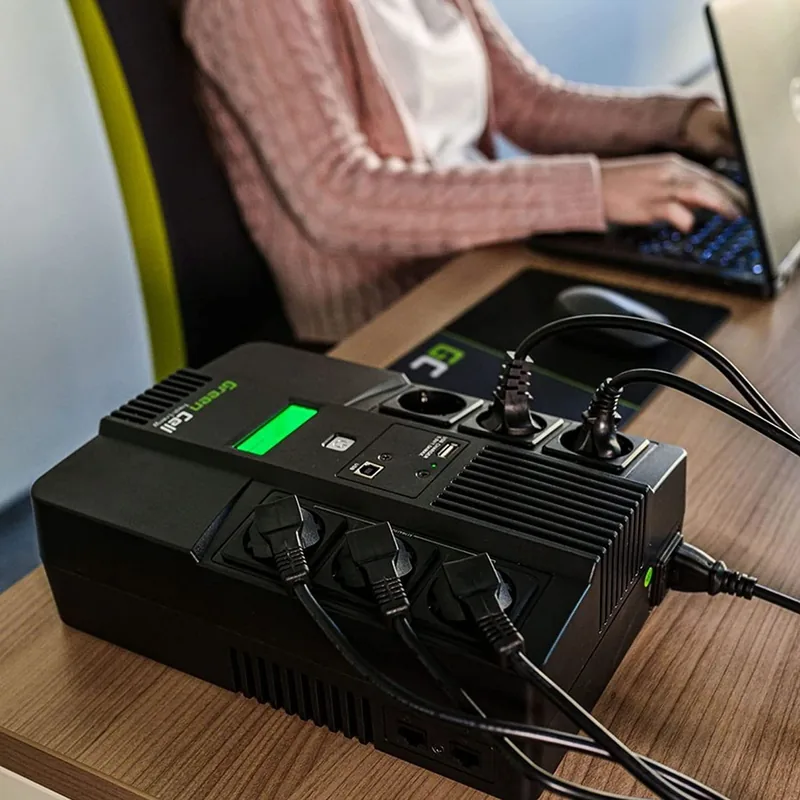
In the modern digital world, reliable power stability is crucial for safeguarding sensitive electronic equipment from sudden damage. The Green Cell GC AiO UPS family represents a reliable solution for personal computers and IT peripherals. Its compact form factor makes it ideal for home offices where space is at a premium. This uninterruptible power supply ensures that valuable data remains safe during sudden outages or unexpected voltage spikes.
Stability Through Advanced Internal Technology
At the heart of this system lies Line-Interactive technology combined with Automatic Voltage Regulation. This setup allows the device to operate across a wide range of input voltages, stabilizing power before it reaches your equipment. By correcting voltage drops or surges up to 15 percent efficiently, it extends the operational lifespan of hardware components. The AVR feature acts as a strong defense layer, ensuring consistent power delivery even when the public grid fluctuates unexpectedly.
User-Friendly Operation and Portability
Simplicity is a key design principle for this unit model. The front interface includes clear indicators and LED displays to show the current status of the internal battery and active power connection. A cold start function allows you to operate the connected load using stored battery power alone, providing flexibility during installation. The device remains lightweight and easy to move around, yet robust enough to handle the demanding electrical needs of modern computing environments without compromising stability.
Energy Efficiency and Safety Standards
The Green Power function helps reduce energy consumption when the device runs on mains power. Safety is prioritized, as the unit features automatic overload protection and safeguards against deep discharge. The internal AGM battery is sealed and maintenance-free, preventing leaks and ensuring long-term reliability. Users can enjoy peace of mind knowing that the system is built to resist heat, moisture, and physical shock within specified limits. The device is suitable for work in room conditions and avoids the risk if connected correctly.
Maintenance and Responsible Disposal
While the internal battery is not replaceable by end users, the unit is designed for longevity. Proper ventilation is essential to prevent overheating issues, so ensure that air vents remain completely unblocked. When the product reaches the end of its useful life, it should be recycled through designated electronic waste channels rather than household trash. The product should be sent to separate collection points for prepared items.
Search for 67,732 Manuals online


Type-in Brand or Model