
Gosund EP2 Manual
PDF manual · 42 Pages
English



Quick check
Incorrect answer, please try again.
Chat with your Gosund EP2 manual using AI
Get instant AI answers from your Gosund EP2 manual
Ask anything about the Gosund EP2. Answers come from this manual, with the pages they are based on.
Ask a Question
Do you recommend EP2?
Yes NoFrequently Asked Questions
No, the Gosund EP2 only supports 2.4GHz Wi-Fi networks. You must ensure your router broadcasts a 2.4GHz signal and that your phone is connected to it during setup.
Is this answer helpful?
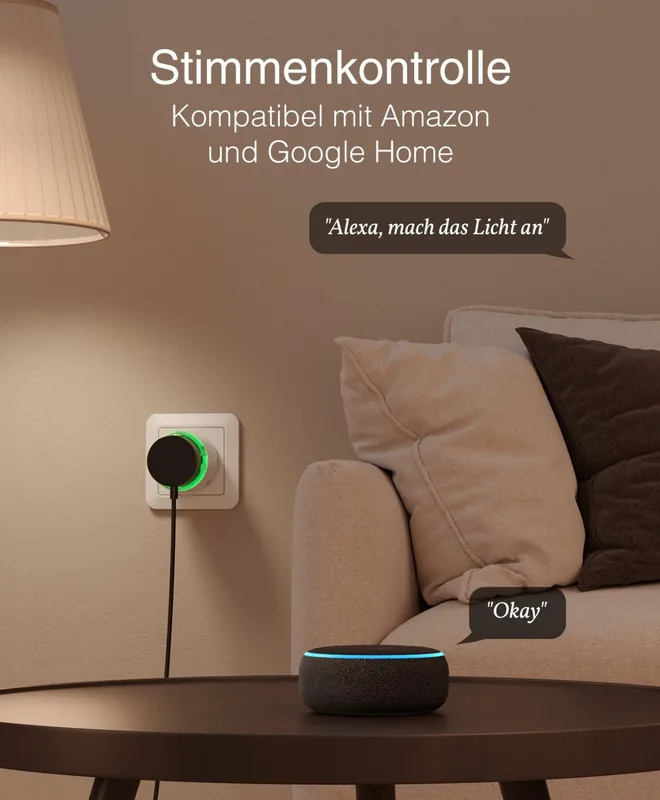
Open the Amazon Alexa app, go to Skills & Games, search for Gosund, click Enable, and link your Gosund account. Once linked, you can control the plug using voice commands.
Is this answer helpful?
Yes, the Gosund app supports family sharing. You can invite other users to your account so they can control the smart plug from their own devices.
Is this answer helpful?
The Gosund EP2 has a maximum rated voltage of 230V and a maximum current of 10A, allowing for a total power output of up to 2300W.
Is this answer helpful?
Turn on the plug and hold the ON/OFF button for eight seconds until the indicator light flashes quickly. This restores factory settings and clears previous network data.
Is this answer helpful?
No, this product is designed for indoor use only. Do not expose it to rain, humidity, or outdoor elements as it may cause damage or safety hazards.
Is this answer helpful?
Advantages and Disadvantages
Advantages

- No hub required for operation
- Compatible with Alexa and Google Assistant
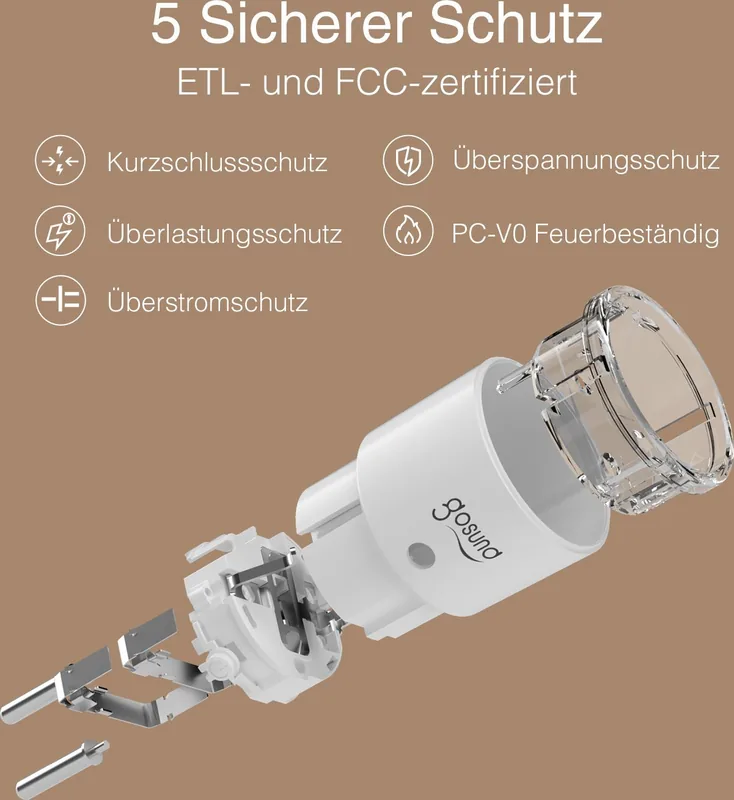
- V0 fire-resistant material construction
- Supports scheduling and group customization
- Compact design saves outlet space
Disadvantages

- Requires 2.4GHz Wi-Fi network only
- Indoor use only, not weatherproof
- Cannot measure real-time energy consumption
- Reset process requires physical button access
- Limited to 10A maximum current load
Product Specification
Type
Actor
Standard
Wi-Fi
Function
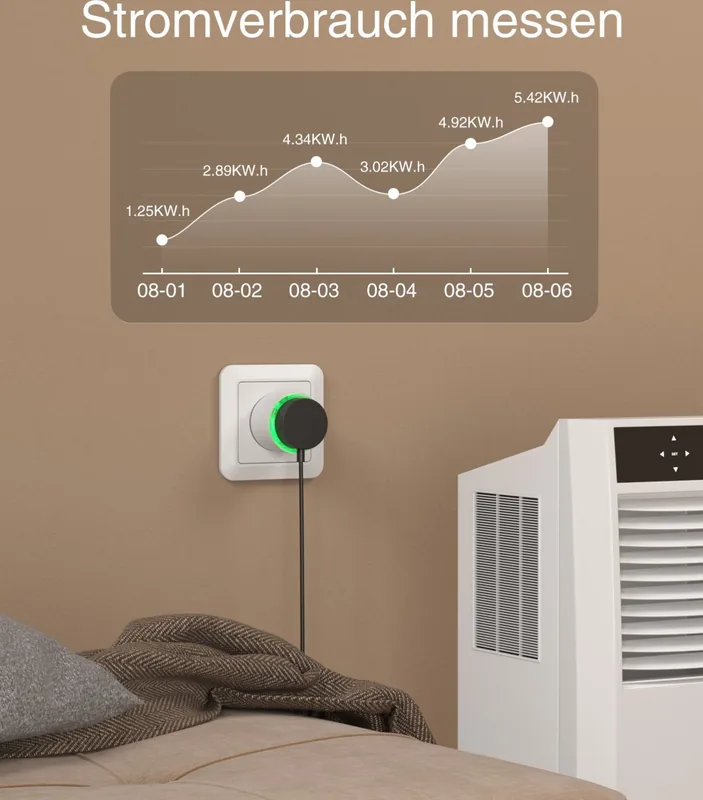
Switch socket (on/off), Power measurement function
Features
App-controlled, Voice assistant (Amazon Alexa, Google Assistant)
Product Description
Transform Your Home with the Gosund EP2 Smart Plug
The Gosund EP2 Smart Plug is a compact and efficient solution designed to bring modern convenience to your everyday appliances. By simply plugging it into any standard wall socket, you can instantly upgrade ordinary devices into smart gadgets that respond to your commands. This device eliminates the need for a separate hub, allowing you to control your home electronics directly through the Gosund mobile app or via popular voice assistants like Amazon Alexa and Google Assistant.
Designed with safety in mind, the EP2 features V0 fire-resistant materials, ensuring peace of mind when left running unattended. It supports scheduled controls, enabling you to set timers so lights turn on at sunset or coffee makers start brewing before you wake up. The family sharing feature allows multiple household members to manage devices from their own phones, making it perfect for shared living spaces. With a maximum power output of 2300W and a rated current of 10A, it handles most common household loads effectively.
Setup is straightforward and requires only a 2.4GHz Wi-Fi connection. Users can easily pair the plug by holding the ON/OFF button until it blinks, then following the simple prompts within the app. Whether you want to create custom scenes for movie nights or remotely monitor energy usage, the EP2 provides a seamless integration into your smart home ecosystem. Its small form factor ensures it does not block adjacent outlets, maintaining the usability of your power strip or wall panel.
Please note that this product is intended for indoor use only and should be kept away from moisture, extreme temperatures, and direct sunlight to ensure longevity. Proper disposal is required under WEEE regulations to protect the environment.
Important Notes
- Always ensure your phone and the plug are on the same 2.4GHz network during setup.
- Do not disassemble the unit; contact support if malfunctions occur.
- Reset the device by holding the button for eight seconds if moving to a new location.
Search for 67,732 Manuals online


Type-in Brand or Model