
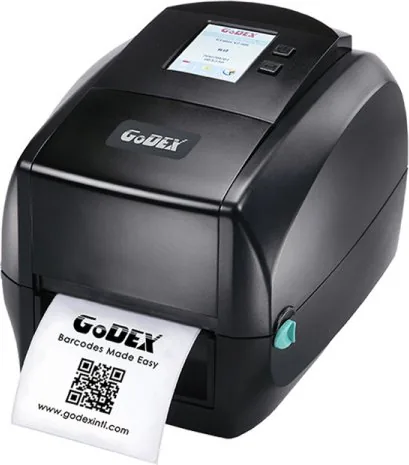
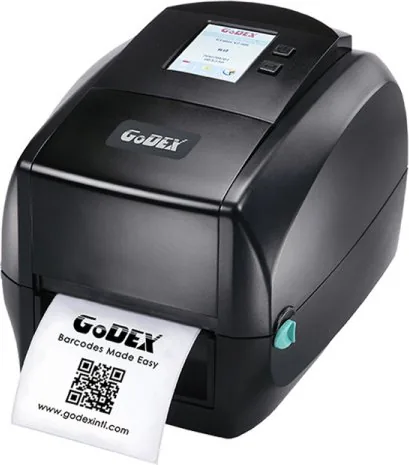
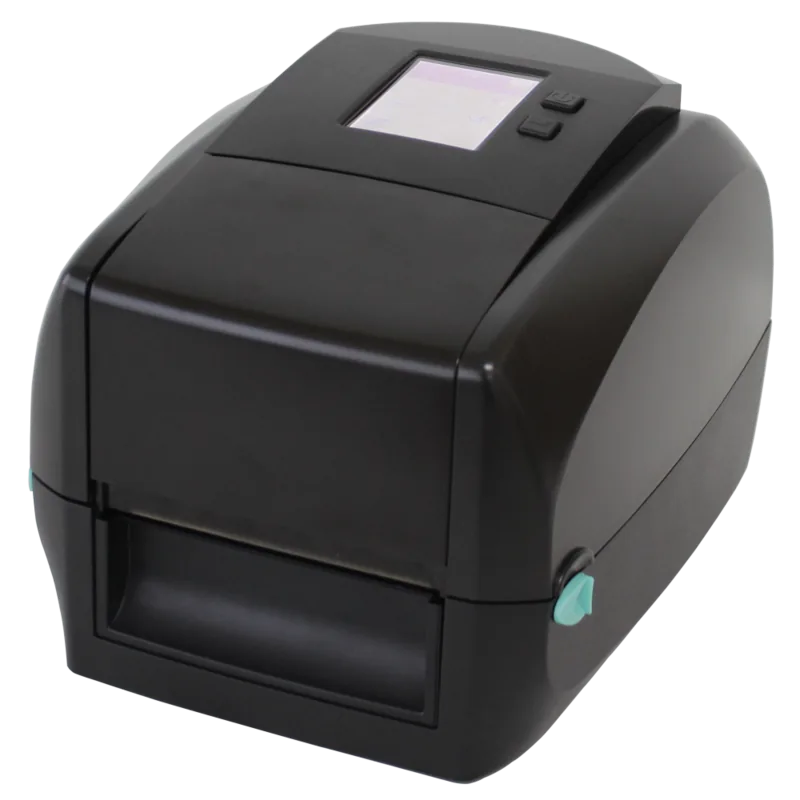
GoDEX RT863i Manual
PDF manual · 100 Pages
English



Quick check
Incorrect answer, please try again.
Chat with your GoDEX RT863i manual using AI
Get instant AI answers from your GoDEX RT863i manual
Ask anything about the GoDEX RT863i. Answers come from this manual, with the pages they are based on.
Ask a Question
Do you recommend RT863i?
Yes NoFrequently Asked Questions
To calibrate, turn off the printer while holding the FEED button. Turn it back on and keep holding until the LED blinks red. Release the button, and the printer will measure the media length and print a test label automatically.
Is this answer helpful?
The printer includes the GoLabel software and necessary drivers on the Wizard CD. This software allows users to design labels, manage templates, and configure printer settings easily for various operating systems.
Is this answer helpful?
Yes, the GoDEX RT863i supports drivers for Windows, Mac, and Linux operating systems. You can download the appropriate drivers from the manufacturer's website or use the ones provided on the product installation CD.
Is this answer helpful?
It is recommended to clean the print head weekly using a soft, lint-free cloth dampened with alcohol. This prevents dust and debris buildup, ensuring high-quality prints and extending the life of the print head.
Is this answer helpful?
If a media error occurs, the LCD will display a warning message, and the printer will stop printing. You should check the media path, reload the labels correctly, or press the auto-calibration button to re-sense the material.
Is this answer helpful?
Yes, the printer supports an optional external cutter accessory. Installation requires opening the bottom cover and connecting the cable to the designated port while the power is off to prevent motherboard damage.
Is this answer helpful?
Advantages and Disadvantages
Advantages

- Intuitive color touchscreen interface simplifies configuration and monitoring
- Versatile connectivity including USB, Ethernet, Serial, and Parallel ports
- Supports multiple media types including gap labels, continuous rolls, and black mark media
- Easy ribbon and label loading mechanism reduces maintenance downtime
- Remote management capabilities via NetSetting software for networked environments
Disadvantages

- Requires specific ribbon types for optimal thermal transfer performance
- External accessories like cutters must be installed carefully to avoid damage
- Firmware updates require careful handling of USB storage files to prevent errors
- Not suitable for wall mounting without additional third-party brackets
- Standard password protection for network settings may need immediate changing for security
Product Specification
Type
Label Printer
Technology
Thermal Transfer
Print Resolution
600 dpi
Roll Diameter
5 inches
Paper Thickness
2.4-7.9 mils
Print Width
4.16 inches
Print Length
69.37 inches
Print Speed
5 ips
Memory
128MB (RAM), 32MB (Flash)
Connections
USB 2.0, 1x USB-A 2.0 (Host), Parallel, Serial
Network
LAN
Display
Color, 3.2"
Emulation
GZPL, EZPL, GEPL
Dimensions
8.27x7.68x11.02 inches
Weight
5.95 lbs
Features
Tear bar
Manufacturer Warranty
1 year
Product Description
GoDEX RT863i Thermal Transfer: A Comprehensive Guide to High-Performance Labeling
The GoDEX RT863i Thermal Transfer printer stands as a robust solution for businesses requiring reliable and high-quality barcode printing. While the provided documentation details the RT860i series, the operational principles and manual structure apply directly to the RT863i model, offering users a seamless experience in setting up and managing their labeling workflows. This thermal transfer printer is designed to handle a wide variety of media types, from standard labels to continuous rolls, ensuring versatility across different industries.
Setting up the GoDEX RT863i is an intuitive process guided by clear instructions found in the comprehensive user manual. The device features a modern interface with a color touchscreen display that simplifies navigation through settings such as print darkness, speed, and sensor calibration. Users can easily load ribbons and label rolls using the accessible front-loading mechanism, which minimizes downtime during supply changes. The inclusion of a Wizard CD streamlines the initial software installation, allowing for quick driver setup and integration with the GoLabel application for creating professional designs.
Connectivity options are extensive, supporting USB, serial, Ethernet, and parallel interfaces. This flexibility allows the printer to fit into diverse network environments, whether connected directly to a single workstation or integrated into a larger enterprise system via NetSetting software for remote management. The ability to update firmware via USB host ports ensures the device remains current with the latest features and security patches without needing complex external tools.
Maintenance is straightforward, with specific guidelines for cleaning the print head to prevent smudging and ensure consistent output quality. The manual provides detailed troubleshooting steps for common issues like ribbon errors or media jams, empowering users to resolve problems independently. With support for various barcodes, fonts, and graphic formats, the GoDEX RT863i delivers precision printing tailored to demanding operational needs.
Important Notes
- Always use qualified personnel for internal repairs to maintain warranty validity.
- Ensure the printer is powered off before connecting or disconnecting accessories to protect the motherboard.
- Regularly clean the print head with alcohol-soaked lint-free cloths to extend its lifespan.
- Use only recommended battery types if applicable and dispose of old batteries according to local regulations.
Search for 67,706 Manuals online


Type-in Brand or Model