
GoDEX RT730 Manual
PDF manual · 52 Pages
English



Quick check
Incorrect answer, please try again.
Chat with your GoDEX RT730 manual using AI
Get instant AI answers from your GoDEX RT730 manual
Ask anything about the GoDEX RT730. Answers come from this manual, with the pages they are based on.
Ask a Question
Do you recommend RT730?
Yes NoFrequently Asked Questions
The RT730 provides 300 dpi, or 12 dots per mm, resolution. This is useful for labels that require fine text, compact barcodes, detailed graphics, and clear 2D codes.
Is this answer helpful?
Yes. The printer supports direct thermal printing, which does not use a ribbon, as well as thermal transfer printing with wax, wax-resin, or resin ribbons. Select the print mode and media that match the intended label use.
Is this answer helpful?
The RT730 includes USB 2.0, RS-232 serial, and 10/100 Mbps Ethernet connectivity. These options support direct workstation connections, legacy serial environments, and shared network printing.
Is this answer helpful?
Load the media correctly, turn the printer off, then power it on while holding the FEED button. Release the button when the status light starts flashing red. The printer measures the media and stores the label length.
Is this answer helpful?
The printer supports many 1D and 2D symbologies. Examples include Code 39, Code 128, EAN, UPC, GS1 DataBar, PDF417, DataMatrix, QR Code, Micro QR Code, and Aztec Code.
Is this answer helpful?
Check the printhead for dust, ribbon residue, or label adhesive. Clean it with a soft, lint-free cloth lightly moistened with alcohol. Also verify media quality, ribbon condition, darkness settings, and correct media loading.
Is this answer helpful?
Advantages and Disadvantages
Advantages

- 300 dpi resolution supports crisp small text, detailed graphics, and high-density barcode printing.
- Supports thermal transfer and direct thermal modes, plus wax, wax-resin, and resin ribbons.
- USB, RS-232, and 10/100 Mbps Ethernet provide flexible connection options.
- Automatic calibration, adjustable media guides, and broad barcode support simplify varied label jobs.
- Optional label dispenser and cutter expand the printer for application and media-handling workflows.
Disadvantages

- RT730 print speed reaches 4 IPS, which may be slower than lower-resolution models for high-volume jobs.
- The cutter is not recommended for self-adhesive labels because adhesive residue can affect blade performance.
- Optional dispenser and cutter installation requires powering off the printer and careful cable connection.
- Network configuration tools are best handled by users with basic network administration knowledge.
Product Specification
Type
Label printer
Technology
Thermal transfer
Print resolution
300 dpi
Roll diameter
5 in
Paper thickness
2.99-9.84 mil
Print width
4.16 in
Print length
30 in
Print speed
4.02 in/s
Memory
16 MB (RAM), 8 MB (Flash)
Ports
USB 2.0, serial
Network
LAN
Display
N/A
Emulation
GZPL, EZPL, GEPL
Dimensions
8.27 x 7.32 x 11.02 in
Weight
5.29 lb
Special features
Tear bar
Manufacturer warranty
1 year
Product Description
GoDEX RT730 Thermal Transfer Manual: Precision Label Printing for Demanding Workflows
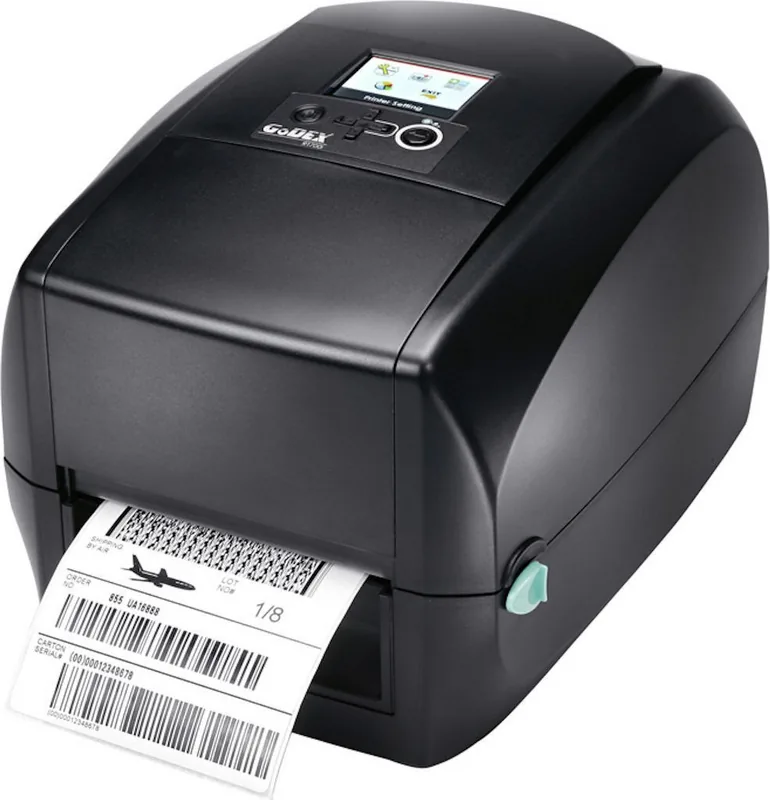
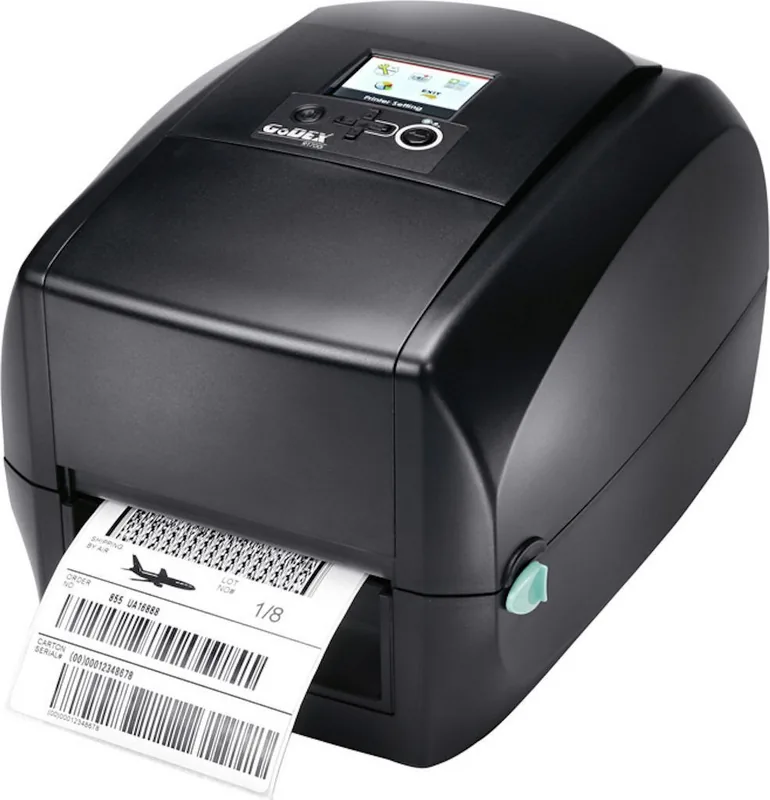
The GoDEX RT730 Thermal Transfer is a compact desktop barcode printer designed for businesses that need sharp, dependable labels for products, inventory, shipping, retail, healthcare, and asset tracking. With 300 dpi resolution, the RT730 is built for applications where small text, detailed graphics, and dense barcodes must remain easy to scan and read. This GoDEX RT730 Thermal Transfer Manual overview highlights the practical features that support consistent day-to-day labeling.
Clear Printing and Flexible Media Support
The RT730 uses both thermal transfer and direct thermal printing methods. Thermal transfer printing works with wax, wax-resin, and resin ribbons, giving users flexibility to select a ribbon and label combination suited to their environment and durability needs. The printer handles continuous labels as well as gap, black-mark, and punched-hole media. Its adjustable media guidance and automatic label detection help maintain accurate positioning during print jobs.
With a maximum print width of 105.7 mm and a print speed of up to 102 mm per second, the RT730 balances fine detail with practical throughput. It supports label rolls up to 118 mm wide and ribbons up to 300 m long, helping reduce interruptions caused by frequent media changes.
Connectivity and Label Design Options
For straightforward integration, the printer includes USB 2.0, RS-232 serial, and 10/100 Mbps Ethernet connectivity. Ethernet management is supported through NetSetting, which can locate compatible printers on the network, configure IP settings, manage alerts, send commands, and support remote firmware updates. Windows driver support and GoLabel software provide accessible tools for creating and printing labels.
The RT730 automatically switches between EZPL, GEPL, and GZPL printer languages, supporting compatibility across varied label-printing environments. It also supports a broad range of 1D and 2D barcodes, including Code 128, EAN, UPC, GS1 DataBar, PDF417, DataMatrix, QR Code, Micro QR Code, and Aztec Code.
Everyday Operation and Maintenance
The front control panel includes status indicators, a FEED button, power control, and an auto-calibration button. Calibration identifies and stores label length, while a test print can confirm configuration details and operating status. Error indicators help identify concerns such as an open print mechanism, overheated printhead, missing ribbon, media detection issues, or storage limitations.
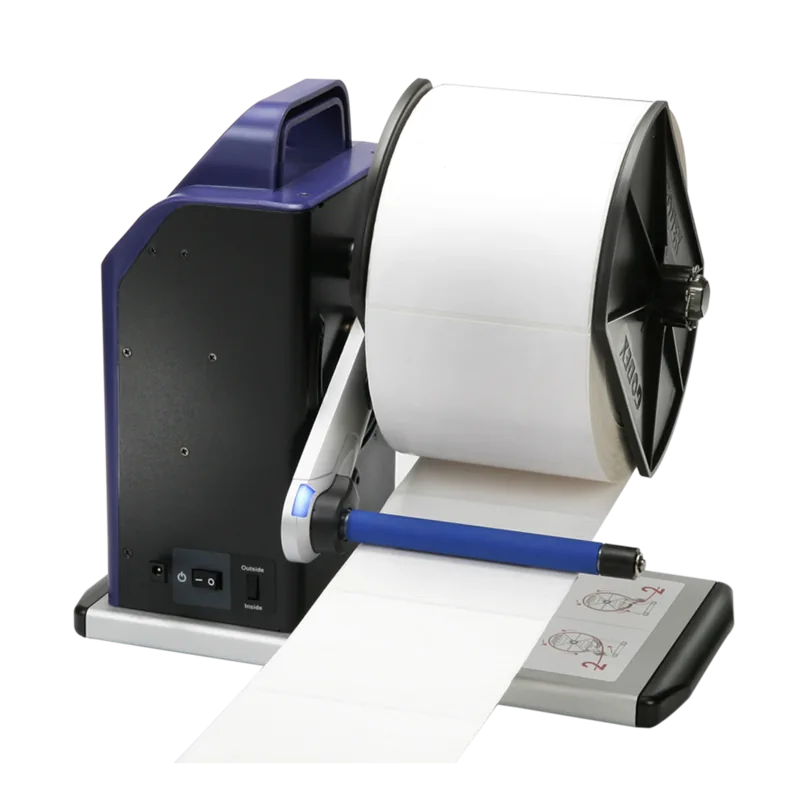
Optional accessories extend the printer's usefulness. A label dispenser can separate labels from their liner for manual application, while a cutter supports clean media cutting for suitable non-adhesive stock. Regular printhead cleaning with a soft, lint-free cloth and alcohol helps maintain print quality and prolong component life.
Notes
- Use the cutter only with compatible media; adhesive labels can leave residue on the blade.
- Turn the printer off before fitting optional modules or connecting their cables.
- Keep labels, ribbons, sensors, and the printhead clean to support reliable output.
Search for 67,706 Manuals online


Type-in Brand or Model