
Goal Zero Yeti 1000 Manual
PDF manual · 11 Pages
English



Quick check
Incorrect answer, please try again.
Chat with your Goal Zero Yeti 1000 manual using AI
Get instant AI answers from your Goal Zero Yeti 1000 manual
Ask anything about the Goal Zero Yeti 1000. Answers come from this manual, with the pages they are based on.
Yeti 1000 Maintenance Schedule
If you cannot keep the unit plugged in during storage, fully charge it every 3 months and store in a cool, dry place.
To maintain warranty coverage, fully charge the battery within 7 days of purchase and at least once every 6 months thereafter.
Free maintenance reminders
Timed to your purchase date. Always free, unsubscribe anytime.
Ask a Question
Do you recommend Yeti 1000?
Yes NoDo you recommend Yeti 1000?
Yes NoFrequently Asked Questions
It combines a large battery, AC outlets, USB ports, and 12V outputs in one unit, so it can power electronics, small appliances, and emergency essentials when standard power is unavailable.
Is this answer helpful?
Yes. It supports solar charging through compatible 8mm and Anderson Power Pole inputs. For best results, place panels in direct sunlight and keep voltage within the stated limits.
Is this answer helpful?
The LCD battery segments stop blinking and remain solid when charging is complete. The display also shows charge status and estimated time remaining.
Is this answer helpful?
It can run USB devices, 12V gear, and AC-powered equipment up to the inverter’s limits. Always check your device’s wattage and surge needs before connecting.
Is this answer helpful?
Yes, the guidance recommends keeping it plugged in when not in use to help maintain battery health and readiness, especially during storage.
Is this answer helpful?
Check the input source, verify the port is enabled, confirm the battery level, and look for warning indicators on the LCD. If problems continue, contact customer support.
Is this answer helpful?
Advantages and Disadvantages
Advantages

- 1045Wh lithium-ion capacity supports a wide range of devices and backup needs.
- Multiple output options make it useful for USB, 12V, and AC-powered gear.
- Solar, wall, and car charging provide flexible recharging in different situations.
- LCD display gives clear battery, input, output, and runtime information.
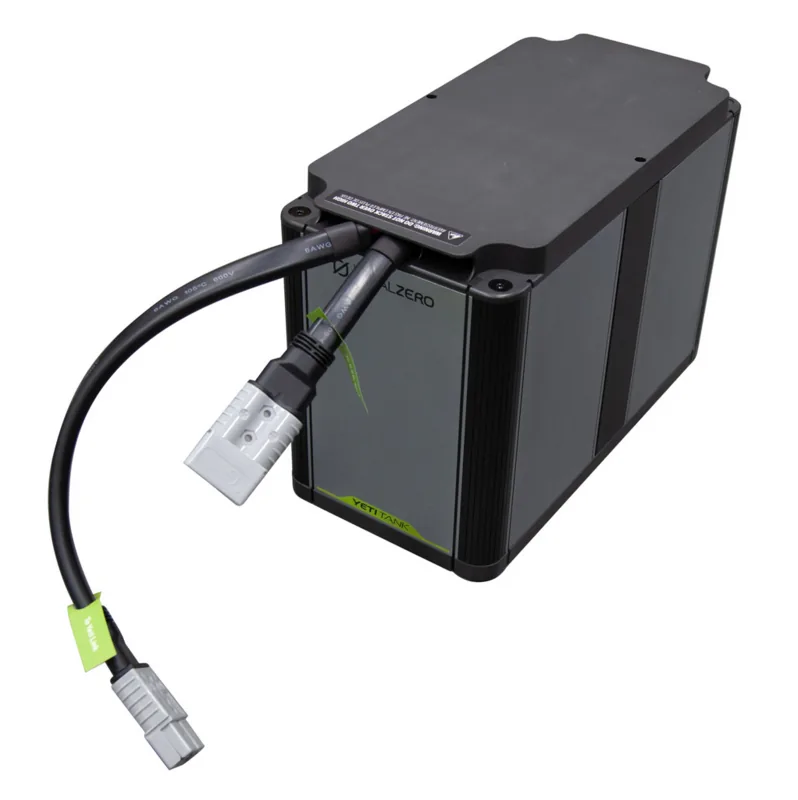
- Replaceable battery design and protection features add long-term value.
Disadvantages

- At 40 lbs, it is portable but still heavy for frequent carrying.
- AC conversion can reduce usable runtime compared with direct DC output.
- Solar input must stay within voltage limits, so panel matching matters.
- Wall charging can take about 18 hours, which is slow for some users.
- High-power devices may drain the battery faster than the 1000Wh name suggests.
Product Specification
Type
Solar Generator
Battery
Li-Ion, 10.8V, 1045Wh, 96.8Ah
Battery Charge Cycles
>500 to 80% remaining capacity
AC Output
2x UK Socket (Type-G)
AC Output Power
1500W
AC Peak Output Power
3000W
DC Output
1x Cigarette Lighter (12V/10A/120W), 2x DC 6mm (12V/10A/120W), 1x proprietary (12V/10A/120W)
USB Output
4x USB-A (12W)
Charging Methods
Power Adapter, Solar
Charging Inputs
1
Solar Charging Inputs
1
Number of Power Adapters
1x
Solar Charging Voltage
16-30V
Max. Solar Charging Current
10A
Charging Time 1x Power Adapter
9h
Operating Temperature
32F to 104F
Weight
39.90 lb
Dimensions
10.12x15.32x9.29in
Special Features
Transport Handles
Manufacturer's Warranty
1 Year
Note
Prices partly include 0% VAT tax rates for AT and DE
Product Description
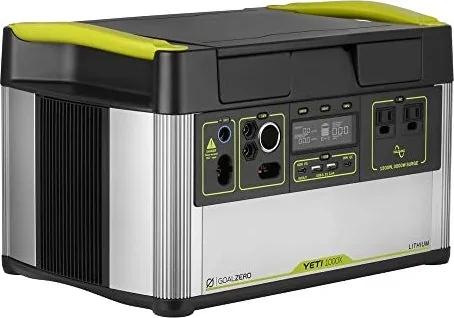
Goal Zero Yeti 1000 Solar Generator
The Goal Zero Yeti 1000 Solar Generator Manual highlights a versatile portable power station built for real-world backup and off-grid use. With a 1045Wh lithium-ion battery and a pure sine wave AC inverter, the Yeti 1000 is designed to keep essential devices running when a wall outlet is out of reach. From phones and laptops to small appliances, it offers a practical balance of capacity, portability, and charging flexibility.
Built for flexible power
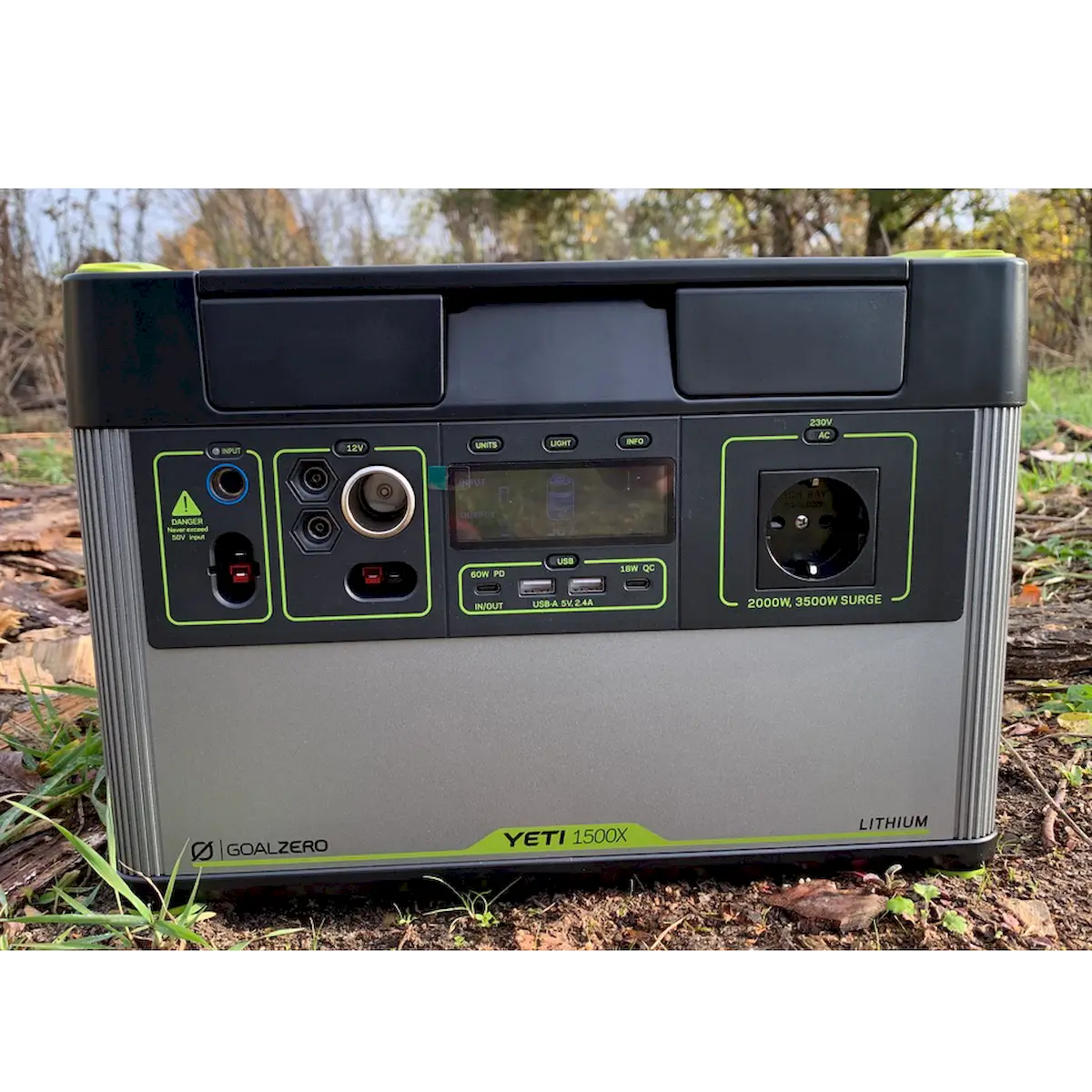
One of the strongest qualities of the Yeti 1000 is its wide range of output options. It includes USB ports, 12V outputs, and AC outlets, making it easy to power everyday gear as well as larger items that need household-style electricity. The built-in LCD screen adds useful visibility, showing battery level, input and output wattage, and estimated time to empty or full.
Recharge your way
This model stands out because it can be recharged from solar panels, a wall outlet, or even a car with the proper adapter. Solar charging is especially appealing for travelers, campers, and emergency preparedness users who want energy independence. The unit can also accept power from multiple sources at once, which helps reduce downtime when every hour matters.
Practical for emergencies and travel
The Yeti 1000 is not just for adventure; it is also a dependable backup solution for outages. Its 1500W AC inverter can support many common devices, while the battery management system helps protect against overload and low-voltage issues. For cold-weather use, the guidance suggests keeping the unit insulated and connected to a power source whenever possible to maintain performance.
Smart habits for longer battery life
Regular charging, careful storage, and avoiding deep discharge are key themes throughout the guidance. The battery is meant to stay healthy when exercised often and stored fully charged in cool, dry conditions. These habits help extend lifespan and preserve reliable output over time.
Notes
- Best results come from matching the device load to the correct output port.
- Solar charging is most effective in direct sunlight with proper panel alignment.
- Keeping the unit plugged in during storage helps maintain battery health.
- High-demand appliances may drain capacity faster than expected.
Search for 67,732 Manuals online


Type-in Brand or Model