
Glyph BlackBox Plus Manual
PDF manual · 5 Pages
English



Quick check
Incorrect answer, please try again.
Chat with your Glyph BlackBox Plus manual using AI
Get instant AI answers from your Glyph BlackBox Plus manual
Ask anything about the Glyph BlackBox Plus. Answers come from this manual, with the pages they are based on.
Ask a Question
Do you recommend BlackBox Plus?
Yes NoFrequently Asked Questions
No. The Blackbox Plus is bus-powered via the included USB cable and does not require an external power adapter for normal operation.
Is this answer helpful?
Supported systems include macOS 10.9 and later, Windows 7 and later, and modern Unix-based systems (Linux/BSD). The drive ships pre-formatted for Mac; Windows users may need to reformat.
Is this answer helpful?
Connect the drive, open Computer Management > Disk Management, locate the unallocated disk, create a New Simple Volume, and follow the wizard. Choose NTFS for Windows-only use or exFAT for cross-platform compatibility.
Is this answer helpful?
Glyph provides a three-year hardware warranty, a two-year free basic data recovery attempt (not guaranteed), and a one-year advance replacement within the continental U.S. Contact Glyph Technical Service for RMA procedures and support.
Is this answer helpful?
The package includes a USB-C (3.1 Gen2) to USB-C cable and a USB-C (3.1 Gen2) to USB-A (USB 3.0) cable. The USB-A cable is not compatible with USB 2.0 ports.
Is this answer helpful?
Yes. Retain the shipping container and packing materials in case of shipping damage, returns, or warranty service — Glyph recommends keeping packaging for safe shipment if RMA is required.
Is this answer helpful?
Performance depends on the model: SSD variants can reach speeds up to around 450 MB/s over USB-C (3.1 Gen2). HDD models will be slower but offer higher capacities at lower cost.
Is this answer helpful?
Advantages and Disadvantages
Advantages

- Rugged enclosure with silicone protective cover for added shock resistance
- USB-C (3.1 Gen2) connectivity delivers high transfer speeds, especially with SSD models
- Bus-powered — no external power adapter required
- Includes both USB-C to USB-C and USB-C to USB-A cables for broad compatibility
- Three-year hardware warranty plus two-year basic data recovery attempt
Disadvantages

- USB-C to USB-A cable is USB 3.0 only and not compatible with USB 2.0 ports
- Pre-formatted for Mac — Windows users must reformat before use
- Data recovery attempts are not guaranteed to succeed
- Advance replacement warranty limited to continental U.S. for one year
- Performance limited by HDD models compared to SSD variants
Product Specification
Form factor
2.5"
External connection
1x USB-C 3.1, Thunderbolt 3
RAID level
N/A
Fan
N/A
Dimensions
5.59x3.70x0.70in
Color
black
Special features
Aluminum housing, incl. USB cable (USB-C), incl. USB cable (USB-A), formatted for Mac
Manufacturer warranty
three years
USB specification
Link
Product Description
Glyph Blackbox Plus External HDD Manual — Product Overview
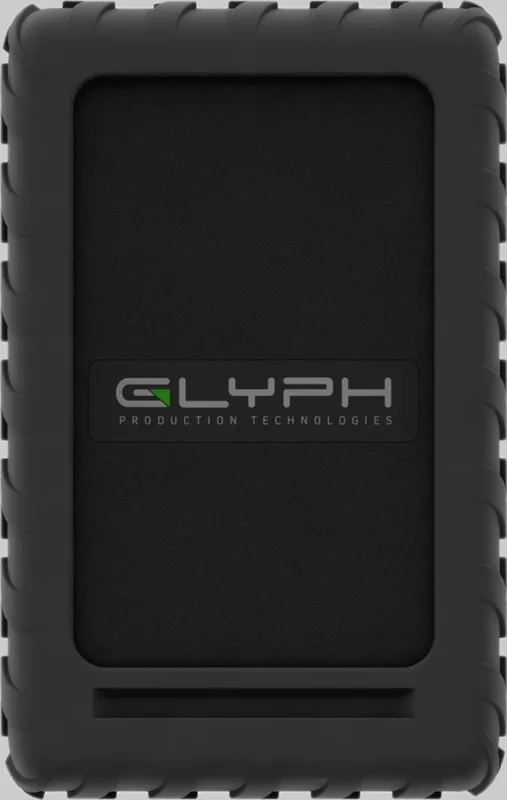
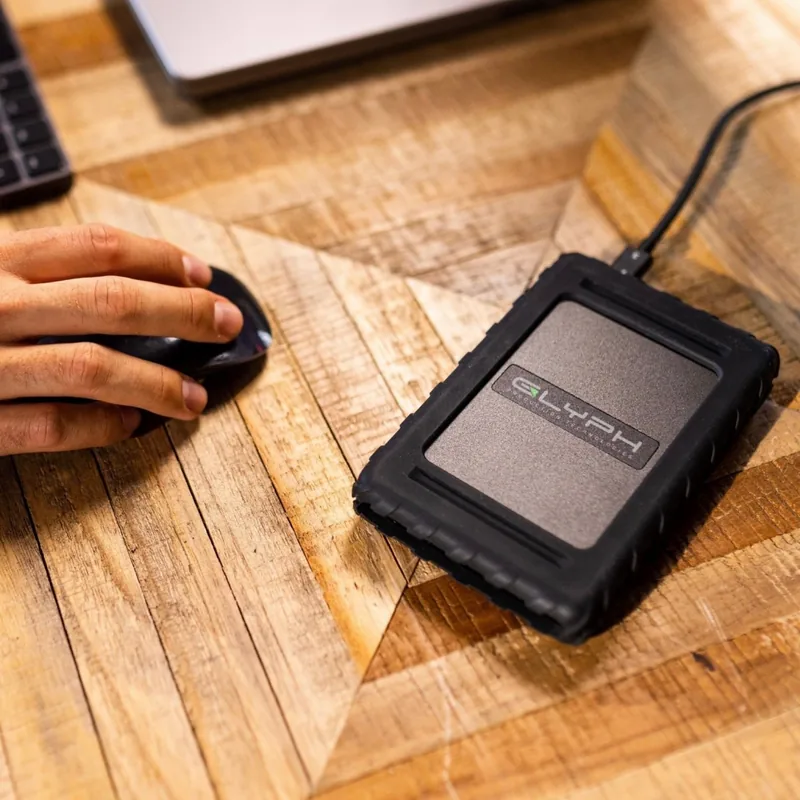
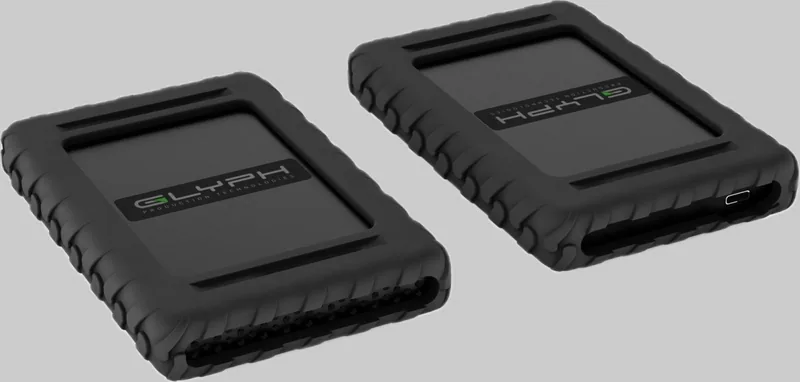
The Glyph Blackbox Plus External HDD is a rugged, portable storage solution designed for creative professionals and power users who need reliable, high-capacity external storage. Built with a robust enclosure and a silicone protective cover, the Blackbox Plus supports USB-C (3.1 Gen2) connectivity for fast data transfer and is available in both HDD and SSD variants to suit different performance needs.
Designed for Durability and Portability
The enclosure is engineered to survive everyday transport and workstation use. The silicone cover adds shock absorption while the compact footprint makes it easy to carry between jobs. No external power adapter is required — the drive is bus-powered via the supplied USB-C cable, making it ideal for mobile workflows.
Compatibility and Performance
Out of the box the drive ships pre-formatted for Mac; Windows users can reformat using Disk Management and choose NTFS or exFAT for cross-platform compatibility. The USB-C (3.1 Gen2) interface enables high throughput (noted up to 450 MB/s with SSD models), while a USB-C to USB-A cable is included for systems without native USB-C ports. Supported OSes include macOS 10.9+, Windows 7+, and modern Unix-like systems.
Setup and Use
Installation is straightforward: connect using the included cable and the drive should mount automatically on macOS. Windows users may need to initialize and format the drive in Disk Management. Always eject the drive properly before unplugging to avoid data corruption.
Support and Warranty
Glyph backs the Blackbox Plus with a three-year hardware warranty, a two-year free basic data recovery attempt (no guarantee of success), and a one-year advance replacement service within the continental U.S. Authorized reseller proof of purchase may be required for service. Glyph provides RMA procedures and technical support details for warranty claims.
Notes
- Includes: Blackbox Plus enclosure with silicone cover, USB-C to USB-C cable, USB-C to USB-A (USB 3.0) cable.
- Pre-formatted for Mac; reformat for Windows compatibility (NTFS or exFAT recommended).
- No external power adapter required.
- Keep original packaging for returns or warranty service.
Search for 67,706 Manuals online


Type-in Brand or Model