
Glyph Atom Pro Manual
PDF manual · 5 Pages
English



Quick check
Incorrect answer, please try again.
Chat with your Glyph Atom Pro manual using AI
Get instant AI answers from your Glyph Atom Pro manual
Ask anything about the Glyph Atom Pro. Answers come from this manual, with the pages they are based on.
Ask a Question
Do you recommend Atom Pro?
Yes NoFrequently Asked Questions
The Atom Pro uses Thunderbolt 3 connectivity, offering up to 40 Gbps theoretical bandwidth. Use a certified Thunderbolt 3 cable to achieve full performance; some USB-C cables only support lower USB data rates.
Is this answer helpful?
Yes. Initialize and format the drive on your operating system before first use. On macOS, use Disk Utility to partition and format; on Windows, use Disk Management to initialize and create a volume. Choose a filesystem suitable for your workflow (exFAT for cross-platform, APFS or APFS/HFS+ for macOS, NTFS for Windows).
Is this answer helpful?
The Atom Pro can operate bus-powered on many systems, but available power depends on the host Thunderbolt 3 port. Some ports supply higher wattage than others; if your system’s port provides limited power, external power or a powered hub may be required for sustained operation.
Is this answer helpful?
Yes. With NVMe-based storage and Thunderbolt 3 bandwidth, the Atom Pro supports demanding workflows including 4K and 8K editing, real-time playback, and large media transfers when used with a certified TB3 connection and a compatible host.
Is this answer helpful?
It will connect to USB-C ports, but performance may be reduced if the port lacks Thunderbolt 3 support. For full bandwidth and features, use a Thunderbolt 3-enabled port and cable.
Is this answer helpful?
Keep the drive in a ventilated environment, avoid blocking airflow around the enclosure, use quality TB3 cables, and ensure the host system supplies adequate power. Regularly check drive health and firmware updates from the manufacturer if available.
Is this answer helpful?
Verify cable compatibility and port type, try a different Thunderbolt 3 port or host, and ensure the drive is initialized in Disk Management (Windows) or Disk Utility (macOS). If issues persist, consult support for driver/firmware or hardware diagnostics.
Is this answer helpful?
Advantages and Disadvantages
Advantages

- High-speed Thunderbolt 3 connectivity enabling fast transfers and smooth 4K/8K workflows.
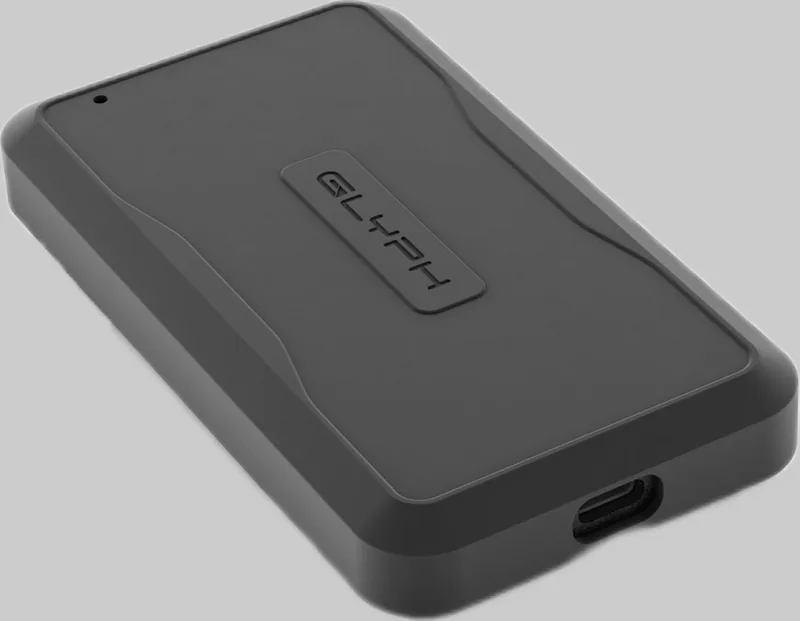
- Compact, robust aluminum enclosure suitable for portable on-location work.
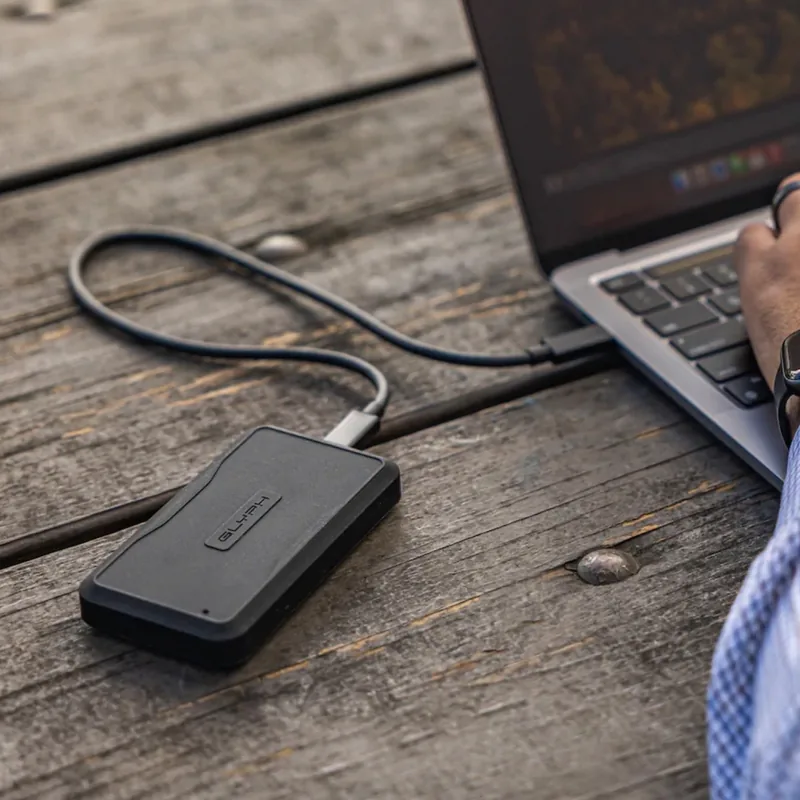
- Bus-powered operation for convenient mobile use without external power in many setups.
- Optimized for sustained NVMe performance to handle heavy read/write workloads.
- Clear OS initialization and formatting guidance for macOS and Windows users.
Disadvantages

- Full Thunderbolt 3 performance requires a certified TB3 cable; not all USB-C cables suffice.
- Bus-powered limits depend on host port power delivery; some systems may need external power.
- Thunderbolt 3 interface may be underutilized on older USB-C-only ports.
- Higher cost compared with standard SATA or USB-A portable drives.
- Requires manual initialization/formatting for first-time use on some systems.
Product Specification
External Connection
Thunderbolt 3
RAID Level
N/A
Fan
N/A
Dimensions
4.41x2.40x0.59in
Color
gray
Manufacturer Warranty
three years
USB Specification
Link
Product Description
Glyph Atom Pro External SSD Manual — Glyph Atom Pro External SSD
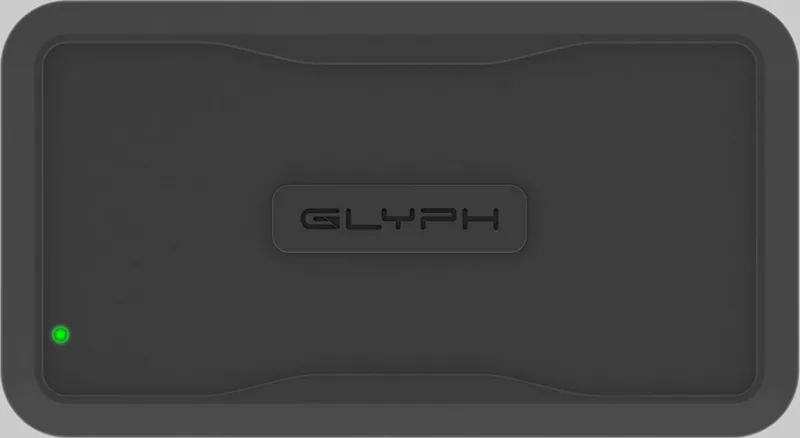
The Glyph Atom Pro External SSD stands out as a compact, high-performance storage solution designed for creative professionals, content creators, and power users who need fast, reliable external storage. Engineered with Thunderbolt 3 connectivity, the Atom Pro delivers exceptional transfer speeds and broad compatibility with modern Mac and Windows workflows. Its durable aluminum enclosure and bus-powered design make it portable and convenient for on-location editing, large backups, and high-resolution media workflows.
Built for speed and resilience, the Atom Pro leverages a high-performance NVMe SSD inside a robust housing to provide sustained read/write performance for demanding tasks like 4K and 8K video editing. The Thunderbolt 3 interface offers up to 40 Gbps theoretical bandwidth, enabling near-instant file transfers and smooth playback of high-bitrate footage. The drive is optimized for plug-and-play operation with included cable recommendations and formatting guidance so users can quickly integrate it into existing systems.
The Atom Pro’s design emphasizes real-world usability: compact form factor, quiet operation, and efficient thermal behavior to maintain consistent performance under load. It supports standard drive management and initialization procedures on both Windows (Disk Management) and macOS (Disk Utility), with guidance for partitioning, formatting, and verifying volume health. Attention to compatibility includes notes about using the appropriate Thunderbolt 3 cable, power delivery behavior, and how the drive interacts with host system ports that may supply different power levels.
Whether you need a fast scratch disk for editing, a rugged portable archive, or a reliable scratch/work drive for collaborative projects, the Atom Pro balances portability and professional performance. It is suitable for photographers, videographers, editors, and anyone handling large files who needs consistent throughput and plug-and-play convenience.
Notes:
- Use a certified Thunderbolt 3 cable for full performance; some cables only support USB-C data rates.
- Initialize and format the drive on your OS before first use; macOS and Windows procedures differ slightly.
- Ensure host ports deliver sufficient power if expecting bus-powered operation for certain capacities.
Search for 67,706 Manuals online


Type-in Brand or Model