
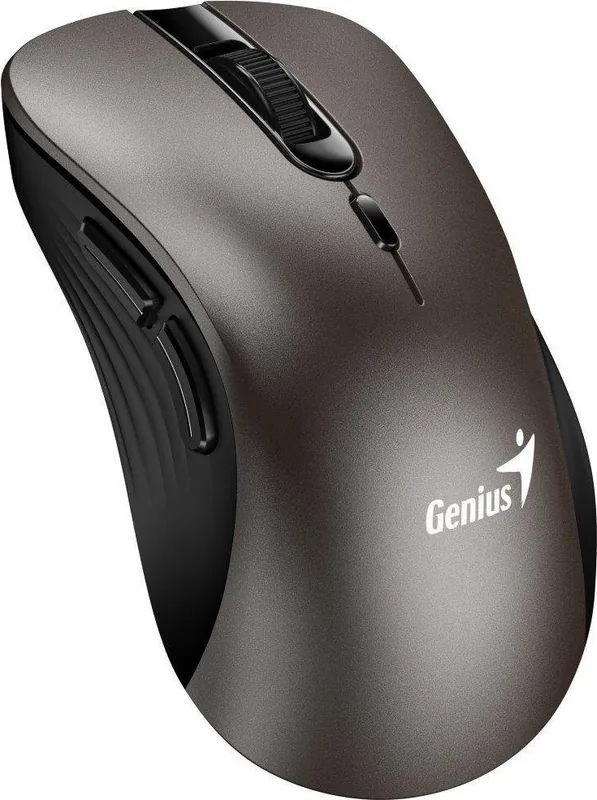
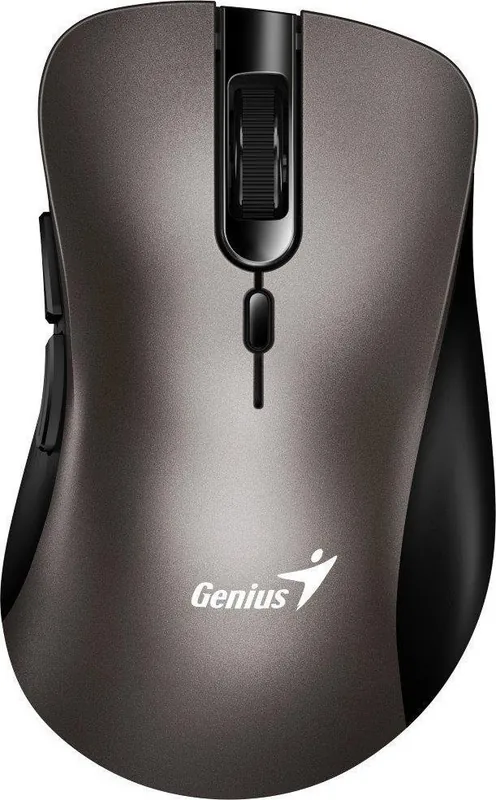
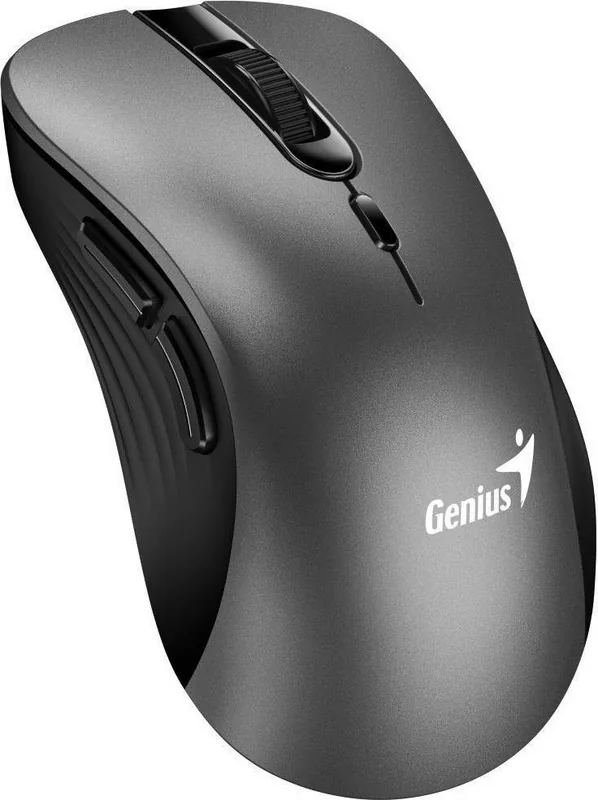
Genius Ergo 8100S Manual
PDF manual · 23 Pages
English



Quick check
Incorrect answer, please try again.
Chat with your Genius Ergo 8100S manual using AI
Get instant AI answers from your Genius Ergo 8100S manual
Ask anything about the Genius Ergo 8100S. Answers come from this manual, with the pages they are based on.
Ask a Question
Do you recommend Ergo 8100S?
Yes NoFrequently Asked Questions
The frequency band operates between 2400 MHz and 2483.5 MHz using 2.4 GHz technology.
Is this answer helpful?
Plug the USB receiver into your port, insert one AA battery, and switch on the power.
Is this answer helpful?
No, the mouse supports plug and play installation without needing extra drivers or software.
Is this answer helpful?
Operate the device between 0 and 40 Celsius and store between negative 20 and 50 Celsius.
Is this answer helpful?
The ergonomic design is primarily intended for right handed use based on the provided documentation.
Is this answer helpful?
It complies with R&TTE Directive 2014/53/EU and various EN electromagnetic compatibility standards.
Is this answer helpful?
Advantages and Disadvantages
Advantages

- Ergonomic design reduces wrist strain during long sessions effectively.
- Silent click technology ensures quiet operation in shared spaces.
- 2.4 GHz wireless connection provides stable and lag free performance.
- Adjustable DPI allows customization of cursor speed for various tasks.
- Plug and play setup requires no additional software drivers.
Disadvantages

- Requires AA batteries rather than built in rechargeable options.
- Some users may find the shape slightly larger than standard mice.
- Wireless range may be limited compared to specialized gaming models.
- No dedicated software for advanced button programming is mentioned.
- Battery life depends heavily on user usage patterns and habits.
Product Specification
Hand Type
Right Hand
Buttons
6 (total), 2 (main), 1 (top), 2 (left), 1 (Scroll Wheel Click)
Scroll Wheel
1x 2-Way
Sensor
Laser+IR
Resolution
1600dpi, reducible to 1200/800dpi
Lighting
N/A
Connection
Wireless (2.40GHz), USB-A (USB-A Receiver)
Power Source
1x AA
Dimensions (WxHxD)
2.67x1.51x4.31 inches
Approximate Volume
4.58 in^3 (approximate shape)
Weight
2.12 oz
Features
Thumb rest, reduced click noise, non-slip surface (side), stowable receiver
Product Description
Discovering the Perfect Wireless Companion with the Genius Ergo 8100S
In the fast-paced digital workspace, comfort and reliability are paramount for every user seeking efficiency. The Genius Ergo 8100S offers a practical solution designed to enhance productivity without sacrificing physical health. This device stands out significantly due to its unique ergonomic silhouette which promotes natural hand positioning for reduced strain. Many professionals seek true wireless freedom, and this model delivers seamless connectivity to their systems. Understanding the detailed specifications provided in the Genius Ergo 8100S Wireless Manual is essential for optimal usage and safety. Users appreciate the silent clicking mechanism that keeps the environment quiet during important meetings with colleagues.
Technical Specifications and Performance
Wireless mice often struggle with latency issues, but this unit utilizes 2.4 GHz technology effectively to maintain performance. Data transfer remains stable across various distances within the standard office range without interruption. The DPI switch allows for complete customization of cursor sensitivity to match different tasks. You can toggle between 800, 1200, and 1600 DPI settings effortlessly on the fly. The power switch ensures energy conservation effectively when the device is not in active use. Battery life is a key factor for mobile workers who cannot always charge devices easily during the day.
Safety and Compliance Standards
Manufacturing quality is verified through rigorous international testing protocols and standards. The product adheres to strict electromagnetic compatibility standards like EN 300 328 for stability. It also meets the Council Directive regarding Radio Equipment Directive 2014. FCC guidelines ensure minimal interference with other household electronics and reception systems. Safety warnings advise against opening the device to prevent potential battery leakage hazards. Keeping the unit away from moisture and extreme temperatures preserves its lifespan during operation. Operating ranges are specified between 0 to 40 Celsius for best performance reliability.
Installation and User Experience
Setup is straightforward for most computer systems without requiring additional software downloads. The receiver plugs directly into available USB ports without needing complex driver configurations. Installation is truly plug and play, saving valuable setup time on busy mornings. The receiver is stored securely inside the mouse body to prevent loss during transport. Navigation buttons assist with smooth browsing through web pages or documents efficiently. The middle button facilitates scrolling and internet surfing tasks conveniently during daily use.
Final Thoughts on Ergonomic Design
Investing in proper peripherals protects your long term health and productivity levels. Wrist pain is often prevented by the unique shape of the Ergo series design. Whether for work or gaming, stability is crucial during extended daily sessions. The included support resources are accessible via the official website for further guidance. This mouse represents a solid choice for anyone needing reliable daily input performance. It balances performance, comfort, and compliance standards effectively for modern users.
Search for 67,732 Manuals online


Type-in Brand or Model