
GameSir G7 Manual
PDF manual · 4 Pages
English



Quick check
Incorrect answer, please try again.
Chat with your GameSir G7 manual using AI
Get instant AI answers from your GameSir G7 manual
Ask anything about the GameSir G7. Answers come from this manual, with the pages they are based on.
Ask a Question
Do you recommend G7?
Yes NoFrequently Asked Questions
Yes, it works with Xbox One, Xbox Series X|S, and PC Windows 10 or above via USB port.
Is this answer helpful?
Hold View, Menu, and Xbox buttons while inserting the USB cable. Then press A. Rotate triggers and sticks to max angles, then press A again.
Is this answer helpful?
Yes, hold the M button with D-pad Left or Right to balance game volume against voice chat volume.
Is this answer helpful?
It allows firmware upgrades and creates three custom profiles for button mapping and vibration control.
Is this answer helpful?
Hold M plus the M1 or M2 button for three seconds until the indicator blinks, then tap the target button.
Is this answer helpful?
You receive the controller, a swappable white faceplate, a 3m USB-C cable, user manual, and certification card.
Is this answer helpful?
Yes, tap the Microphone Mute button once to activate. The indicator turns solid red when muted.
Is this answer helpful?
Advantages and Disadvantages
Advantages

- Multi-platform support for Xbox and Windows PC
- Independent audio and voice chat volume control
- Customizable macro buttons with manual and software settings
- Built-in calibration for analog stick accuracy
- Long 3m USB-C cable reduces cable drag
Disadvantages

- Wired connection limits wireless mobility
- Requires manual calibration procedure for best performance
- Learning curve for manual button mapping
- No wireless functionality mentioned in text
- Software settings override manual customizations
Product Specification
Type
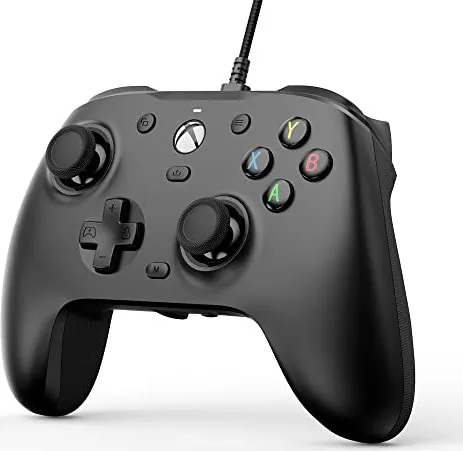
Gamepad
Compatibility
PC, Xbox Series X, Xbox Series S, Xbox One
Connectivity
Wired (9.84 ft), USB-C
Power
USB
Buttons
17 (total), 5 (function buttons), 4 (action buttons), 2 (triggers), 2 (shoulder buttons), 2 (analog sticks), 2 (back)
Analog Sticks
1 concave (left above D-pad), 1 concave (right under action buttons)
D-Pad
convex
Color
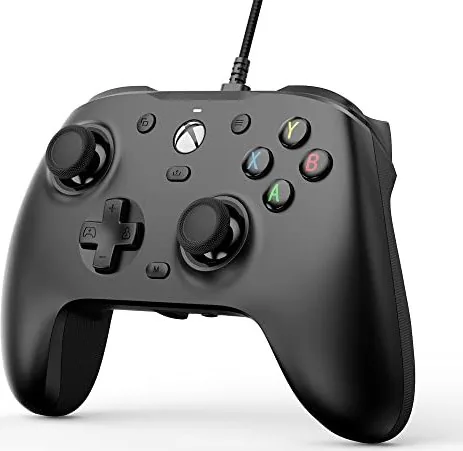
Black
Features
3.5mm Jack, 4 vibration motors, 2 programmable buttons, Detachable cable
Product Description
Master Your Gameplay with the GameSir G7
In the competitive world of online gaming, having the right peripheral makes a significant difference. The GameSir G7 Wired Controller stands as a robust solution for players seeking reliability and precision. When you explore the GameSir G7 Wired Controller (PC/Xbox SX/Xbox One) Manual, you discover a device designed for longevity and adaptability. This controller supports Xbox One, Xbox Series X|S, and PC platforms running Windows 10 or later. A 3m USB-C cable ensures minimal drag while connecting to your system. This cable is thick enough to resist breaking under tension during intense sessions. Sound is often the missing link in immersive experiences. This controller integrates a sophisticated volume control system. You can hold the M button plus the Up or Down D-pad direction to adjust master volume across ten distinct levels. The device provides auditory feedback, emitting a beep at maximum or minimum levels to confirm changes. Furthermore, game audio and voice chat volume can be balanced independently. This feature allows you to hear footsteps clearly without drowning out teammate communication. Audio clarity is crucial for competitive play where sound cues dictate victory.
Every player has a unique style and preference for button layouts. The back buttons settings allow for significant modification to fit your hands. To set the M1 or M2 button value, hold the M button and the specific button simultaneously for three seconds. The indicator blinks, signaling readiness for a new command to be assigned. You can map almost any button in your toolkit to these macro keys for faster actions. Cancelling a custom mapping is equally simple, ensuring your controller adapts to your current needs instantly without resetting the whole unit. Stick drift is a common enemy for gamers over time. The manual provides a specific calibration procedure to maintain accuracy for analog inputs. By holding the View, Menu, and Xbox buttons while connecting the USB, you enter calibration mode. Pressing the A button confirms the reset of sensitivity zones. Rotating triggers and sticks to their maximum angles calibrates the sensors for neutral positions. Once solid white, the device confirms success. Unplugging and replugging finalizes the setup for immediate use.
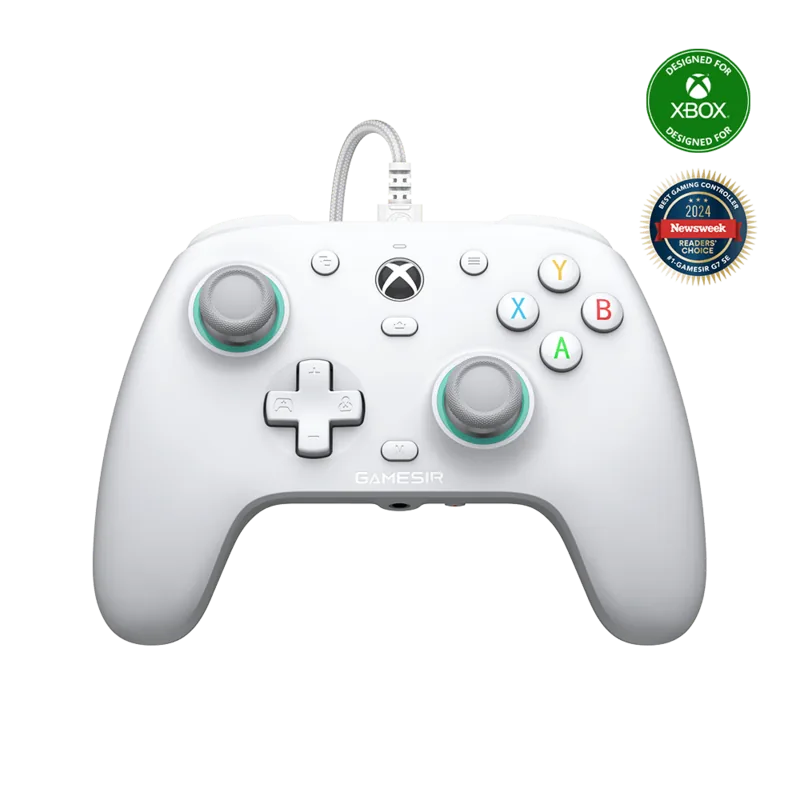
The GameSir Nexus software enables firmware upgrades and profile creation for advanced users. Users can manage three custom profiles with specific button mappings and vibration levels. If software settings conflict with manual settings, the software overrides them to ensure consistency. This ensures your controller remains cutting-edge with the latest improvements from the factory. With a swappable white faceplate included, aesthetic customization meets functional design in one package. This combination of hardware durability and software intelligence makes it an essential tool for serious gamers. Opening the box reveals a complete kit for immediate play without extra purchases. Inside, you find the controller itself, a swappable white faceplate, and a certification card. There is also a dedicated user manual and a sticker for branding your gear. The thick 3m cable is heavy duty to prevent snapping. The white plate can be traded if you desire a different look, keeping the controller looking new. The back buttons provide a way to reach extra functions without moving your thumbs. This reduces strain during long sessions. The volume controls sit perfectly for easy access. Audio adjustments do not require leaving the game screen. The calibration process is robust against drift errors. The manual instructions are clear for setup. Software updates improve performance over time. The firmware upgrade capability keeps the hardware future proof. Gaming requires endurance, and this gear delivers. The Xbox connection is seamless for consoles. PC users benefit from the software customization. It fits the needs of all platforms. This manual guides you through every step. Whether competitive or casual, the G7 performs.
Search for 67,706 Manuals online


Type-in Brand or Model