
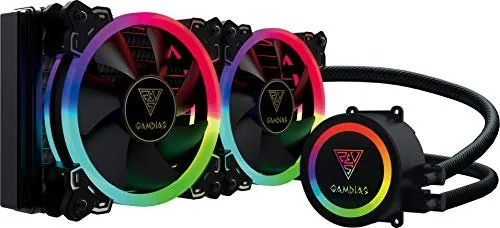
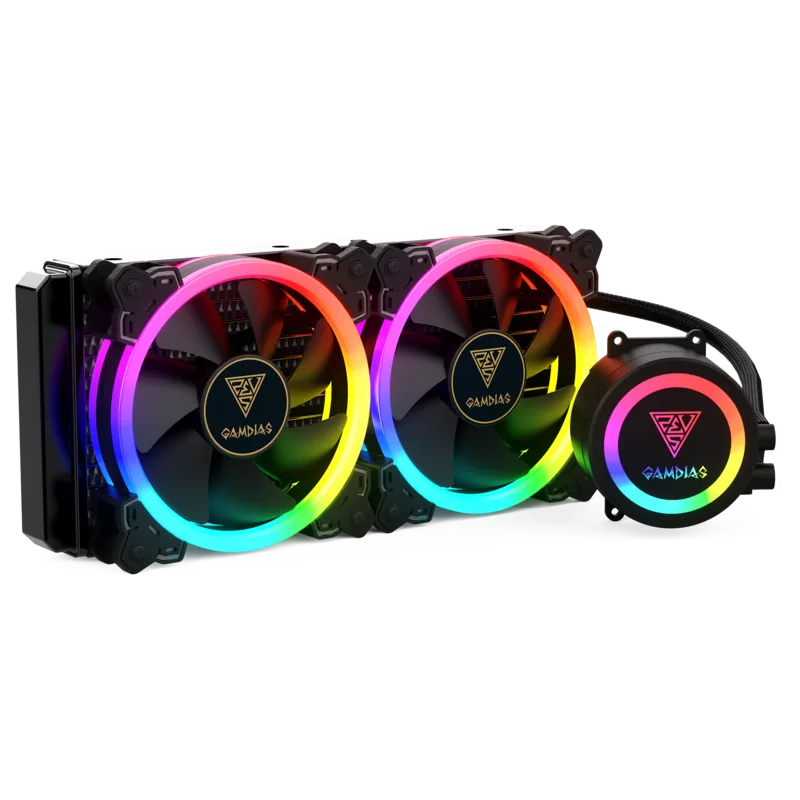
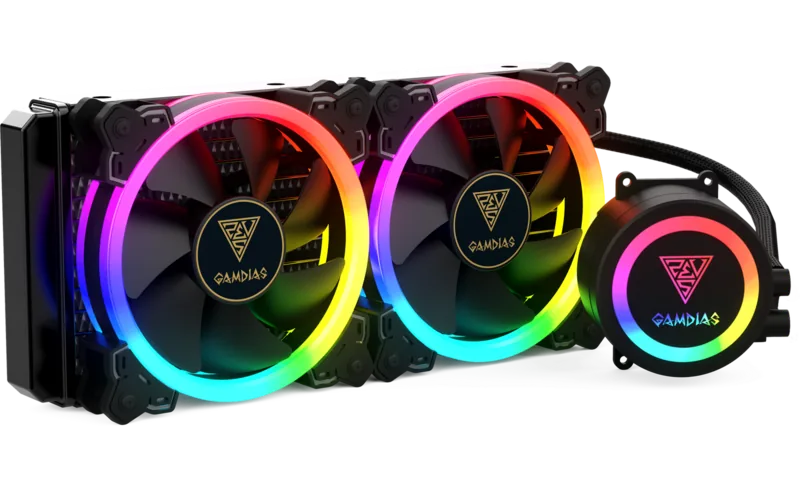
Gamdias Chione M1A-240R Manual
PDF manual · 34 Pages
English



Quick check
Incorrect answer, please try again.
Chat with your Gamdias Chione M1A-240R manual using AI
Get instant AI answers from your Gamdias Chione M1A-240R manual
Ask anything about the Gamdias Chione M1A-240R. Answers come from this manual, with the pages they are based on.
Ask a Question
Do you recommend Chione M1A-240R?
Yes NoFrequently Asked Questions
Fans must start at Fan1 and continue in series up to Fan6. If you do not connect them in this specific order, communication will break.
Is this answer helpful?
Supported sockets include Intel LGA 775, 115X, 1366, 2011, and 2066. AMD sockets are also supported with the included mounting hardware.
Is this answer helpful?
You likely did not connect the fans in series order. The RGB function fails if the communication path is broken by incorrect wiring sequence.
Is this answer helpful?
Yes, it supports ASUS Aura headers. It also includes compatibility for MSI, ASRock, and Gigabyte addressable LED headers.
Is this answer helpful?
The warranty information is available on the official Gamdias website. Check the provided link for detailed terms and coverage details.
Is this answer helpful?
Advantages and Disadvantages
Advantages

- Wide range of platform support for Intel and AMD processors.
- Extensive RGB capabilities supported by various motherboard brands.
- Comprehensive documentation for safe and effective assembly steps.
- Compact pump dimensions allow easier clearance within chassis.
- Durable liquid cooling solution handles high thermal loads.
Disadvantages

- Fans must connect in series for RGB lighting to function.
- Specific installation steps required to prevent leaks or damage.
- Requires correct fan wiring which may confuse beginners.
- Warranty policy details depend on official website information.
- Compatibility varies by motherboard socket type and generation.
Product Specification
Type
Internal (Closed System)
Water Block
CPU, Copper
Compatibility
775, 1150, 1151, 1155, 1156, 1200, 1356, 1366, 2011-0, 2011-1, 2011-3, 2066, AM2, AM2+, AM3, AM3+, AM4, FM1, FM2, FM2+
Radiator
9.45in (Radiator Class), 1.06in (Radiator Thickness), Aluminum
Fans
2x 4.72x4.72in, 800-1500rpm, 55.03 CFM, 16-22dB(A), 0.08inH2O
Reservoir
N/A
Pump
12V
Connectors
N/A
TDP Rating
200W
Lighting
LED (RGB), LED Controller
Features
Wireless Remote Control
Product Description
Optimizing Your PC Build with the Gamdias Chione M1A-240R
Detailed Compatibility Information Across Platforms
Picking the right cooling system for your machine matters. This guide examines the Gamdias Chione M1A-240R Liquid Cooler which offers robust thermal management. You should read the Gamdias Chione M1A-240R Manual to ensure correct installation on your specific setup.
Building a desktop computer involves decisions regarding hardware selection and thermal management. The Gamdias Chione M1A-240R stands out as a premium option for liquid cooling solutions designed to handle high loads. Undertaking an installation, referencing proper documentation is vital for success. The Gamdias Chione M1A-240R Manual provides comprehensive instructions that cover every aspect of the setup process. This guide ensures that users can assemble the system safely on their specific hardware configurations. Ignoring these guidelines causes damage to sensitive components during installation.
One of the advantages of this cooling solution is its wide range of support. The documentation indicates compatibility with a number of Intel socket types. These include legacy options like LGA 775 and modern configurations such as LGA 2066 or 2011 series. The list extends to include LGA 1366 and 115X architectures. For AMD users, dedicated mounting hardware covers multiple socket generations. This versatility allows builders to upgrade processors without immediately replacing the cooling loop. Checking compatibility saves time and money during the upgrade phase.
Connectivity and Lighting Control Requirements
Aesthetic features are often as important as raw performance in high-end gaming rigs. The unit features extensive RGB capabilities that rely on correct fan wiring sequences. Instructions emphasize fans must connect in a sequence starting from Fan1 through Fan6. Failure to follow this series order will break communication signals between the pump and fans. Consequently, the RGB lighting function will not activate or synchronize as intended. The cooler supports various addressable LED headers found on brands like ASUS, MSI, and Gigabyte. This flexibility ensures synchronization with other components in your build regardless of motherboard choice.
Assembly Steps and Physical Dimensions
Space management is a factor inside computer cases. The pump dimensions are specified clearly to help users plan their internal chassis layout. Height dimensions are listed to prevent interference with memory modules or fans. Understanding these physical constraints prevents assembly errors that require returning the unit. Proper cable routing is highlighted to maintain optimal airflow patterns. The package contents list includes hardware for secure attachment to the radiator and pump block. It is important to follow the step-by-step visual aids provided in the documentation. Skipping steps can lead to loose mounting brackets which compromise safety and thermal efficiency.
Support and Warranty Coverage Details
Every quality product comes with a safety net. The information section outlines the product warranty policy on the official vendor website. Customers should review these terms to understand their coverage for manufacturer defects. Regular maintenance checks ensure the liquid cooling system remains effective over many years of use. Following the guide helps maximize the lifespan of the components inside the closed loop. This dedication to detail results in a quieter and cooler operating environment for your gaming applications.
Search for 67,732 Manuals online


Type-in Brand or Model