
Gamdias AEOLUS M2-1204R Manual
PDF manual · 13 Pages
English



Quick check
Incorrect answer, please try again.
Chat with your Gamdias AEOLUS M2-1204R manual using AI
Get instant AI answers from your Gamdias AEOLUS M2-1204R manual
Ask anything about the Gamdias AEOLUS M2-1204R. Answers come from this manual, with the pages they are based on.
Ask a Question
Do you recommend AEOLUS M2-1204R?
Yes NoFrequently Asked Questions
Fans must be connected in strict series starting at FAN1 and continuing sequentially (FAN1 → FAN2 → FAN3 → …). Any fan not connected in sequence will break communication and disable the RGB lighting.
Is this answer helpful?
Yes, but only with a 5V 3-pin addressable (digital) RGB header. Connect the AEOLUS Box to the motherboard’s 5V ADDR header and use the motherboard manufacturer’s RGB software to customize lighting.
Is this answer helpful?
Yes. The AEOLUS Box offers LED OUT and LED IN ports so you can daisy-chain additional AEOLUS Boxes for synchronized lighting across more fans and radiators.
Is this answer helpful?
The AEOLUS Box lists compatibility with several Gamdias CHIONE models including P2-360R, P1A-360R, M1A-280R, M2-240R, M1A-240R, E2-120R, and E1A-120R, enabling integration with those radiator setups.
Is this answer helpful?
The remote toggles power, lighting modes, speed, fan speed, and brightness. It uses a CR2025 battery. Pressing OFF disables the remote; press ON to reactivate. Use the MB button to switch control to motherboard sync mode.
Is this answer helpful?
Always power off the computer before installation, follow the series wiring order, secure the AEOLUS Box (it can magnetically attach to the case), and confirm your motherboard has a 5V ARGB header for addressable lighting.
Is this answer helpful?
Advantages and Disadvantages
Advantages

- Addressable 5V RGB support for detailed lighting control via motherboard software.
- AEOLUS Box centralizes lighting and power, with magnetic mounting and daisy-chain support.
- Sequential daisy-chain design allows synchronized effects across multiple fans and boxes.
- Compatible with a range of Gamdias CHIONE liquid coolers for radiator integration.
- Remote control provides quick access to mode, speed, brightness, and MB sync toggle.
Disadvantages

- Requires strict series connection; any break in sequence disables RGB lighting.
- Only supports 5V addressable RGB headers; incompatible with 12V RGB headers.
- Remote uses CR2025 battery which may need periodic replacement.
- Dependence on AEOLUS Box adds an extra component and cable routing requirement.
- Limited to motherboards with a 5V 3-pin ARGB header for full synchronization.
Product Specification
Fan Connector
3-Pin ARGB (+5V/DATA/GND)
Dimensions
4.72x4.72x0.98in (WxHxD)
Fan Speed
700-1500rpm
Airflow
56 CFM
Air Pressure
0.07 inH2O
Fan Bearing
hydrodynamic plain bearing
Voltage Range
12V
Lighting
RGB (22 LEDs)
LED Controller/Adapter
Synchronization Port via 3-Pin ARGB (+5V/DATA/GND), external control: Remote control, Model: AEOLUS Box
Manufacturer's Warranty
2 Years
Product Description
Gamdias M2-1204R Manual: Quick Overview
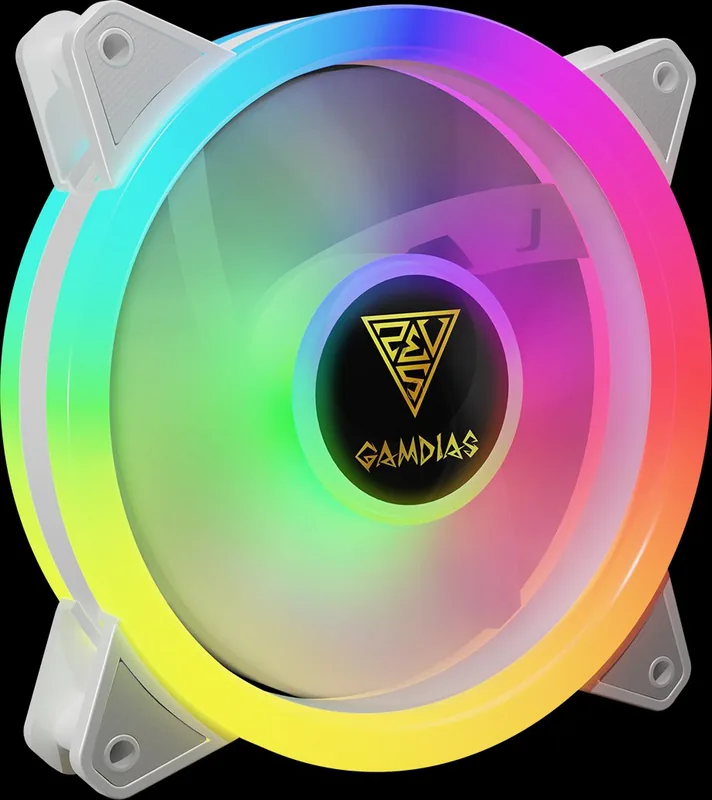
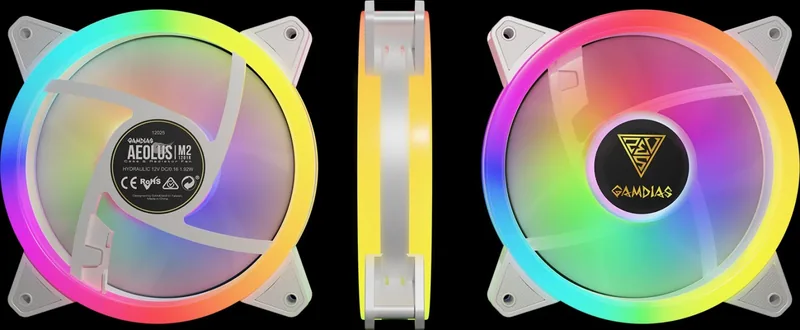
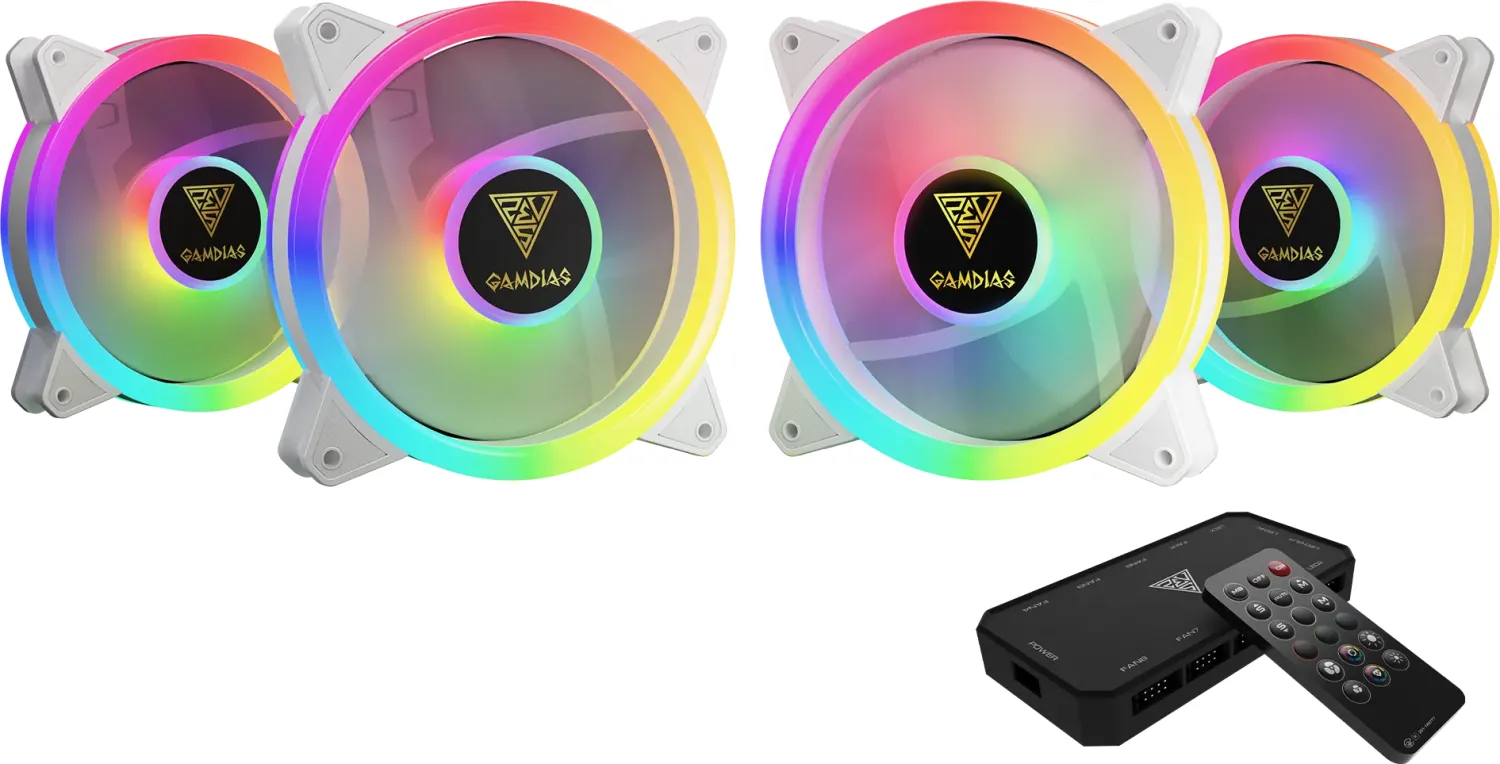
The Gamdias M2-1204R is a 120mm AEOLUS series addressable RGB cooling solution designed for case and radiator use. It emphasizes daisy-chained fan communication, synchronized RGB effects via 5V 3-pin addressable headers, and compatibility with select Gamdias liquid coolers. The package typically includes multiple fans and mounting hardware, and the AEOLUS Box acts as a central hub for power, lighting, and series connection.
Features and Usage
Designed for straightforward installation, the fans must be connected in series starting at FAN1 and continuing sequentially (FAN1 → FAN2 → FAN3 ...). Any fan omitted from the chain will interrupt RGB communication and disable lighting. The AEOLUS Box can magnetically attach to a case and supports daisy-chaining additional AEOLUS Boxes to expand lighting across more fans or radiators.
The M2-1204R supports motherboard RGB sync but only with a 5V addressable (digital) RGB header. When connected to a compatible 5V 3-pin ADDR header, you can use the motherboard manufacturer’s lighting software to customize color, effects, speed, and brightness. The product notes compatibility with several Gamdias liquid cooler models (e.g., CHIONE P2-360R, P1A-360R, M1A-280R, M2-240R, and several 120mm models).
Installation Tips
Always power down the system before installing or rearranging fans. Connect fans in the correct series order and secure the AEOLUS Box via its magnetic mounting if desired. Ensure the motherboard has a 5V ARGB header to enable full addressable RGB functionality; the M2-1204R does not support 12V RGB headers. For larger setups, daisy-chain AEOLUS Boxes using the LED OUT/LED IN ports to synchronize lighting across multiple hubs.
Controls and Remote
The unit includes a simple remote controller that can toggle power, switch to motherboard sync mode (MB), and adjust mode, fan speed, lighting speed, and brightness. The remote typically uses a CR2025 battery. Pressing OFF disables the remote; press ON to reactivate. Use the MB button to delegate lighting control to the motherboard.
Final Notes
The Gamdias M2-1204R is tailored for users who want addressable ARGB lighting in a multi-fan, radiator, or case setup with centralized control via the AEOLUS Box. Proper series wiring and a compatible 5V header are essential for full functionality.
Quick Notes
- Fans must be connected in strict series beginning at FAN1.
- Requires 5V addressable (digital) RGB header for motherboard sync.
- AEOLUS Box supports daisy-chaining and magnetic mounting.
- Remote uses CR2025 battery; MB button enables motherboard sync.
Search for 67,706 Manuals online


Type-in Brand or Model