
G-Lab K-Pad Thorium Wireless Manual
PDF manual · 2 Pages
English



Quick check
Incorrect answer, please try again.
Chat with your G-Lab K-Pad Thorium Wireless manual using AI
Get instant AI answers from your G-Lab K-Pad Thorium Wireless manual
Ask anything about the G-Lab K-Pad Thorium Wireless. Answers come from this manual, with the pages they are based on.
Ask a Question
Do you recommend K-Pad Thorium Wireless?
Yes NoFrequently Asked Questions
To switch to D-Input for PS3, press and hold the required button combination for five seconds. For PC X-Input, ensure the controller is connected via the USB dongle and follow the standard setup instructions provided in the user guide.
Is this answer helpful?
Yes, the controller automatically enters sleep mode if there is no connection detected for more than five minutes. This helps preserve battery life when the device is idle.
Is this answer helpful?
The package includes a Micro USB charging cable and a USB dongle for wireless reception. These accessories allow for easy charging and immediate wireless setup on compatible devices.
Is this answer helpful?
Yes, the product must not be thrown away with regular household waste. It should be taken to a designated collection point for recycling electrical and electronic equipment to comply with environmental regulations.
Is this answer helpful?
Yes, you can visit the official website to join the testing club. Participants can become brand ambassadors and get early access to test the latest releases from the company.
Is this answer helpful?
Advantages and Disadvantages
Advantages

- Supports both PC X-Input and PS3 D-Input modes for maximum versatility
- Wireless connectivity via USB dongle eliminates cable clutter
- Automatic sleep mode saves battery power during inactivity
Disadvantages

- Limited to specific console compatibility without additional adapters
- Battery life may vary depending on usage intensity and frequency
- Requires manual switching between input modes for different platforms
Product Specification
Type
Gamepad
Compatibility
PC, PS3, Android
Connection
Wireless (2.40GHz) or Wired (5.91ft), USB
Power Supply
1x AAA
Buttons
13 (total), 3 (function keys), 4 (action buttons), 2 (triggers), 2 (shoulder buttons), 2 (analog sticks)
Analog Sticks
1 concave (left under D-pad), 1 concave (right under action buttons)
D-Pad
concave
Colors
black
Features
2 vibration motors, LED lighting
Product Description
G-Lab K-Pad Thorium Wireless Controller Review
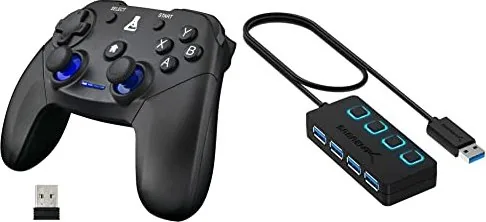
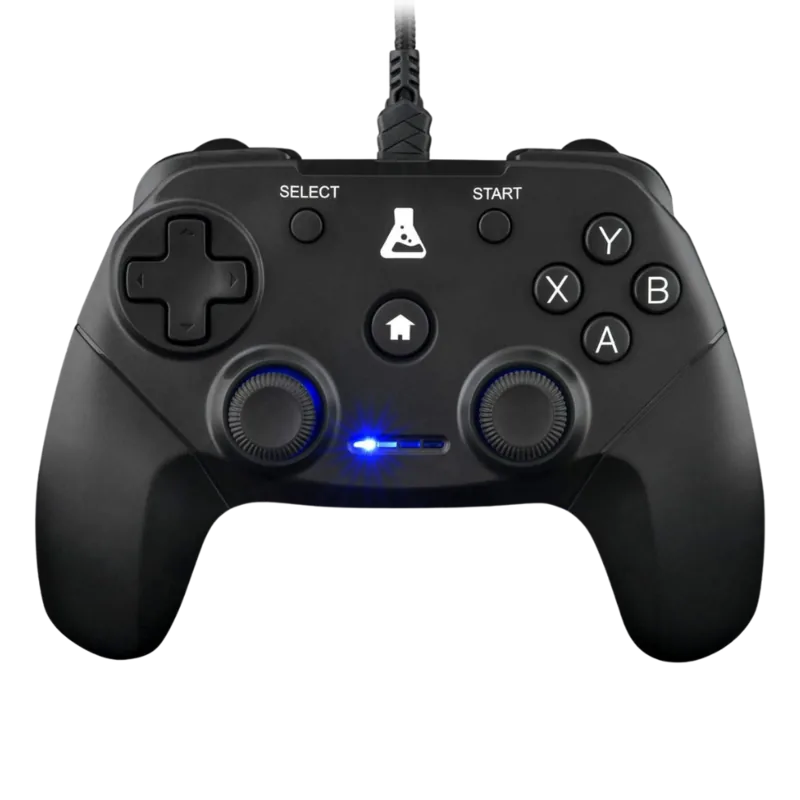
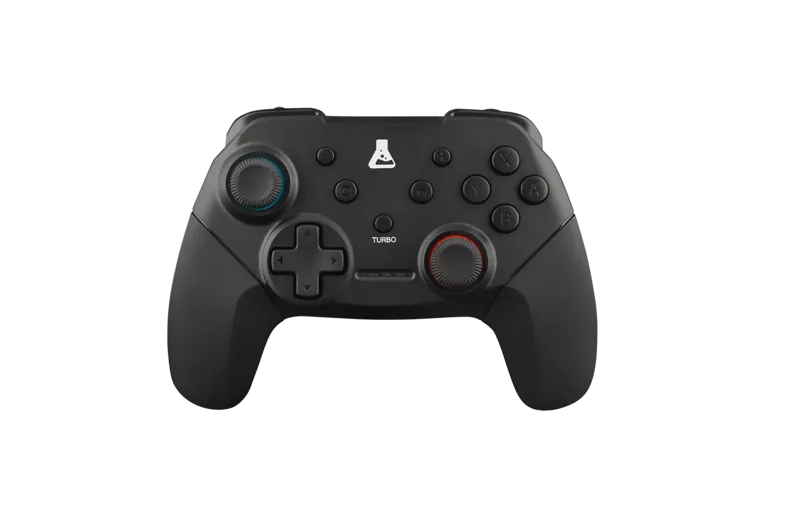
The G-Lab K-Pad Thorium Wireless Controller stands out as a versatile gaming peripheral designed for both PC and PS3 enthusiasts. This device offers seamless connectivity through a dedicated USB dongle, ensuring low-latency performance without the clutter of wires. The controller features an intuitive layout that prioritizes comfort during extended gaming sessions, making it a favorite among casual and competitive players alike.
One of the standout features is its dual-mode capability. Users can effortlessly switch between X-Input mode for modern PC games and D-Input mode for legacy titles or PS3 compatibility. This flexibility is managed through a simple button combination, allowing gamers to adapt their setup instantly. The controller also includes an automatic sleep function that activates after five minutes of inactivity, helping to conserve battery life when the device is not in use.
Building your ultimate gaming station with the G-Lab K-Pad Thorium means enjoying robust wireless freedom. The included Micro USB charging cable ensures you stay powered up, while the nano receiver provides a stable connection across various environments. Whether you are exploring vast open worlds or engaging in fast-paced combat, this controller delivers responsive inputs and reliable performance.
Key Takeaways
The Thorium model represents a blend of affordability and functionality. It caters to users who value cross-platform support and ergonomic design. By joining the testing club on the official website, users can even participate in beta programs to test future releases, fostering a direct connection with the brand community.
Important Notes
Please remember to recycle this electronic product at designated collection points rather than disposing of it with household waste. This practice helps protect the environment and supports sustainable electronics management.
Search for 67,732 Manuals online


Type-in Brand or Model