
Frient Smart Plug Mini Manual
PDF manual · 1 Pages
English


Quick check
Incorrect answer, please try again.
Chat with your Frient Smart Plug Mini manual using AI
Get instant AI answers from your Frient Smart Plug Mini manual
Ask anything about the Frient Smart Plug Mini. Answers come from this manual, with the pages they are based on.
Ask a Question
Do you recommend Smart Plug Mini?
Yes NoDo you recommend Smart Plug Mini?
Yes NoFrequently Asked Questions
Connect the plug to power, press and hold the button until the red LED flashes continuously, then release. Wait for the light to stop flashing to confirm the reset is complete.
Is this answer helpful?
The device will automatically restore itself to the exact on or off status it had before the power failure occurred, ensuring consistent behavior when electricity returns.
Is this answer helpful?
No, the Smart Plug Mini is rated for indoor use only. It must be placed in environments with temperatures between 0 and 50 degrees Celsius and protected from moisture.
Is this answer helpful?
Yes, the Smart Plug Mini monitors power consumption, allowing you to track how much energy your connected appliances are using through your management interface.
Is this answer helpful?
It is rated for a continuous load of 10 amps. It can handle short-time loads up to 16 amps (approximately 3500 watts) but will shut off if this limit is exceeded.
Is this answer helpful?
If you experience a bad or weak signal, try changing the location of the Smart Plug Mini or your central gateway. Placing the plug between them can act as a signal amplifier.
Is this answer helpful?
Advantages and Disadvantages
Advantages

- Remote control capability from anywhere in the world via app
- Zigbee 1.2 certified for reliable mesh networking
- Automatic power restoration after outages
- Built-in overload and thermal protection for safety
- Compact design suitable for tight spaces
Disadvantages

- Requires an open Zigbee network to join devices
- Search process can take up to 15 minutes initially
- Limited to 10 amp continuous load capacity
- No built-in Wi-Fi requires Zigbee gateway
- LED indicators may be bright in dark rooms
Product Specification
Type
Sensor, Actuator
Standard
ZigBee
Function
Switch socket (on/off), power measurement function
Dimensions
1.89x1.89x1.26in
Features
IP40, controllable via app (iOS, Android)
Product Description
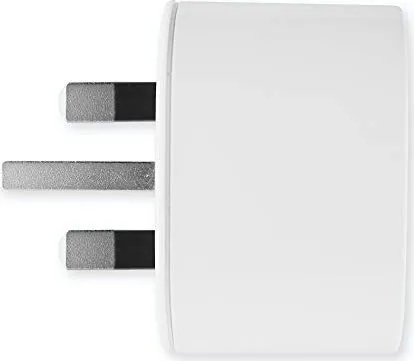
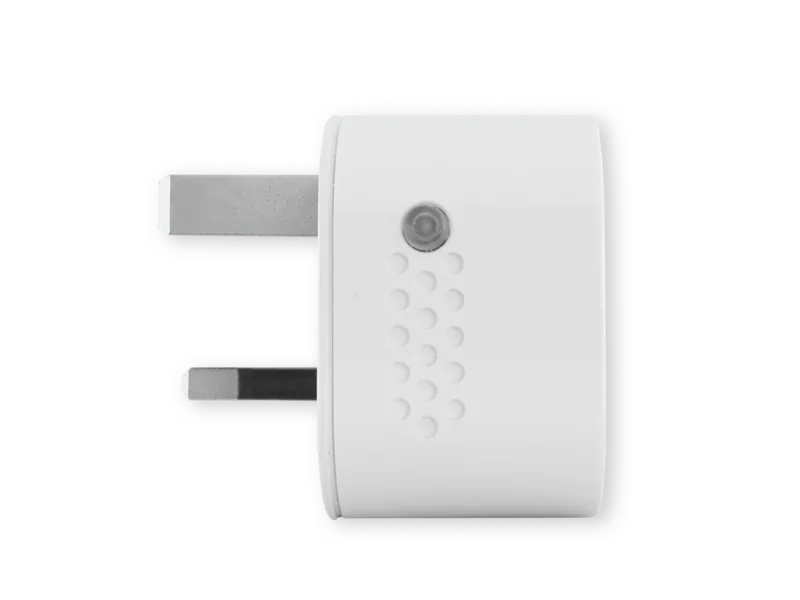
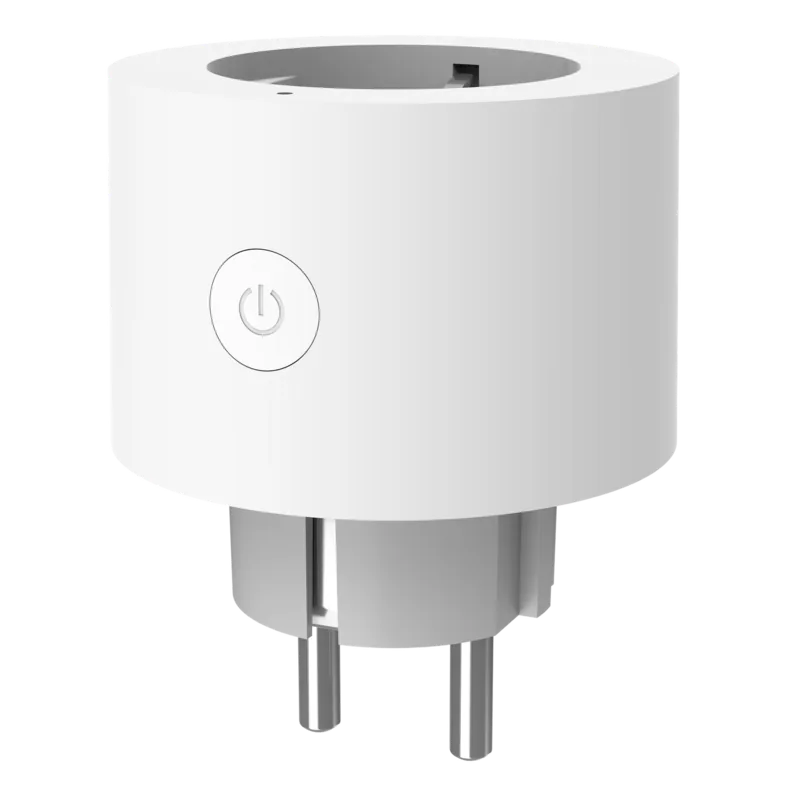
Transform Your Home with the Frient Smart Plug Mini Typ G
The Frient Smart Plug Mini Typ G represents a significant leap in home automation, offering seamless integration into your daily life. This compact smart socket allows you to control any connected appliance from anywhere in the world using your smartphone or tablet. Whether you are at work or relaxing on your couch, you can instantly switch devices on or off, ensuring convenience and energy efficiency.
Seamless Integration and Control
Equipped with Zigbee technology, this smart plug connects directly to your existing network without needing a separate hub for every device. Once connected, it enters a searching mode indicated by a flashing red LED until it successfully joins the network. The device supports both normal operation modes where a green light signifies an active relay and off modes where no light indicates the device is powered down. You can manually toggle the power state using the physical button on the unit itself.
Intelligent Features and Safety
Beyond basic on-off control, the Smart Plug Mini monitors power consumption, giving you insights into your energy usage. It is designed with safety in mind, automatically cutting power if the load exceeds 16 amps or if internal temperatures become too high. In the event of a power outage, the device intelligently restores its previous on or off status once power returns, preventing unexpected behavior when you return home.
Installation and Placement
Installation is straightforward: simply plug the device into a standard outlet and allow up to 15 minutes for it to search for and join your Zigbee network. For optimal performance, especially if used as a signal amplifier, place the unit between your central gateway and other sensors. Ensure the environment stays within 0 to 50 degrees Celsius to maintain longevity and reliability.
Important Notes
- Avoid frequent switching of maximum loads to extend product life.
- Keep the product label intact for warranty and identification purposes.
- Never expose the device to liquids to prevent damage.
- Dispose of the unit responsibly as electronic waste at the end of its life cycle.
Search for 67,732 Manuals online


Type-in Brand or Model