
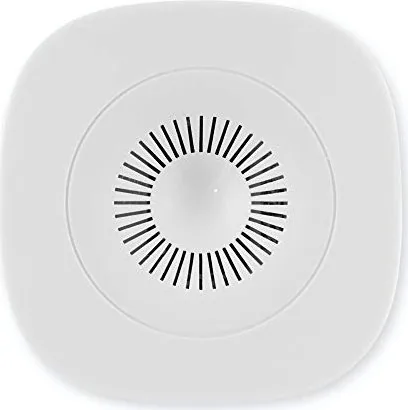
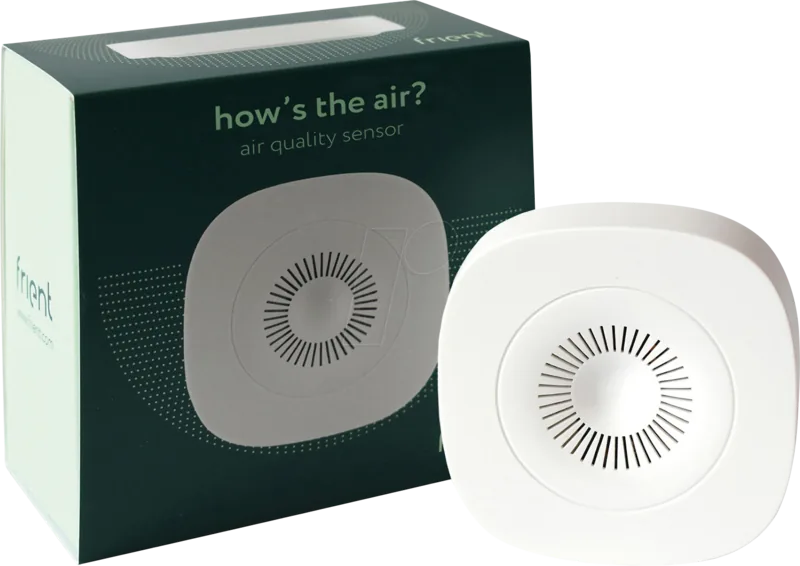
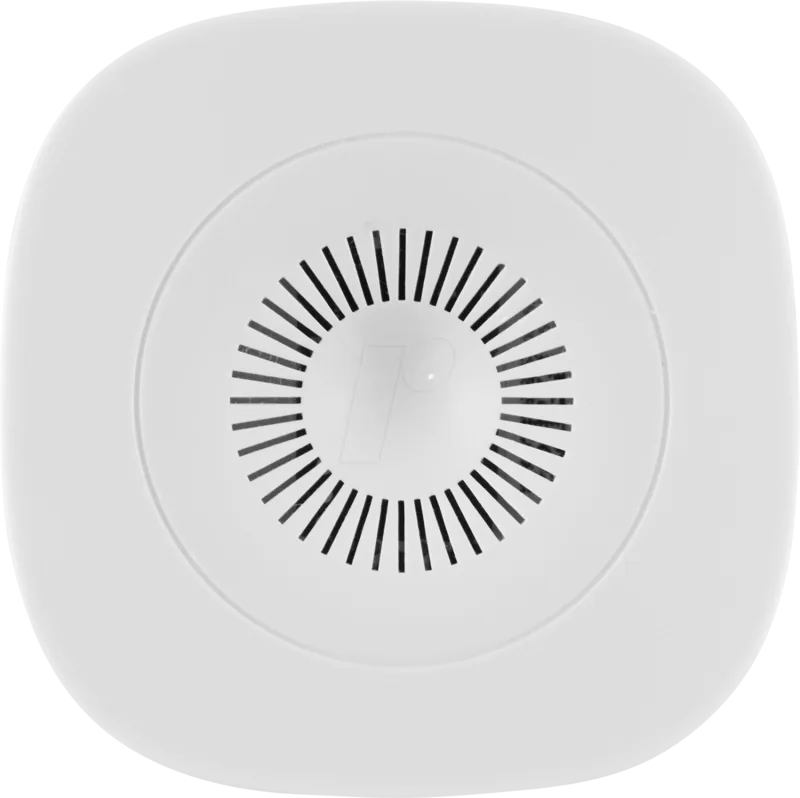
Frient Air Quality Sensor Manual
PDF manual · 2 Pages
English



Quick check
Incorrect answer, please try again.
Chat with your Frient Air Quality Sensor manual using AI
Get instant AI answers from your Frient Air Quality Sensor manual
Ask anything about the Frient Air Quality Sensor. Answers come from this manual, with the pages they are based on.
Ask a Question
Do you recommend Air Quality Sensor?
Yes NoFrequently Asked Questions
The device will blink twice every minute when the battery level is critically low, signaling that replacement is needed immediately.
Is this answer helpful?
Relocate the Air Quality Sensor to an area with better coverage or move your gateway closer. You can also strengthen the signal using a smart plug to boost connectivity.
Is this answer helpful?
Open the casing, press and hold the round menu button inside until the LED flashes numerous times, then release the button to complete the reset process.
Is this answer helpful?
Mount it indoors on a wall between 0-50°C in the room you wish to monitor. Ensure it is reachable for maintenance and away from radiators or electromagnetic fields.
Is this answer helpful?
A flashing red LED indicates that the sensor is actively searching for a Zigbee network to join. Once connected, the light will stop flashing.
Is this answer helpful?
No, you should not paint the sensor as it may interfere with its sensors and functionality. Also, do not remove the product label containing important information.
Is this answer helpful?
Advantages and Disadvantages
Advantages

- Provides continuous real-time monitoring of volatile organic compounds for better health
- Seamlessly integrates with existing Zigbee networks for automated smart home control
- Clear visual LED indicators guide users through setup and status updates easily
- Offers actionable recommendations based on specific TVOC level thresholds
- Compact design allows for flexible wall mounting in various indoor locations
Disadvantages

- Requires careful handling to avoid electrostatic discharge damage during battery changes
- Initial network search can take up to fifteen minutes to complete successfully
- Sensitive placement requirements limit options near heat sources or interference
- Reset procedure requires accessing internal components which may void warranty if done incorrectly
- Battery life alerts require physical access to the device to replace power source
Product Specification
Type
Sensor
Standard
ZigBee 3.0
Function
Air quality, temperature, humidity
Dimensions
2.76x2.76x0.83 in
Features
IP20, battery-powered (2x AA), controllable via app (iOS, Android)
Product Description
Understanding the Frient Air Quality Sensor Luftgütesensor
Maintaining a healthy indoor environment is crucial for long-term well-being, and the Frient Air Quality Sensor Luftgütesensor offers a sophisticated solution for monitoring volatile organic compounds. This device continuously detects VOC levels within your home, providing real-time data that helps prevent adverse health effects caused by poor air quality. By integrating seamlessly into a Zigbee network, it ensures that your living spaces remain clean and safe without requiring constant manual intervention.
The installation process is designed for ease of use, allowing users to mount the sensor on walls in rooms where air quality monitoring is most critical. It operates effectively within a temperature range of 0 to 50 degrees Celsius, making it suitable for various indoor settings. Once batteries are inserted, the unit automatically begins searching for a compatible Zigbee gateway, indicated by a flashing red LED until a successful connection is established. The device provides clear visual feedback through its LED system, guiding users through setup, pairing, and reset procedures.
Battery maintenance is straightforward yet requires attention to detail. When the battery level drops, the sensor blinks twice every minute to alert the user. Replacing the batteries involves opening the casing while being mindful of electrostatic discharge risks. Proper polarity must be respected during replacement to ensure continued operation. For users needing to connect the sensor to a different gateway or resolve abnormal behavior, a factory reset can be performed by holding the internal menu button until specific LED patterns appear.
The sensor categorizes air quality based on TVOC levels, offering recommendations ranging from excellent conditions under 300 micrograms per cubic meter to unhealthy situations exceeding 10,000 micrograms per cubic meter. This detailed feedback empowers homeowners to take immediate action, such as intensifying ventilation when necessary. The product adheres to European directives including the Radio Equipment Directive and RoHS standards, ensuring safety and compliance. Proper disposal at the end of its life cycle is essential to minimize environmental impact as electronic waste.
Important Notes
- Always discharge static electricity before touching internal components.
- Do not paint the sensor or remove the product label.
- Avoid placing the device near radiators or strong electromagnetic fields.
Search for 67,732 Manuals online


Type-in Brand or Model