
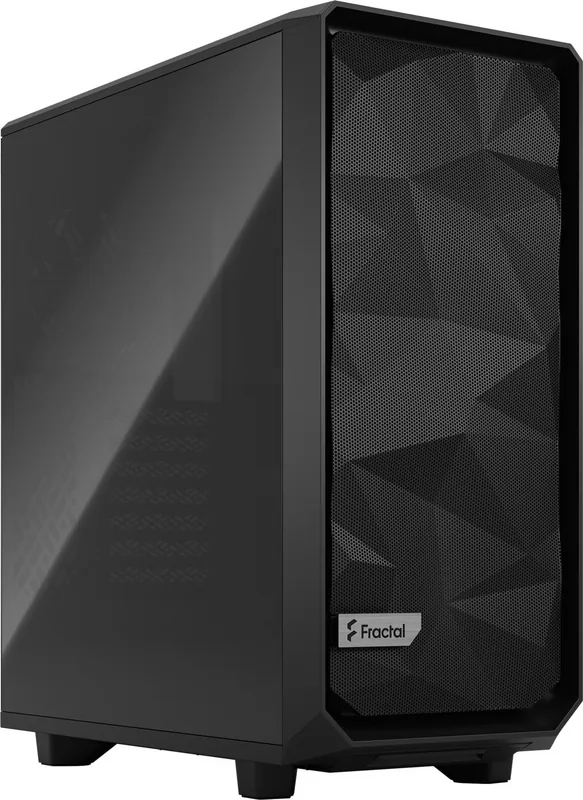
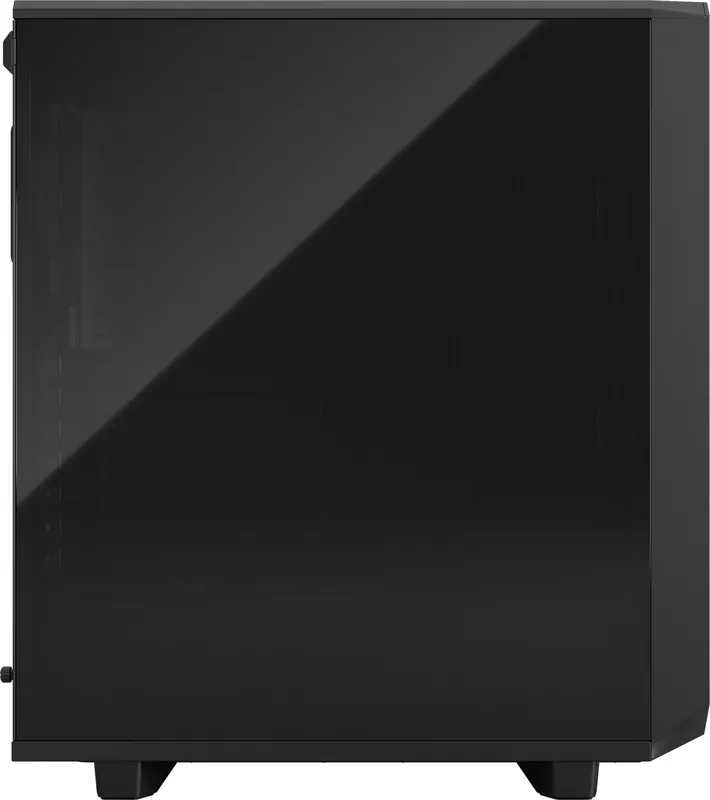
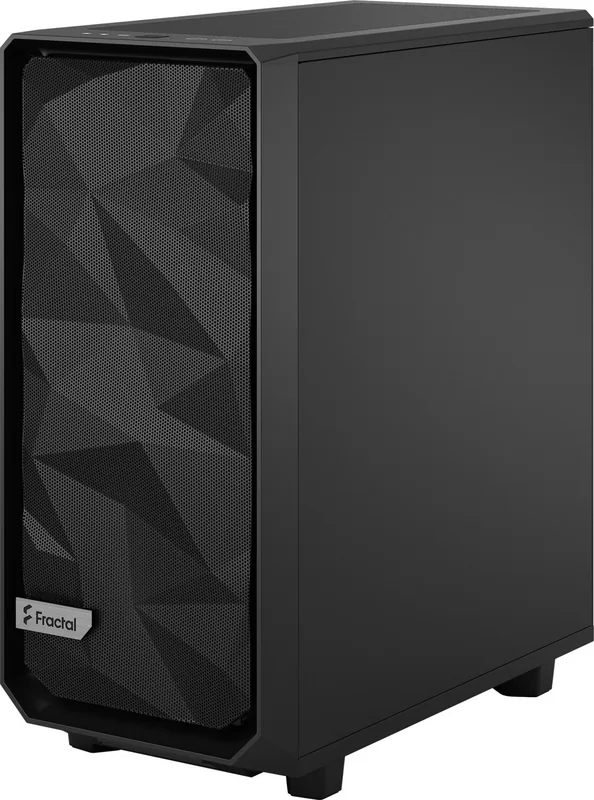
Fractal Design Meshify 2 Compact Manual
PDF manual · 56 Pages
English



Quick check
Incorrect answer, please try again.
Chat with your Fractal Design Meshify 2 Compact manual using AI
Get instant AI answers from your Fractal Design Meshify 2 Compact manual
Ask anything about the Fractal Design Meshify 2 Compact. Answers come from this manual, with the pages they are based on.
Meshify 2 Compact Maintenance Schedule
Remove front and top dust filters to clean accumulated dust. Reattach filters after cleaning to maintain airflow.
Inspect installed fans (Dynamic X2 GP-14/GP-12 or Aspect 12 RGB) for proper rotation and lack of obstruction during maintenance.
Ask a Question
Do you recommend Meshify 2 Compact?
Yes NoFrequently Asked Questions
This case is compatible with ATX, Micro-ATX, and Mini-ITX motherboards, offering great flexibility for different build sizes.
Is this answer helpful?
Fractal Design provides a twenty-four month limited warranty from the date of delivery to the end-user against material defects.
Is this answer helpful?
Yes, the front panel supports a maximum radiator size of 360 mm, though clearance depends on whether you have front fans installed.
Is this answer helpful?
You can fit graphics cards up to 341 mm with front fans installed, or up to 360 mm if you do not install front fans.
Is this answer helpful?
Yes, the package includes one Dynamic X2 GP-12 fan and two Dynamic X2 GP-14 fans pre-installed or ready for setup.
Is this answer helpful?
Filters are located at the front, bottom, and top. They can be removed by hand or with simple tools to wash away accumulated dust.
Is this answer helpful?
Advantages and Disadvantages
Advantages

- Excellent airflow design with mesh front panel
- Supports large GPUs up to 360 mm without front fans
- Modular interior allows for flexible drive configurations
- Includes high-quality Dynamic X2 fans for immediate use
- Easy access to dust filters for simple maintenance
Disadvantages

- Limited GPU length when front fans are installed
- Some optional brackets must be purchased separately
- CPU cooler height limit may restrict very large air coolers
- PSU shroud limits maximum power supply length slightly
- Front filter removal requires tools for full access
Product Specification
Extern
N/A
Intern
2x 2.5"/3.5" (horizontal, drive rails), 2x 2.5", 2x 2.5" (optional)
Ports
1x USB-C 3.1 (10Gb/s, 20-Pin Key-A Header), 2x USB-A 3.0 (5Gb/s), 1x 3.5mm Jack (Line-Out), 1x 3.5mm Jack (Line-In)
PCI Slots
7
Fan (left)
N/A
Fan (right)
N/A
Fan (top)
2x 5.5" (optional)
Fan (bottom)
1x 4.7" (optional)
Fan (other)
N/A
Radiator Sizes
4.7/5.5/9.4/11/14.2" front, 4.7/9.4" top, 4.7" rear, 4.7" bottom
Motherboard
up to ATX
Supported Motherboards
Mini-ITX (6.7"x6.7")/µATX (9.6"x9.6")/ATX (12"x9.6")
PSU Position
bottom
CPU Cooler
max. 6.7" height
Dimensions (WxDxH)
8.3x18.7x16.7"
Volume
1.5 cu ft
Chassis Type
Midi-Tower
Front
Mesh, internal dust filter
Top
partially closed, Mesh, mostly fan grille, internal dust filter
Bottom
partially closed, mostly fan grille, external dust filter
Right
closed
Rear
partially closed, fan grille top right, PCI slots (7x horizontal)
Front I/O Position
Chassis side: top, Height: Front, Position: center
USB Spelling
Link
Product Description
Discover the Fractal Design Meshify 2 Compact Manual
The Fractal Design Meshify 2 Compact is a masterpiece of engineering designed for enthusiasts who demand high performance in a smaller footprint. This case combines sleek aesthetics with exceptional airflow, making it an ideal choice for both gaming rigs and professional workstations. The manual serves as your comprehensive guide to unlocking the full potential of this chassis.
Built with a focus on modularity, the Meshify 2 Compact offers flexible drive configurations and extensive cooling options. Its front panel features a mesh design that ensures optimal air intake while maintaining a clean look. Whether you are installing a massive water cooling loop or building a compact air-cooled system, the internal layout accommodates various hardware sizes with ease.
The case supports ATX, mATX, and ITX motherboards, providing versatility for any build type. With dedicated slots for both 3.5-inch and 2.5-inch drives, storage expansion is straightforward. The included Dynamic X2 fans deliver reliable performance right out of the box, ensuring your components stay cool under load.
Installation is user-friendly thanks to clear instructions found within the documentation. You can easily remove side panels, relocate the hard drive cage, or adjust fan placements to suit your specific needs. Optional steps allow for advanced customization, such as removing inlays to create space for larger radiators or additional fans.
Maintenance is also simplified with accessible dust filters at the front, top, and bottom. Regular cleaning keeps your system running efficiently and extends the lifespan of your hardware. The robust construction and thoughtful design make the Meshify 2 Compact a standout choice in the crowded PC case market.
Key Highlights
- Exceptional airflow due to mesh front panel
- Support for large graphics cards up to 360 mm
- Flexible radiator mounting options including 360 mm front mounts
- Modular drive cages for easy upgrades
Final Thoughts
Owning a Fractal Design Meshify 2 Compact means investing in quality and longevity. The detailed manual ensures you never feel lost during assembly. It transforms what could be a complex task into an enjoyable experience. Enjoy building your dream machine with confidence.
Search for 67,706 Manuals online


Type-in Brand or Model