
Fractal Design Ion Gold Manual
PDF manual · 60 Pages
English



Quick check
Incorrect answer, please try again.
Chat with your Fractal Design Ion Gold manual using AI
Get instant AI answers from your Fractal Design Ion Gold manual
Ask anything about the Fractal Design Ion Gold. Answers come from this manual, with the pages they are based on.
Ask a Question
Do you recommend Ion Gold?
Yes NoFrequently Asked Questions
The product is guaranteed for 84 months from the date of delivery to the end-user against defects in materials and workmanship.
Is this answer helpful?
No, you must only use the included cables or those explicitly approved by Fractal Design. Mixing cables can cause permanent damage to the PSU and connected devices.
Is this answer helpful?
Fractal Design prioritizes low noise. The dynamic fan keeps noise barely perceptible with the case closed, though mechanical noise may increase slightly over time due to wear.
Is this answer helpful?
Follow troubleshooting steps for the motherboard LED being on. Check ATX12V connections, the case power button cable, and disconnect non-essential devices to isolate the fault.
Is this answer helpful?
Yes, it includes protection against over-power, over-voltage, under-voltage, short circuit, over-current, and over-temperature conditions.
Is this answer helpful?
The unit operates between 0°C and 40°C, with support up to 50°C at 80% of full load.
Is this answer helpful?
If adjusting power settings does not reduce loud electrical noise, Fractal Design considers it an acceptable cause for a warranty claim.
Is this answer helpful?
Advantages and Disadvantages
Advantages

- 80 PLUS Gold certification for high energy efficiency
- Fully modular cable design for better cable management
- Comprehensive safety protections including OVP, UVP, and SCP
- Dynamic fan control ensures quiet operation
- Long lifespan with 100,000 hours MTBF rating
Disadvantages

- Fan noise may increase slightly over time due to wear
- Requires specific compatible cables which cannot be mixed
- May be more expensive than non-gold certified units
Product Specification
Fan
140mm
Cable management
fully modular
Average efficiency
90% (according to 80 PLUS certificate, 115V)
Certificates according to manufacturer
80 PLUS Gold (according to manufacturer, 115V)
Certificates according to 80 PLUS
80 PLUS Gold (115V, according to 80 PLUS certificate)
Dimensions (WxHxD)
5.91x3.39x5.91 inches
Manufacturer warranty
7 years
-12V
0.3A
+5Vsb
3A
Number of 12V rails
1
PFC
active
Form factor
ATX PS/2
Specification
ATX 2.52
Features
ErP Lot 6, supports Haswell C6/C7 Low-Power States
Color
black
Product Description
Experience the Fractal Design Ion Gold ATX 2.52 Power Supply
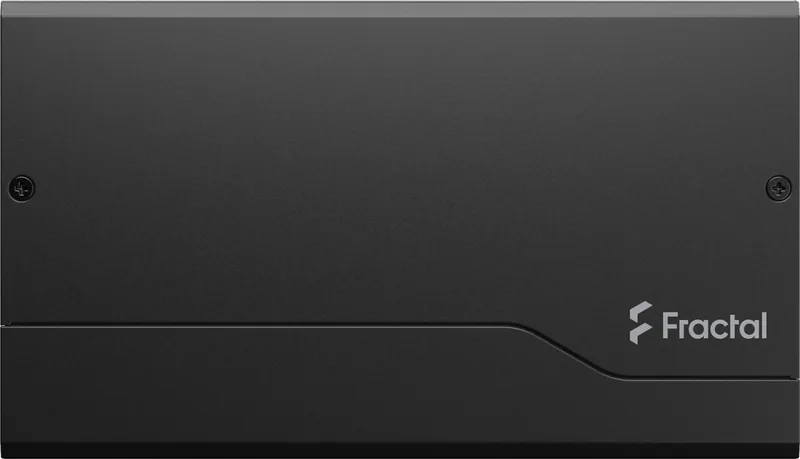
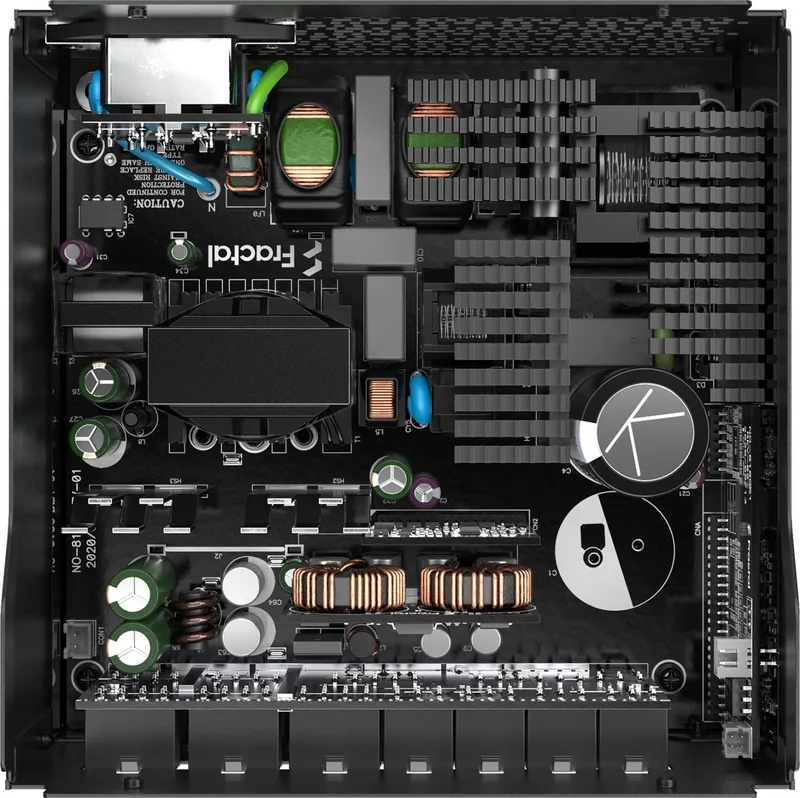
The Fractal Design Ion Gold ATX 2.52 represents a pinnacle of efficiency and reliability for modern computer builds. Designed with a focus on silent operation and high performance, this power supply unit is certified with the 80 PLUS Gold standard, ensuring that your system draws only the energy it needs while wasting minimal power as heat. Whether you are building a high-end gaming rig or a professional workstation, the Ion Gold series provides the stable voltage required to keep your components running smoothly under heavy loads.
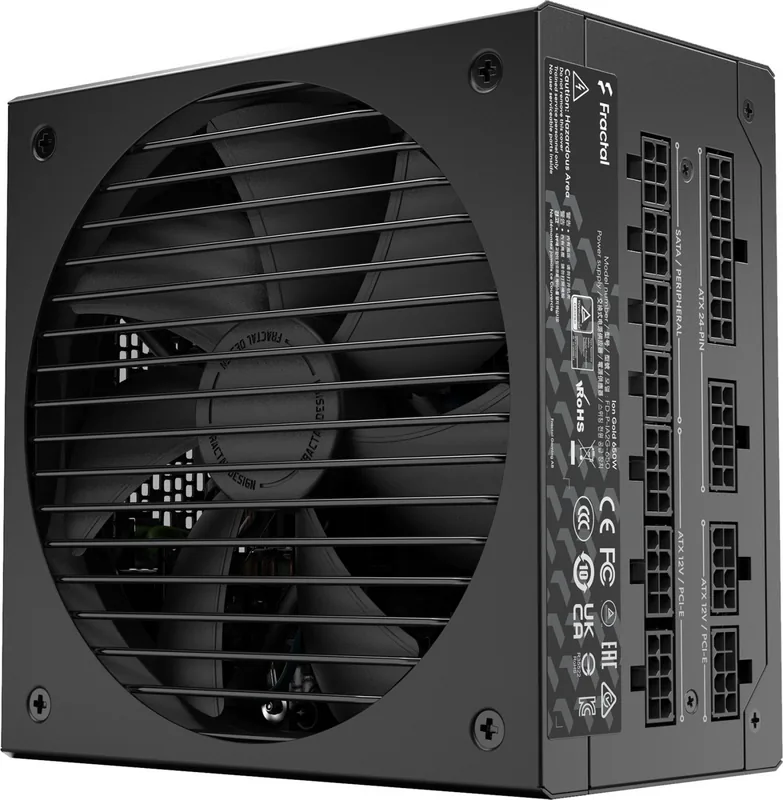
One of the standout features of the Ion Gold series is its modular cable design. This allows users to connect only the cables necessary for their specific hardware configuration, resulting in a cleaner build with improved airflow inside the case. The package includes essential accessories such as Velcro cable ties and a comprehensive mounting screw pack, making installation straightforward and organized. The unit supports various wattages, including 550W, 650W, 750W, and 850W options, catering to a wide range of system requirements without compromising on quality.
Safety is paramount in the design of the Ion Gold ATX 2.52. It comes equipped with multiple protection mechanisms against over-power, over-voltage, under-voltage, short circuits, over-current, and over-temperature conditions. These safeguards ensure the longevity of your expensive internal components. Additionally, the dynamic fan control adjusts the cooling speed based on the load, keeping noise levels low during typical usage while providing adequate cooling when needed. With a mean time between failures (MTBF) rated at 100,000 hours, this power supply is built to last for years of reliable service.
Installation and Maintenance Tips
When installing the unit, always ensure the power cord is disconnected until all connections are verified. Use only the included modular cables to avoid compatibility issues. Regularly clean dust from the fan grille using compressed air to maintain optimal noise levels and efficiency.
Notes
- Always check motherboard compatibility before purchasing.
- Ensure the case has adequate ventilation for the PSU intake.
- Refer to the user guide for specific pinout diagrams.
Search for 67,706 Manuals online


Type-in Brand or Model