
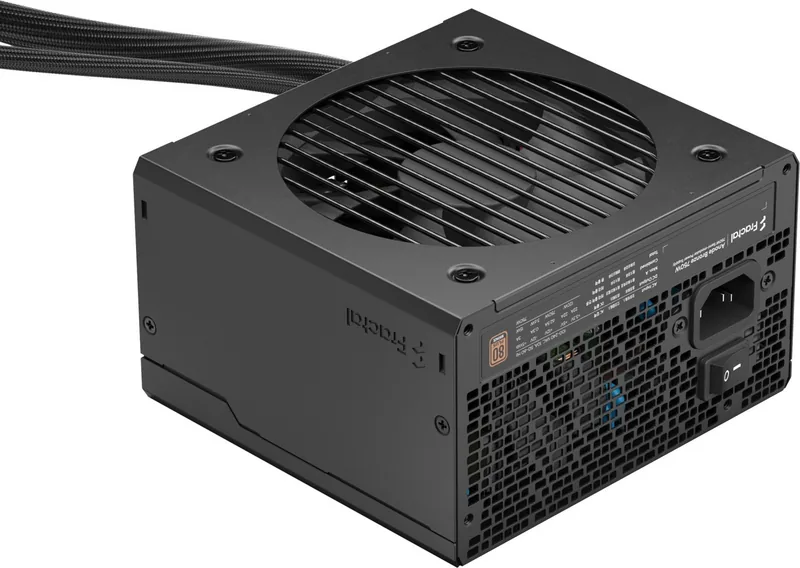
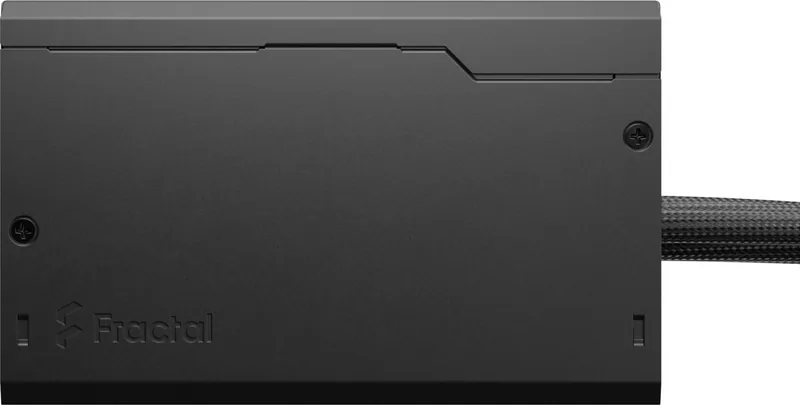
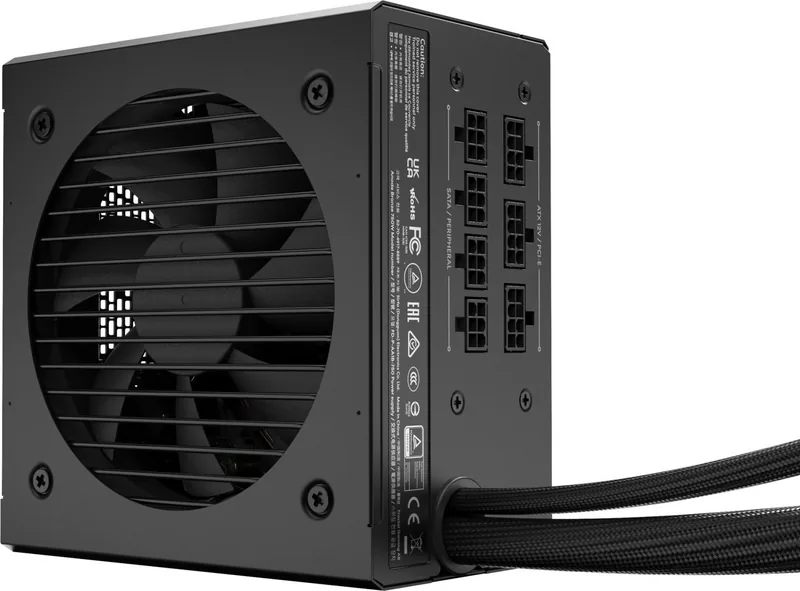
Fractal Design Anode Bronze Manual
PDF manual · 56 Pages
English



Quick check
Incorrect answer, please try again.
Chat with your Fractal Design Anode Bronze manual using AI
Get instant AI answers from your Fractal Design Anode Bronze manual
Ask anything about the Fractal Design Anode Bronze. Answers come from this manual, with the pages they are based on.
Ask a Question
Do you recommend Anode Bronze?
Yes NoFrequently Asked Questions
No, the Anode Bronze series features semi-modular connectivity. The main 24-pin and CPU power cables are fixed, while peripheral cables like PCIe and SATA are modular, allowing you to remove unused cables for better airflow.
Is this answer helpful?
The Fractal Design Anode Bronze comes with a generous 60-month warranty from the date of delivery to the end-user, covering defects in materials and workmanship.
Is this answer helpful?
Yes, the ATX 24-pin connector splits into 20+4 pins, and the EPS12V splits into 4+4 pins, ensuring compatibility with both modern and older motherboard standards.
Is this answer helpful?
Absolutely. It accepts an AC input range of 100-240VAC at 50-60 Hz, making it safe and functional in most countries worldwide without needing a transformer.
Is this answer helpful?
First check if the motherboard standby LED is lit. If yes, verify ATX12V connections and the case power button. If no, check the wall outlet and ensure the PSU rear switch is ON.
Is this answer helpful?
Yes, if you have adjusted power load settings and driver options like C1E or vsync and the noise persists, Fractal Design considers loud electrical noise a valid warranty claim.
Is this answer helpful?
Fan noise typically increases due to wear or dust accumulation. Cleaning with compressed air often helps. If it remains excessively noisy on a new unit, contact the reseller.
Is this answer helpful?
Advantages and Disadvantages
Advantages

- 80 PLUS Bronze certified for high energy efficiency
- Comprehensive multi-protection features including OVP and SCP
- Modular cable design for easier cable management
- Long-life sleeve bearing fan for quiet operation
- 60-month warranty coverage for peace of mind
Disadvantages

- Sleeve bearing fans may be noisier than fluid dynamic bearings over time
- Non-modular power cables might not suit every aesthetic preference
- Limited to 80 PLUS Bronze tier compared to Gold or Platinum options
- Fan noise may increase slightly with dust accumulation over years
- May require specific cable management tools for optimal installation
Product Specification
Fan
120mm
Cable Management
Semi-modular
Connectors
1x 20/24-Pin, 1x 4/8-Pin ATX12V, 2x 6/8-Pin PCIe, 5x SATA, 2x IDE
Manufacturer Certifications
80 PLUS Bronze (manufacturer stated, 115V)
Manufacturer Warranty
5 Years
-12V
0.3A
+5Vsb
3A
Number of 12V Rails
1
PFC
Active
Form Factor
ATX PS/2
Specification
ATX 2.52
Features
ErP Lot 6, supports Haswell C6/C7 Low-Power States
Color
Black
Product Description
Experience Reliable Power with the Fractal Design Anode Bronze ATX 2.52
The Fractal Design Anode Bronze series represents a perfect balance between performance, efficiency, and value for modern PC builders. Designed to power high-performance systems without breaking the bank, these power supplies feature an 80 PLUS Bronze certification, ensuring that your system operates efficiently while minimizing energy waste. The unit utilizes a long-life sleeve bearing fan, providing quiet operation that keeps your build silent even under load.
Built with safety as a priority, the Anode Bronze includes comprehensive protection against over-power, over-voltage, under-voltage, short circuits, over-current, and over-temperature conditions. This robust safety suite ensures the longevity of your expensive components like CPUs and graphics cards. The modular cable design allows for cleaner builds by letting you connect only the cables you need, reducing clutter inside your case and improving airflow.
Installation is straightforward thanks to clear labeling on all connectors. Whether you are upgrading an existing rig or building a new one from scratch, the included ATX 24-pin, EPS12V, PCI-E, and SATA connectors cover all standard requirements. The unit supports a wide input voltage range of 100-240VAC, making it suitable for use in various regions around the globe. With a Mean Time Between Failures (MTBF) of 100,000 hours, this power supply is built to last through years of heavy usage.
Important Notes
Always ensure the power switch on the back of the unit is set to ON before connecting the AC cord. Never attempt to open the enclosure yourself, as internal capacitors can hold hazardous voltages. If you experience noise issues, try adjusting power-saving settings in your BIOS or GPU drivers before assuming a defect.
Search for 67,706 Manuals online


Type-in Brand or Model