
FLIR E96 Manual
PDF manual · 117 Pages
English



Quick check
Incorrect answer, please try again.
Chat with your FLIR E96 manual using AI
Get instant AI answers from your FLIR E96 manual
Ask anything about the FLIR E96. Answers come from this manual, with the pages they are based on.
Ask a Question
Do you recommend E96?
Yes NoFrequently Asked Questions
The camera saves fully radiometric JPEG files that include thermal and visual information for post-processing. It can also save a separate low-resolution visual JPEG. File naming defaults to FLIRxxxx.jpg and UltraMax images store multiple captures in one file.
Is this answer helpful?
Allow the camera to warm up for a few minutes before measuring, adjust focus carefully (manual or autofocus), set appropriate emissivity and atmospheric parameters, and use manual image adjustment or auto-adjust regions to center the thermal span on the target. Annual calibration is recommended.
Is this answer helpful?
Yes. The E96 supports Wi‑Fi and Bluetooth connections and can pair with FLIR Ignite for automatic or manual uploads. Bluetooth tethering is suitable for single-image uploads; Wi‑Fi is recommended for larger transfers and videos.
Is this answer helpful?
For models with exchangeable lenses, the E96 includes an AutoCal procedure so users can calibrate a new lens–camera combination using the supplied calibration target. Factory-shipped lenses are pre-calibrated.
Is this answer helpful?
Do not look into the laser or point it at faces when laser autofocus or continuous AF is enabled. Follow all battery handling cautions: use approved chargers, avoid extreme temperatures, do not short-circuit terminals, and follow MSDS guidance for liquids.
Is this answer helpful?
You can move files using a USB‑C to USB‑A or USB‑C to USB‑C cable while the camera is on, or remove the SD card and use a card reader. USB charging from a computer is slower; use a dedicated charger for faster battery charging.
Is this answer helpful?
Adjusting correct focus, using manual image adjustments or auto-adjust regions, selecting suitable color palettes and temperature ranges, performing NUC (non-uniformity correction), and enabling UltraMax (if supported) enhance image clarity and measurement reliability.
Is this answer helpful?
Advantages and Disadvantages
Advantages

- High-quality radiometric JPEGs and UltraMax enhancement for improved resolution and noise reduction.
- Laser-assisted distance meter and autofocus options (contrast or laser) to aid accurate focusing and measurements.
- Built-in connectivity with Wi‑Fi/Bluetooth and FLIR Ignite for cloud upload, sharing, and cross-device access.
- Interchangeable lenses with user AutoCal calibration and strong image annotation/editing tools on device.
- Ergonomic design with touchscreen, programmable button, USB‑C, and multiple battery charging options.
Disadvantages

- Laser use requires safety precautions; avoid pointing at people’s faces when laser autofocus or continuous AF is enabled.
- Some advanced features (e.g., UltraMax, laser distance meter, lens exchange) depend on model/options and market availability.
- Charging via USB from a computer is slower than dedicated chargers; battery charging temperature limits apply.
- Manual image adjustments and correct focus are required for best measurement accuracy—requires operator training.
- Memory card organization differences risk data loss if cards are shared between different camera types.
Product Specification
Camera
640x480 (max. sensor resolution), 640x480 (max. display resolution)
Display
Touchscreen
Features
USB, Picture-In-Picture, 8x digital zoom, Laser spot
Smart Home
App control (Wi-Fi, Bluetooth)
Power supply
Battery operation (Li-ion)
Dimensions
4.45x10.94x4.57 in (WxHxD)
Weight
2.18 lb
Product Description
FLIR E96 Thermal Camera — Powerful, Professional Imaging
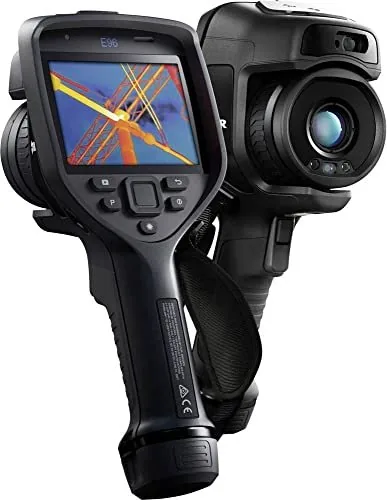
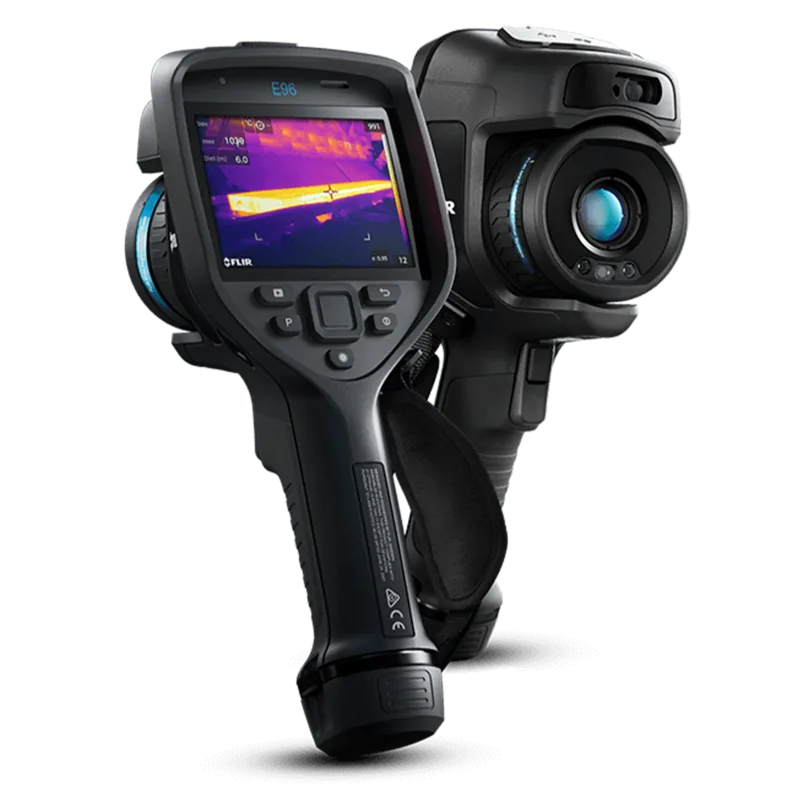
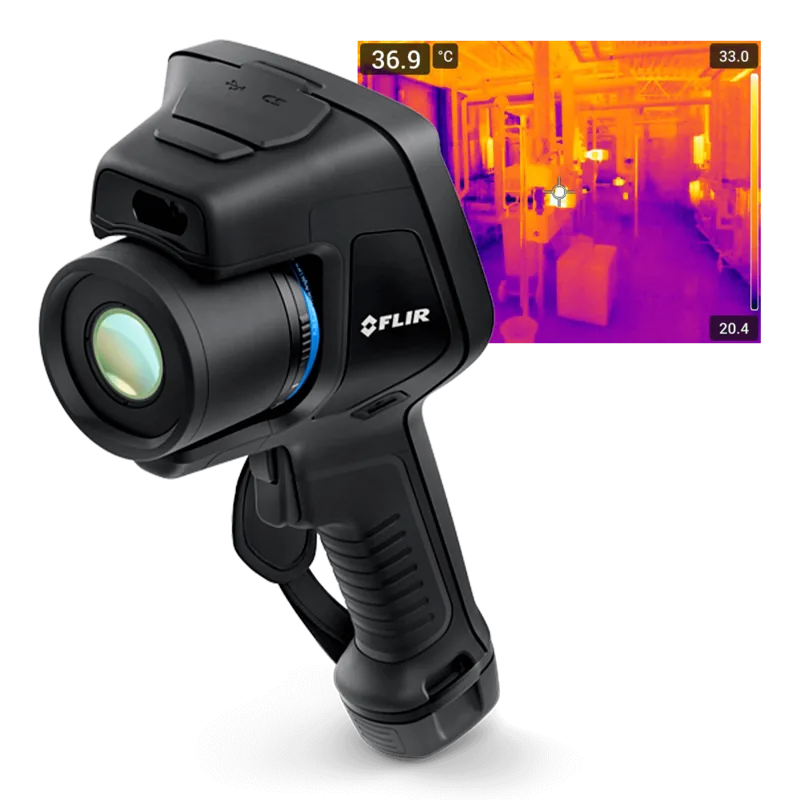
The FLIR E96 Thermal Camera is a high-performance handheld infrared imager designed for professionals who need accurate, radiometric thermal data in the field. Combining a sensitive thermal detector, interchangeable lens options, and integrated visual imaging, the E96 delivers detailed thermal inspection capabilities for building diagnostics, electrical and mechanical inspections, preventive maintenance, and research tasks. Its design emphasizes usability: an ergonomic body, touchscreen with a clear menu system, programmable button, and robust battery and storage options make it simple to capture, annotate, and manage thermal images on site.
Equipped with laser-assisted distance measurement and autofocus options (contrast or laser-based), the camera helps ensure correct focus and supports area and distance-based calculations for more reliable measurements. The E96 supports UltraMax image enhancement to increase apparent resolution and reduce noise, while saving fully radiometric JPEG files for post-processing in FLIR software. Image overlays retain critical metadata—emissivity, atmospheric conditions, object distance—so each saved image contains the necessary context for later analysis or reporting.
Connectivity and cloud workflows are built in: Wi‑Fi and Bluetooth pairing let you upload images to FLIR Ignite for secure cloud storage, sharing, and basic editing across devices. The camera also supports USB-C transfer, SD card storage, and integration with FLIR Ignite Sync for PC-based syncing. The intuitive gallery and folder system on the device makes filing, previewing, editing, and annotating images straightforward; annotation tools include notes, voice, tables, and sketches.
The E96 prioritizes safe, reliable operation. It includes detailed safety guidance for battery handling and laser use, an IP-style sealing requirement for enclosure integrity, and features like a lamp/flash, programmable buttons, and customizable image adjustment modes (auto/manual, auto-adjust regions, custom palettes). Quick-start procedures cover battery charging, initial setup, focus adjustment, and image capture so users can begin reliable inspections quickly.
For professionals needing repeatable, documented thermal inspections, the FLIR E96 offers a balanced mix of advanced imaging features and field-ready practicality. It’s engineered for accurate radiometric capture, flexible workflows, and straightforward integration with FLIR’s analysis and cloud tools.
Notes
- Always follow safety warnings: avoid direct eye exposure to the laser and observe battery handling cautions.
- For best accuracy, let the camera stabilize for several minutes before critical measurements and consider annual calibration.
- Use an empty or dedicated memory card to avoid file-organization conflicts with other camera types.
Search for 67,706 Manuals online


Type-in Brand or Model