
Flex DD 2G 18.0-EC Manual
PDF manual · 366 Pages
English



Quick check
Incorrect answer, please try again.
Chat with your Flex DD 2G 18.0-EC manual using AI
Get instant AI answers from your Flex DD 2G 18.0-EC manual
Ask anything about the Flex DD 2G 18.0-EC. Answers come from this manual, with the pages they are based on.
DD 2G 18.0-EC Maintenance Schedule
Remove conductive dust from housing interior using dry compressed air while running the tool. Frequency depends on material and usage duration.
Unplug mains first. Remove dirt and dust from the charger housing with a brush or dry cloth. Do not use water or liquid cleaners.
Ask a Question
Do you recommend DD 2G 18.0-EC?
Yes NoFrequently Asked Questions
The tool delivers a maximum torque of 90 Nm in hard screwdriving cases and 56 Nm in soft cases, making it suitable for heavy-duty fastening tasks.
Is this answer helpful?
No, the Solo version does not include a battery or charger. You must purchase these separately or use compatible existing Flex 18V units.
Is this answer helpful?
This model is a standard drill driver and lacks an impact function. It is designed for wood, metal, and plastic but not for impact drilling in masonry.
Is this answer helpful?
Press the button on the state of charge indicator. The LEDs will display the current level; if one flashes, the battery needs recharging.
Is this answer helpful?
Yes, the product comes with a manufacturer warranty. Refer to the official Flex website or your dealer for specific terms and conditions regarding coverage.
Is this answer helpful?
Advantages and Disadvantages
Advantages

- High torque output of up to 90 Nm for demanding applications
- Variable speed control with a max of 6000 rpm for versatility
- Integrated workplace lighting improves visibility in dark areas
- Compact and lightweight design at 1.5 kg reduces user fatigue
- Includes L-Boxx for organized storage and easy transport
Disadvantages

- Battery not included in the solo version requires separate purchase
- Charging time can take up to 45 minutes for full capacity
- No impact function limits use on masonry and concrete
- Requires specific original batteries for optimal performance
- Noise level may require ear protection in prolonged use
Product Specification
Type
Screwdriver
Battery
18V, Li-Ion
No-load speed
0-600/0-2300/rpm
Drilling capacity
Wood 2.36in, Steel 0.51in
Torque
49.6/79.4lb-ft soft/hard, 24 settings (23+1)
Chuck
0.06-0.51in keyless chuck
Features
Forward/reverse, variable speed, 2-speed, torque adjustment, battery level indicator, LED work light, soft grip, anti-restart protection, quick stop, motor brake, belt clip, auto-lock, bit holder
Weight
3.31lbs (without battery)
Package contents
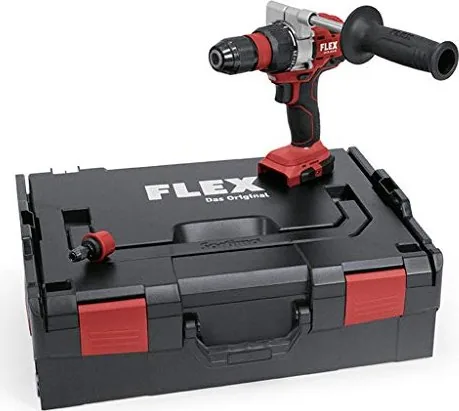
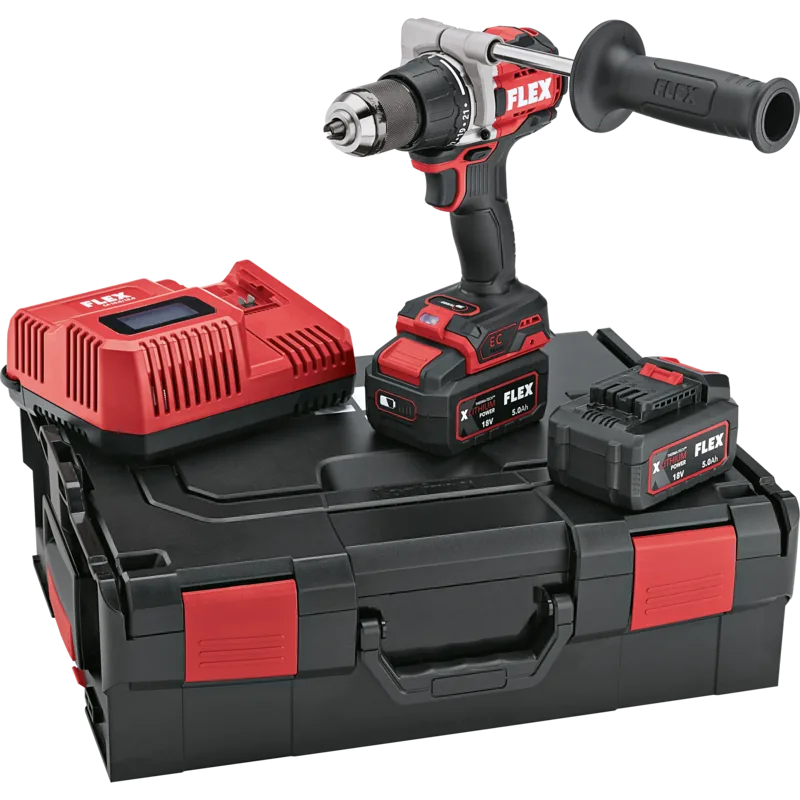
Without charger and battery, includes L-Boxx
Product Description
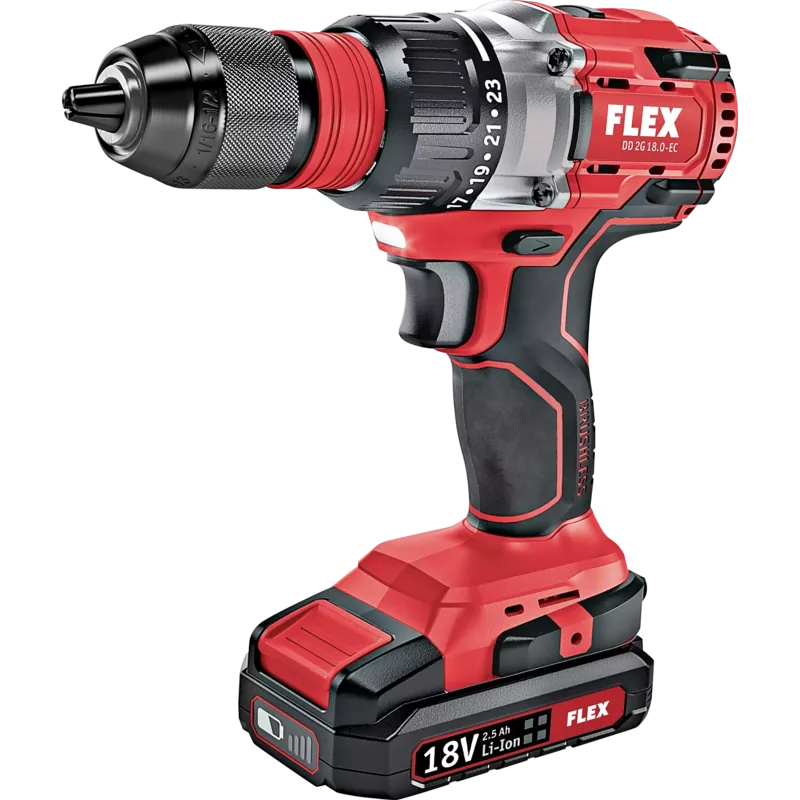
Elevate Your Workshop with the Flex DD 2G 18.0-EC Cordless Screwdriver
The Flex DD 2G 18.0-EC Cordless Screwdriver Solo incl. L-Boxx represents a significant leap in professional cordless power tool technology. Designed specifically for commercial use in both industry and trade, this versatile machine is built to handle the rigors of daily demanding tasks. Whether you are driving screws into soft wood or drilling into hard metal, this tool delivers consistent performance and reliability that professionals expect.
At the heart of the DD 2G 18.0-EC is its robust 18-volt lithium-ion battery system. The included L-Boxx ensures organized transport and storage, keeping your accessories safe and your workspace tidy. The drill driver features a powerful motor capable of reaching speeds up to 6000 rpm, allowing for rapid material penetration. With a maximum torque of 90 Nm in hard screwdriving scenarios, it effortlessly handles large fasteners without stalling.
User safety is paramount in the design of this unit. The insulated grip surfaces protect against hidden wiring, while the integrated brake stops the chuck instantly upon releasing the trigger. The device includes a work light that illuminates dark workspaces automatically when activated, reducing eye strain and improving precision. The ergonomic handle reduces fatigue during extended periods of use, making it ideal for long shifts on construction sites or in manufacturing plants.
Versatility is another key strength. The keyless chuck accepts bits ranging from 1.5 mm to 13 mm, accommodating a wide variety of drills and drivers. The torque settings allow users to switch between delicate screwdriving operations and aggressive drilling modes with ease. For those needing even more reach, the tool supports various attachments like angle heads and bit holders, expanding its utility for tight spaces.
Maintaining the Flex DD 2G 18.0-EC is straightforward. Regular cleaning with dry compressed air prevents dust buildup, especially when working with metals. The battery management system provides clear LED indicators for charge levels, ensuring you never run out of power unexpectedly. By adhering to the recommended charging protocols and avoiding extreme temperatures, users can maximize the lifespan of their investment.
Key Notes
- Always wear protective eyewear when operating the tool.
- Ensure the battery is fully charged before first use.
- Store the tool in a dry environment to prevent corrosion.
- Use only original Flex batteries to maintain warranty and safety standards.
Search for 67,732 Manuals online


Type-in Brand or Model