
Flex CA 10.8/18.0 Manual
PDF manual · 112 Pages
English



Quick check
Incorrect answer, please try again.
Chat with your Flex CA 10.8/18.0 manual using AI
Get instant AI answers from your Flex CA 10.8/18.0 manual
Ask anything about the Flex CA 10.8/18.0. Answers come from this manual, with the pages they are based on.
CA 10.8/18.0 Maintenance Schedule
Check the battery charger, cable and plug before every use. If damage is detected, do not use the device.
Remove dirt and dust from the housing using a paint brush or dry cloth. Do not use water or liquid detergents.
Ask a Question
Do you recommend CA 10.8/18.0?
Yes NoFrequently Asked Questions
It supports FLEX AP 10.8 batteries in 2.5 Ah, 4.0 Ah, and 6.0 Ah capacities, plus FLEX AP 18.0 batteries in 2.5 Ah and 5.0 Ah capacities. Use only compatible original battery packs.
Is this answer helpful?
Typical times are 40 minutes for AP 10.8 2.5 Ah, AP 10.8 4.0 Ah, and AP 18.0 2.5 Ah batteries. The AP 10.8 6.0 Ah takes about 55 minutes, and the AP 18.0 5.0 Ah takes about 45 minutes.
Is this answer helpful?
During normal charging, orange backlighting means the battery is below 80 percent charged. If the display flashes slowly with orange backlighting, the battery is too hot or too cold and charging waits until the temperature is within range.
Is this answer helpful?
A rapidly flashing red display indicates a possible fault. Remove and reinsert the battery. If the warning remains, the battery may be defective. If it also appears with another compatible battery, have the charger inspected by an authorized service center.
Is this answer helpful?
No. The charger is intended for indoor use only. Keep it away from rain, moisture, and high-humidity environments to reduce the risk of electric shock and equipment damage.
Is this answer helpful?
Disconnect it from the mains first. Remove dust and dirt from the housing with a dry cloth or soft brush. Do not use water or liquid cleaning products.
Is this answer helpful?
Advantages and Disadvantages
Advantages

- Charges selected FLEX AP 10.8 V and 18.0 V battery packs with one unit.
- Display shows estimated charge time remaining and a graphic battery charge status.
- Green and orange backlighting makes key charging milestones easy to identify.
- Typical charging times range from 40 to 55 minutes, depending on battery type and state.
- Temperature and fault indicators help users identify batteries that need attention.
Disadvantages

- Compatible only with specified FLEX AP 10.8 and AP 18.0 battery models.
- Designed for indoor use and must be protected from rain and moisture.
- Requires 220-240 V mains power, which may limit use in regions with different supply voltage.
- Charging should not take place below 0 C or above 55 C.
- A flashing red warning requires troubleshooting or authorized service inspection.
Product Specification
Type
Battery charger
Suitable for
Flex
Battery voltage
10.8-18 V
Battery type
Lithium-ion
Special features
Air cooling
Weight
1.96 lb
Product Description
Flex CA 10.8/18.0 Charger - Read, Download & Print Free
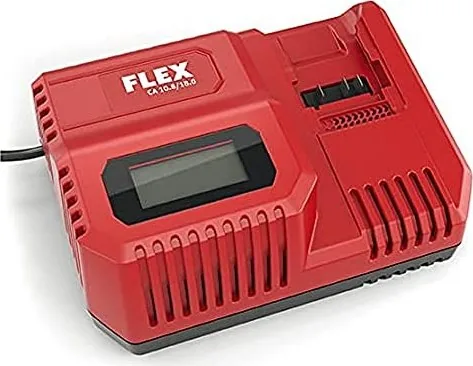
The Flex CA 10.8/18.0 Charger is a practical power solution for users who work across compatible FLEX 10.8 V and 18.0 V cordless battery systems. Built for workshop, trade, and home use, it supports selected AP battery packs while providing clear charging information through its integrated display. Its compact 0.89 kg design makes it easy to position on a bench or carry between jobs.
Compatible FLEX Battery Platforms
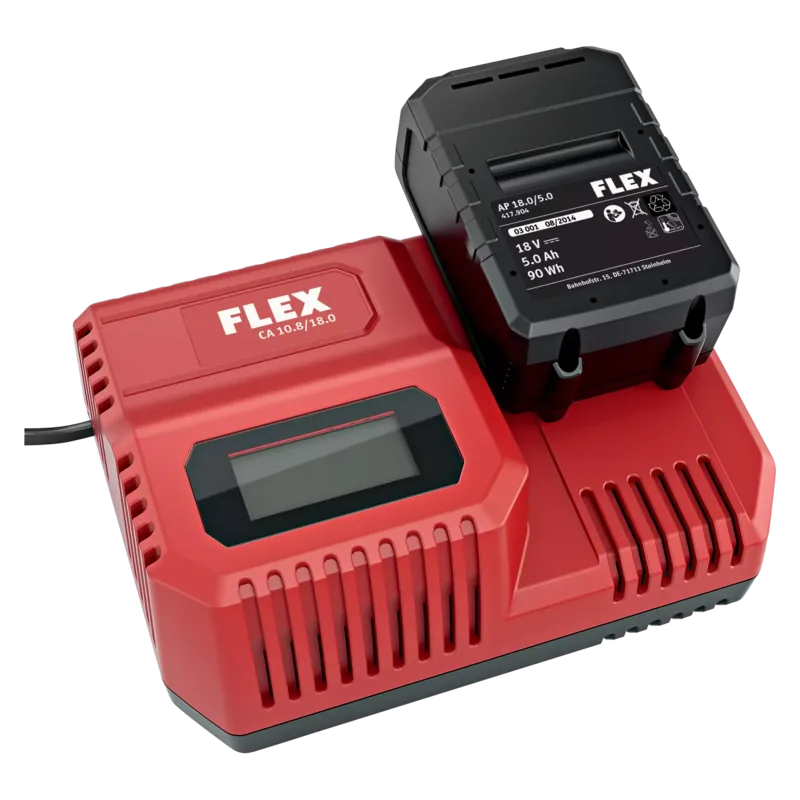
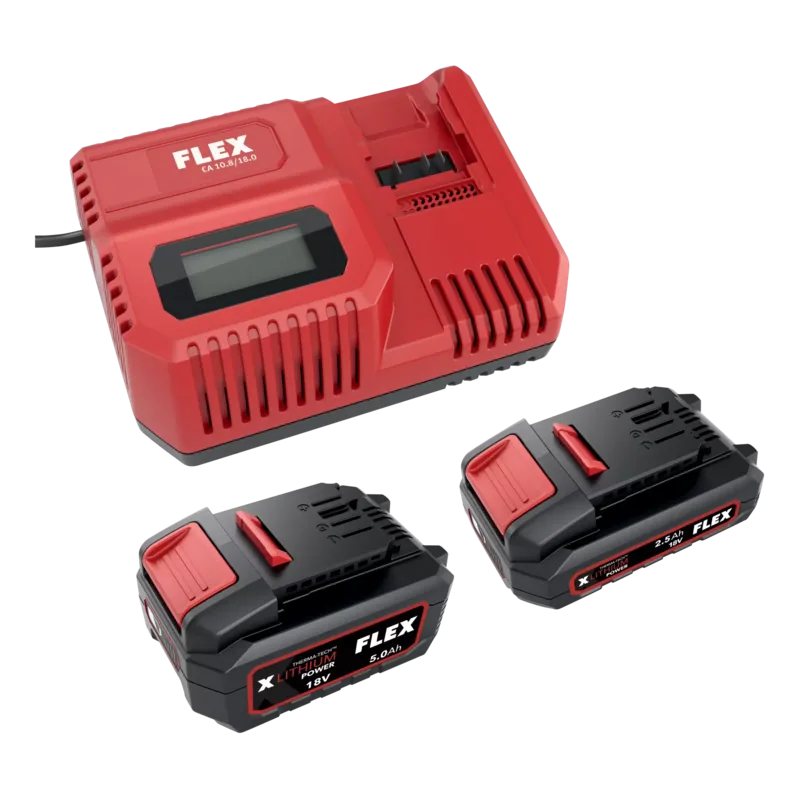
This charger is designed for FLEX AP 10.8 batteries in 2.5 Ah, 4.0 Ah, and 6.0 Ah capacities, plus AP 18.0 batteries in 2.5 Ah and 5.0 Ah capacities. Supporting both voltage platforms helps reduce charger clutter for users with a mixed FLEX cordless tool collection. Always confirm that the battery type and voltage match the charger before connecting it.
Clear Charging Status at a Glance
A backlit display gives useful feedback throughout the charge cycle. When power is connected, the display briefly lights green and shows "OK." Once a battery is fitted securely, it alternates between the estimated time remaining and a graphic charge-level display. Orange backlighting indicates a battery below 80 percent, while green lighting and "OK" indicate it has reached at least 80 percent charge.
Typical charging times are about 40 minutes for AP 10.8 2.5 Ah and 4.0 Ah packs, 55 minutes for the AP 10.8 6.0 Ah pack, 40 minutes for the AP 18.0 2.5 Ah pack, and 45 minutes for the AP 18.0 5.0 Ah pack. Actual timing depends on the battery's existing charge level and temperature.
Built-In Temperature and Fault Guidance
The CA 10.8/18.0 helps users identify common charging issues. A slowly flashing orange display means the battery is too hot or too cold, and charging begins after it returns to the acceptable charging range of 0 to 55 C. A rapidly flashing red display signals a potential battery or charger fault. Reinserting the battery can help confirm the issue; persistent warnings should be checked by an authorized service center.
Safe Everyday Charging
Designed for indoor use, the charger operates from 220-240 V, 50-60 Hz power. Keep it dry, clean, uncovered, and away from soft surfaces during operation. Inspect the cord, plug, and housing before use, and disconnect the mains plug after charging. Clean dust from the housing only with a dry cloth or brush.
Notes
- Use original compatible FLEX batteries only.
- Do not charge in wet, very hot, or poorly ventilated areas.
- Never use a damaged charger, cable, plug, or battery.
- Arrange recycling through appropriate electrical and battery collection channels.
Search for 67,732 Manuals online


Type-in Brand or Model