
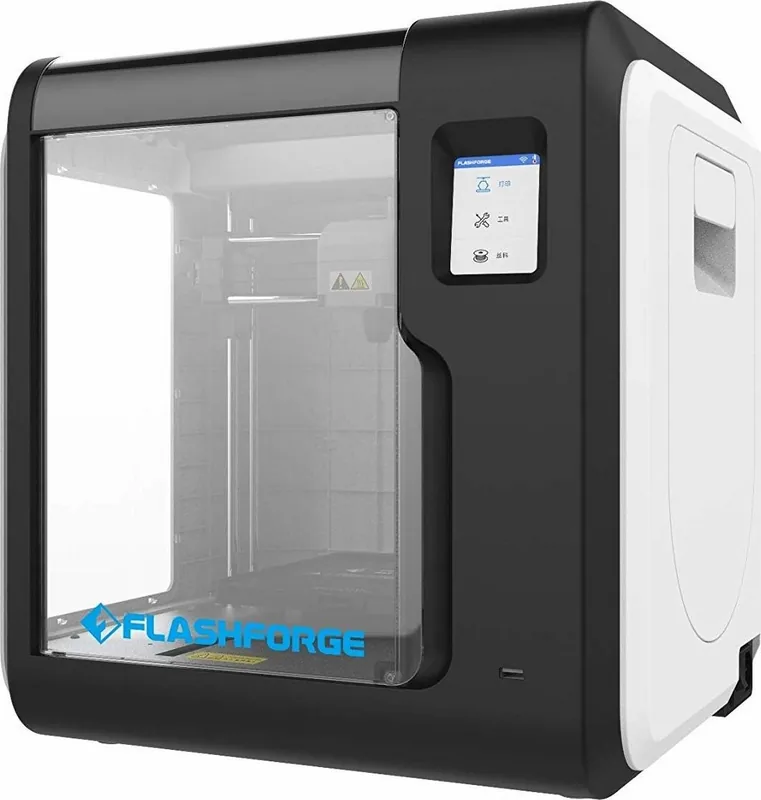
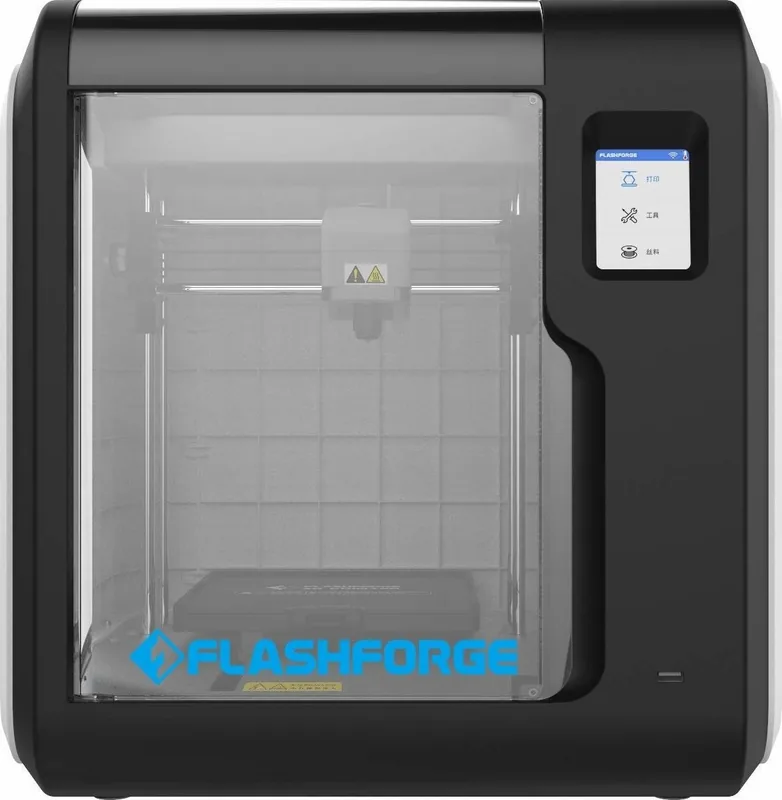
Flashforge Adventurer Series Manual
PDF manual · 52 Pages
English



Quick check
Incorrect answer, please try again.
Chat with your Flashforge Adventurer Series manual using AI
Get instant AI answers from your Flashforge Adventurer Series manual
Ask anything about the Flashforge Adventurer Series. Answers come from this manual, with the pages they are based on.
Ask a Question
Do you recommend Adventurer Series?
Yes NoFrequently Asked Questions
Heat the nozzle to the printing temperature, trim the filament end, and reinsert. If stuck, use the unclogging pin tool or replace the nozzle entirely.
Is this answer helpful?
Check if the network name or password contains special characters. Remove them and try connecting again with standard alphanumeric codes.
Is this answer helpful?
ABS releases toxic gases. Enable internal circulation filtration and ensure the room is well-ventilated during and after printing.
Is this answer helpful?
Yes, other brands work but may require parameter adjustments due to temperature differences between materials.
Is this answer helpful?
Yes, automatic leveling is recommended to ensure high print quality as installation may cause slight errors.
Is this answer helpful?
The drive might not be formatted to FAT32. Reformat it to FAT32 to ensure the printer can recognize the files.
Is this answer helpful?
Do not power off the device or disconnect from the network during the download or update process to prevent failure.
Is this answer helpful?
Advantages and Disadvantages
Advantages

- Automatic one-click leveling ensures consistent first layer adhesion
- Smart touch screen interface simplifies navigation for all skill levels
- Internal and external air filtration protects against harmful fumes
- Power loss recovery system resumes prints after unexpected outages
- Cloud connectivity enables remote monitoring and file transfer
Disadvantages

- FlashPrint slicing software is closed source limiting customization
- FAT32 format required for USB drive compatibility with printer
- Nozzle replacement requires careful alignment and calibration afterward
- Filament storage must be dry to prevent absorption issues
- Wi-Fi setup may fail if names contain special characters
Product Specification
Process
Fused Filament Fabrication (FFF)
Z Accuracy
0.0001 in
Control
Touchscreen, 8 GB Internal Memory, optional via Computer, optional via Cloud
Product Description
Discovering the Flashforge Adventurer 5M Pro
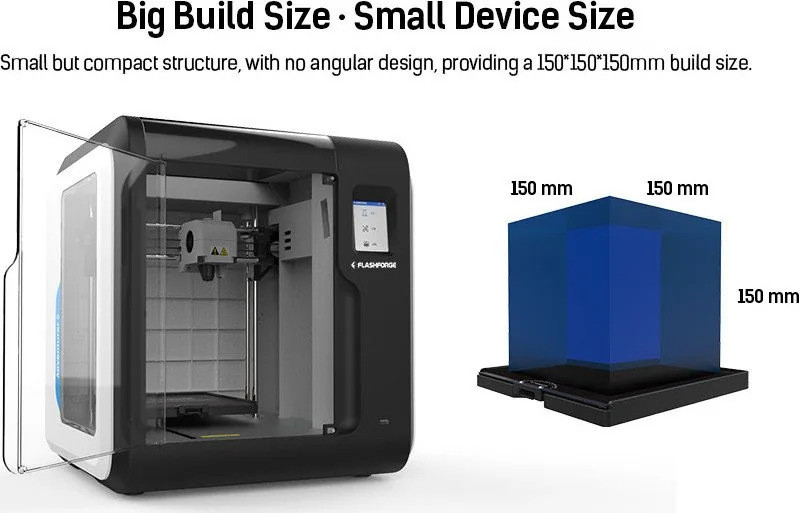
The Flashforge Adventurer 5M Pro represents a significant leap in accessible additive manufacturing. Consulting the Flashforge Adventurer Manual is the first step for workspace integration. This device combines speed with precision, offering a 220 by 220 by 220 mm build volume. A 4.3-inch smart touch screen simplifies interface navigation for operators. Safety protocols emphasize avoiding contact with the heating nozzle. Users must remove gloves to prevent entanglement with moving parts.
The extruder supports temperatures up to 280 degrees Celsius, enabling PLA, PETG, and ABS use. Connectivity includes USB, Wi-Fi, and Ethernet options. Remote monitoring allows checking progress via cloud services. Filament run-out detection stops the print if the roll is exhausted. Power loss recovery ensures interrupted jobs resume without losing material. The system initializes with one-click auto leveling to guarantee the first layer adheres correctly. The build platform reaches a max temperature of 110 degrees. This ensures strong adhesion for all materials.
Maintenance routines are essential for longevity. Lubricating guide rails every two hundred hours prevents wear. Air filtration reduces fumes generated by materials like ABS, protecting the environment. Proper storage of filament in a dry box prevents moisture absorption. Users can choose from different nozzle diameters such as 0.4 or 0.6. Slicing software like OrcaSlicer offers customization while FlashPrint 5 provides an easier path. Model removal is facilitated by a flexible PEI steel plate. If connectivity fails, steps are available to reset network settings. The guide warns against modifying the machine to preserve warranty. Always keep the workspace clean and free of combustible dust. This machine is suitable for diverse applications ranging from education to prototyping. Filter cotton must be replaced every 300 hours or when darkened. Cleaning debris keeps the chamber clean.
Unboxing requires patience to ensure no packaging remains inside the chamber. Installing the spool holder is a simple process secured by screws. Unlocking the build plate involves removing four screws for model removal. The initial print serves as a calibration check for use. Network connection requires password without special characters. USB drives must be FAT32 to be recognized properly. If the nozzle blocks, heating it can clear the obstruction. Replacing the nozzle requires a click sound for a secure fit. Firmware updates should be performed over the network. Keeping distance between the extruder and build plate prevents clogs. Regular cleaning of the chamber removes debris that could interfere with movement.
Electrical grounding prevents leakage risk. Avoid rain or thunderstorms while operating.
Search for 67,706 Manuals online


Type-in Brand or Model