
Fat Shark Dominator HD Manual
PDF manual · 12 Pages
English



Quick check
Incorrect answer, please try again.
Chat with your Fat Shark Dominator HD manual using AI
Get instant AI answers from your Fat Shark Dominator HD manual
Ask anything about the Fat Shark Dominator HD. Answers come from this manual, with the pages they are based on.
Dominator HD Maintenance Schedule
Test both AV and RC controls before flying.
Keep the goggles in their protective case and out of direct sunlight to prevent LCD color-filter damage.
Ask a Question
Do you recommend Dominator HD?
Yes NoVideo Manual
Should You Buy The Fatshark Dominator In 2025? Walksnail Goggles X? - FPV Questions
Frequently Asked Questions
The Dominator HD uses an 800 x 600 SVGA LCD with a polarized LED backlight and offers approximately a 45° diagonal field of view, providing clear, immersive visuals for FPV flying.
Is this answer helpful?
Insert a microSD card (up to 32GB) and format it before first use. Power on the goggles, long-press the DVR button to enable the DVR, then short-press to start/stop recording. Playback and menu navigation are handled via the DVR button when in stop mode; files record MJPG AVI at about 6 Mbps, 30 fps.
Is this answer helpful?
The Dominator accepts modular RF receiver modules in 1.3G, 2.4G, and 5.8G bands. Fat Shark guarantees compatibility only with NexwaveRF modules, and it has been extensively tested with ImmersionRC gear. Always use the correct antenna for the chosen frequency.
Is this answer helpful?
Yes. The Dominator supports power via Futaba radio data cable, ezUHF/JR modules, and external batteries (7–13V). When multiple sources are present, the headset draws from the highest voltage. Use the Power Shield when powering from RC packs to reduce fire risk.
Is this answer helpful?
Perform a channel scan and choose the clearest channel, conduct range tests, maintain clear line-of-sight, avoid mixing 2.4GHz AV with 2.4GHz RC, use circularly polarized antennas to reduce multipath, and position antennas vertically in open areas.
Is this answer helpful?
White dots indicate sunburn damage from exposing optics to direct sunlight. This permanently damages the LCD color filter and is not covered by warranty. Always store goggles in a protective case and avoid direct sun exposure.
Is this answer helpful?
Yes. Diopter insert sets are available in -2, -4, and -6. Remove the rubber eye cups and slide the appropriate insert into the slots in front of the optics to accommodate nearsighted users.
Is this answer helpful?
Advantages and Disadvantages
Advantages

- Modular receiver and head-tracker support for flexible customization.
- Built-in DVR supporting microSD up to 32GB with on-device playback.
- High-quality 800x600 SVGA display with polarized backlight and 45° FOV.
- Multiple power options including Futaba radio and ezUHF module power.
- Accessory ecosystem: diopter lenses, SpiroNET CP antennas, Power Shield safety.
Disadvantages

- Exposing optics to direct sunlight can permanently damage the LCD.
- 5.8GHz range drops off quickly; requires careful line-of-sight management.
- Compatibility varies by third-party modules; NexwaveRF is only guaranteed brand.
- Headset can become warm during extended use.
- Requires careful antenna selection to avoid short range or interference.
Product Specification
Type
FPV Goggles
Resolution
800x600
Field of View
45°
Features
Diopter adjustment, 3D capable, IPD adjustment, AV in/out (3.5mm), Headphones (3.5mm), microSD slot, Mini HDMI
Product Description
Fat Shark Dominator HD — Powerful FPV Goggles for Enthusiasts
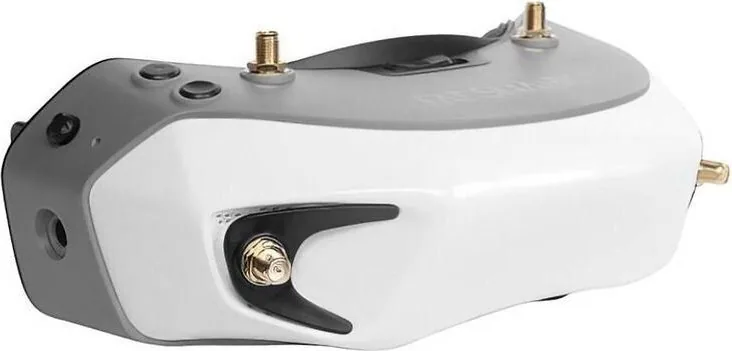
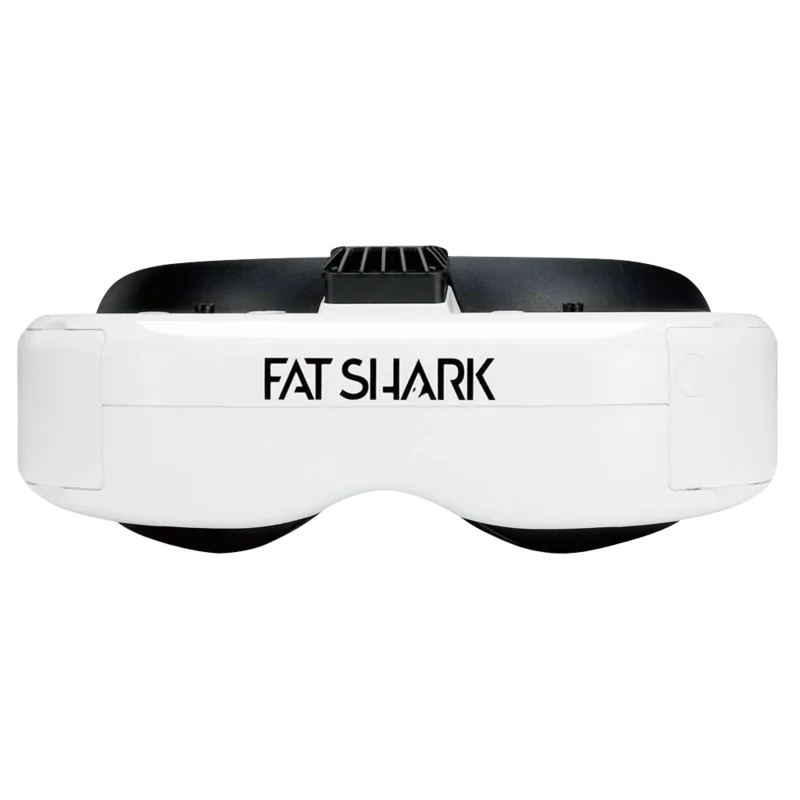
The Fat Shark Dominator HD is a modular SVGA FPV headset designed for immersive, high-quality first-person view flying. With an 800x600 SVGA LCD, polarized LED backlight, and a 45° diagonal field of view, the Dominator HD balances clarity and comfort for recreational and competitive pilots. Its modular architecture accepts a variety of receiver modules (1.3G, 2.4G, 5.8G) and optional head-tracking modules, letting pilots customize their setup for different aircraft and flying styles.
Built-in DVR functionality records MJPG AVI files to microSD (up to 32GB) at 30 fps and 6 Mbps, enabling easy capture and review of flights. The DVR features on-device playback and simple menu navigation; an SD card must be formatted before use. Display modes include Analog 2D/3D and HDMI 2D/3D, selectable via onboard controls. Audio is stereo with a 3.5mm earphone port, and the unit supports HDMI input for higher-resolution sources (720p accept/60Hz request).
Powering options are flexible: the Dominator accepts 7–13V input (2S/3S Lipo) and can draw from external batteries, Futaba radios via data cable, or compatible transmitter modules (ezUHF/JR). The headset prioritizes the highest-voltage source when multiple supplies are connected. A dedicated RX power switch prevents module conflicts when using an AV input. Fat Shark offers a 1000mAh dog-bone battery tailored to the headstrap with balance leads for standard RC chargers.
Optical options and accessories enhance usability: diopter lens inserts (-2, -4, -6 dpt) for nearsighted pilots, SpiroNET circularly polarized antennas to reduce multipath and improve range, and Power Shield safety circuitry to protect against short-induced fires when using RC packs. The Dominator includes contrast/brightness controls, channel selection, volume, and on-screen indicators, plus an audible low-battery alert.
Operational guidance emphasizes safe setup and interference mitigation: perform range tests, avoid mixing 2.4GHz AV with 2.4GHz RC controls, maintain clear line-of-sight, and be aware of multipath and antenna nulls. The headset may warm during use—this is normal. Note the critical warning: never expose the optics to direct sunlight, which can permanently burn the LCD color filter and void warranty.
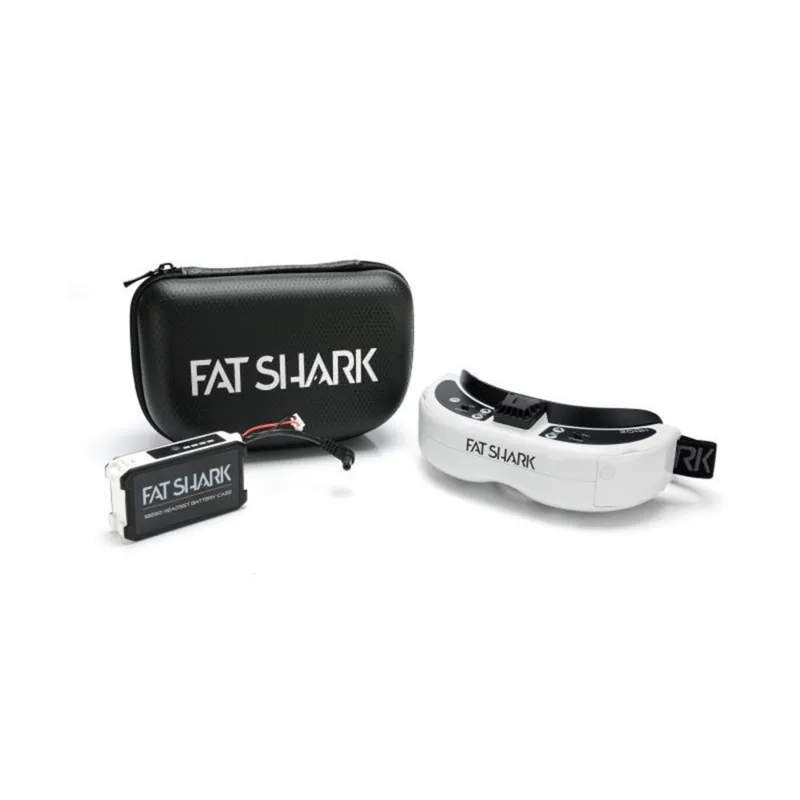
Compatible with many video-standard devices, the Dominator HD is tested with ImmersionRC gear and officially guarantees compatibility with NexwaveRF modules. It ships with a carry case, AV and DC cables, battery, and user controls for an out-of-the-box FPV experience.
Notes
- SD card must be formatted before first use for DVR stability.
- Avoid 2.4GHz AV if using 2.4GHz RC transmitters to prevent interference.
- Never leave headset exposed to direct sunlight to prevent LCD damage.
- Use compatible antennas for each frequency band to ensure optimal range and avoid shorts when powering from RC packs.
Search for 67,706 Manuals online


Type-in Brand or Model