

Free Exquisit Manuals – Read, Download & Print
40 Manuals
Manuals
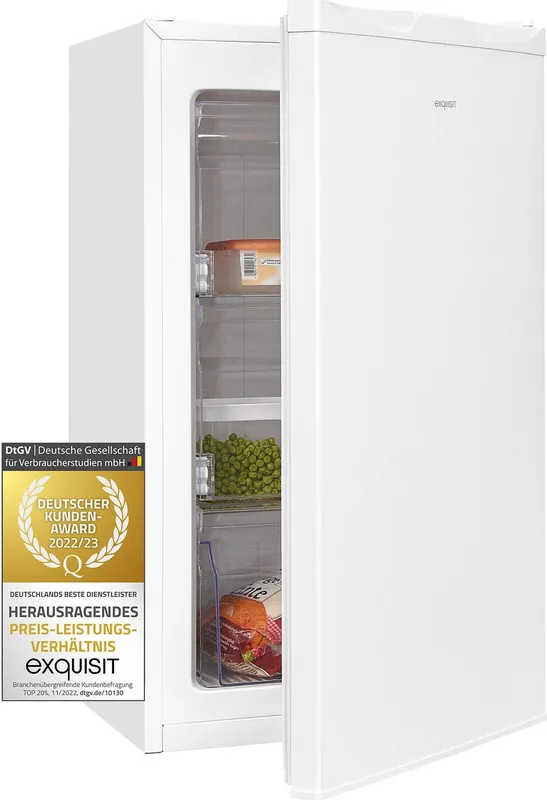
20 Pages
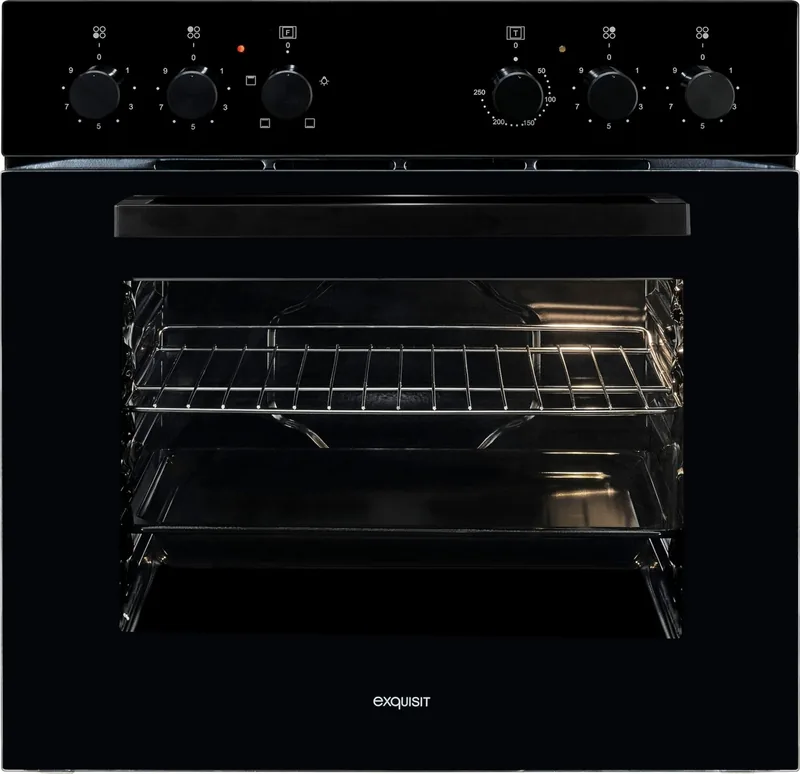
40 Pages

68 Pages
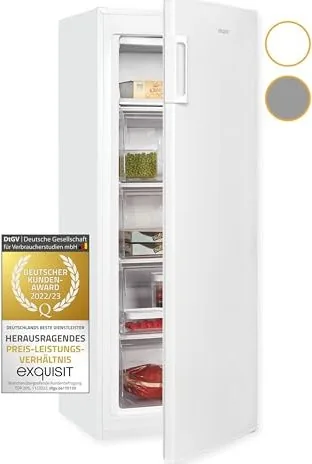
24 Pages
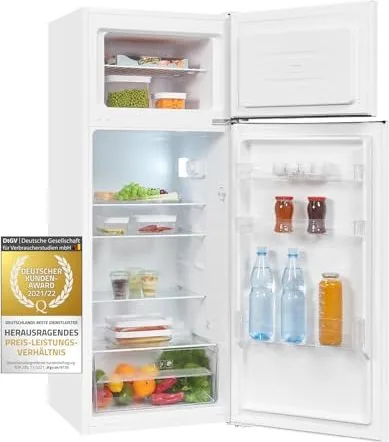
52 Pages
30 Pages
28 Pages
44 Pages
24 Pages
32 Pages
20 Pages
24 Pages
25 Pages
26 Pages
24 Pages
24 Pages
28 Pages
20 Pages
40 Pages
52 Pages
20 Pages
38 Pages
36 Pages
24 Pages
28 Pages
30 Pages
24 Pages
28 Pages
20 Pages
20 Pages
20 Pages
28 Pages
28 Pages
24 Pages
20 Pages
28 Pages
26 Pages
20 Pages
44 Pages
12 Pages
Categories

Free Exquisit Manuals - Read, Download & Print
Find free Exquisit manuals for household appliances, kitchen equipment, cooling products, laundry appliances, and other supported devices. A clear manual helps you understand product features, install an appliance correctly, use daily functions safely, and maintain reliable performance over time. Whether you need instructions for a refrigerator, freezer, washing machine, dishwasher, cooker hood, oven, or another Exquisit product, digital documentation can provide quick access to essential information.
Find the Right Exquisit User Manual
Every Exquisit appliance is supplied with operating information designed for its specific model. The correct manual usually contains detailed explanations of controls, programs, technical specifications, safety requirements, care instructions, and troubleshooting advice. Before reading, downloading, or printing a document, check the appliance model number carefully.
The model number is often shown on a product label, rating plate, purchase document, or warranty paperwork. On large appliances, the label may be located inside the door frame, on a side panel, behind a drawer, or at the rear of the unit. Small appliances may display the model number on the base or underside. Matching the exact model number is important because similar-looking products can have different features, dimensions, buttons, settings, and installation requirements.
Common Exquisit Manual Categories
Exquisit manuals may be available for many types of appliances, including:
- Refrigerators and fridge freezers
- Freezers and chest freezers
- Washing machines and washer dryers
- Tumble dryers
- Dishwashers
- Electric ovens and built-in cooking appliances
- Cookers, hobs, and cooker hoods
- Microwaves
- Wine coolers and beverage refrigerators
- Air conditioners and cooling units
- Small kitchen and household appliances
A model-specific guide is the best source for information about your appliance. It can explain the exact meaning of icons, display messages, cycles, temperature settings, water connections, ventilation clearances, and cleaning procedures.
Read Manuals Online for Quick Help
Reading an Exquisit manual online is useful when you need an answer quickly and do not have the original booklet nearby. Digital manuals let you review instructions from a phone, tablet, laptop, or desktop computer. This can be especially convenient during installation, when checking an error code, or when selecting an unfamiliar program.
Most appliance manuals are organized into clear sections so you can locate information efficiently. Typical contents include a product overview, safety warnings, setup requirements, operating instructions, maintenance guidance, fault-finding tables, and technical data. Use a document search tool to find relevant words such as "filter," "drain," "temperature," "error," "program," or "door."
Information Usually Included in a Manual
An Exquisit operating guide can help explain:
- Appliance parts, accessories, and control panel symbols
- Electrical connection and installation conditions
- Correct placement, leveling, and ventilation requirements
- Initial setup before first use
- Program selection and recommended settings
- Energy-saving operation tips
- Cleaning schedules and maintenance tasks
- Child safety and general safety precautions
- Causes of common warnings or error messages
- Warranty, service, and technical information
Online access also makes it easier to compare instructions between appliances. If you have moved into a home with an existing appliance, a digital manual can help you become familiar with it without searching for missing paper documents.
Download Exquisit Manuals for Offline Access
Downloading a manual gives you a reliable copy that can be stored on your device and opened whenever you need it. This is helpful in locations with unstable internet access, such as utility rooms, garages, workshops, holiday homes, or basements. A downloaded PDF can be saved in a labeled folder with receipts, warranty records, and service notes.
When saving a manual, use a clear file name that includes the appliance type and model number. For example, a file name such as "Exquisit-Washing-Machine-Model-Manual.pdf" is easier to find later than a generic download name. Keeping documentation organized can save time if you need to arrange repairs, order a replacement part, or check installation details.
Benefits of Downloading a PDF Manual
A downloadable manual can offer several practical advantages:
- Read instructions without an internet connection
- Search text for specific topics or error codes
- Zoom in on diagrams, tables, and small print
- Keep a backup if the original booklet is lost
- Share relevant pages with an installer or technician
- Store documents alongside proof of purchase
- Print only the pages you need
Always make sure that the document matches the model and language requirements for your appliance. A manual for a related model may offer general guidance, but it should not replace the correct instructions for installation, electrical connections, or safety-related procedures.
Print Essential Pages When Needed
Printing an Exquisit manual can be useful for anyone who prefers a paper reference in the kitchen, laundry room, or workshop. You do not always need to print the entire document. Many users print the troubleshooting section, program chart, installation pages, cleaning instructions, or emergency contact details.
For a more practical printed copy, consider printing double-sided pages and selecting only the chapters that are relevant to your appliance. Keep printed instructions in a dry, accessible location away from heat, moisture, and cleaning chemicals. A simple folder or document sleeve can protect the pages and make them easy to find.
Useful Sections to Print
The most useful pages to print often include:
- Installation dimensions and connection instructions
- Control panel and symbol explanations
- Program tables for washing or dishwashing machines
- Recommended temperature and storage guidance for refrigerators
- Filter cleaning and defrosting instructions
- Error code and troubleshooting tables
- Product technical data and service contacts
Printed instructions can be particularly helpful for family members, tenants, visitors, or caregivers who may not be comfortable using digital documents.
Use Exquisit Appliances Safely and Efficiently
A manual is more than a list of buttons and settings. It contains important safety guidance that can protect people, property, and the appliance itself. Read the safety section before installing or operating a new or unfamiliar product. Pay close attention to electrical requirements, ventilation, load limits, water supply connections, and warnings about children or vulnerable users.
For cooling appliances, correct ventilation and temperature settings support food safety and efficient energy use. For laundry appliances, using the right detergent amount, load size, and program helps improve washing results while reducing wear. For dishwashers, regular filter care and suitable salt or rinse aid settings can support better cleaning performance. For cooking appliances, clear instructions on heat zones, cookware, cleaning, and ventilation help prevent accidents and damage.
Routine Care Matters
Regular maintenance can extend the working life of an Exquisit appliance. Follow the recommended cleaning schedule in the manual rather than using harsh products or improvised repair methods. Simple tasks such as wiping door seals, cleaning filters, checking drainage areas, removing lint, and keeping ventilation openings clear can help avoid many common problems.
If an appliance displays a warning or does not operate as expected, consult the troubleshooting section before taking further action. Basic checks may include confirming the power supply, closing the door fully, checking water taps, cleaning filters, or resetting a selected program. Do not attempt repairs that involve electrical components, gas connections, refrigerant systems, or internal mechanisms unless you are qualified to do so.
Troubleshooting With the Correct Documentation
Many appliance issues have simple causes. A washing machine may not start because the door is not latched, a refrigerator may seem warm because airflow is blocked, or a dishwasher may clean poorly because its filter needs attention. The troubleshooting table in an Exquisit manual can help identify likely causes and recommended steps.
Record any error code exactly as it appears on the display. Include the model number, product serial number, and a brief description of the issue if you need to contact service support. This information helps technicians identify the correct appliance configuration and may speed up diagnosis.
Keep Your Manual Available
Free Exquisit manuals make it easier to read, download, and print the information you need for everyday appliance care. Keeping the right model documentation available supports safe installation, confident operation, efficient maintenance, and informed troubleshooting. Save a digital copy, print important pages if helpful, and refer to the manual whenever you need guidance on settings, cleaning, or product care.
Search for 67,706 Manuals online


Type-in Brand or Model