
Eurochron EFWS 2900 Manual
PDF manual · 128 Pages
English



Quick check
Incorrect answer, please try again.
Chat with your Eurochron EFWS 2900 manual using AI
Get instant AI answers from your Eurochron EFWS 2900 manual
Ask anything about the Eurochron EFWS 2900. Answers come from this manual, with the pages they are based on.
EFWS 2900 Maintenance Schedule
Regularly check the rain funnel of the outdoor sensor and remove any foliage that might block the opening.
Replace the AA batteries in the outdoor sensor when the battery symbol appears on the weather station display.
Always unplug the power adapter and remove batteries from both units before cleaning to ensure safety.
Free maintenance reminders
Timed to your purchase date. Always free, unsubscribe anytime.
Ask a Question
Do you recommend EFWS 2900?
Yes NoFrequently Asked Questions
It tracks indoor and outdoor temperature, humidity, rainfall, wind speed, wind direction, air pressure, and related values like windchill, dew point, and heat index.
Is this answer helpful?
No, the station can work without Wi-Fi for local weather display and alarms. Wi-Fi is mainly used for time sync, app setup, and online weather functions.
Is this answer helpful?
Yes. The outdoor sensor uses batteries and also includes a solar cell with energy storage support, which helps extend operating time in daylight.
Is this answer helpful?
No. The display unit is intended for indoor use only and should be kept away from moisture. The outdoor sensor is the part designed for outside installation.
Is this answer helpful?
It can warn you about preset high or low limits for wind, rain, temperature, and humidity. It also includes a standard alarm and snooze function.
Is this answer helpful?
Yes. The station supports calibration for temperature, humidity, air pressure, wind direction, wind speed, and rainfall so readings can be adjusted more precisely.
Is this answer helpful?
Advantages and Disadvantages
Advantages

- Measures indoor/outdoor temperature, humidity, rain, wind, and air pressure in one system.
- Wireless outdoor sensor with solar support helps extend battery life and reduce maintenance.
- Includes forecast symbols, pressure trends, min/max memory, and customizable weather alarms.
- Supports NTP time sync, manual settings, and app-based Wi-Fi connection for added convenience.
- Backlit display and wall/table mounting make it easy to place and read at home.
Disadvantages

- Outdoor sensor needs careful placement to avoid signal loss from walls, metal, or interference.
- Wi-Fi and app features require router access and initial configuration.
- Battery replacements are needed for both units, especially in low-light conditions.
- Some advanced readings may need calibration for best accuracy.
Product Specification
Type
digital
Temperature
indoor and outdoor
Humidity
indoor
Weather forecast
Symbols
Forecast technology
Barometer
Other displays
Time, Date, Day of the week, Moon phases, Rainfall, Wind speed, Wind direction, stored min./max. values
Alarms
programmable weather warnings, alarm time
Outdoor temperature measuring range
-40°F to +140°F
Placement
Tabletop device, wall mounting possible
Power supply
3x AAA battery
Color
black
Scope of delivery
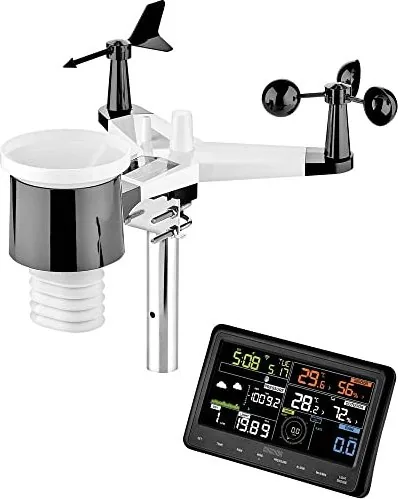
1 outdoor sensor, temperature sensor, wind sensor, rain sensor, wind vane, mast bracket
Product Description
Eurochron EFWS 2900 Wireless Weather Station Digital
A practical all-in-one weather companion
The Eurochron EFWS 2900 Wireless Weather Station Digital is built for people who want more than a basic thermometer. It combines indoor comfort monitoring with outdoor weather tracking, giving you a clearer view of temperature, humidity, rainfall, wind, air pressure, and forecast trends at a glance. The result is a compact home-weather hub that feels useful every day, not just during extreme weather.
What makes this model stand out is its broad sensor range and flexible setup. The indoor display can run on batteries or the included power adapter, while the outdoor sensor uses both batteries and a solar cell to extend runtime. That hybrid design is especially practical for long-term outdoor use, since the sensor keeps working even when sunlight is limited. With wireless data transmission, the station updates measurements regularly without messy cabling.
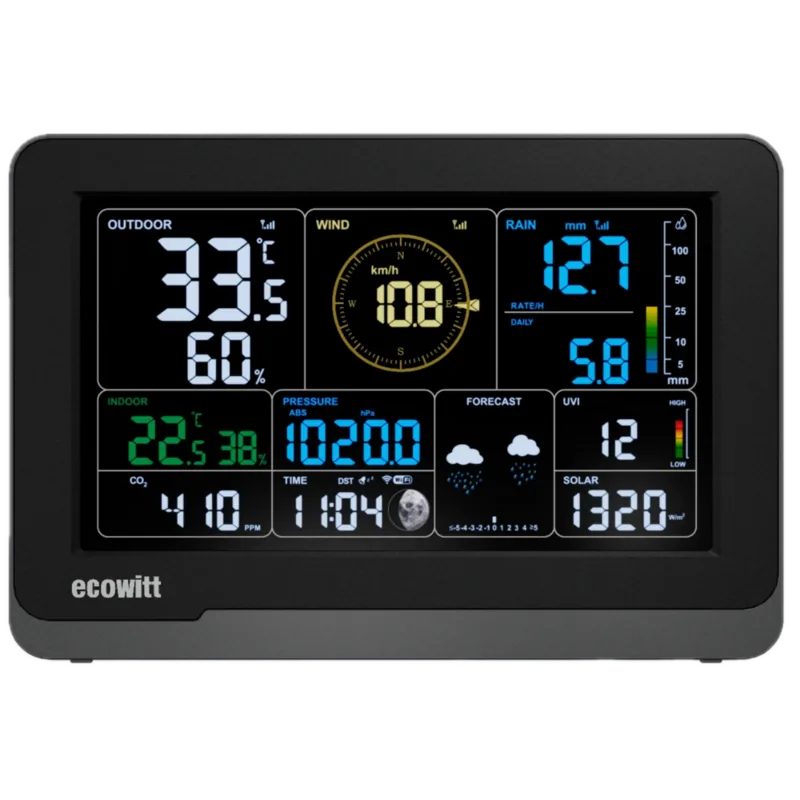
The manual also shows that the EFWS 2900 is more than a display unit. It offers automatic time syncing through NTP, a Wi-Fi connection via the WS Tool app, and support for online weather platforms. Users can switch between units, check daily min/max values, view pressure trends, and even monitor windchill, dew point, and heat index. For home users, gardeners, and weather enthusiasts, this creates a surprisingly rich picture of local conditions.
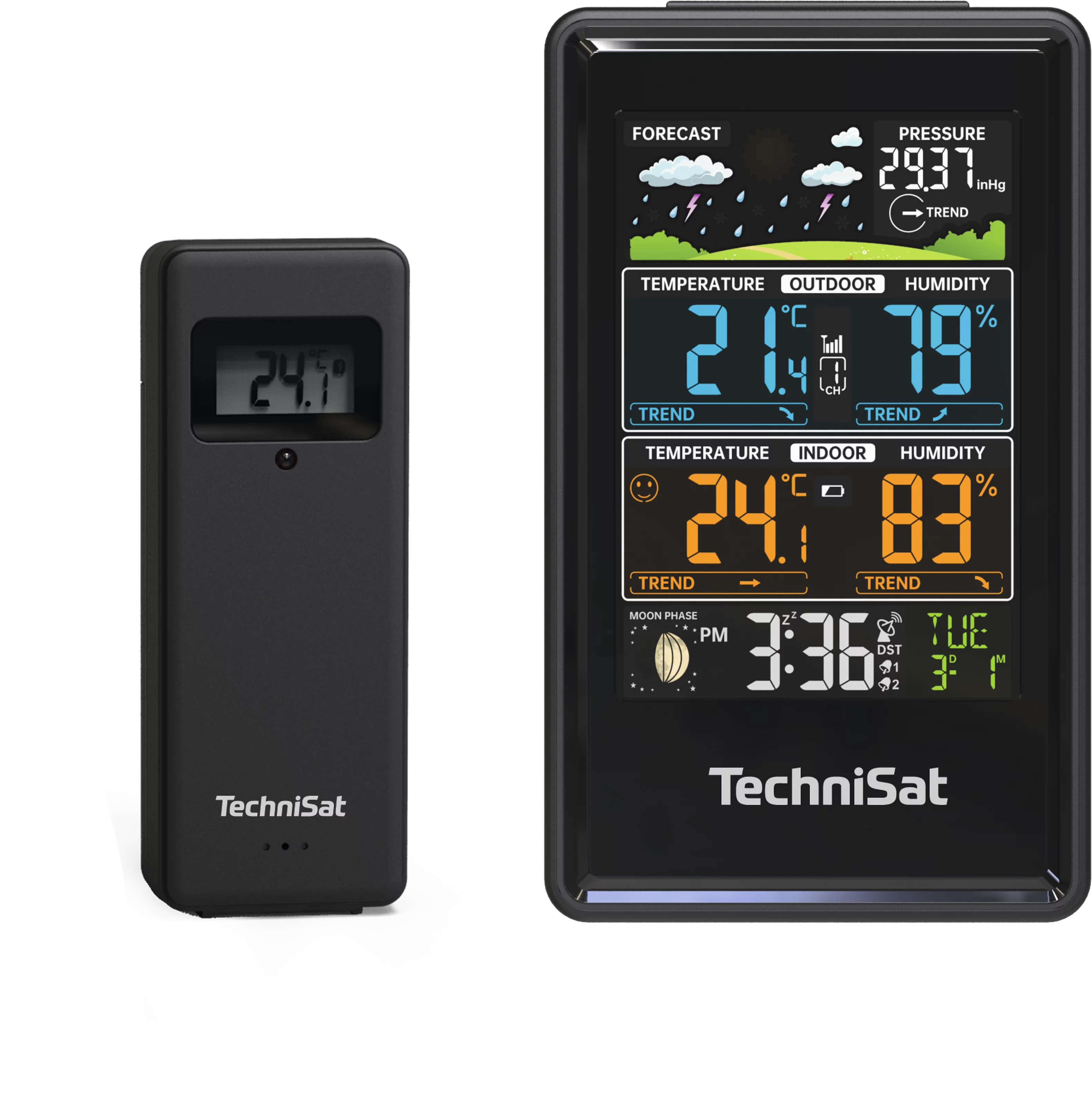
Another strength is the station’s alert system. It can warn you about high or low temperature, humidity, wind, and rainfall thresholds, helping you react before conditions become uncomfortable or risky. The graphical forecast symbols, moon phases, and backlit display make the information easy to read day or night. If you enjoy comparing changing weather patterns, the Eurochron EFWS 2900 Wireless Weather Station Digital Manual also highlights calibration options, so readings can be fine-tuned for better accuracy.
Why it works well in daily use
This weather station is designed with convenience in mind: easy wall mounting or tabletop placement, quick sensor syncing, and straightforward controls. The outdoor unit is made for open-air installation, while the display stays protected indoors. That balance makes it a smart fit for households that want reliable weather insight without a complicated setup.
Notes
- Best suited for indoor display placement and outdoor sensor mounting in an open, unobstructed area.
- For the most accurate wind and rain readings, place the sensor away from walls, roofs, and metal objects.
- Wi-Fi features depend on router access and app setup.
- Calibration can improve results if you compare it with trusted reference measurements.
Search for 67,706 Manuals online


Type-in Brand or Model
apruvost48
8 months ago
I can see current readings on the display, but will the weather station connect to my Wi-Fi and work with WS-Tool/WSView to upload data to services like Wunderground?
Manual.ly
8 months ago
The station can always show current values on its display, but Wi-Fi cloud features require successful pairing and the right app workflow. Use WS-Tool/WSView (or Ecowitt cloud via www.ecowitt.net), then confirm the station connects to your home network (typically 2.4 GHz, WPA2). Make sure the SSID/password are correct, the router is stable, and allow the app the needed permissions. If the app cannot connect or uploads fail, reboot the station and router, try the app again, and verify you are using the correct server/account settings inside the app. If it still does not connect, contact support with your station model and the exact error/screenshots so we can guide the setup.