

Free Eureka Manuals – Read, Download & Print
10 Manuals
Manuals
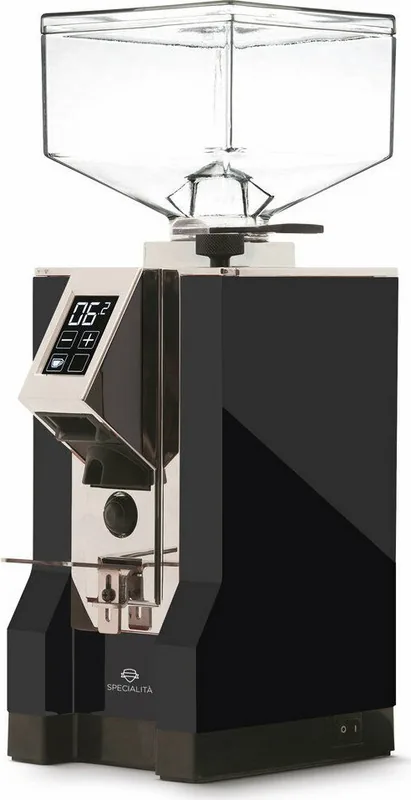
64 Pages
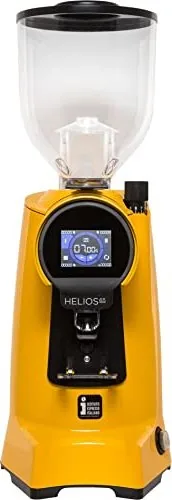
92 Pages
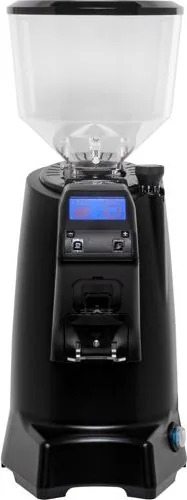
60 Pages
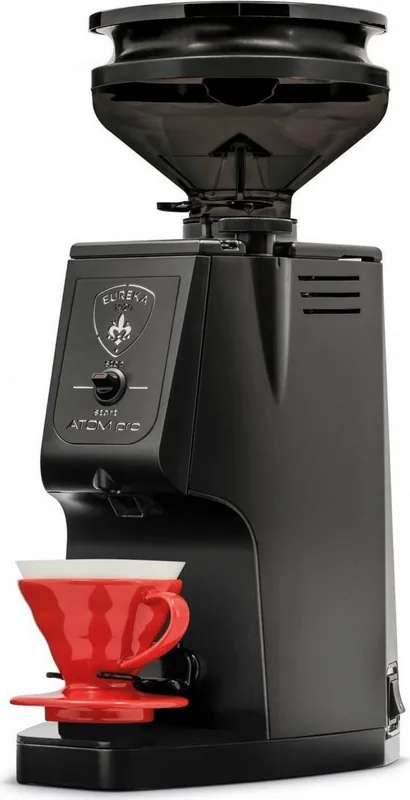
24 Pages
60 Pages
52 Pages
52 Pages
56 Pages
36 Pages
44 Pages
Categories

Free Eureka Manuals - Read, Download & Print
Find Helpful Eureka Product Documentation
Free Eureka manuals make it easier to understand, operate, maintain, and troubleshoot your vacuum cleaner or other Eureka appliance. A clear manual can help new owners set up a product correctly, while longtime users can use it to find replacement part numbers, cleaning instructions, filter guidance, warranty details, and solutions for common performance issues. Whether you need a quick reference for daily use or a detailed guide for repairs and care, a searchable manual is a practical resource.
Eureka manuals are typically organized by model, product type, and publication number. This makes it important to identify the exact model before reading, downloading, or printing documentation. Small differences between similar models can affect the location of filters, belts, brush rolls, batteries, chargers, controls, and maintenance components. Using the correct manual helps ensure that instructions match the appliance in your home.
Read Eureka Manuals Online
Reading a Eureka manual online is convenient when you only need to check a specific section. Digital manuals can be viewed on a phone, tablet, laptop, or desktop computer, making it simple to look up information while standing near the appliance. Search tools can help locate terms such as "filter," "belt," "charging," "brush roll," "assembly," or "troubleshooting" without manually turning through every page.
Online reading is especially useful for common questions. Owners may want to confirm how often a filter should be cleaned, how to remove a dust cup, which attachments are included, or how to clear a blockage safely. A manual can also explain warning lights, power settings, battery indicators, storage recommendations, and safety precautions. Reviewing these details before taking apart a vacuum can prevent accidental damage and help maintain proper operation.
Benefits of Digital Viewing
Digital copies provide easy access when the original booklet has been misplaced or damaged. They can also be enlarged for clearer reading, which is useful for diagrams, small labels, and parts illustrations. Many manuals include step-by-step images that show how to install accessories, replace consumable components, or reassemble removable parts after cleaning.
A digital guide can be useful during product comparison as well. Before buying a used Eureka vacuum or replacement accessory, checking the manual may help confirm compatible tools, electrical requirements, included parts, and maintenance needs. This information can support more informed decisions and reduce confusion after purchase.
Download Eureka Manuals for Offline Access
Downloading a Eureka manual allows you to keep a copy available even when an internet connection is unavailable. An offline PDF or document can be saved to a device, stored in a household appliance folder, or shared with other members of the home. Keeping the manual with purchase records, warranty information, and receipts can make future maintenance easier.
Before downloading, verify that the title and model number match your product. Look for information on the rating label, product housing, battery pack, charger, or original packaging. The model number may contain letters, numbers, or a combination of both. If several versions appear similar, compare the manual cover, product photo, specifications, and listed features before selecting a file.
Organize Your Manual Library
A simple naming system can make downloaded manuals easy to find later. For example, save files with the brand, product type, model number, and date. Store them in a dedicated folder alongside manuals for other household appliances. This can be especially helpful for households with multiple vacuums, air treatment products, or cleaning devices.
When possible, download manuals from official manufacturer support pages or reliable documentation sources. Official files are more likely to include current safety information, accurate specifications, and complete instructions. Be cautious with websites that require unnecessary software, request unusual permissions, or provide files with unclear origins. A genuine manual should be readable, relevant to the product, and free of suspicious download prompts.
Print a Eureka Manual When You Need a Paper Copy
Printing a Eureka manual is useful for owners who prefer a physical reference. A printed copy can be stored in a utility drawer, maintenance binder, garage cabinet, or near the appliance charging station. Paper manuals are practical when hands are dusty or wet during cleaning tasks, or when a device is not available nearby.
You do not always need to print the entire document. Printing only the most useful pages can save paper and ink. Consider printing the quick-start guide, maintenance schedule, troubleshooting chart, safety instructions, and replacement parts diagram. If the manual contains important warranty conditions or customer support details, those pages may also be worth keeping in a file.
Printing Tips
Use the print preview feature to check page orientation and avoid cutting off diagrams. Double-sided printing can reduce paper use, while black-and-white printing may be adequate for text-heavy pages. For larger manuals, consider printing selected page ranges rather than every page. Keep pages in a folder or binder so they remain clean and easy to reference.
If the appliance has a maintenance schedule, highlight the relevant intervals after printing. For example, mark reminders for washing filters, checking the brush roll, emptying the dust container, or inspecting hoses for obstructions. Follow the exact guidance in the applicable manual, since maintenance requirements vary by model and product design.
What You Can Find in a Eureka Manual
Most Eureka manuals include information that supports safe operation and routine care. The opening pages usually contain important warnings about electrical safety, proper use, storage, and supervision around children or pets. These notices should be reviewed before first use, particularly for corded products, rechargeable models, and appliances with moving brush components.
Assembly instructions explain how to attach handles, hoses, wands, tools, batteries, or docking parts. Operating sections describe controls, cleaning modes, suction adjustments, and recommended uses for different surfaces. Many manuals also include diagrams identifying the major components, helping users learn the names and locations of each part.
Maintenance and Replacement Information
Routine maintenance can improve cleaning performance and extend the useful life of a Eureka appliance. Manuals often explain how to empty collection bins, clean or replace filters, remove hair from brush rolls, inspect belts, clear clogs, and clean nozzles. They may also list compatible replacement parts, such as filters, belts, bags, batteries, chargers, and brush assemblies.
Always follow the model-specific instructions before washing a filter or using water on any component. Some filters are washable, while others must be replaced. Likewise, certain parts should be completely dry before being reinstalled. Using incorrect cleaning methods can reduce performance or damage the appliance.
Use Troubleshooting Sections Before Requesting Service
Troubleshooting charts are among the most useful parts of a Eureka manual. They commonly address issues such as reduced suction, a brush roll that does not spin, unusual noise, loss of power, charging problems, or overheating. The guide may recommend checking the dust container, filters, hose path, brush roll, belt, battery connection, or power source.
A manual can help distinguish between a routine maintenance need and a problem that requires professional service. If instructions call for service, stop using the product as directed and contact authorized support. Do not attempt repairs that involve internal electrical components, damaged cords, batteries, or parts not intended for user removal.
Keep the Right Manual for the Best Results
Free Eureka manuals provide a dependable reference for product setup, daily use, cleaning, storage, troubleshooting, and parts identification. Reading online is ideal for quick answers, downloading supports offline access, and printing creates a convenient household reference. By locating the exact model number and using a reliable manual, owners can follow the correct instructions for their specific appliance.
Review the manual whenever you have a question about performance, care, or safety. Regular attention to filters, brush rolls, bins, hoses, and accessories can help keep a Eureka product operating effectively. A well-organized manual is a small but valuable tool for protecting your appliance, simplifying routine maintenance, and making everyday cleaning tasks easier.
Search for 67,706 Manuals online


Type-in Brand or Model