
ESI Neva Duo Manual
PDF manual · 3 Pages
English



Quick check
Incorrect answer, please try again.
Chat with your ESI Neva Duo manual using AI
Get instant AI answers from your ESI Neva Duo manual
Ask anything about the ESI Neva Duo. Answers come from this manual, with the pages they are based on.
Ask a Question
Do you recommend Neva Duo?
Yes NoFrequently Asked Questions
No, the Neva Duo is Class Compliant and works immediately on macOS via Plug & Play. You can optionally download a Control Panel from the ESI website for additional configuration.
Is this answer helpful?
Connect the mic using an XLR cable to either input 1 or 2. Then press the +48V Phantom Power switch. The ESI logo will turn red to confirm power is active.
Is this answer helpful?
Yes, it works directly with most iOS apps upon connection. Some devices may require the Apple Camera Connection Kit adapter for proper power and data transfer.
Is this answer helpful?
An orange LED ring indicates that the input signal is present and at an optimal level for recording. It signifies a healthy signal without clipping.
Is this answer helpful?
Yes, the Direct Monitoring function allows you to hear input signals instantly without latency. Activate it via the dedicated switch on the front panel.
Is this answer helpful?
DirectWIRE enables virtual audio channels, allowing different applications to send and receive audio simultaneously on Windows systems for complex routing setups.
Is this answer helpful?
Advantages and Disadvantages
Advantages

- Supports 24-bit/192 kHz high-resolution audio recording and playback
- Class Compliant design allows plug-and-play use on Mac and iOS without drivers
- Two versatile combo inputs handle both XLR microphones and Hi-Z guitar signals
- Visual LED rings provide clear, real-time monitoring of input signal levels
- Includes ASIO driver support for Windows with DirectWIRE and loopback capabilities
Disadvantages

- Windows users must manually install a specific driver for full ASIO functionality
- No built-in DSP effects or processing within the interface itself
- Phantom power is global rather than per-channel, requiring careful switching
- Mobile connectivity may require additional adapters for certain iPad models
- Lacks physical meters for master output levels beyond the headphone knob
Product Specification
Interface
USB-C 3.1
Input Channels
2
Output Channels
2
Mic Preamps
2
Analog Inputs
2x Mic/Line/Instrument In (XLR/0.25in Combo)
Analog Outputs
2x Line Out (0.25in), 1x Headphone (0.25in)
Digital Inputs
No
Digital Outputs
No
AD/DA Converter
24-bit/192kHz
Features
Bus powered
Dimensions
5.12x3.54x1.57in (WxHxD)
Product Description
Discover the ESI Neva Duo Manual Experience
The ESI Neva Duo stands as a premier choice for musicians and audio engineers seeking a reliable, high-fidelity USB-C audio interface. This device is designed to seamlessly integrate into any workflow, offering robust connectivity for microphones, synthesizers, guitars, and studio monitors. With support for 24-bit / 192 kHz audio quality, it ensures that every recording captures the nuance and detail of your performance.
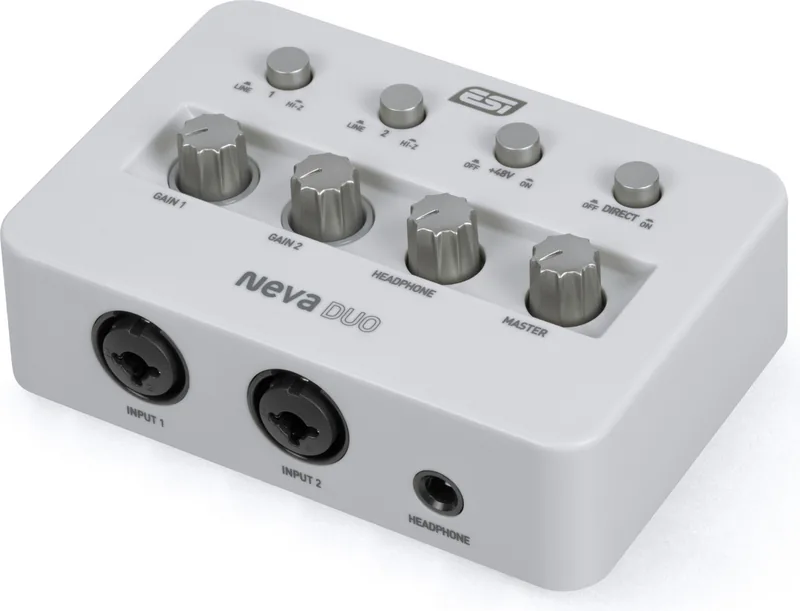
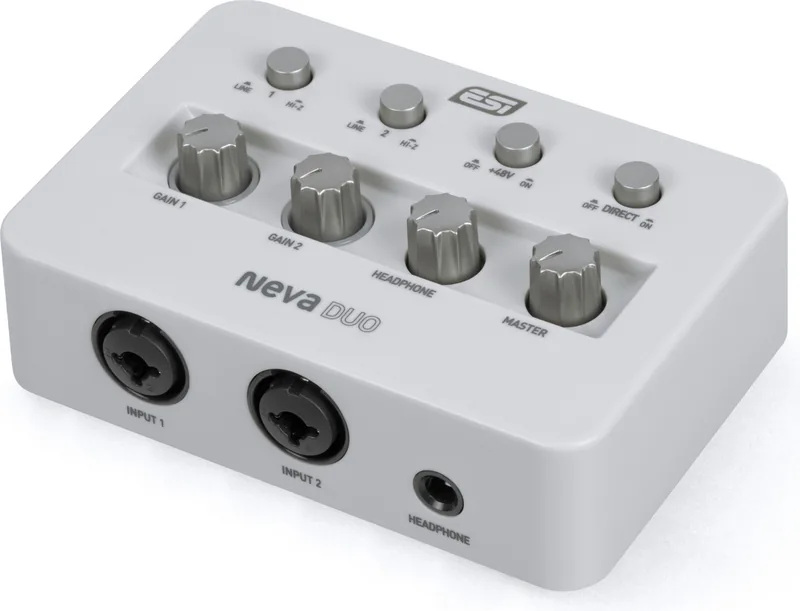
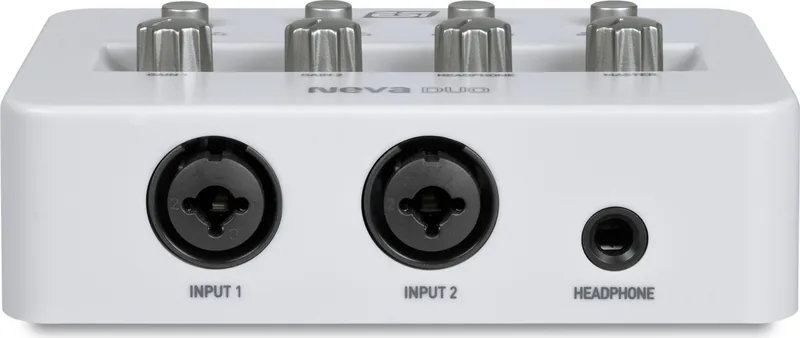
Operating across Mac, PC, and various mobile devices like iPads and iPhones, the Neva Duo functions as a Class Compliant device, meaning no complex driver installations are needed for basic operation on Apple systems. For Windows users, a specialized driver download provides ASIO support, DirectWIRE virtual channels, and loopback functionality, enabling advanced routing between multiple applications. The hardware features two combo XLR/TRS inputs, allowing you to connect dynamic or condenser microphones with ease. Simply activate the +48V phantom power switch when using condenser mics, indicated by a red LED ring around the logo.
Monitoring is intuitive with the Direct Monitoring feature, letting you hear input signals in real-time without latency. The front panel includes dedicated gain knobs for each channel, surrounded by multi-color LED rings that provide visual feedback on signal levels. Green indicates a good signal, orange represents an optimal level, and red warns of clipping. Whether you are recording vocals, instruments, or mixing tracks, the Neva Duo delivers professional results with minimal setup time.
Search for 67,732 Manuals online


Type-in Brand or Model