
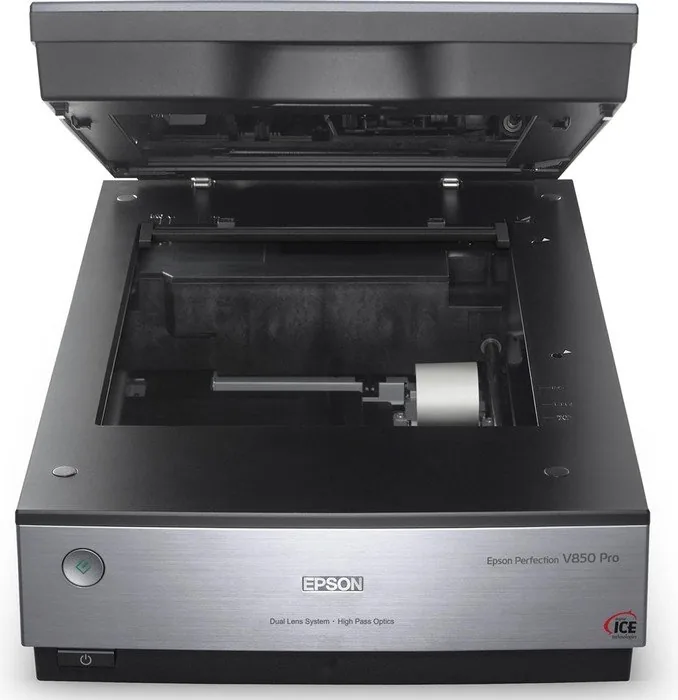
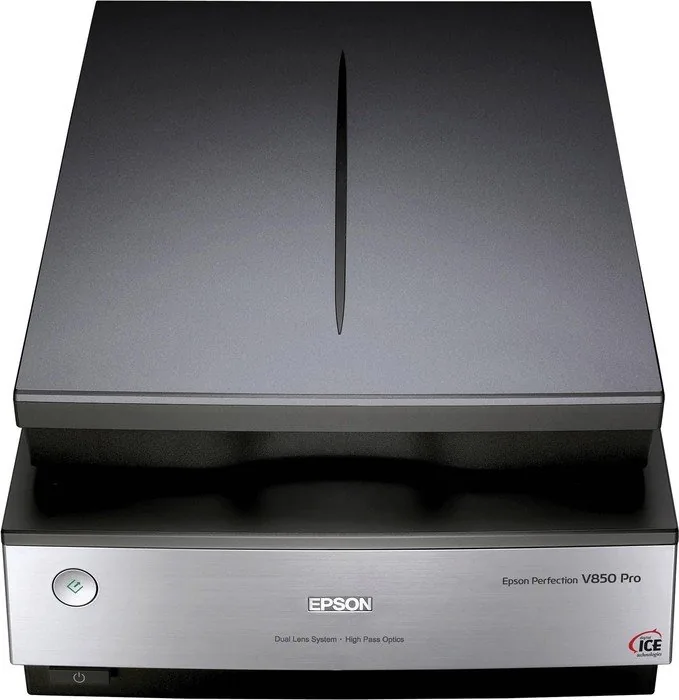
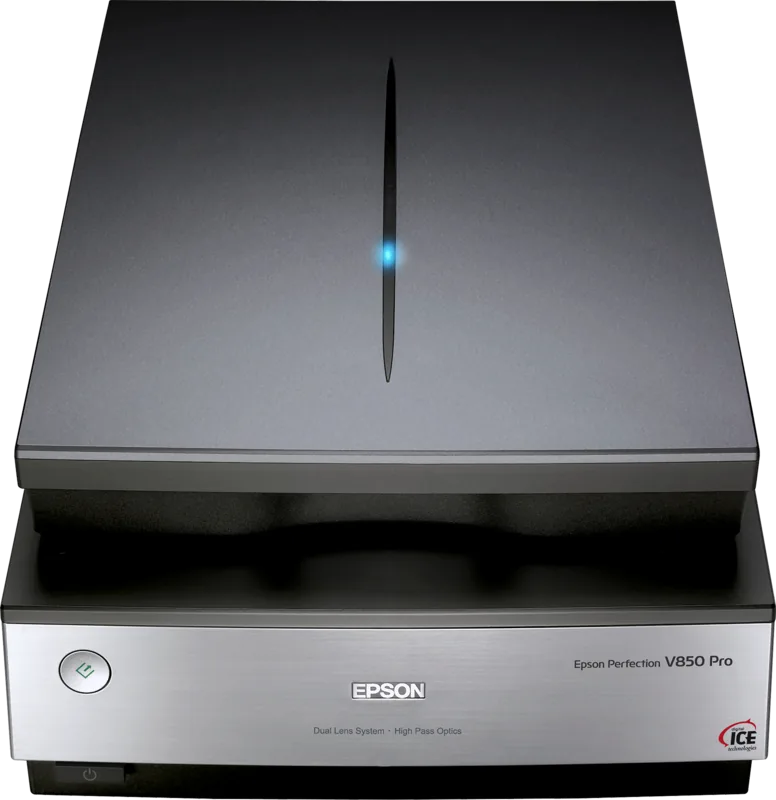
Epson Perfection V850 Pro Manual
PDF manual · 2 Pages
English


Quick check
Incorrect answer, please try again.
Chat with your Epson Perfection V850 Pro manual using AI
Get instant AI answers from your Epson Perfection V850 Pro manual
Ask anything about the Epson Perfection V850 Pro. Answers come from this manual, with the pages they are based on.
Ask a Question
Do you recommend Perfection V850 Pro?
Yes NoFrequently Asked Questions
The V850 Pro is designed for professional-quality scanning of photographs, film negatives, slides, and documents. It excels in archival work and high-resolution capture for restoration, printing, and digital preservation.
Is this answer helpful?
Release the transportation locks and install the document or film mat as instructed. Connect the AC adapter and power first, then follow installation prompts. Do not connect the USB cable until the installer requests it.
Is this answer helpful?
Yes. Visit Epson’s support website to download the latest drivers, setup software, and the user guide. The online downloads provide the same installation packages as the included media.
Is this answer helpful?
The scanner supports major Windows and macOS versions; compatibility details change over time, so download current drivers from Epson’s site to ensure support for your OS version.
Is this answer helpful?
It uses precision film holders and a transparency unit to scan 35mm strips, slides, and medium-format film. Dual-lens optics and image-processing tools help reduce dust and scratches while preserving fine detail and color fidelity.
Is this answer helpful?
Allow access for Epson applications when the firewall alert appears. Granting permission ensures drivers and utilities can communicate with the scanner and complete the setup.
Is this answer helpful?
Use only the specified power adapter and follow ventilation and safety guidelines. Unplug the scanner before servicing and contact Epson support if the adapter or unit is damaged or exhibits abnormal behavior.
Is this answer helpful?
Advantages and Disadvantages
Advantages

- Exceptional optical resolution for film and prints, suitable for archival-quality scans.
- Dual-lens system and precision transport yield detailed tonal range and accurate color.
- Robust film holders and built-in transparency unit for scratch-minimized film scanning.
- Broad OS compatibility and software features for dust removal and image enhancement.
- Solid build and professional features such as transport locks for safe handling and shipping.
Disadvantages

- Initial setup can require careful sequencing (power first, USB only when prompted).
- Large scans and high resolutions demand significant storage and processing resources.
- May require driver downloads for systems without CD/DVD drives.
- Professional-grade price and size may be excessive for casual users.
- Complexity of advanced features can present a learning curve for novice users.
Product Specification
Type
Flatbed scanner (CCD)
Resolution
9600x6400dpi
Paper/Film format
A4
Paper/Film feed
Single sheet
Connections
1x USB 2.0
Software
OCR software (Silverfast SE Plus 8, Digital-ICE)
Special features
LED illumination, Transparency unit
Manufacturer's warranty
1 year
Product Description
Epson Perfection V850 Pro — Professional Flatbed Scanner
The Epson Perfection V850 Pro is a high-end flatbed scanner aimed at photographers, archivists, and creative professionals who need exceptional image quality and versatile film handling. With dual-lens optics and advanced illumination, it delivers extremely high resolutions and accurate color reproduction for both reflective originals and film negatives. The scanner supports a wide range of media — from prints and documents to 35mm strips, slides, and medium-format film — making it a flexible tool for digitizing valuable collections and creative work.
Key Features and Performance
Equipped with high-resolution dual lenses and precision transport mechanisms, the V850 Pro offers optical resolutions and software-driven enhancements that preserve fine detail. Its robust film holders and built-in transparency unit ensure consistent, scratch-reduced scans of negatives and slides. For color-critical workflows, the scanner provides excellent tonal range and dynamic color rendition, aided by advanced drivers and image-processing software that handle dust removal and grain reduction.
The unit is designed with professional usage in mind: solid build quality, reliable transport locks for safe shipping, and straightforward setup steps for connecting power and data. Installation can be performed via supplied media or by downloading the latest drivers and the user’s guide from Epson’s website; users without optical drives can complete the setup directly from Epson’s support pages.
Workflow and Compatibility
The scanner works with major operating systems and integrates with standard imaging software. Setup instructions emphasize connecting power and AC adapters first, avoiding USB connection until prompted by the installer, and allowing firewall permissions for Epson applications during installation. The scanner supports a range of resolutions and offers modes for quick document capture as well as deep archival scans for restoration and long-term preservation projects.
Use Cases
- Archiving family photos, historical documents, and negatives
- Professional scanning for digital restoration and retouching
- High-resolution capture for museum and gallery reproduction
- Batch scanning and digitization workflows for studios and service bureaus
Notes:
- Ensure transport locks are released and film/document mats properly installed before use.
- Follow the recommended power and driver installation sequence; download the latest user guide and drivers from Epson’s website for best results.
- For Mac users or systems without a CD drive, obtain setup files online.
Search for 67,635 Manuals online


Type-in Brand or Model
Lena Kovacs
11 months ago
I scan lots of 6x7 negatives and want medium-format quality. Does the Epson V850 Pro deliver good results (including scratch removal) and is SilverFast really necessary? Also, how long does it take per negative?
Manual.ly
11 months ago
From multiple user experiences, the Epson V850 Pro provides very strong results for medium-format negatives (for example 6x7), with high detail when scanning around 3200 DPI. Users report fast workflows, about 6 minutes per negative in their setup when using features like iSDR, with much less time needed for manual Photoshop retouching compared to older scanners. For many people, SilverFast is considered a must-have because it offers better quality and more effective scratch-reduction than the basic Epson approach. Note: several users also report Epson software and driver listing issues, so they recommend using the correct driver update method (via Epson update/navigation tools) to ensure proper recognition of the V850 Pro and stable operation.