
Epson GT-S50 Manual
PDF manual · 4 Pages
English



Advantages and Disadvantages
Advantages

- Compact, space-saving design suitable for small desks.
- Quiet operation with low maximum sound pressure (≤70 dB(A) per standards).
- Good text and image quality appropriate for OCR and archiving.
- Easy single-sheet feeding for quick scans and minimal jams.
- Bundled software supports setup, basic enhancement, and OCR.
Disadvantages

- Single-sheet feeder limits throughput for high-volume tasks.
- Not intended for continuous heavy-duty production scanning.
- Advanced image-control features may be limited compared to pro models.
- Dependent on bundled software for full functionality and guidance.
- May lack some connectivity options found in newer scanners.
Ask a Question
Frequently Asked Questions
The GT-S50 is ideal for home offices and small businesses that need to digitize documents, receipts, and photos occasionally. It excels at single-sheet scanning, OCR-ready text capture, and quiet, compact operation rather than high-volume production work.
Is this answer helpful?
Yes. The bundled software includes OCR capabilities and can produce searchable PDFs suitable for document archiving and text searches. Accuracy depends on source document quality, resolution settings, and any pre-scan image corrections applied.
Is this answer helpful?
The GT-S50 operates at a low noise level, compliant with applicable acoustic standards (maximum sound pressure around 70 dB(A) or less by EN ISO 7779). It is designed for comfortable use in office or home environments.
Is this answer helpful?
Detailed safety recommendations, setup instructions, and operational guidance are available in the user guide that installs with the scanner software. Refer to that guide for step-by-step procedures and important safety information.
Is this answer helpful?
No. The GT-S50 is built for light to moderate scanning needs. For continuous high-volume workflows, consider a sheet-fed or production scanner designed for heavier duty cycles and higher throughput.
Is this answer helpful?
Yes. Epson and 'Exceed Your Vision' are trademarks of Seiko Epson Corporation. Other product names may be trademarks of their respective owners. Copyright and trademark notices from Epson apply.
Is this answer helpful?
Product Description

Epson GT-S50 Manual — Overview and Features
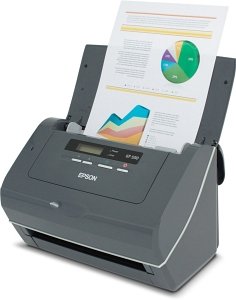
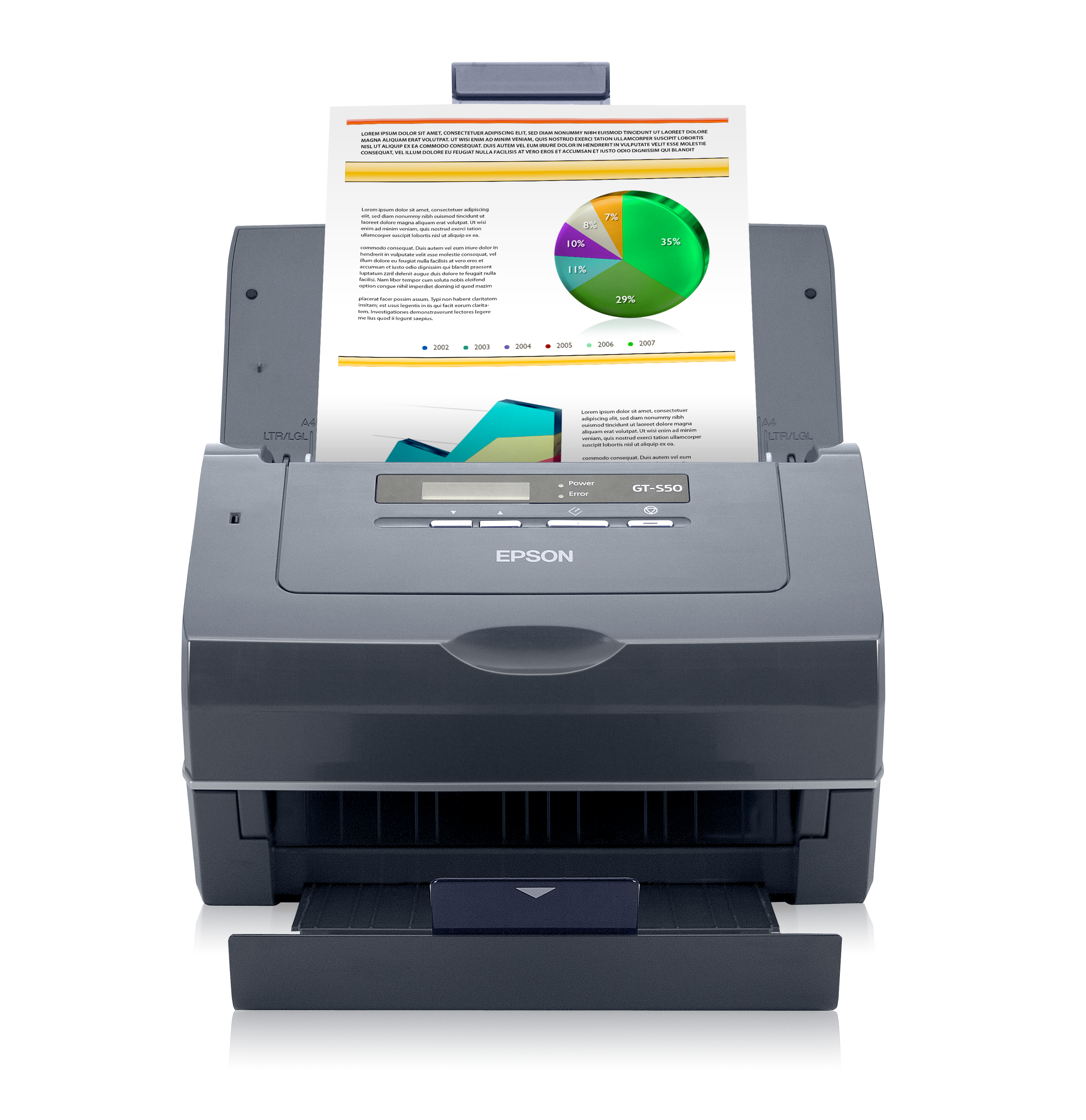
The Epson GT-S50 is a compact, reliable document scanner designed for small offices and home users who need fast, accurate scanning of single sheets and small batches. Built with Epson's proven imaging technology, the GT-S50 delivers consistent results for text documents, receipts, and archival photos. It emphasizes ease of use, dependable performance, and quiet operation, making it a practical choice when you need to convert paper into searchable digital files without fuss.
Design and Performance
The GT-S50 sports a straightforward, space-saving design that fits neatly on a desk. Its single-sheet feed mechanism ensures quick scan times and low maintenance. Although aimed at light-to-moderate scanning needs rather than heavy production workflows, the device produces sharp text and clear images suitable for OCR and digital archiving. The scanner operates at a comfortably low noise level, meeting regulatory acoustic limits, and integrates with common scanning software to streamline document capture and processing.
Software and Usability
Software bundled with the scanner enables guided setup and offers basic image enhancement, file format selection, and OCR capabilities. For safety and detailed operational guidance, users are directed to the accompanying user’s guide installed with the software. The GT-S50 is compatible with typical office environments and supports workflows that prioritize quick digitization with minimal configuration.
Durability and Compliance
Engineered by Epson, the GT-S50 adheres to established quality and regulatory standards, with print and sound notices indicating compliance with relevant norms. Its build suits occasional to moderate daily use, and Epson support resources and documentation help maintain reliable operation over time.
Ideal Use Cases
- Home offices needing to digitize bills, receipts, and correspondence.
- Small businesses requiring occasional OCR and archiving.
- Users who prioritize quiet, compact scanners for shared workspaces.
Notes
- For detailed safety recommendations and advanced instructions, consult the user guide provided with the software.
- The unit is intended for document scanning; it is not designed specifically for prolonged use as a screen-based workstation peripheral.
- Trademark and copyright notices apply: Epson is a registered trademark of Seiko Epson Corporation.
Search for :pdfCount Manuals online


Type-in Brand or Model