
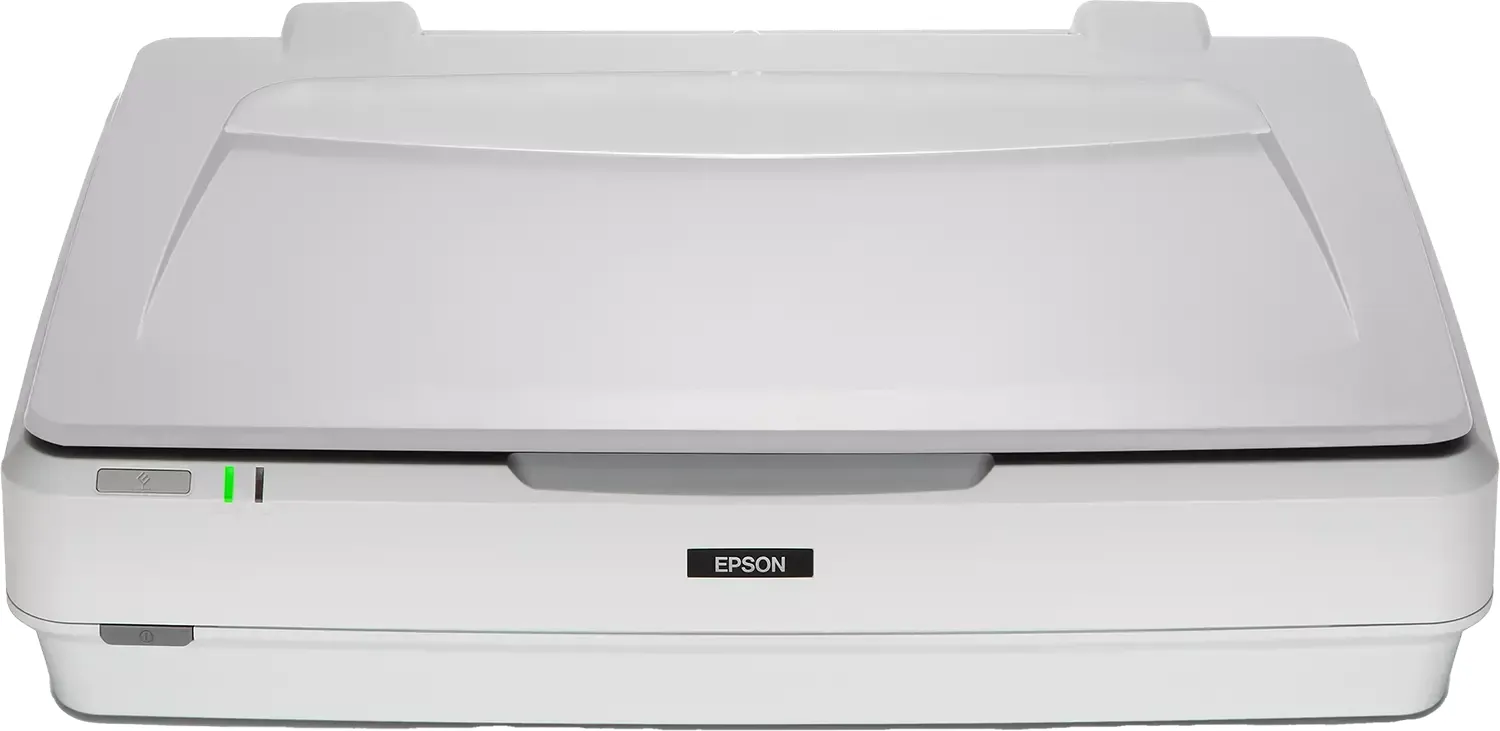
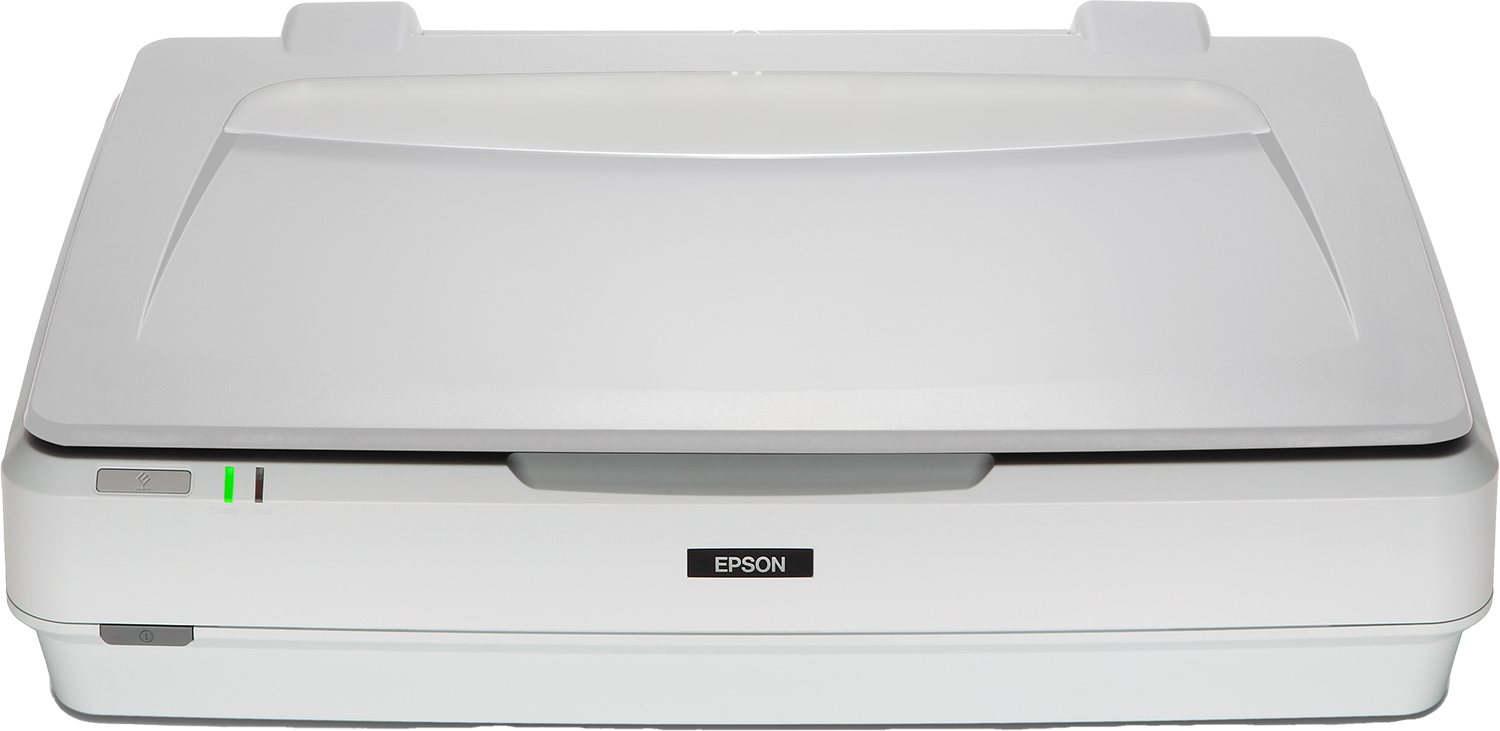
Epson Expression 13000XL Manual
PDF manual · 77 Pages
English



Advantages and Disadvantages
Advantages

- Large A3 flatbed (310×437 mm) ideal for oversized originals and efficient batch scanning.
- Advanced Photo Mode controls: color restoration, unsharp mask, descreening, dust removal, and grain reduction.
- Strong film support with optional Transparency Unit for 35mm, medium format, 4×5, and non-standard sizes.
- High internal image depth and flexible output resolutions up to very high dpi for archival-quality scans.
- Comprehensive maintenance, troubleshooting guidance, and EPSON Software Updater for firmware and app updates.
Disadvantages

- Optional Transparency Unit required for film scanning adds to total system cost.
- Large file sizes and slower scan times at very high resolutions demand substantial storage and processing resources.
- Certain advanced features and OCR searchable PDF require installing additional components.
- Physical weight and size (approx. 14.3 kg) make it less portable and require care during transport.
- Some image adjustments (descreening, grain reduction) cannot be previewed accurately and may soften output.
Ask a Question
Frequently Asked Questions
The scanner supports a document size up to 310 × 437 mm (12.2 × 17.2 inches), suitable for A3 originals and larger photographic materials placed on the flatbed.
Is this answer helpful?
Yes. To scan transparencies, film strips, and mounted slides in full color you should install the optional A3 Transparency Unit, which includes film holders and a transparency guide for 35 mm, medium format, 4×5, and non-standard sizes.
Is this answer helpful?
Saving searchable PDFs requires Epson Scan 2 plus the OCR component (EPSON Scan OCR on Windows or Epson Scan 2 OCR on macOS). Enable Searchable PDF in Image Format and set the correct text language in Image Format Options before scanning.
Is this answer helpful?
Use Descreening (for printed materials at ≤600 dpi) to reduce moiré, enable Dust Removal for photos and film, clean the scanner glass and film holders before scanning, and ensure a proper gap between multiple originals when previewing thumbnails.
Is this answer helpful?
For screen display, up to 200 dpi is usually sufficient; OCR and general printing are typically 200–300 dpi; archival film scanning and high-quality print output call for 1,200–2,400 dpi or higher depending on target print size.
Is this answer helpful?
Try rescanning, confirm the transportation lock is released, power-cycle the scanner, check cable connections and software installation, and consult troubleshooting sections. If errors persist, contact Epson support or your dealer.
Is this answer helpful?
Yes. Remove the document cover if necessary, lift it straight up to avoid hinge damage, align the original with the guides, and hold the cover down gently when scanning to flatten thick or curled originals while avoiding excessive pressure.
Is this answer helpful?
Product Description

Epson Expression 13000XL — Powerful A3 Flatbed Scanner
The Epson Expression 13000XL is a high-performance A3 flatbed color scanner designed for professionals who need exceptional image quality, robust film scanning capabilities, and flexible workflow options. With a large scanning area (310 × 437 mm), advanced CCD sensor technology, and support for high optical and interpolated resolutions, this model is built to handle everything from delicate photographic film and slides to oversized documents and archival materials.
Equipped with Epson Scan 2 software, the 13000XL provides dedicated Photo and Document modes that let you tailor settings for accurate color reproduction, sharpness, and detail. Photo Mode offers an extensive suite of image adjustment tools — brightness, contrast, saturation, unsharp mask, color restoration, backlight correction, descreening, dust removal, and grain reduction — so photographers and imaging specialists can extract the best results from negatives and prints. Document Mode focuses on text clarity, with features like text enhancement, auto area segmentation, dropout/color enhance, gamma and threshold control, and options to save searchable PDFs using OCR components.
Film scanning is a particular strength: the optional Transparency Unit lets you scan 35 mm strips, mounted slides, medium format (120/220), 4×5 inch film, and non-standard film sizes. Recommended resolution ranges let you match output quality to use — from screen display to large archival prints up to A0 — while Micro Step and high-resolution modes enable fine detail capture up to very large output dpi values. A Hi-Speed USB interface ensures reliable connectivity to modern workstations.
Care and maintenance are straightforward: routine cleaning guidance, transport locks for safe shipping, and tips for preventing common scanning artifacts (Newton rings, moiré, dust spots) help keep the scanner performing optimally. Epson provides EPSON Software Updater for firmware and application updates, plus extensive troubleshooting guidance for lights, button operation, connectivity issues, and image-quality remedies.
This scanner is suitable for digitization professionals, studios, archivists, and designers who need a versatile A3 scanner with strong film capabilities and comprehensive image controls. It balances robust mechanical design, a wide feature set in Epson Scan 2, and optional accessories for film work, making it a reliable choice for high-volume, high-quality scanning tasks.
Notes
- Use Epson Scan 2 for full functionality; install the OCR components for searchable PDFs.
- Keep glass surfaces clean and handle film holders carefully to avoid Newton rings and dust artifacts.
- Lock the carriage and transportation lock before moving the scanner.
Search for :pdfCount Manuals online


Type-in Brand or Model