
Energy Sistem Urban Beat Manual
PDF manual · 9 Pages
English



Quick check
Incorrect answer, please try again.
Chat with your Energy Sistem Urban Beat manual using AI
Get instant AI answers from your Energy Sistem Urban Beat manual
Ask anything about the Energy Sistem Urban Beat. Answers come from this manual, with the pages they are based on.
Urban Beat Maintenance Schedule
Charge the battery at least once a month if the product is not used for long periods.
Thoroughly dry the earphones after every workout session before putting them back in the case.
Free maintenance reminders
Timed to your purchase date. Always free, unsubscribe anytime.
Ask a Question
Do you recommend Urban Beat?
Yes NoFrequently Asked Questions
Remove the earbuds from the charging case to initiate auto-pairing. Open your device's Bluetooth settings, select the Urban Beat from the available devices list. For subsequent uses they should auto-connect when removed from the case.
Is this answer helpful?
Each earbud has about 5 hours of playback at medium volume and charges in roughly 1 hour. The charging case (300 mAh) provides about 17 additional hours and takes around 1.5 hours to fully charge via USB-C.
Is this answer helpful?
With both earbuds outside the charging case, press the touch control on either the right or left earbud 10 times to restore factory defaults.
Is this answer helpful?
Yes. The earbuds support voice assistant activation compatible with Google Assistant and Siri via the touch control feature, enabling hands-free commands and queries.
Is this answer helpful?
Avoid impacts, dust, humidity and high temperatures. Clean external surfaces and charging contacts with a clean cloth and hand sanitiser. Do not wet ear tips or internal meshes. Dry thoroughly after workouts before storing in the case.
Is this answer helpful?
No. The manual cautions against fast charging adapters or laptop chargers that exceed 5 V, as they may damage the device. Use a standard 5 V USB power source for charging.
Is this answer helpful?
Avoid listening at high volumes for prolonged periods to prevent hearing damage. Start with low volume and increase gradually. Do not use the earbuds while driving or during activities that require full attention, and keep them away from children and pets.
Is this answer helpful?
Advantages and Disadvantages
Advantages

- Bluetooth 5.3 for stable wireless connection and up to 20 m range.
- Compact charging case (USB-C) adds roughly 17 extra hours of playback.
- 10 mm dynamic drivers with 20 Hz–20 kHz frequency response for balanced sound.
- Touch controls and voice assistant compatibility (Google/Siri) for hands-free use.
- Lightweight in-ear design offers secure fit for daily use and workouts.
Disadvantages

- Earbud battery life around 5 hours may be short for heavy users without the case.
- Not recommended with fast chargers; susceptible to damage from >5 V adapters.
- Manual cleaning restrictions — cannot wet ear tips or internal meshes.
- No active noise cancellation; relies on passive isolation only.
- Small components and packaging pose choking risk for children and pets.
Product Specification
Design
Earbuds (In-Ear)
Form Factor
True Wireless, TWS
Acoustic Design
closed
Microphone
integrated
Wireless
Bluetooth 5.3, AAC
Controls
1-button remote control
Operating Time
5h, 22h (with charging case)
Battery
USB-C charging port, charging case (300mAh), 1h charging time
Frequency Range
20Hz-20kHz
Driver
0.39 in
Features
water-resistant (IPX4)
Software Features
Voice assistant (Apple Siri, Google Assistant)
Weight
0.10 lb
Product Description
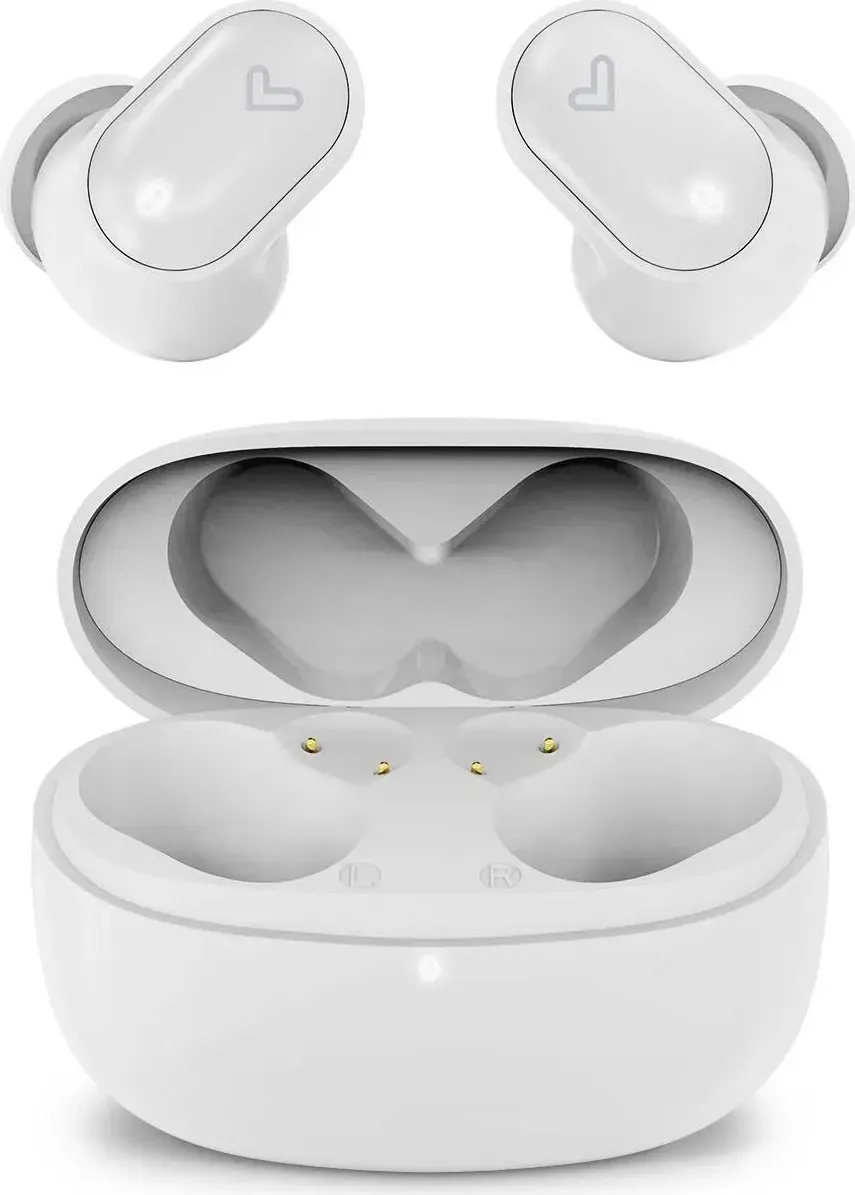
Energy Sistem Urban Beat Manual — True Wireless Urban Earphones
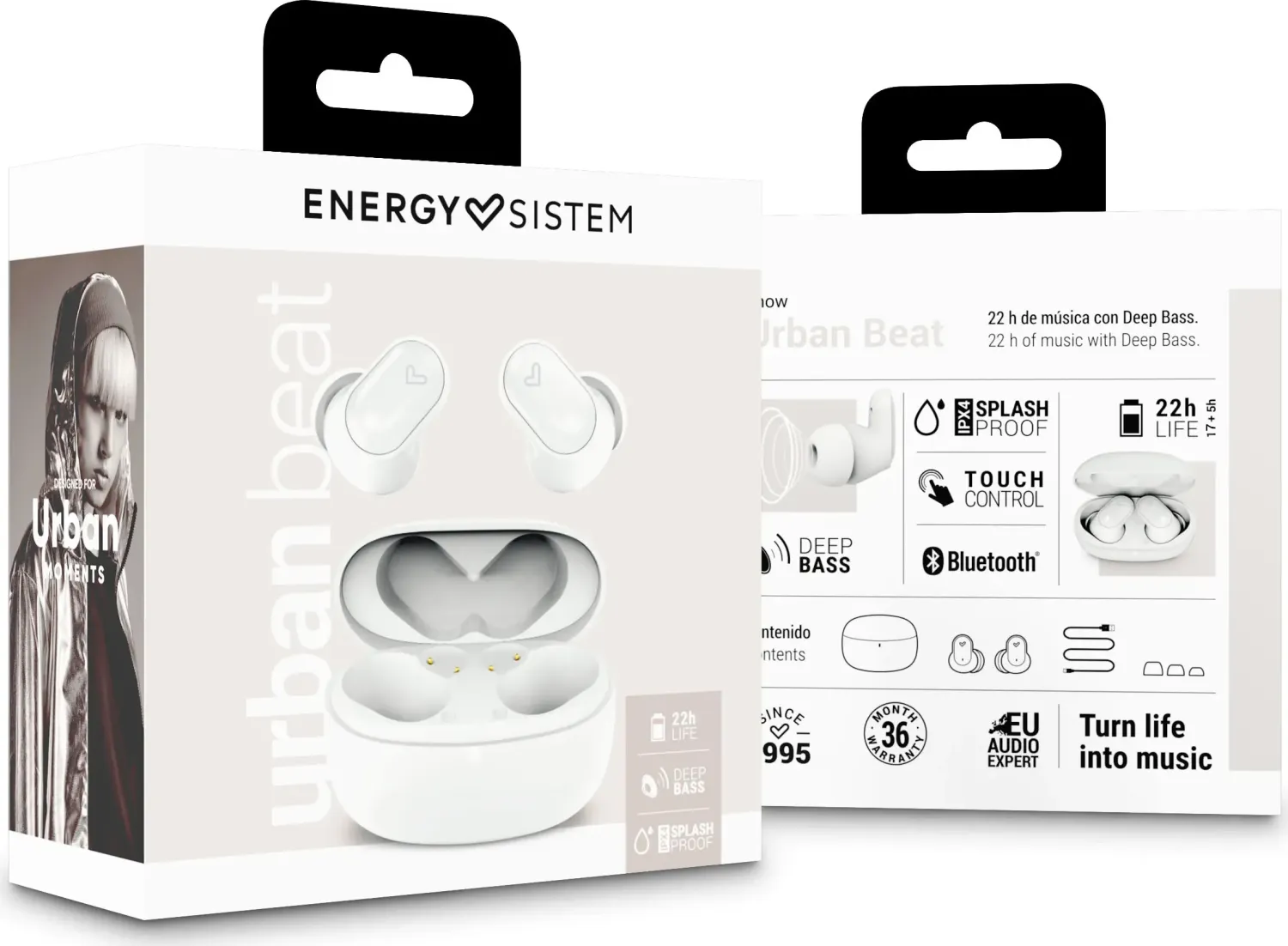
Discover the Energy Sistem Urban Beat, compact true wireless in-ear earphones designed for everyday urban life. These earbuds offer Bluetooth 5.3 connectivity, auto-pairing, voice assistant support, and a balanced audio response across 20 Hz–20 kHz. The package includes two earbuds and a USB-C charging case that extends playtime, delivering portability and convenience for commuting, workouts, and daily listening.
Design and comfort
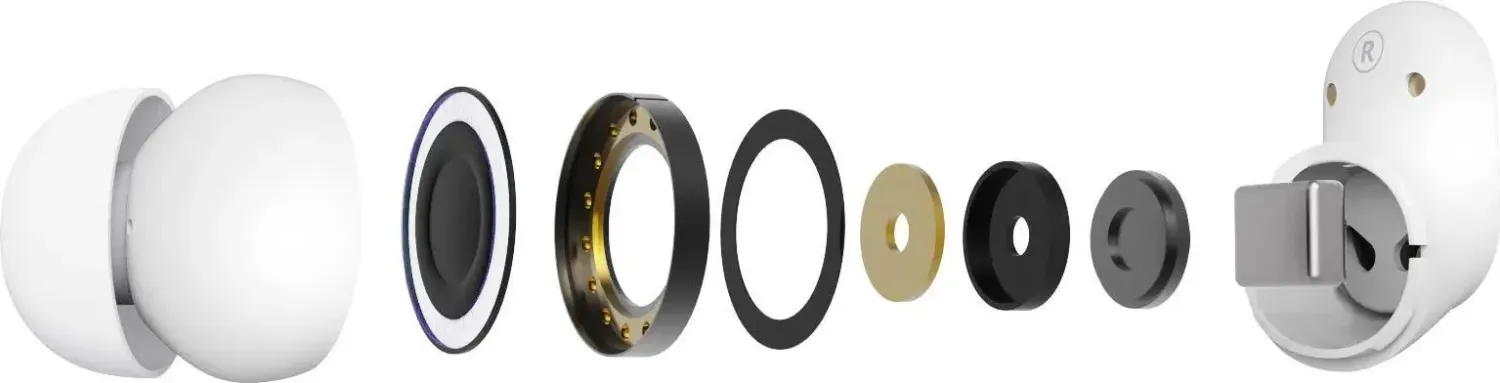
The Urban Beat uses 10 mm dynamic drivers housed in an in-ear design that favors passive noise isolation and a secure fit. Lightweight and discreet, they’re intended for extended wear while remaining stable during movement. The manual highlights proper wearing technique and recommends drying the earbuds after workouts to preserve longevity.
Battery and charging
Each earbud contains a 35 mAh Li-Po battery with around 5 hours of playback at medium volume. The included 300 mAh charging case adds roughly 17 extra hours and recharges via USB-C. Typical full-charge times are about 1 hour for the earbuds and 1.5 hours for the case. The manual advises charging the product at least monthly when unused and warns against fast-charging adapters that exceed 5 V.
Connectivity and controls
Bluetooth 5.3 (Class 2) provides stable wireless performance up to 20 meters and supports HSP, HFP, A2DP and AVRCP profiles, plus SBC and AAC codecs. The earbuds feature touch controls for playback, calls, and activating voice assistants like Google or Siri. Pairing is automatic once removed from the case after first setup.
Maintenance and safety
Care instructions emphasize avoiding impacts, dust, humidity and extreme heat. Clean external surfaces and charging contacts with a cloth and hand sanitiser, but avoid cleaning ear tips or internal meshes with liquids. The manual recommends following hearing-protection guidance: limit long sessions at high volume and start at low volume. Do not use the earphones while driving or performing activities that demand full attention.
Reset and troubleshooting
To restore factory settings, remove both earbuds from the case and press the touch control on either earbud 10 times. The guide includes standard precautions and a pointer to the full warranty and support at the Energy Sistem website.
Notes
- Avoid fast chargers; use standard 5 V USB power sources.
- Dry earbuds thoroughly after exercise before storing in the case.
- Store with some charge; don’t leave batteries empty for long periods.
Search for 67,706 Manuals online


Type-in Brand or Model