
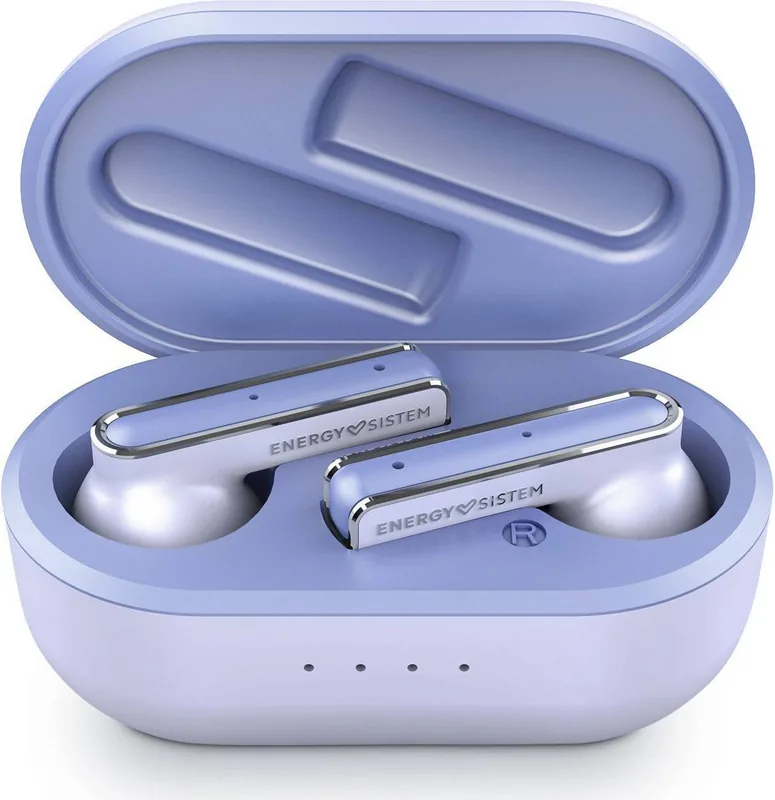
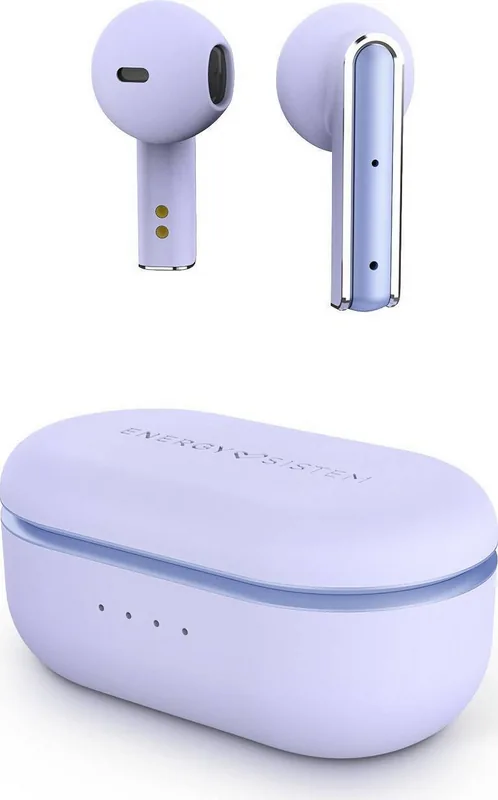
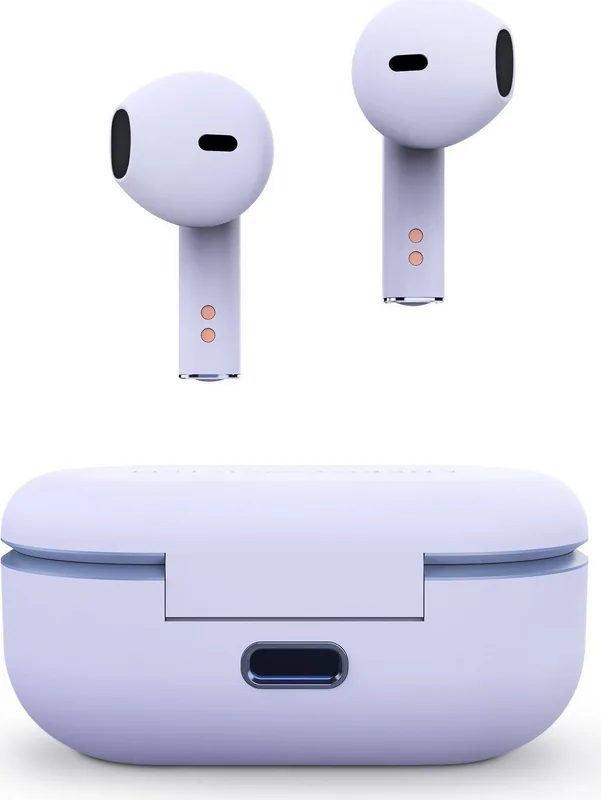
Energy Sistem Style 4 True Wireless Manual
PDF manual · 25 Pages
English



Quick check
Incorrect answer, please try again.
Chat with your Energy Sistem Style 4 True Wireless manual using AI
Get instant AI answers from your Energy Sistem Style 4 True Wireless manual
Ask anything about the Energy Sistem Style 4 True Wireless. Answers come from this manual, with the pages they are based on.
Style 4 True Wireless Maintenance Schedule
We recommend charging the battery at least once a month to avoid leaving the earphones or case unused with an empty battery for long periods.
Clean the earbuds' external surface and charging connectors with a clean cloth and hand sanitiser. Do not use these products on ear tips or internal mesh.
Free maintenance reminders
Timed to your purchase date. Always free, unsubscribe anytime.
Ask a Question
Do you recommend Style 4 True Wireless?
Yes NoFrequently Asked Questions
First, pair the earphones manually through your phone Bluetooth settings. This is done via settings to bypass operating system security restrictions. Once connected via Bluetooth, open the ESmart Connect app to complete the configuration and manage features.
Is this answer helpful?
The earbuds provide up to 5 hours of playtime on a single charge. The charging case adds an additional 20 hours of battery life. This totals approximately 25 hours of playback before needing to recharge the case itself via USB Type-C.
Is this answer helpful?
Use the ESmart Connect app to access the Custom Control section. Here you can define functions for holding down or tapping the touch buttons one, two, or three times for the left or right bud individually to control music or calls.
Is this answer helpful?
Yes, the device is compatible with Google and Siri voice assistants. To activate the feature, tap the Left multifunction button three times in a row. Listen for the confirmation sound, then issue your voice command directly.
Is this answer helpful?
Use a clean cloth and hand sanitiser for the external surface and connectors. Do not use these products on the ear tips or internal mesh. Avoid getting charging ports wet and never use abrasive or corrosive cleaning products or disassemble the device.
Is this answer helpful?
The product uses Bluetooth 5.1 wireless technology. It operates in the 2.4 GHz frequency band. This supports compatible profiles like HSP, HFP, A2DP, and AVRCP with SBC codecs, ensuring reliable connections with most modern devices.
Is this answer helpful?
Advantages and Disadvantages
Advantages

- Bluetooth 5.1 technology ensures stable wireless connectivity up to 20 meters.
- High capacity 400 mAh charging case provides 20 hours of extra battery life.
- ESmart Connect app allows custom equalizer settings and touch control configuration.
- USB Type-C charging port offers modern compatibility and faster power replenishment.
- Built-in microphone supports clear voice transmission for calls and voice assistants.
Disadvantages

- Charging process requires a specific 1.5 hours which may delay urgent use.
- iOS users must manually pair via Bluetooth settings before using the app.
- No official water resistance rating is provided for exposure to moisture.
- Touch buttons require careful cleaning to avoid damaging internal mesh or tips.
- Battery life depends heavily on volume levels and type of music content.
Product Specification
Type
Earbuds
Form Factor
True Wireless, Cable-Free
Microphone
Built-in
Wireless
Bluetooth 5.1
Controls
Touch Control
Battery Life
5h, 25h (with charging case)
Battery
USB-C Charging Port, Charging Case (400mAh), 1.5h Charging Time
Frequency Response
20Hz-20kHz (Earbuds), 100Hz-10kHz (Microphone)
Driver
0.39 inches
Software Features
Voice Assistant (Apple Siri, Google Assistant), Equalizer Presets, Custom Equalizer, App Control
Weight
1.48 oz
Product Description
Discovering Audio Freedom with Style 4
The world of wireless audio is crowded, but the Energy Sistem Style 4 True Wireless stands out for its reliability and feature set. Integrating seamlessly with your daily routine, these earphones offer a dynamic listening experience without wires tethering you to your device. Whether you are commuting, working out, or relaxing at home, the connection stability provided by the Bluetooth 5.1 technology ensures uninterrupted music playback.
Enhancing Your Experience
Users often look for specific details regarding setup and performance. The Energy Sistem Style 4 True Wireless Manual serves as a valuable resource for understanding the full potential of the hardware. With a 10 mm dynamic driver delivering a frequency response from 20 Hz to 20 kHz, users can expect clear highs and deep bass suitable for various genres. The device utilizes an ESmart Connect app to unlock further capabilities, allowing for custom equalizer settings and touch control configurations. This level of customization ensures the audio profile fits personal preferences perfectly.
Battery Life and Convenience
Powering your day requires efficient energy management. The earbuds provide up to five hours of playtime on a single charge, while the charging case extends this significantly to a total of 20 hours. Charging is facilitated via a USB Type-C port, ensuring compatibility with modern cables. The case itself flashes indicators to show status, helping you avoid running out of power unexpectedly. Safety and care instructions are integrated into the design philosophy, advising against moisture exposure and recommending regular cleaning with a soft cloth to maintain hygiene.
Controlling Your Sound
Interaction with the device is intuitive through the multifunction touch buttons. You can skip tracks, adjust volume, or manage calls with simple taps. Voice assistant support adds another layer of convenience, allowing hands-free control for smart commands. If the device is misplaced, the app offers a finder feature to locate it by playing a sound. Overall, this system combines practical usability with high-quality sound, making it a strong contender in the wireless market.
Connectivity And Setup
Getting started is designed to be straightforward. After removing the earbuds from the case, they automatically sync with each other. You can then connect to your smartphone or computer via Bluetooth settings. The ESmart Connect app simplifies the process further for Android devices. Pairing can be done using the ESmart app for one-touch setup or standard Bluetooth for direct connection. This flexibility ensures broad compatibility across different operating systems without compromising the user experience.
Care And Longevity
Longevity depends on proper care. Users should avoid exposing the earphones to impacts, dust, or high humidity. Cleaning requires a clean cloth, but care must be taken not to use abrasive products on the mesh or ear tips. The lithium-polymer batteries need monthly charging even if unused to maintain health. Following these guidelines ensures the product remains durable over time.
Final Thoughts
Ultimately, the combination of sound quality, battery longevity, and app integration makes this product appealing. The ability to rename the device within the Bluetooth menu adds a personal touch for owners with multiple gadgets. Whether you are using the hands-free function for calls or diving deep into the 10-octave band equalizer, the system supports comprehensive customization. The microphone features a broad frequency range, ensuring clear voice transmission during calls. Safety warnings regarding hearing protection are included to encourage healthy listening habits. It is important to check the warranty terms regarding defects and damages to ensure full protection for your investment over the years. This product is built with the user in mind, balancing performance with ease of use.
Search for 67,706 Manuals online


Type-in Brand or Model