
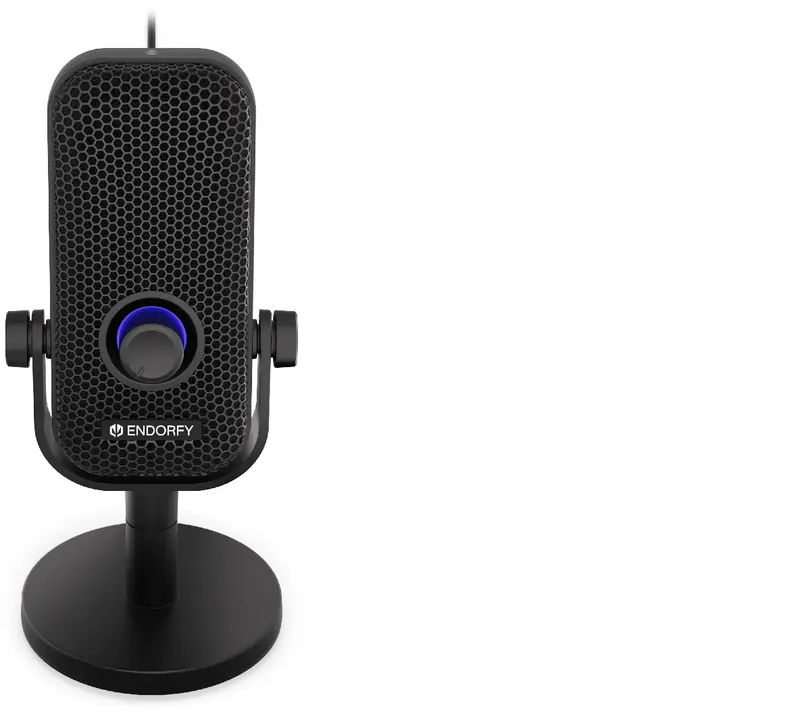
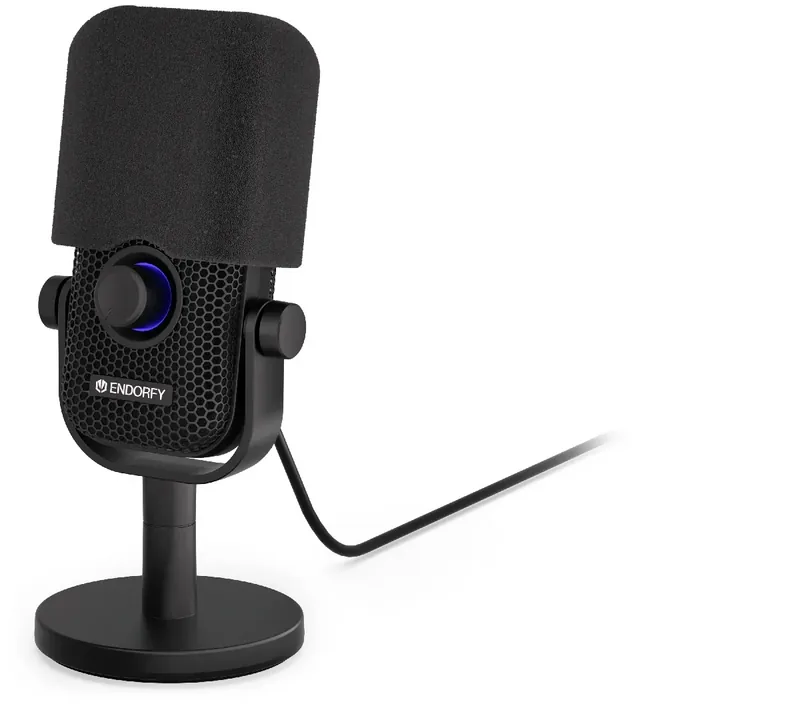
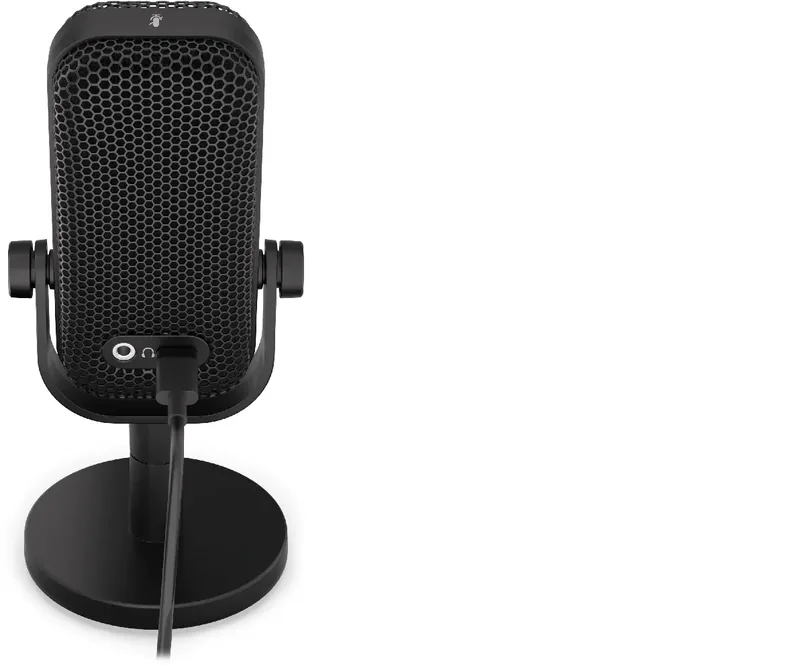
ENDORFY Solum Voice S Manual
PDF manual · 12 Pages
English



Quick check
Incorrect answer, please try again.
Chat with your ENDORFY Solum Voice S manual using AI
Get instant AI answers from your ENDORFY Solum Voice S manual
Ask anything about the ENDORFY Solum Voice S. Answers come from this manual, with the pages they are based on.
Ask a Question
Do you recommend Solum Voice S?
Yes NoFrequently Asked Questions
No, the device is designed strictly for indoor use under normal humidity conditions. Using it outdoors can lead to permanent damage or failure due to environmental factors.
Is this answer helpful?
Opening the device or modifying it will void the warranty. You should return the device to an authorized service center for repairs instead.
Is this answer helpful?
Clean only with a dry, clean cloth. Do not handle with wet hands to avoid electrical risks and potential damage to the sensitive components.
Is this answer helpful?
No, there are no user-serviceable components inside. You must return it to an authorized service center for repairs to maintain safety and coverage.
Is this answer helpful?
Disconnect the power source immediately and contact Endorfy Technical Support for assistance to resolve the issue safely and quickly.
Is this answer helpful?
Do not discard with household waste. Return it to a collection point or store to ensure correct environmental disposal of electronic equipment.
Is this answer helpful?
No, the warranty does not cover mechanical damage to the product. Ensure the product is in good working order before using it.
Is this answer helpful?
Advantages and Disadvantages
Advantages

- Seamless USB connection eliminates driver complexity for immediate use
- Designed for indoor use with normal humidity conditions for optimal performance
- Dry cloth cleaning ensures safe and easy maintenance routine for longevity
- Manufacturer support available if functional issues arise during standard operation
- Built to meet safety standards for electronic device usage guidelines
Disadvantages

- Warranty voids immediately if the casing is opened or modified by user
- Cannot be used outdoors or in environments with high moisture levels
- No user-serviceable parts inside require returning device for any repairs
- Must wait for ambient temperature warmup to prevent condensation damage
- Prolonged high volume use poses risk of permanent hearing damage
Product Specification
Type
Streaming Microphone, Desktop Microphone
Interface
Digital (24bit/96kHz)
Transducer Type
Condenser
Polar Pattern
Cardioid
Connection
USB-C
Frequency Range
30Hz-18kHz
Power Supply
USB-C
Package Contents
Pop Filter, Desk Stand
Features
Headphone Jack (3.5mm), Switch, LED Lighting
Color
Black
Dimensions
2.91x2.91x6.69 inches
Weight
0.50 lbs
Product Description
Discover the ENDORFY Solum Voice S Premium Audio Experience
Welcome to the world of high-fidelity streaming where every word counts and clarity is king for modern creators. The ENDORFY Solum Voice S is meticulously designed for professionals who demand absolute reliability from their audio setup. This USB microphone connects seamlessly to your computer, ensuring you start broadcasting your content right away without requiring complex drivers. It stands as a testament to modern engineering built specifically for the discerning user who values sound quality and ease of use in every scenario.
Understanding the device fully and safely requires reading the official ENDORFY Solum Voice S Manual carefully before first use. This comprehensive guide provides critical safety instructions to protect both you and your expensive equipment from potential harm or mechanical failure. Following these guidelines ensures the longevity of your hardware and personal safety during extended recording sessions throughout your day. The manual explicitly highlights that this device is intended for indoor use only under normal humidity conditions indoors. Using it outdoors or in environments with extreme weather can lead to permanent damage or failure of sensitive components inside.
Safety is paramount when operating sensitive electronic devices like this specific microphone model. You must strictly avoid using the microphone near any liquids or in damp environments where moisture could seep inside the housing and cause shorts. Mechanical damage explicitly voids the warranty, so keep the casing intact and never attempt to pry it open yourself or with tools. Regular maintenance involves cleaning with a dry cloth only while avoiding handling with wet hands to prevent electrical risks. Do not attempt any user repairs as this voids coverage and may create serious safety hazards for the operator during future use. If you experience functional issues, contact technical support immediately for assistance and guidance.
Proper disposal is also part of responsible usage for all modern electronic products available on the market. Electronic waste must not go into general household trash to prevent environmental contamination in your local community area. Return faulty units to authorized collection points to support the environment effectively while following all local regulations strictly. Be mindful of volume levels to prevent potential hearing damage during prolonged use sessions when recording audio content for friends.
Important Usage Notes and Support Details
Ensure the device warms up to room temperature before connecting to avoid condensation damage on internal sensitive components during initial setup. Keep the unit out of reach of children to prevent accidental injury or tampering with the hardware features. If the device malfunctions, disconnect the power source immediately to prevent electrical issues from escalating further and causing more damage. You can find detailed info online for any questions you might have regarding your purchase and specifications. Contact support at the website for further assistance.
Final Thoughts on Safety and Usage
Adhering to the provided instructions guarantees the best performance from your new microphone equipment and protects your investment. Always prioritize safety and proper handling to keep your audio gear in top condition for years of reliable service.
Search for 67,732 Manuals online


Type-in Brand or Model