
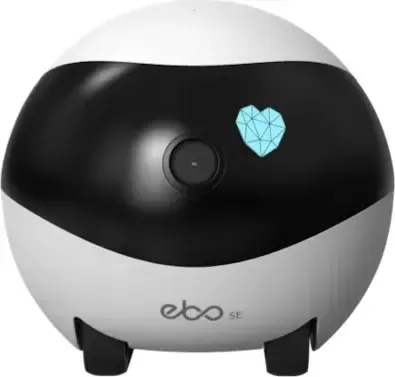
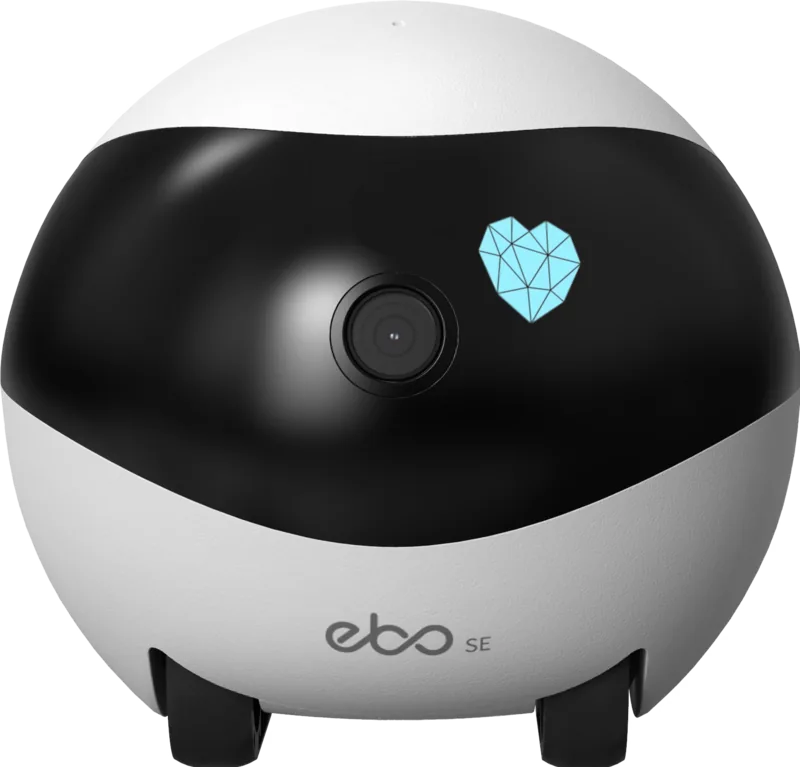

Enabot EBO SE Manual
PDF manual · 68 Pages
English



Quick check
Incorrect answer, please try again.
Chat with your Enabot EBO SE manual using AI
Get instant AI answers from your Enabot EBO SE manual
Ask anything about the Enabot EBO SE. Answers come from this manual, with the pages they are based on.
Ask a Question
Do you recommend EBO SE?
Yes NoFrequently Asked Questions
Place the robot on the dock, open the EBO APP, select the plus sign, and scan the QR code displayed on the screen with the robot camera.
Is this answer helpful?
The device offers approximately four to seven hours of usage time before it needs to be recharged back to the docking station.
Is this answer helpful?
No, the Enabot EBO SE is not waterproof and should always be kept away from water and moisture.
Is this answer helpful?
Yes, the device supports an SD card expansion up to 256GB for saving photos and video files locally on the card.
Is this answer helpful?
Use the small pin end to press the RESET button for two seconds to turn on, or five seconds for factory data reset.
Is this answer helpful?
Keep the wall behind the dock flush, with 0.6 meters clearance on sides and 2 meters free space in front for navigation.
Is this answer helpful?
Yes, you can invite members to share the device so multiple users can control and monitor it remotely from their phones.
Is this answer helpful?
Advantages and Disadvantages
Advantages

- Supports high capacity SD storage for secure local media archives up to 256GB
- Dual-band Wi-Fi ensures reliable connectivity in most home environments
- Interactive voice and video capabilities allow engagement with family members
- Automatic recharging dock simplifies power management for continuous use
- Multilingual support makes the interface accessible to international users
Disadvantages

- Lack of waterproofing restricts use to dry indoor environments only
- Requires large clearance area around the charging dock for success
- Battery life is limited to approximately seven hours maximum runtime
- Small wheel size may struggle on rough carpets or textured floors
- Reset mechanism requires a specific pin tool which may be easily lost
Product Specification
Type
Camera Robot
Image Sensor
CMOS
Resolution
1920x1080 Pixels (30 fps)
Viewing Angle
98.5° (Horizontal), 62.5° (Vertical), 118° (Diagonal)
Pan
360° (Motorized)
Compression / Codecs
MJPEG, AVI
Wireless
Wi-Fi 4 (WLAN 802.11b/g/n)
Storage
1x microSD Slot (Max. 256GB)
Microphone
Built-in
Speaker
Built-in
Lighting
IR Lighting
Power Supply
Battery (2500mAh)
System Control & Operation
Mobile App (Android, iOS)
Zone & Analysis Functions
Motion Detection, Animal Detection, IR Filter
Product Description
Introduction to Enabot EBO SE
The Enabot EBO SE stands out as a versatile companion for modern homes, offering seamless integration with your daily routine. This guide serves as your ultimate reference for the Enabot EBO SE Manual, ensuring you maximize every feature this intelligent robot provides. From the moment you unbox the device, setup is straightforward thanks to the intuitive EBO APP. Simply scan the QR code to pair the device and connect it to your network. Once online, you gain access to a world of interactive possibilities designed for both security and entertainment. The interface supports multiple languages, making it accessible to a global audience regardless of where you reside.
Security enthusiasts will appreciate the robust monitoring capabilities included in the Enabot EBO SE documentation. The unit features a high-definition camera capable of capturing clear 1080P video, allowing you to keep an eye on your home or pets remotely. The camera angles are adjustable, providing a wide field of view. Two-way audio communication enables you to talk to loved ones or even play with your furry friends via the mobile interface. The robot also supports patrol modes, automatically scanning designated areas to protect your property while you are away or asleep. If you need to rest during the night, you can switch the device to sleep mode, which disables the camera and speaker. Additionally, you can send messages or manage media files directly from the app dashboard to organize your memories efficiently.
Battery performance is another highlight for this compact unit. With a 2500mAh capacity, the device offers between four to seven hours of runtime on a single charge. Recharging takes approximately two to three hours using the included dock. Users should note that the charging station requires specific clearance, ensuring there is at least two meters of free space in front and 0.6 meters on the sides for optimal docking reliability. Indicator lights confirm status, showing red for charging and green for a full battery. The device is small enough to move freely but large enough to hold a standard SD card.
Storage options are flexible, supporting SD cards up to 256 gigabytes for local file saving or video archives. While the device is compact and lightweight, measuring just about 95 millimeters on each side, it remains sturdy enough for indoor mobility. Cleaning is simple with removable wheels secured by screws. Users can dismount the wheel set to clean debris effectively. However, please remember that the Enabot EBO SE Manual warns that the robot is not waterproof and should remain in indoor environments away from water. Safety is paramount, so children under three should not use it alone. Power management is easily controlled via the reset button on the body for restarts or factory defaults. If issues arise, customers can contact support services regarding login files or device reports. Overall, this robot blends security and companionship effectively for tech-savvy owners. It ensures peace of mind while offering fun interaction for your family members and pets alike. This resource ensures you understand every button and setting for long term satisfaction.
Important Notes
Keep charging dock clear of obstacles. Use pin tool for reset. Contact support for issues.
Search for 67,706 Manuals online


Type-in Brand or Model
maiores84
6 months ago
Is a single camera sufficient to monitor pets across the entire house?
Manual.ly
6 months ago
Yes, our camera features a wide-angle lens designed to cover large open living areas effectively, making it suitable for keeping an eye on cats and dogs while you are away. Many users report that one unit is enough to monitor their whole apartment.