
Enabot EBO Air Manual
PDF manual · 44 Pages
English



Quick check
Incorrect answer, please try again.
Chat with your Enabot EBO Air manual using AI
Get instant AI answers from your Enabot EBO Air manual
Ask anything about the Enabot EBO Air. Answers come from this manual, with the pages they are based on.
Ask a Question
Do you recommend EBO Air?
Yes NoFrequently Asked Questions
Register in the EBO app, tap the + to add a device, place EBO on the charging dock, enter your Wi‑Fi credentials, and use EBO’s camera to scan the QR code shown in the app. Wait for the pairing icons to turn off to confirm connection.
Is this answer helpful?
The app allows remote driving (forward/back/left/right), camera livestream, two‑way audio, photo/video capture, laser play, electronic pet mode, auto‑dock, and settings like volume, lights, Do‑Not‑Disturb, and device sharing with guest users.
Is this answer helpful?
Place the charging dock with its back against a wall and keep about 2 meters clear in front and 0.6 meters on each side from obstacles. The robot indicates charging with a red light and full charge with green. Keep EBO on the dock when not in use to maintain connectivity.
Is this answer helpful?
Use the RESET pin: press for 2 seconds to power on, press twice to power off, press once to reboot, and press and hold for 5+ seconds until you hear “ebo” to perform a factory reset.
Is this answer helpful?
No. EBO Air is not waterproof and should be kept away from water. Avoid using forward motion near stairs and ensure stable surfaces; supervise use around children and elevated areas.
Is this answer helpful?
EBO Air supports microSD cards up to 256GB. Video and photo files are typically stored in AVI and JPG formats, with local files kept on the SD and optionally downloaded to the app.
Is this answer helpful?
For support contact [email protected]. General inquiries and business contacts are listed on enabot.com and in the app. In some cases support may request log uploads to diagnose issues.
Is this answer helpful?
Advantages and Disadvantages
Advantages

- 1080p camera with wide 118° diagonal field of view for clear home monitoring.
- Remote control, two‑way audio, photo/video capture, and livestream via the EBO app.
- Electronic pet mode and laser play to keep pets entertained on a schedule.
- Auto‑docking charger and expandable microSD storage up to 256GB.
- Compact, lightweight design with easy wheel module removal for cleaning.
Disadvantages

- Not waterproof—must be kept away from water and damp areas.
- Forward movement near stairs risks falls; supervision required in multi‑level homes.
- Battery endurance varies (2–6 hours) and may require frequent docking for heavy use.
- Some setup steps require precise QR scanning at about 15 cm distance.
- Charging dock needs clear space (approx. 2 m front, 0.6 m sides) to ensure reliable auto‑docking.
Product Specification
Type
Camera Robot
Image Sensor
CMOS
Resolution
1920x1080 Pixels (30fps)
Viewing Angle
98.5° (horizontal), 62.5° (vertical), 118° (diagonal)
Pan
360° (motorized)
Compression/Codecs
MJPEG, AVI
Wireless
Wi-Fi 4 (WLAN 802.11b/g/n)
Data Storage
1x microSD-Slot (max. 256GB)
Microphone
integrated
Speaker
integrated
Illumination
IR Illumination
Power Supply
Battery (2500mAh)
Control & Operation
Mobile App (Android, iOS)
Zone & Analysis Functions
Motion Detection, Animal Detection, IR Filter
Product Description
Enabot EBO Air — Your Smart Home Companion
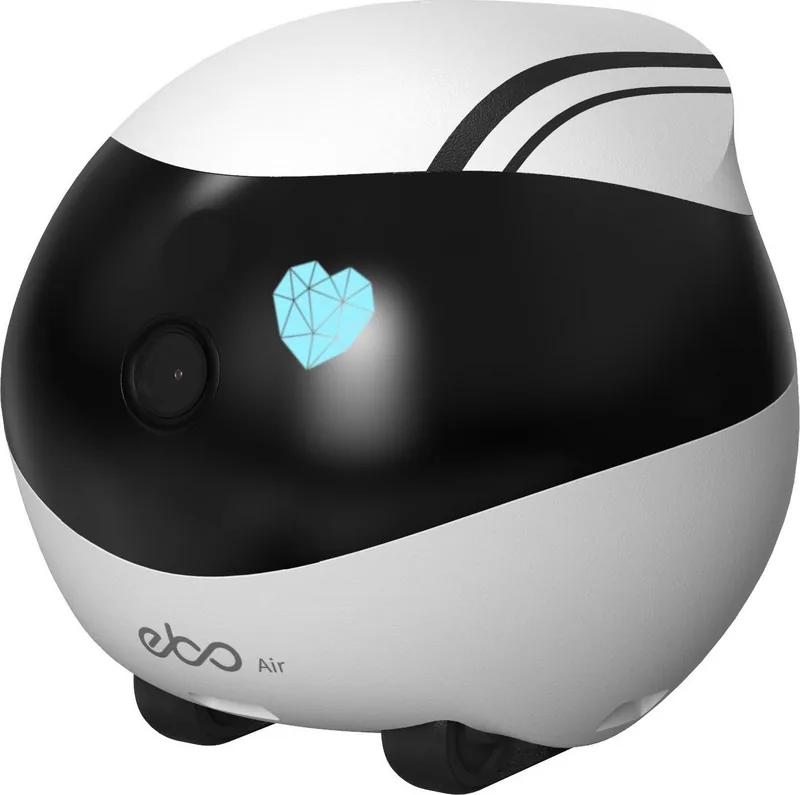
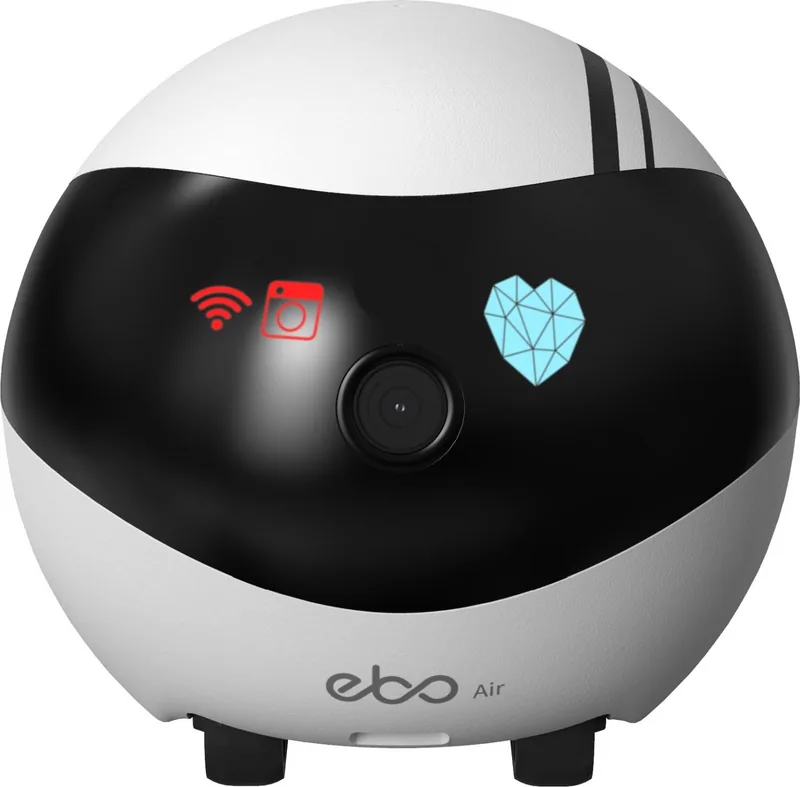
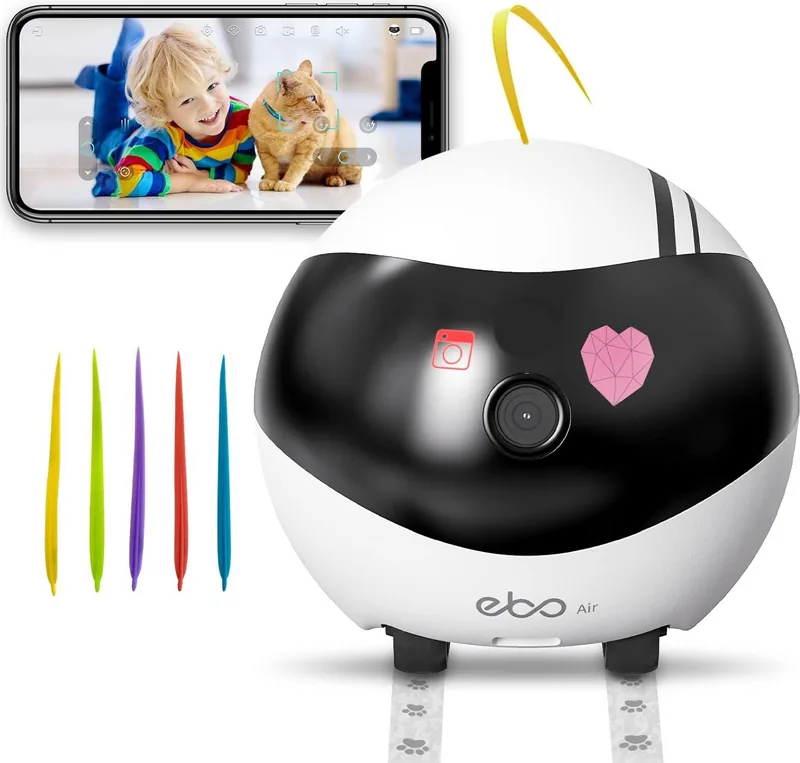
Enabot EBO Air is a compact, camera-equipped home robot designed to blend remote monitoring, pet play, and simple home security into one friendly device. With full 1080p video, a wide field of view, laser play for pets, and remote-control mobility, EBO Air operates from a charging dock and connects to your home Wi‑Fi and the EBO mobile app for real‑time interaction.
EBO Air’s design emphasizes accessibility and continual presence. Place it on its charging dock to keep it online and ready: indicator lights show charging status, and an easy QR-scan pairing sequence links the robot to the app. The device supports both 2.4GHz and 5GHz Wi‑Fi and accepts expandable storage via microSD (up to 256GB), letting you store photos and videos captured during patrols or play sessions.
Controllable functions include remote driving (forward, backward, left, right), auto‑dock charging, accelerated motion, shake/escape gestures, rotation, and an electronic pet mode that entertains and interacts with pets on a schedule. The app provides a device page where you can switch camera on/off, take photos and videos, communicate via two‑way audio, livestream EBO’s viewpoint, and manage settings like Do‑Not‑Disturb, light and volume levels.
Safety and maintenance are straightforward: EBO Air is not waterproof and should be kept away from water and stairs. A recessed RESET pin handles power on/off, reboot, and factory reset. Wheels and modules are user‑accessible for cleaning. Charging guidelines recommend placing the dock close to a wall and keeping obstruction‑free space in front and to the sides to ensure reliable auto docking.
Technical highlights include a 1080p camera with ~118° diagonal view, infrared support, top speeds of 75cm/s, and a 2500mAh battery (charging 2–3 hours, typical endurance 2–6 hours depending on usage). The unit weighs roughly 352g and measures about 95×95×89.2mm. File formats supported include AVI and JPG.
EBO Air is suitable for families wanting a friendly presence at home, pet owners seeking interactive play, and users who want an easy-to-use remote monitoring robot. Admin and guest account options allow safe sharing with relatives. Regular firmware updates and customer support channels help keep the experience current and supported.
Notes
- Keep EBO on its dock when not actively used to maintain connectivity.
- Use the smaller end of the pin to press RESET for power cycles or factory reset.
- Not waterproof — avoid wet environments and stairs.
- Contact [email protected] for technical assistance.
Search for 67,706 Manuals online


Type-in Brand or Model