
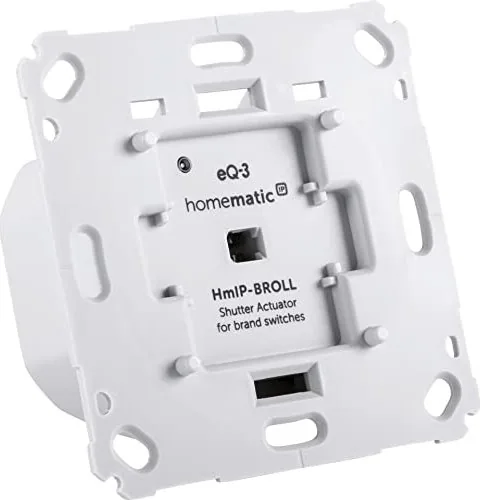
ELV Homematic IP HmIP-BROLL Manual
PDF manual · 59 Pages
English


Quick check
Incorrect answer, please try again.
Chat with your ELV Homematic IP HmIP-BROLL manual using AI
Get instant AI answers from your ELV Homematic IP HmIP-BROLL manual
Ask anything about the ELV Homematic IP HmIP-BROLL. Answers come from this manual, with the pages they are based on.
Ask a Question
Do you recommend Homematic IP HmIP-BROLL?
Yes NoFrequently Asked Questions
No, this device connects to 230-volt mains power. Installation must be performed by a qualified electrician to ensure safety and compliance with electrical regulations. Unauthorized handling can void the warranty and cause hazards.
Is this answer helpful?
It is compatible with major manufacturers like Merten, Busch-Jaeger, and Jung. However, you may need specific adapters for your existing switch series to interface correctly with the actuator motor controls.
Is this answer helpful?
To reset factory settings, remove the rocker and press the system button for 4 seconds with a pointed object until the LED blinks orange. Release and press again for 4 seconds until the LED turns green. The device will restart.
Is this answer helpful?
A long red light indicates transmission failure or that the duty cycle limit has been reached. You may need to wait an hour for the transmission limits to reset before trying again or check for radio interference.
Is this answer helpful?
No, the device has an IP20 rating. It must be installed in a dry environment inside a standard flush-mounting box. Exposure to moisture can damage the electronics and cause safety risks.
Is this answer helpful?
Yes, the Homematic IP Shutter Actuator integrates with the Homematic Central Control Unit CCU2. This allows for advanced automation rules and management of multiple devices through a central hub.
Is this answer helpful?
Advantages and Disadvantages
Advantages

- Easy retrofit for existing branded switch frames
- Integration with Homematic IP home automation systems
- Low standby power consumption for energy efficiency
Disadvantages

- Requires a qualified electrician for 230V installation
- Specific adapters needed for compatibility with different brands
- Installation risk if safety guidelines are ignored
Product Specification
Type
Actuator
Standard
BidCoS
Function
Blind control
Topology
Bus
Dimensions
2.80x2.80x1.46 in
Features
Recessed, IP20, App controlled, Voice assistant (Amazon Alexa)
Product Description
Upgrade Your Home with Homematic IP Shutter Actuator
The ELV Homematic IP ARR-Kit Roller Shutter Actuator represents a significant upgrade for residential smart home setups. This device transforms standard branded switches into intelligent components that control roller shutters and awnings perfectly. It fits seamlessly into existing flush-mounting boxes without replacing the visible switch faceplates. Homeowners can maintain their current interior design while gaining full automated functionality through a unified smart system. The actuator allows for remote control without needing new wall plates or extensive rewiring.
Compatible with major manufacturers like Merten and Busch-Jaeger, the actuator relies on specific adapters for proper operation. These accessories bridge the gap between the intelligent relay and your existing rocker mechanisms. Installation is straightforward but requires specific electrical expertise and knowledge of local wiring norms. Only a qualified electrician should handle the 230-volt connections to ensure personal safety. Protection against electric shock and potential fire hazards is critical during every step of the process. Unauthorized opening of the device risks voiding the warranty immediately.
Control happens via the Homematic IP smartphone app or a physical remote control unit. The system integrates fully with the CCU2 central unit for advanced automation rules and logic. You can set intricate schedules for automatic raising or lowering based on time or sun position sensors. Limit switches on the motors ensure precise positioning to avoid mechanical damage or jams. The actuator consumes minimal power in standby mode, typically around 0.2 watts for low consumption. Teaching-in to the network takes only a few minutes via the application.
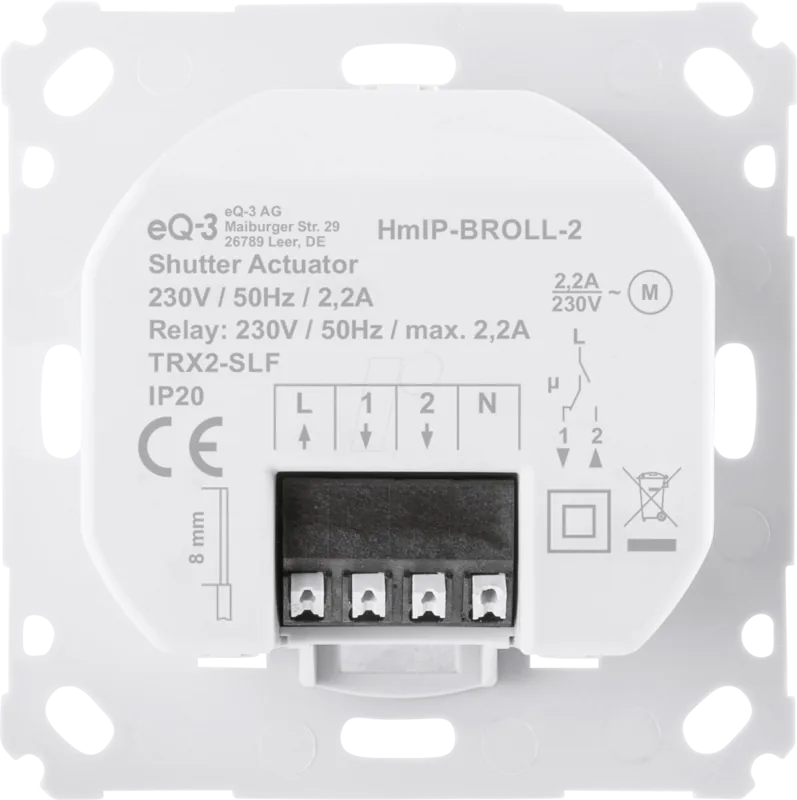
Technical specifications include a max switching capacity of 500 amps at 230 volts AC power. It supports rigid and flexible cables with cross-sections from 0.75 to 1.5 square millimeters for flexibility. Radio frequency operates at 868 MHz with a typical open field range of 220 meters. Status is clearly indicated by an LED on the unit itself for quick diagnostics. Users can track duty cycle limits to prevent transmission errors during setup. Transmission range varies depending on building materials and radio disturbances.
Maintenance is virtually non-existent as the unit is sealed against dust and debris. Moisture and liquid contact must be strictly avoided inside the housing. If issues arise, check the LED blink codes for diagnostics regarding transmission failure. Factory settings can be reset if configuration fails or conflicts occur within the network. This product represents a cost-effective upgrade path for modernization without cosmetic changes to the rooms. Always check compatibility with your specific switch series before purchasing since adapters may be needed for certain models to function correctly. Safety guidelines must be followed strictly to prevent damage to the electrical installation.
Installation Notes
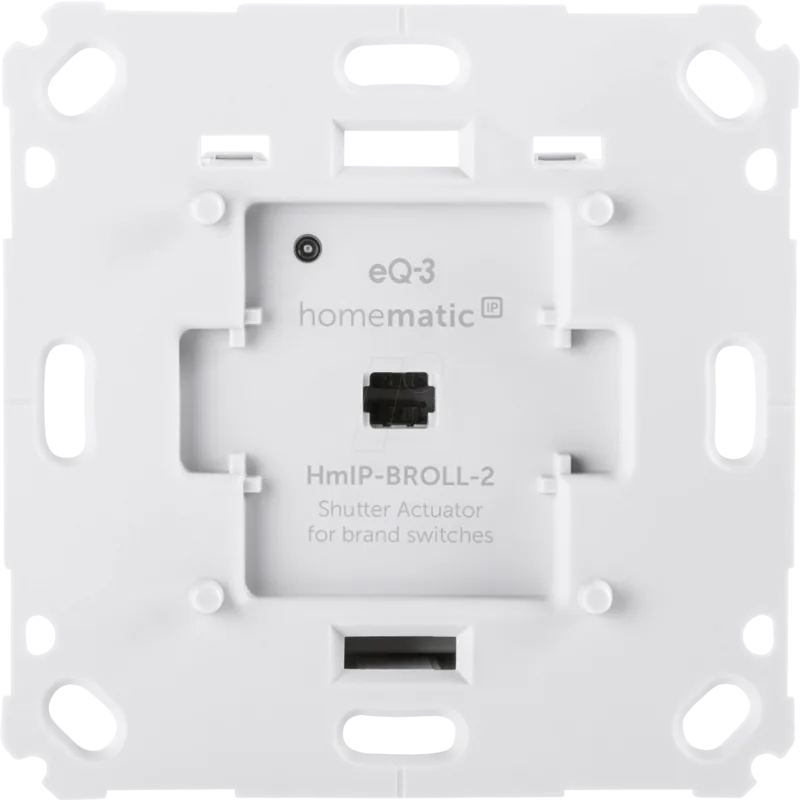
Power must be disconnected completely before work begins on the network. The system button is located at the top left during mounting inside the box. Ensure the adapter fits the elongated holes on the frame correctly to secure stability and alignment. Do not use solvent cleaners on the plastic housing during cleaning procedures.
Search for 67,732 Manuals online


Type-in Brand or Model