
Elsner KNX WS1000 Style Manual
PDF manual · 140 Pages
English



Quick check
Incorrect answer, please try again.
Chat with your Elsner KNX WS1000 Style manual using AI
Get instant AI answers from your Elsner KNX WS1000 Style manual
Ask anything about the Elsner KNX WS1000 Style. Answers come from this manual, with the pages they are based on.
Ask a Question
Do you recommend KNX WS1000 Style?
Yes NoFrequently Asked Questions
It controls awnings, blinds, shutters, windows, sliding roofs, lighting, dimmers, heating, cooling, ventilation units, and roof gutter heating via KNX bus or wireless radio modules.
Is this answer helpful?
During rain or wind alarms, the system automatically retracts awnings and closes windows to prevent damage. It blocks manual extension until the alarm condition clears or is manually overridden.
Is this answer helpful?
Yes, it can receive weather data via the KNX bus from other participants, but you must manually enter the building's location for sun tracking to function correctly.
Is this answer helpful?
Yes, you can store BMP images on an SD card in the root directory to create a slideshow that plays on the weather data display background.
Is this answer helpful?
The control unit stops operating drives during a power outage unless an emergency power supply is installed. Saved settings remain intact for when power returns.
Is this answer helpful?
You can configure the system to open windows based on indoor temperature, humidity, CO2 levels, or specific timers, provided no frost or rain alarms are active.
Is this answer helpful?
Advantages and Disadvantages
Advantages

- Comprehensive automatic control for diverse devices including shading, windows, and HVAC
- Real-time weather monitoring with visual indicators for sun, wind, and precipitation
- Advanced safety features like frost, wind, and rain alarms to prevent property damage
- Intuitive touch interface with customizable manual and group control options
- Supports wireless connections and SD card slideshow functionality for enhanced usability
Disadvantages

- Requires professional installation by a competent electrician due to electrical complexity
- Initial configuration in ETS software is necessary before basic control unit setup
- Automatic functions depend on accurate location and time settings which must be manually entered
- Potential delay in rain detection might affect moisture-sensitive items near open windows
- Frozen rails can block movement even after alarm deactivation if not manually cleared
Product Specification
Type
Hardware Control Unit
Standard
KNX
Function
Control, Ventilation Control, Heating Control, Blind Control
Topology
Tree/Bus
Dimensions
9.84x7.17x1.69 in
Features
IP20, Display (8.4"), Touchscreen
Product Description
Elevate Your Home with the Elsner KNX WS1000 Style Building Control System Display
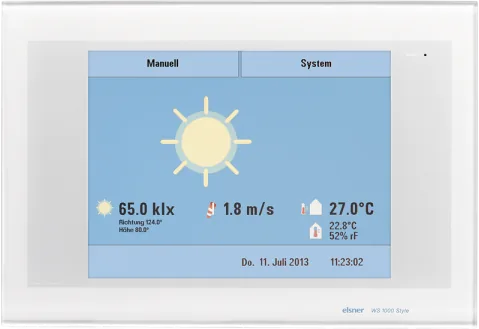
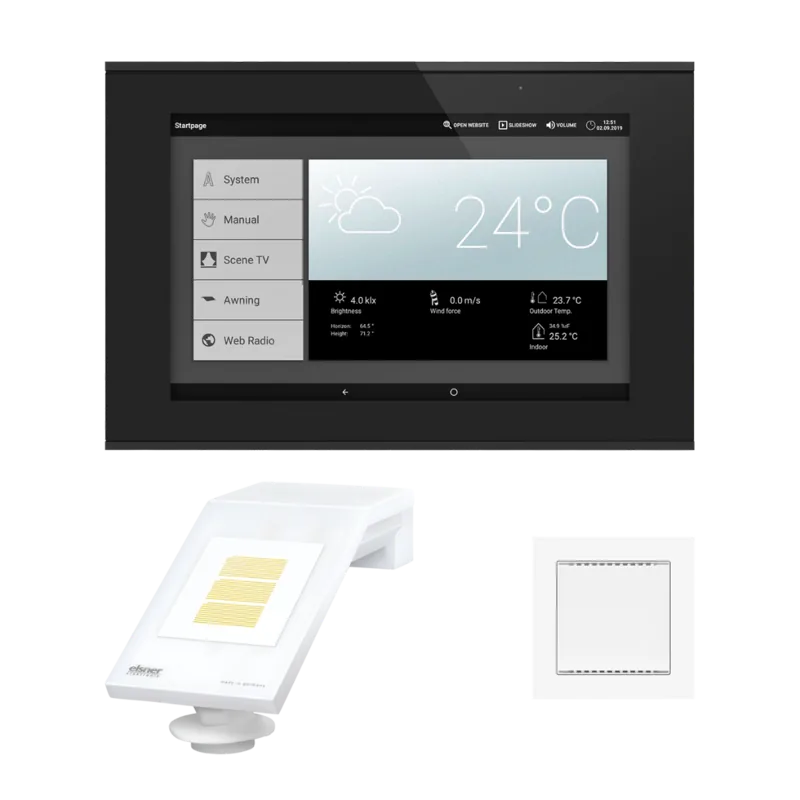
The Elsner KNX WS1000 Style Building Control System Display represents a pinnacle of modern home automation, offering a seamless blend of aesthetics and functionality. This sophisticated control unit serves as the central hub for managing various building systems, ensuring that your living environment remains comfortable, secure, and energy-efficient at all times. With its intuitive graphical touch screen, users can effortlessly monitor weather conditions and operate connected devices with a simple tap.
Designed for integration into the KNX standard, this system supports a wide array of automated functions tailored to awnings, blinds, shutters, windows, lighting, heating, and ventilation. The display provides real-time data on sun position, wind speed, precipitation, and indoor climate metrics like temperature and humidity. This wealth of information allows the system to make intelligent decisions automatically, such as retracting awnings during high winds or opening windows when indoor air quality drops.
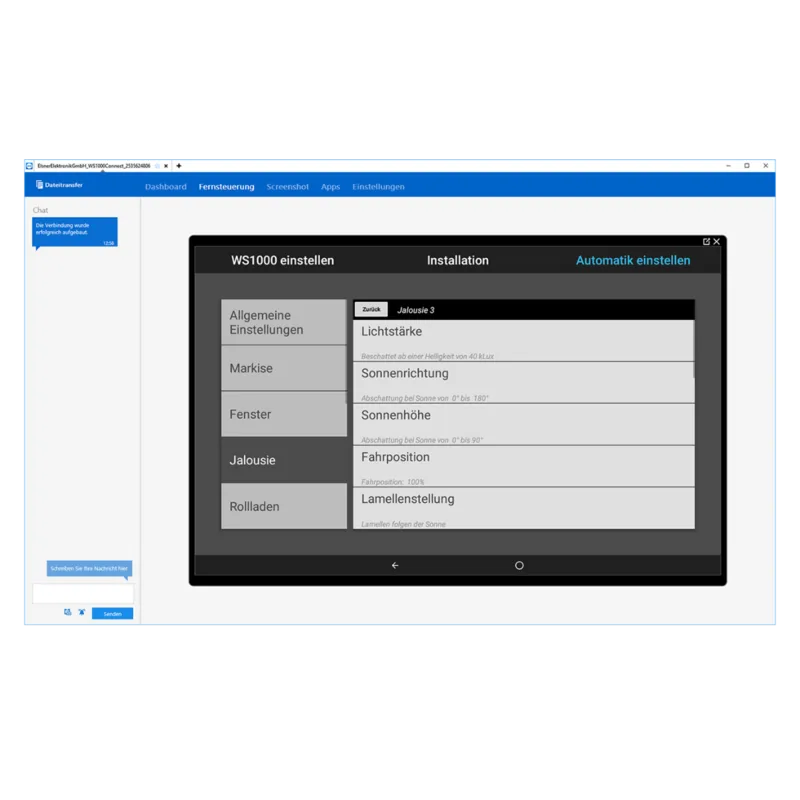
One of the standout features is the comprehensive automatic settings menu. Users can customize responses to environmental triggers, including frost alarms, rain sensors, and twilight detection. For instance, the system can be programmed to close all windows if it starts raining or to adjust blind slats to track the sun's height throughout the day. These automations work in harmony to protect property from weather damage while maximizing natural light and thermal comfort.
Manual operation is equally accessible through the dedicated Manual menu, allowing direct control over individual drives or groups of devices. Internal group buttons enable complex actions, like closing all shades simultaneously, with a single press. The system also supports remote control via wireless transmitters and can display custom slideshows stored on an SD card, adding a personal touch to the interface. Whether you are adjusting ventilation levels for night-time re-cooling or setting up winter protection modes, the Elsner KNX WS1000 Style puts total command of your building at your fingertips.
Search for 67,732 Manuals online


Type-in Brand or Model