
Elsner KNX AQS/TH-UP Touch Manual
PDF manual · 66 Pages
English



Quick check
Incorrect answer, please try again.
Chat with your Elsner KNX AQS/TH-UP Touch manual using AI
Get instant AI answers from your Elsner KNX AQS/TH-UP Touch manual
Ask anything about the Elsner KNX AQS/TH-UP Touch. Answers come from this manual, with the pages they are based on.
Ask a Question
Do you recommend KNX AQS/TH-UP Touch?
Yes NoVideo Manual
Smart Curtains & Blinds Automation
Frequently Asked Questions
The sensor measures temperature, air humidity, carbon dioxide concentration, and calculates the dew point to provide a complete view of indoor air quality for health and safety monitoring.
Is this answer helpful?
There are four main modes including Comfort for occupied periods, Standby for unoccupied daytime hours, Eco for night operation, and Building Protection for frost or heat protection scenarios.
Is this answer helpful?
Configuration is handled through standard engineering software ETS version 5. Users can download the product file from the manufacturer to set up parameters and communication objects.
Is this answer helpful?
The device enters an initialization phase for about six seconds after power application. The CO2 sensor specifically requires up to fifteen minutes for accurate readings.
Is this answer helpful?
Yes, the integrated display can show up to three lines of text. It can present measured values or display system data like the current date and time received from the bus.
Is this answer helpful?
Yes, the device comes in black and white finishes. You must choose the correct article number based on your preferred interior styling and switch row design.
Is this answer helpful?
Advantages and Disadvantages
Advantages

- Comprehensive measurement of temperature, humidity, CO2, and dew point for accurate environmental monitoring.
- Flexible KNX integration with ETS 5 configuration software for seamless automation management.
- Built-in PI regulators support one-stage or two-stage heating, cooling, and ventilation control efficiently.
- Intuitive touch interface allows manual temperature adjustment and operating mode switching easily.
Disadvantages

- CO2 sensor installation requires a warm-up period and can take up to fifteen minutes for stabilization.
- Configuration requires specialized KNX engineering software knowledge and ETS 5 interface usage.
- Installation must be performed by authorized electricians to ensure safety and compliance standards.
- Initial address is fixed and requires reconfiguration through software for specific network needs.
Product Specification
Type
Control Unit Hardware
Standard
KNX
Functions
Control, Temperature, Humidity, Air Quality, Ventilation Control, Heating Control
Topology
Bus/Star
Dimensions
2.17x2.17x0.31 in
Features
Display
Product Description
Welcome to Intelligent Climate Control
Modern building automation relies on sensors that provide accurate data to control systems efficiently. The Elsner KNX AQS/TH-UP Touch is a versatile indoor combination sensor designed to monitor vital environmental parameters within any space. It measures temperature, air humidity, and carbon dioxide concentration continuously. Through internal calculations, it also determines the dew point, offering a complete picture of indoor air quality for health and safety.
This device integrates seamlessly into KNX networks, facilitating smart control over heating, cooling, and ventilation systems. Users often refer to the Elsner KNX AQS/TH-UP Touch Manual to configure the intricate settings available for this unit. The sensor sends data via the bus, allowing for external processing or mixing of values. This capability supports the creation of average room temperature readings by combining internal measurements with external sensor inputs from other devices.
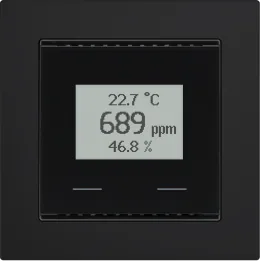
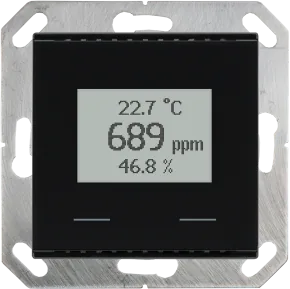
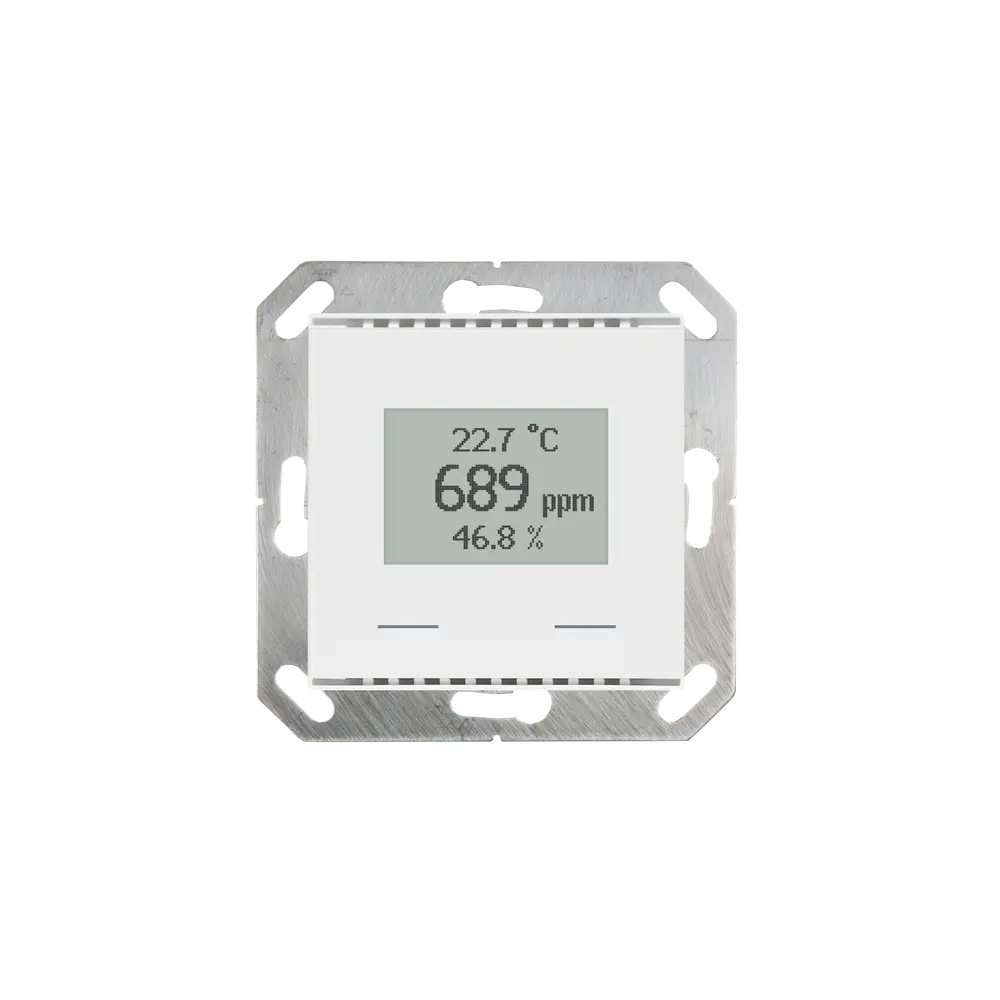
The interface includes an integrated display capable of showing one to three lines of text. It can present measured values directly or display system data such as the current date and time received from the network. Interaction is facilitated by two touch buttons located on the front panel. These controls allow users to change the room temperature setpoint manually or switch between operating modes. The available modes include Comfort for occupied periods, Standby for unoccupied daytime hours, Eco for night operation, and Building Protection for frost or heat protection.
Performance monitoring is robust with internal PI regulators that manage heating and cooling stages. It supports one-stage or two-stage heating and cooling systems. Similarly, ventilation control can be one-stage or two-stage based on humidity or CO2 levels. The device includes four AND logic gates and four OR logic gates with multiple inputs. This allows for complex conditional logic without external controllers. The logic inputs can be linked to various events or communication objects for enhanced automation.
Warning signals regarding comfort zone violations are generated if the environment exceeds defined limits. These limits are based on standards such as DIN 1946 which ensures occupant comfort. Outputs can be configured as one bit or two eight-bit objects to suit different actuator types. The device retains stored values even after power failure or bus voltage restarts, ensuring consistent behavior. Installation must be performed by authorized electricians to ensure safety and compliance.
Upon connection to bus power, the device undergoes an initialization phase which lasts a few seconds. The CO2 sensor specifically requires a warm-up period that can take up to fifteen minutes for stabilization. Addressing the device is done via the ETS software before the initial setup is complete. Physical installation allows for different frame options to match interior styles. Product versions include black and white finishes depending on the article number. This flexibility ensures the unit blends into the interior design of apartments, offices, or commercial buildings effectively. It is a powerful tool for precise environmental control via KNX bus technology.
Search for 67,732 Manuals online


Type-in Brand or Model