
ELAC RS700 Manual
PDF manual · 28 Pages
English



Quick check
Incorrect answer, please try again.
Chat with your ELAC RS700 manual using AI
Get instant AI answers from your ELAC RS700 manual
Ask anything about the ELAC RS700. Answers come from this manual, with the pages they are based on.
Ask a Question
Do you recommend RS700?
Yes NoFrequently Asked Questions
Connect a single RCA cable from the receiver’s subwoofer (LFE) output to the RS700 Right/LFE input, then set power on and configure levels either manually or via the Elac Sub Control 3.0 app.
Is this answer helpful?
Yes. The RS700 includes a wireless receiver compatible with the ELAC AirX2 transmitter. Press and hold the subwoofer’s Wireless Pair button until the LED flashes, then hold the AirX2 transmitter’s pair button until the subwoofer LED becomes solid blue.
Is this answer helpful?
Download the firmware from elac.com, unzip and place FIRMWARE_UPDATE_FILE.BL2 in the root of a FAT32-formatted USB 2.0 drive. Power off the subwoofer, insert the USB, power on and wait until the rear LED stops flashing; then power cycle to complete.
Is this answer helpful?
Corner placement increases bass and excites room modes; if bass is excessive, move the sub away from walls or place it between the main speakers. Use Auto EQ in the app, and adjust phase/delay to smooth integration.
Is this answer helpful?
The 12V trigger lets an external 5–12V source power the subwoofer on/off. To use it, enable Power Mode = 12V in the Elac Sub Control 3.0 app and supply the trigger voltage to the 12V input.
Is this answer helpful?
Factory reset erases all user data and restores original firmware parameters. Press and hold the RESET button for at least 10 seconds (release before 15 seconds) to initiate; firmware may need updating afterward.
Is this answer helpful?
Warranty varies by region: North America offers one year for active products; EU and other regions have specified terms (e.g., two years for active electronics). Coverage requires purchase from an authorized dealer and adherence to warranty conditions.
Is this answer helpful?
Advantages and Disadvantages
Advantages

- Powerful BASH amplifier delivers strong, dynamic low-frequency output with substantial headroom.
- App control (Elac Sub Control 3.0) provides Auto EQ, room correction, firmware info, and multi-sub setup.
- Flexible connectivity: LFE/RCA, speaker-level inputs, Ethernet, USB for updates, 12V trigger and wireless pairing.
- Includes optional spikes for carpet; supports AirX2 wireless transmitter for cable-free placement.
- Comprehensive safety, regulatory compliance and documented warranty support across regions.
Disadvantages

- Physical spikes can damage hard floors if spike discs are not used (not included).
- Firmware updates require specific USB formatting (FAT32) and a correctly named file.
- Factory reset erases settings and may require firmware reinstallation afterward.
- Warranty terms vary by region and active products may have shorter coverage than passive speakers.
- Size and weight (substantial cabinet) may limit placement options in small rooms.
Product Specification
Woofer
1x 12"/12.00in
Amplification
active
Design
Front-firing
Enclosure principle
closed
Frequency range
17Hz-150Hz
Power
700W RMS, 1400W Peak
SPL max.
111dB
Special features
automatic room correction
Color
black
Dimensions (WxHxD)
16.38x17.21x16.46in
Weight
55.79lb
Product Description
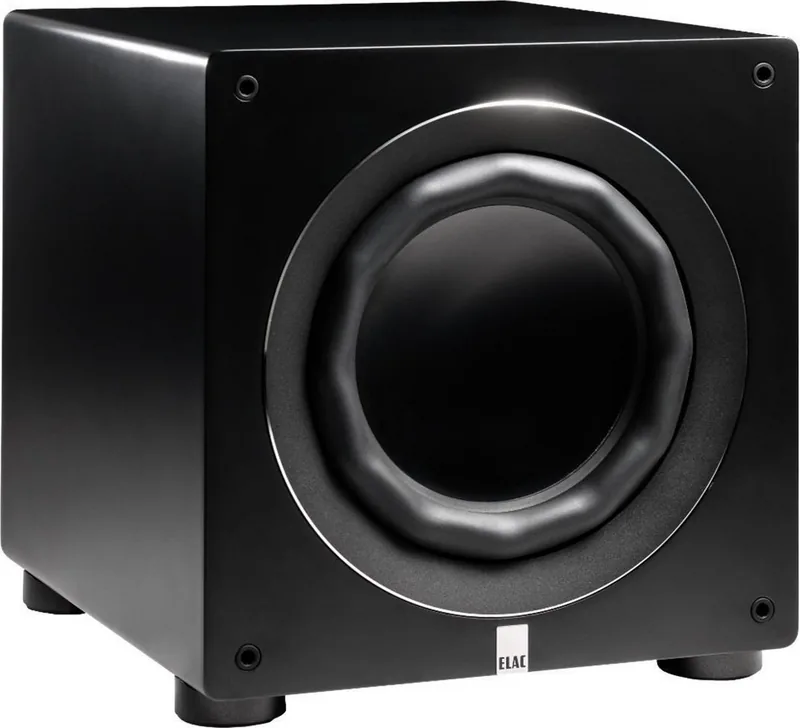
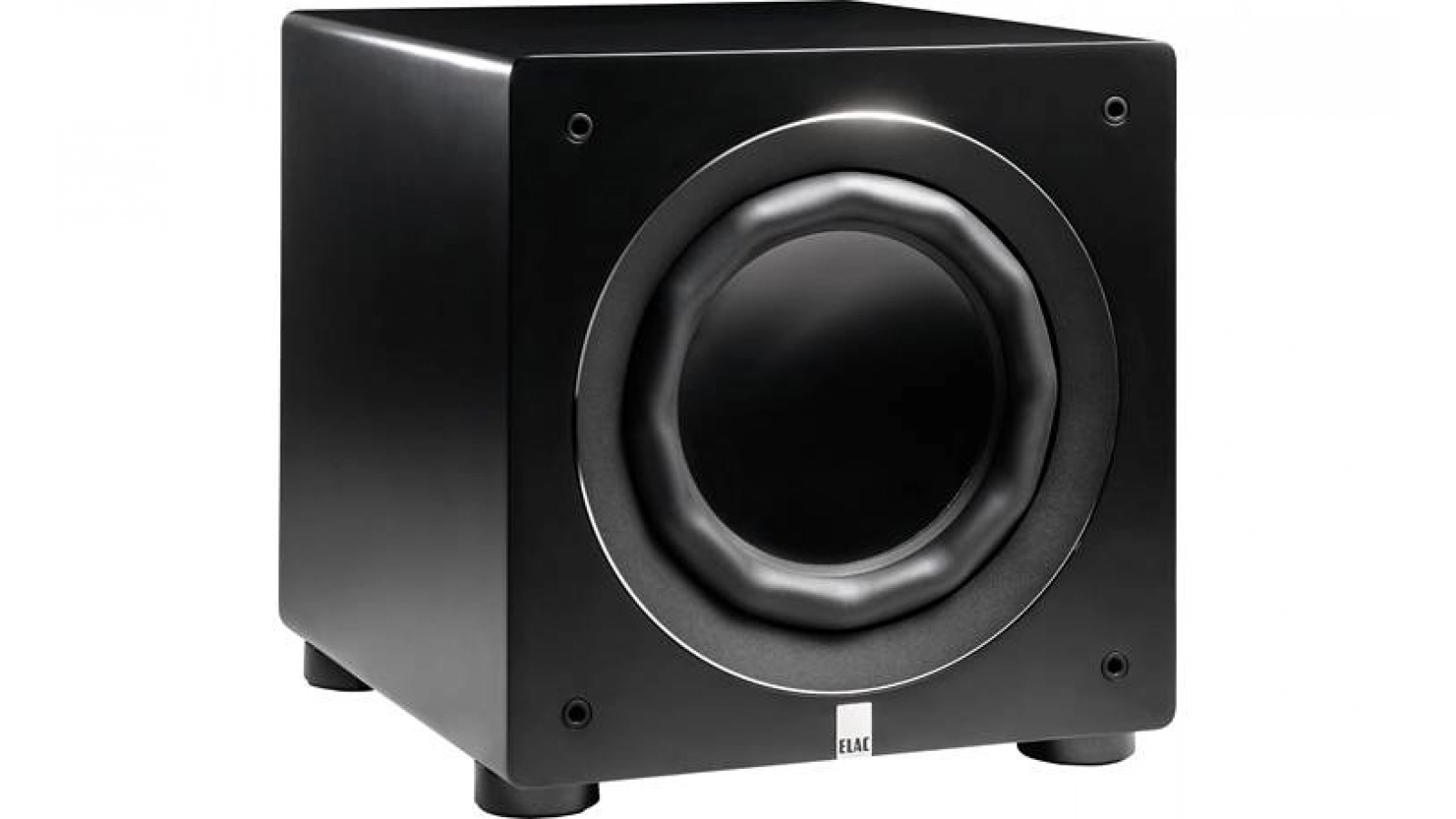
Elac RS700 — Deep, Controlled Bass with Modern Control
The Elac RS700 is a high-performance reference subwoofer designed to bring authoritative low-end to music and home theater systems. Built on ELAC’s long heritage of audio engineering, the RS700 combines powerful amplification, a large driver, and modern connectivity to deliver deep, tight bass that integrates with a variety of listening environments. Its BASH amplifier topology provides robust output while maintaining efficiency, and available power ratings indicate substantial headroom for dynamic passages.
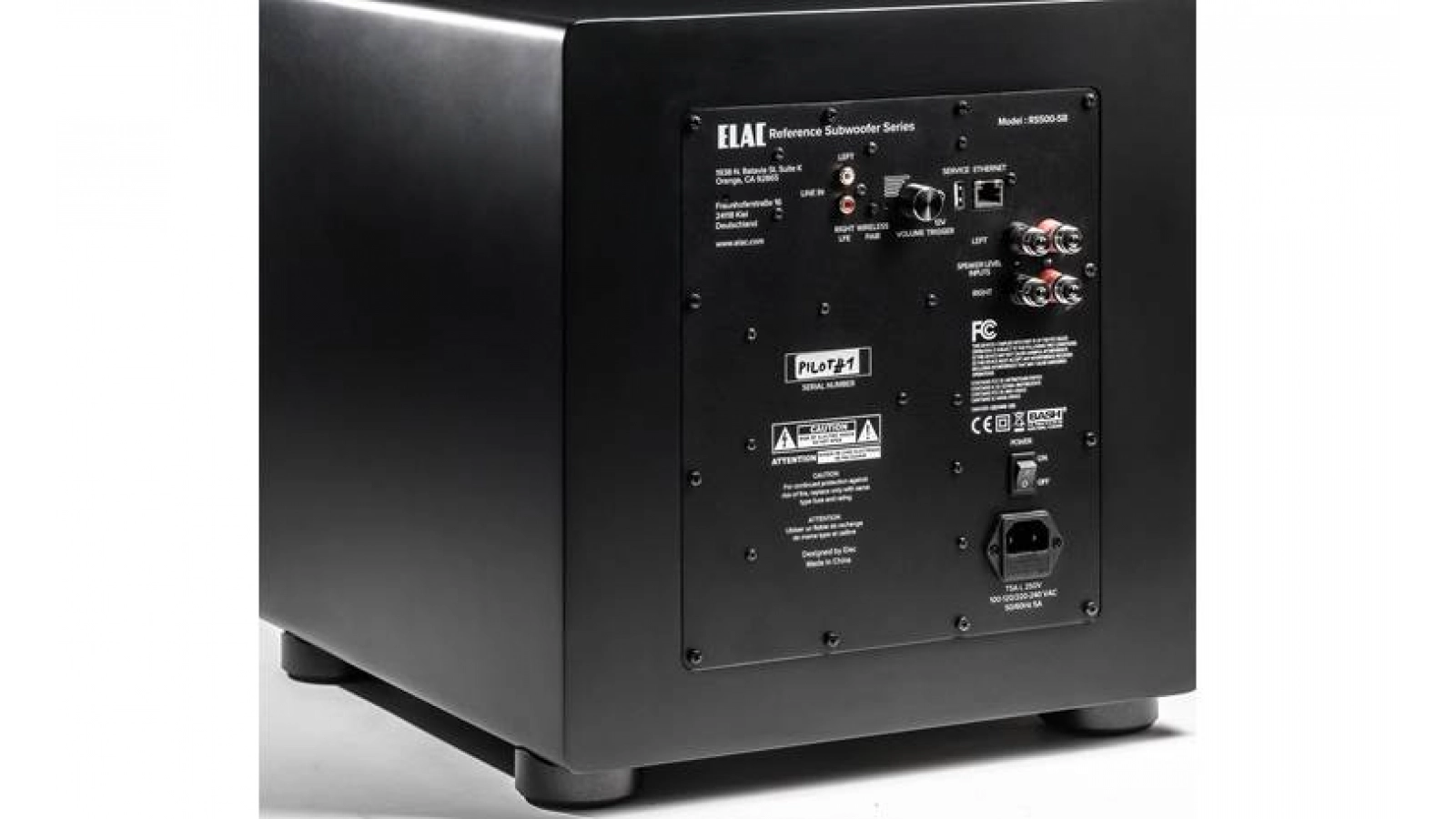
Beyond raw power, the RS700 emphasizes control and convenience. The subwoofer supports app-based tuning via the Elac Sub Control 3.0 app (BLE), which enables Auto EQ, room correction, and multi-subwoofer setup. Ethernet and USB connections support firmware updates and service tasks, while wireless pairing with ELAC AirX2 transmitters allows flexible placement without long cables. Physical connections include LFE/RCA inputs, speaker-level inputs, and a 12V trigger for system integration.
Installation and placement are straightforward: corner placement boosts room excitation and bass output, while positioning between the main speakers can reduce localization and overemphasis. The sub includes features to help optimize placement, such as phase and delay adjustments and app-driven EQ. Optional spikes are provided for carpeted floors; spike discs (not included) are recommended for hard floors to avoid surface damage.
Safety and reliability are highlighted throughout the product guidance: follow voltage specifications printed on the rear panel, avoid exposure to moisture or extreme conditions, and use the included fuse and service recommendations when needed. Firmware can be updated via a FAT32 USB drive following ELAC’s instructions, and a factory reset process restores default settings if required.
ELAC backs the RS700 with region-specific warranty terms; North American buyers have a one-year warranty for active products, while EU and other regions have their own defined warranty periods and conditions. Regulatory compliance and conformity (EMC, LVD, RoHS) are documented, reflecting industry-standard safety and emissions testing.
Notes:
- Use the Elac Sub Control 3.0 app for Auto EQ and enabling 12V trigger mode.
- Firmware updates require a FAT32 USB drive with the FIRMWARE_UPDATE_FILE.BL2 file in the root.
- For wireless operation, pair the subwoofer with an AirX2 transmitter; up to three subwoofers can be paired.
- Observe rear-panel voltage ratings and replace fuses only with specified types.
Search for 67,706 Manuals online


Type-in Brand or Model