
ELAC PS500 Manual
PDF manual · 26 Pages
English



Quick check
Incorrect answer, please try again.
Chat with your ELAC PS500 manual using AI
Get instant AI answers from your ELAC PS500 manual
Ask anything about the ELAC PS500. Answers come from this manual, with the pages they are based on.
Ask a Question
Do you recommend PS500?
Yes NoFrequently Asked Questions
Download the firmware from elac.com, unzip and place FIRMWARE_UPDATE_FILE.BL2 in the root of a FAT32-formatted USB 2.0 drive. Power off the subwoofer, wait 60 seconds, insert the USB, then power on. The rear LED will flash during the update; when it stops flashing, power-cycle the unit.
Is this answer helpful?
Use Elac Sub Control 3.0 (available on the Apple App Store and Google Play). The app connects via Bluetooth to run Auto-EQ, view firmware versions, select presets, and adjust crossover, phase, delay, and level for quick integration with your system.
Is this answer helpful?
Corner placement maximizes bass output and room-mode excitation, but may overemphasize certain frequencies. If bass is excessive, move the sub away from the wall, place it between the main speakers, or run Auto-EQ. Experimenting with positions and using two subwoofers can yield the most even response.
Is this answer helpful?
The PS500 offers LFE/Right and Left RCA inputs for single or stereo connections, rear-panel controls for volume, power, presets, and a USB port for firmware. The app provides additional parameter control including low-pass filtering, phase, delay, and Auto-EQ functions.
Is this answer helpful?
Operate the subwoofer only at voltages listed on the rear panel (100–120/220–240 VAC, 50/60 Hz). Do not block ventilation, avoid extreme temperatures and moisture, and have servicing performed by qualified personnel. Using incorrect voltage or opening the cabinet voids warranty and risks damage.
Is this answer helpful?
Yes. Using two subwoofers can distribute bass more evenly and improve room coverage. Move and test sub positions to find the best balance; use phase and delay adjustments—or Auto-EQ—to minimize cancellations and achieve coherent bass at the listening position.
Is this answer helpful?
Contact ELAC Americas ([email protected] or listed phone numbers) with proof of purchase. Warranty covers defects for the specified period and applies to products bought from authorized dealers. Shipping to and from the repair center is typically the purchaser's responsibility.
Is this answer helpful?
Advantages and Disadvantages
Advantages

- 500 W BASH amplifier provides substantial clean output for deep, dynamic bass.
- App-controlled Sub Control 3.0 enables Auto-EQ, firmware updates, and easy tuning via Bluetooth.
- Low-frequency extension into the low 20 Hz range for authoritative subsonic impact.
- Versatile connectivity (LFE/Right, Left RCA inputs, USB for firmware) for multiple system types.
- Includes adjustable phase, delay, presets and physical controls for precise integration.
Disadvantages

- Corner placement can overemphasize bass and may require Auto-EQ or repositioning.
- Firmware updates require FAT32 USB 2.0 drives with specific file naming—slightly technical.
- Spikes can damage hard floors if spike discs are not used (not included).
- Power consumption and weight may be significant for small rooms or fragile furniture.
- Warranty and service require proof of purchase and may exclude modified or commercial use.
Product Specification
Woofer
1x 15"/15"
Amplification
active
Design
Front-firing
Enclosure type
Bass reflex
Frequency range
20Hz-150Hz
Power
500W RMS, 1000W Peak
Max. SPL
115dB
Special features
automatic room correction
Color
black
Dimensions (WxHxD)
18.11x18.90x18.11 in
Weight
57.10 lbs
Product Description
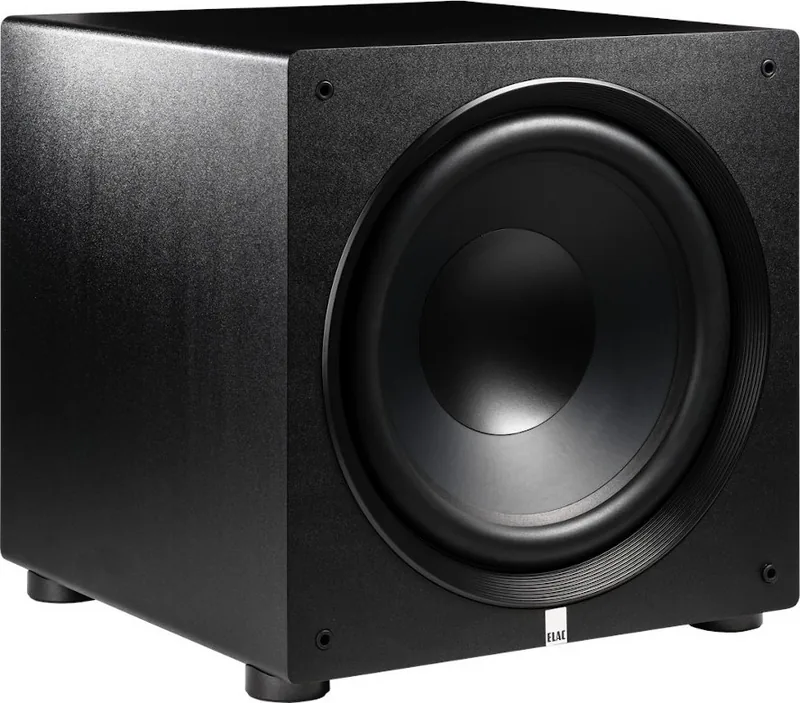
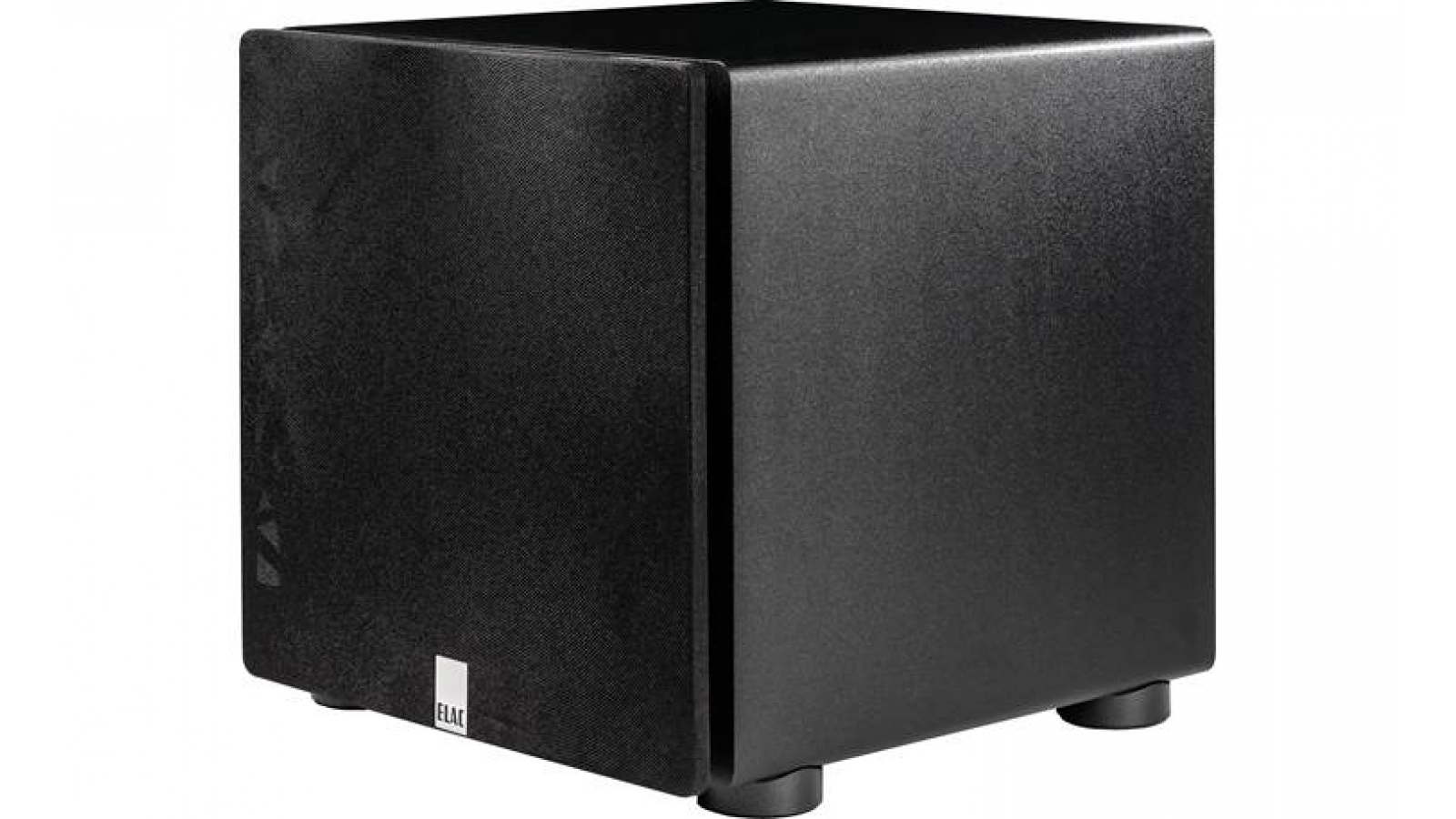
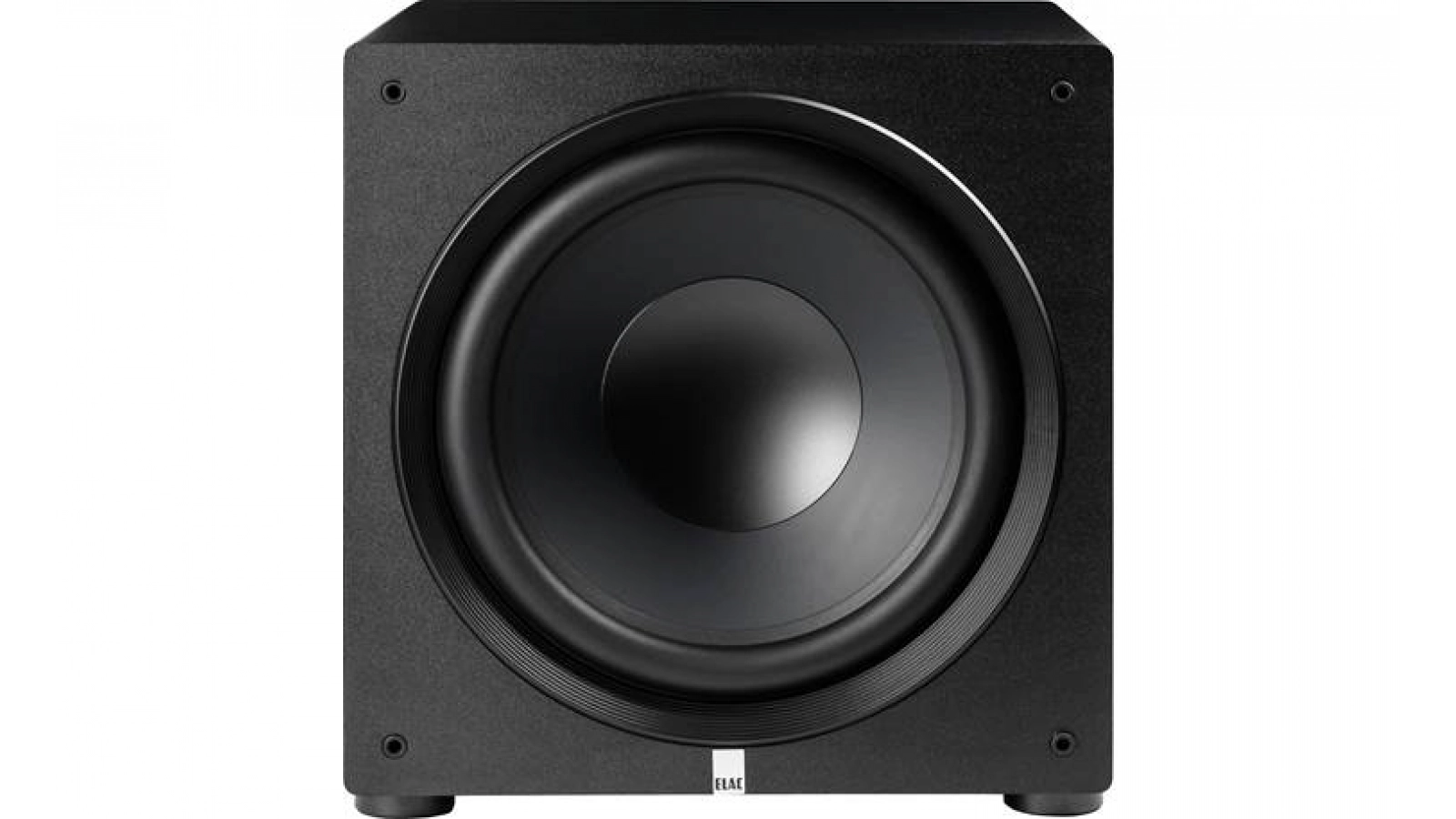
ELAC PS500 — Premium App-Controlled Subwoofer
The ELAC PS500 is a high-performance premium subwoofer engineered to deliver deep, controlled bass for music and home theater systems. Part of ELAC's Premium Subwoofer Series alongside the PS250 and PS350, the PS500 features a powerful 500 W BASH amplifier, low-frequency extension down to the low 20 Hz range (depending on settings), and robust SPL capability for dynamic, impactful playback. Designed with attention to build quality and refined sound, it blends into living rooms and dedicated listening spaces while providing authoritative low end.
App control is a standout feature: the ELAC Sub Control 3.0 app (available for iOS and Android) enables Bluetooth-based setup, Auto-EQ room correction, firmware updates, and parameter adjustments like crossover, phase, and delay. Physical connections include LFE/Right and Left RCA inputs, USB for firmware updates, and intuitive rear-panel controls for volume, presets, and power. The cabinet finish options and included accessories (power cord, user manual, optional spikes) make placement and installation straightforward.
Placement flexibility is emphasized: corner placement maximizes room coupling for stronger bass but may require Auto-EQ or repositioning to avoid overemphasis. Dual-subwoofer setups are recommended to smooth room response and extend coverage. The PS500 offers selectable presets (including a Music preset), adjustable low-pass filters, and phase/delay controls to integrate seamlessly with mains and center channels.
Safety and serviceability are covered with clear warnings about proper voltage, ventilation, and qualified servicing. ELAC provides firmware upgrade instructions via USB (FIRMWARE_UPDATE_FILE.BL2 on FAT32 drives) and a factory RESET procedure. The product ships with optional spikes for carpeted floors; use protective spike discs or omit spikes on hard floors.
Overall, the PS500 is intended for audiophiles and home theater enthusiasts seeking substantial, controlled bass with modern app-driven convenience and room correction tools.
Notes
- Firmware updates require a FAT32-formatted USB 2.0 drive and the specific BL2 file in the root directory.
- Use the Sub Control 3.0 app to view firmware version and run Auto-EQ.
- Spikes are included for carpeted installation; use spike discs or skip spikes on hard floors to avoid damage.
- Follow listed voltage ratings on the rear panel; improper voltage voids warranty.
Search for 67,706 Manuals online


Type-in Brand or Model