
Eglo Connect Manual
PDF manual · 2 Pages
English



Quick check
Incorrect answer, please try again.
Chat with your Eglo Connect manual using AI
Get instant AI answers from your Eglo Connect manual
Ask anything about the Eglo Connect. Answers come from this manual, with the pages they are based on.
Ask a Question
Do you recommend Connect?
Yes NoFrequently Asked Questions
Download the SmartCONTROL app, select 'My Controllers', put the remote in smartphone mode, and follow the wizard to add your light bulb. Ensure the bulb is powered on during the process.
Is this answer helpful?
Yes, the remote allows you to select from a wide range of colors and intermediate shades. You can also adjust the brightness and apply various light effects through the app interface.
Is this answer helpful?
It is specifically designed for Eglo LED Connect and AwoX SmartLIGHT Mesh v15 bulbs. Check your bulb specifications to ensure it supports Mesh technology before purchasing.
Is this answer helpful?
If the light blinks, it indicates a failed connection. Simply redo step 2 of the setup process. Ensure you are within range and that the bulb is functioning correctly.
Is this answer helpful?
Select your desired color and brightness, then perform a multiple click action or use the specific command to record the current setting as a favorite for quick access later.
Is this answer helpful?
While the primary control is via the app, the remote itself has physical buttons for basic functions like on/off and long-press commands for specific effects without needing the phone nearby.
Is this answer helpful?
Advantages and Disadvantages
Advantages

- Seamless Mesh connectivity ensures stable control over lights without signal drops
- Intuitive SmartCONTROL app allows easy color and brightness adjustments
- Supports saving custom favorite scenes for instant activation
- Compatible with Eglo LED Connect and AwoX SmartLIGHT Mesh systems
- Physical buttons enable quick access to effects and settings
Disadvantages

- Requires downloading a specific third-party app for full functionality
- Initial setup may take time if the user is unfamiliar with smart devices
- Limited to compatible bulb models which might restrict some users
- No built-in display screen to show current status directly on remote
- Battery life depends heavily on usage frequency and button presses
Product Specification
Compatible with
Muller tint
Product Description
Revolutionize Your Lighting with the Eglo Connect Remote Control
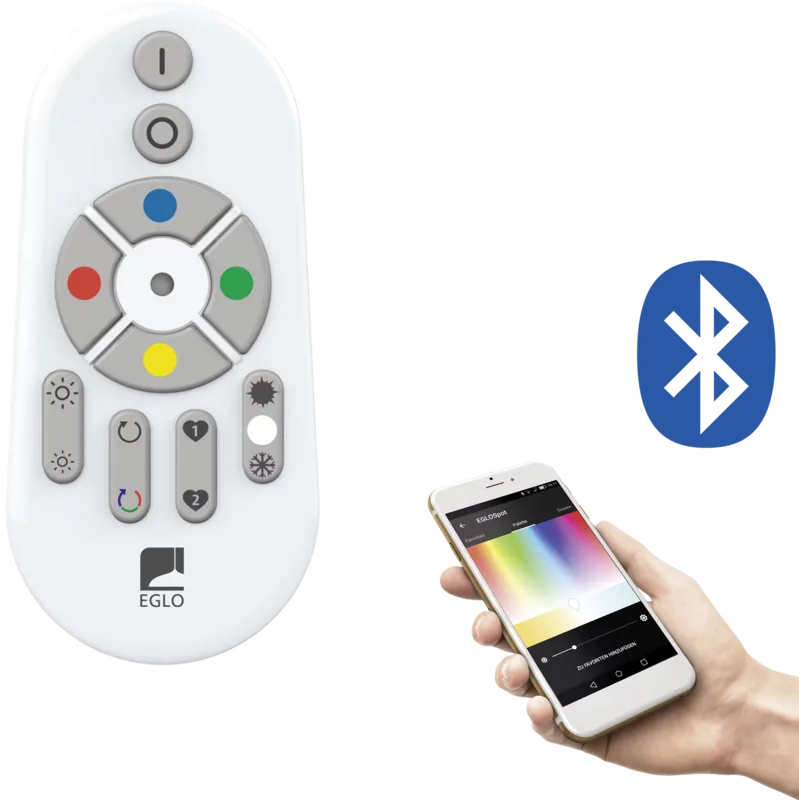
The Eglo Connect Remote Control stands as a pinnacle of modern home automation, designed to seamlessly integrate with your existing lighting setup. This versatile device transforms ordinary bulbs into smart, responsive fixtures, allowing you to manage your environment with unprecedented ease. By leveraging Mesh technology, the remote ensures a stable and robust connection between your smartphone app and your lights, eliminating the frustration of lag or dropped signals that often plague older systems.
Operating through the dedicated SmartCONTROL application, this controller offers an intuitive interface for managing multiple light sources simultaneously. Whether you are adjusting the brightness of a reading lamp or setting the mood for a dinner party, the process is straightforward. The system supports a wide array of colors and white tones, enabling users to select specific hues or intermediate shades to perfectly match their desired atmosphere. The ability to save favorite settings means that your preferred lighting scenes are just a tap away, ready to be activated instantly.
Beyond simple on-off functionality, the Eglo Connect Remote introduces advanced features like light effects and dynamic color transitions. These capabilities allow for creative expression within your living space, turning walls and ceilings into canvases of light. The compatibility with Eglo LED Connect and AwoX SmartLIGHT Mesh v15 ensures that your investment remains future-proof, supporting the latest standards in wireless communication. Installation is hassle-free, guided by a step-by-step wizard within the app that walks you through pairing the remote and adding bulbs without technical expertise.
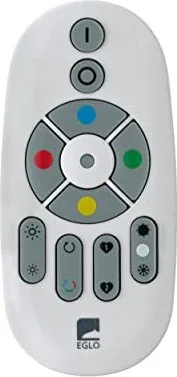
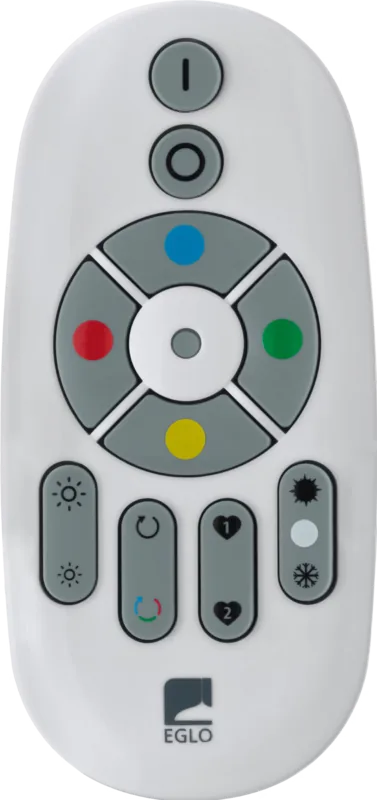
The physical design of the remote emphasizes user experience, featuring tactile buttons for long-press actions to access deeper settings like color selection and intensity adjustment. Multiple clicks offer quick toggles for common tasks, while the three-second press activates specific modes such as saving favorites or changing light effects. This thoughtful layout makes it accessible for users of all ages, bridging the gap between complex smart home technology and everyday usability.
In conclusion, the Eglo Connect Remote Control is more than just a switch; it is a gateway to a smarter, more personalized home. Its reliability, combined with a rich feature set, makes it an essential addition for anyone looking to upgrade their lighting infrastructure. With its support for various languages and global compatibility, it brings the convenience of smart living to households everywhere, ensuring that your home always shines exactly how you want it to.
Search for 67,732 Manuals online


Type-in Brand or Model