
Edifier W210BT Manual
PDF manual · 7 Pages
English



Quick check
Incorrect answer, please try again.
Chat with your Edifier W210BT manual using AI
Get instant AI answers from your Edifier W210BT manual
Ask anything about the Edifier W210BT. Answers come from this manual, with the pages they are based on.
Ask a Question
Do you recommend W210BT?
Yes NoFrequently Asked Questions
Hold the power button down for 5 seconds until green and red LEDs blink rapidly to confirm startup success.
Is this answer helpful?
Select EDIFIER W210BT from the available devices list in your smartphone Bluetooth settings menu.
Is this answer helpful?
Status light blinks green continuously until the reset process finishes completely before entering pairing mode.
Is this answer helpful?
Yes, they link to the previously paired device automatically upon future use after being powered on.
Is this answer helpful?
Press and hold power button for 5 seconds to initiate the startup sequence and return to standby mode.
Is this answer helpful?
Rapid blinking confirms active Bluetooth pairing mode availability and readiness for new device connection requests.
Is this answer helpful?
Yes, Edifier reserves the right to modify listed information due to technical improvements or system upgrades.
Is this answer helpful?
Advantages and Disadvantages
Advantages

- Automatic Bluetooth pairing remembers last connected device for seamless daily reconnection
- Distinct LED signals clarify operational states including charging and pairing modes easily
- Simplified reset mechanism allows quick recovery from minor connectivity glitches
- Ergonomic neckband design provides comfort during prolonged listening sessions comfortably
Disadvantages

- Button hold timing must be precise to avoid accidental mode activation errors
- Images used in guides serve illustrative purposes only and vary from product
- Specifications may change due to technical improvements without explicit notification
- Wireless connectivity relies heavily on distance limitations between paired sources
Product Specification
Type
Headphones (In-Ear)
Form Factor
Ear wings (detachable), no headband, neck strap
Principle
Closed
Microphone
Inline Microphone
Wireless
Bluetooth 5.3, LDAC
Controls
3-button remote
Battery Life
18 hours
Battery
USB-C Charging Port
Frequency Range
20Hz-40kHz
Sensitivity
94dB
Driver Size
0.39 inches
Device Features
Water-resistant (IP55)
Software Features
Equalizer presets, individual equalizer, app control
Color
Black
Product Description
Discovering Wireless Comfort with Edifier W210BT
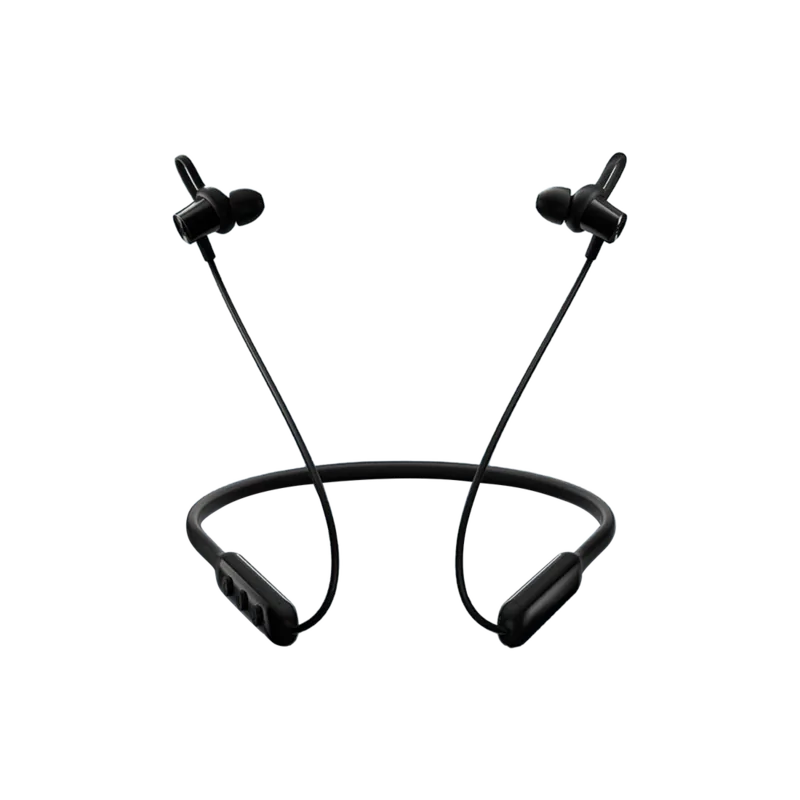
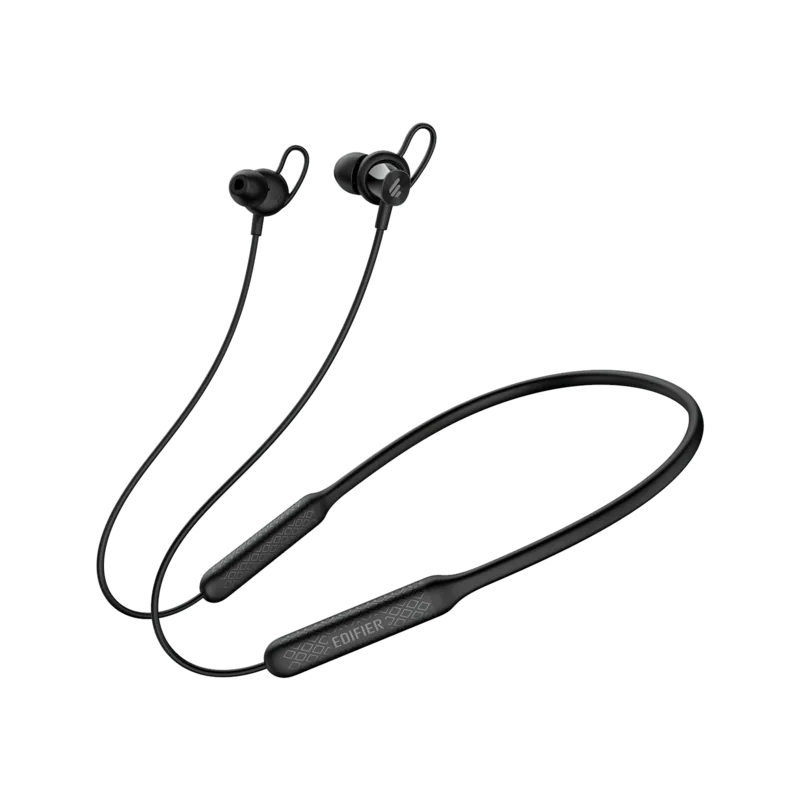
Discovering high quality audio equipment often starts with reliable connectivity and comfortable wear. The Edifier W210BT neckband headphones offer a robust platform for listening on the go. Designed with flexibility in mind, the headset features a sleek shape that sits securely behind the neck. This ergonomic design prevents fatigue during extended sessions while maintaining stability during movement. Connection processes are streamlined to reduce friction for new users. Upon powering up, the device automatically seeks compatible signals using Bluetooth technology. Visual cues such as rapidly blinking green and red lights confirm pairing status clearly for those unfamiliar with the protocol.
Managing the unit involves simple button presses located conveniently on the earbud controls. Holding the power switch initiates shutdown or startup sequences depending on duration pressed. Users should be aware that three seconds triggers indicator light changes while five seconds engages power toggles or pairing modes. Factory resets restore default configurations when necessary by pressing dedicated buttons simultaneously. This functionality helps maintain optimal performance if software glitches occur unexpectedly. Most modern smartphones connect instantly without complex password entry requirements after the initial handshake.
Understanding the full capabilities of the unit benefits from clear instructional materials. Many enthusiasts refer to the Edifier W210BT Manual to explore advanced settings beyond basic playback. This information highlights the versatility of the hardware across various operating systems. Customization options ensure the audio profile suits individual preferences effectively. Battery management supports daily routines through efficient charging cycles via standard ports. Durability considerations suggest keeping units away from excessive moisture despite robust build quality. Color variations may exist based on regional manufacturing preferences without affecting core functionality.
Edifier International Limited continues to innovate within the consumer electronics space. Technical improvements sometimes update system firmware to enhance sound fidelity. Customers should expect occasional updates to listed specifications without prior notice. Real world usage aligns closely with advertised capabilities provided images match the delivered item. Support channels remain open for troubleshooting connectivity or audio issues. Ultimately, this combination of portability and ease makes it a strong contender for budget conscious listeners seeking premium features without premium pricing tiers. Investing in this accessory ensures consistent enjoyment regardless of the source material type.
Note: Product visuals represent illustrations and may vary from the final delivered item purchased.
Search for 67,706 Manuals online


Type-in Brand or Model