
Edifier Studio R2000DB Manual
PDF manual · 27 Pages
English



Quick check
Incorrect answer, please try again.
Chat with your Edifier Studio R2000DB manual using AI
Get instant AI answers from your Edifier Studio R2000DB manual
Ask anything about the Edifier Studio R2000DB. Answers come from this manual, with the pages they are based on.
Studio R2000DB Maintenance Schedule
Remove the CR 2025 battery from the remote control if it will not be used for a long period to prevent damage.
Clean the unit only using a dry cloth. Do not use liquids or solvents.
Ask a Question
Do you recommend Studio R2000DB?
Yes NoFrequently Asked Questions
It is a powered bookshelf speaker pair with one active speaker and one passive speaker. It is designed for home audio, desktop use, and compact entertainment setups.
Is this answer helpful?
It works with phones, tablets, computers, TVs, and other audio sources through Bluetooth, RCA, or optical input, making it very flexible for everyday use.
Is this answer helpful?
Yes. Bluetooth is supported, so you can stream music or other audio without a cable once the speakers are paired with your device.
Is this answer helpful?
Yes. The speakers include separate bass and treble controls, plus Classic and Dynamic sound modes for more tailored listening.
Is this answer helpful?
Yes. The remote lets you change volume, mute audio, switch inputs, and select sound modes without reaching the speaker itself.
Is this answer helpful?
Optical mode supports standard PCM audio signals, including common sampling rates like 44.1, 48, and 96 kHz.
Is this answer helpful?
If a PIN is needed during Bluetooth pairing, the code is typically 0000.
Is this answer helpful?
Advantages and Disadvantages
Advantages

- Multiple input options make it easy to connect with TVs, PCs, and mobile devices.
- Treble and bass knobs allow quick sound adjustment for different listening tastes.
- Bluetooth support adds wireless convenience for everyday streaming.
- Remote control and mode switching improve ease of use.
Disadvantages

- Requires a wired connection between the active and passive speakers.
- Optical mode only supports standard PCM audio formats.
- No built-in smart assistant or advanced app control is mentioned.
- Best performance depends on careful placement and basic setup adjustments.
Product Specification
Type
Speaker Set
Channels
2.0
Total Power
120W RMS
Frequency Range
55Hz-20kHz
Audio Connections
Digital Audio In (optical), 2x Stereo Line In (RCA)
Wireless
Bluetooth
Special Features
Remote Control
Color
brown
Included Components
2x Compact Speakers
Product Description
Edifier Studio R2000DB: A Practical Speaker Choice for Everyday Listening
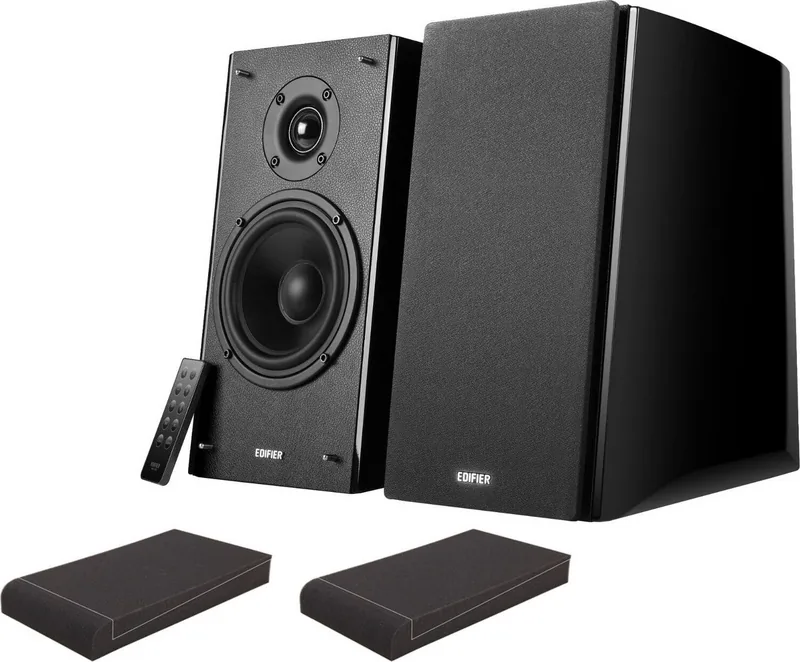
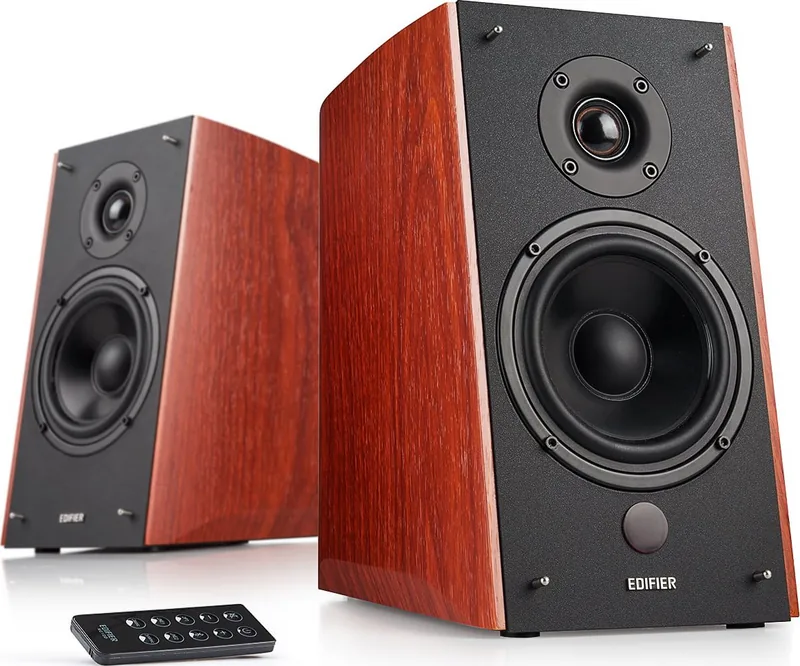
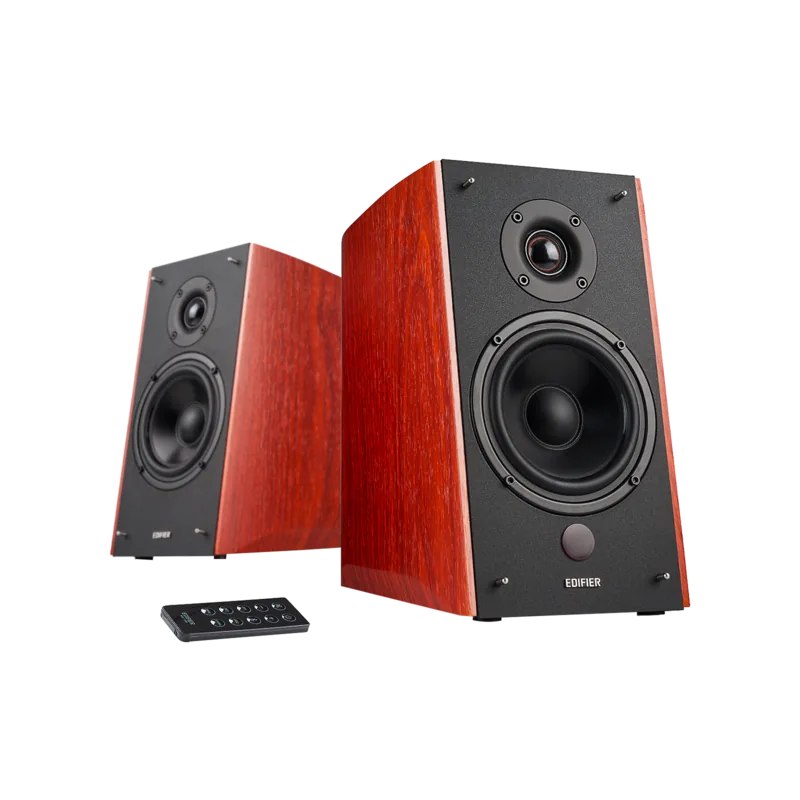
The Edifier Studio R2000DB is a powered bookshelf speaker set designed for people who want fuller sound without a complicated setup. It combines a classic studio-inspired look with modern convenience, making it a strong fit for desktop audio, casual home listening, or a compact entertainment corner. The Edifier Studio R2000DB Manual highlights a system built around simplicity, versatility, and reliable performance.
What makes this model stand out is its flexible connectivity. Users can connect through Bluetooth, optical input, or RCA, which gives the speaker pair plenty of room to work with TVs, computers, phones, tablets, and other everyday audio sources. The active speaker handles the controls, while the passive speaker connects with a cable, creating a straightforward two-speaker system that feels clean and practical.
Sound tuning is another key strength. The R2000DB includes dedicated treble and bass controls, plus Classic and Dynamic modes that help shape the listening experience. That means the speakers can be adjusted for smoother background music, brighter vocals, or a more energetic presentation depending on what you are playing. With a 5-inch bass driver and silk dome tweeters, the system aims for a balanced mix of warmth, detail, and clarity.
The remote control adds convenience, letting you switch inputs, adjust volume, mute playback, or move between sound modes without leaving your seat. Indicator lights on the speaker also make it easy to see which input is active. For users who value a neat setup and easy daily use, these small details make a noticeable difference.
From a practical point of view, the R2000DB feels like a speaker system made for real-world listening. It is not overly complicated, yet it offers enough control to satisfy users who want a little more from their audio. Whether you are watching shows, streaming music, or using it as a desktop upgrade, it delivers a polished, adaptable experience.
Notes
- Optical input supports standard PCM signals.
- Bluetooth pairing may use the code
0000if requested. - The remote uses a CR2025 battery.
- Keep ventilation open for safer and better operation.
Search for 67,706 Manuals online


Type-in Brand or Model