
Edifier P205 Manual
PDF manual · 15 Pages
English



Quick check
Incorrect answer, please try again.
Chat with your Edifier P205 manual using AI
Get instant AI answers from your Edifier P205 manual
Ask anything about the Edifier P205. Answers come from this manual, with the pages they are based on.
Ask a Question
Do you recommend P205?
Yes NoFrequently Asked Questions
Use the multi-function button. Single press plays or pauses, double press skips to the next track, and triple press goes to the previous track. Press and hold to activate your voice assistant.
Is this answer helpful?
Yes, a single press increases or decreases volume. However, please note that iPhones may not support this feature due to system restrictions.
Is this answer helpful?
Yes, they are compatible with Android phones. Please be aware that some functions might behave slightly differently depending on the specific phone brand.
Is this answer helpful?
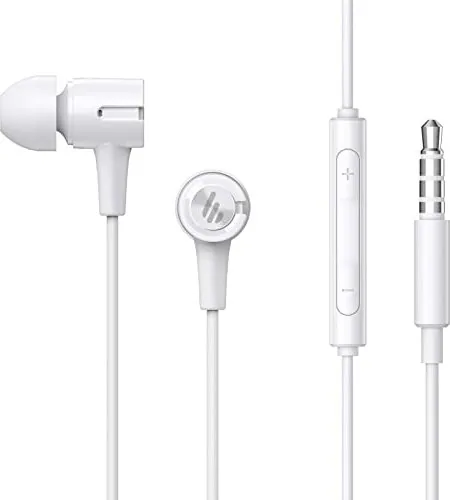
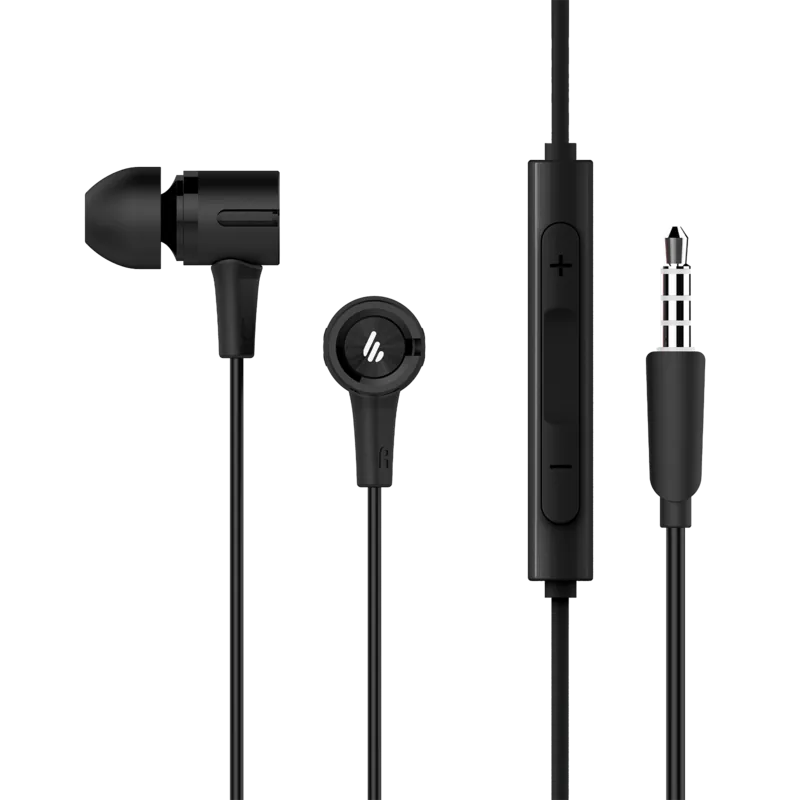
If there are any discrepancies between the images in the manual and your actual product, the physical product takes precedence. Minor variations are normal due to manufacturing updates.
Is this answer helpful?
Yes, the Edifier P205 includes a built-in microphone and remote, allowing you to take calls and manage audio directly from the earbuds.
Is this answer helpful?
Information may change without prior notice due to technical improvements or system upgrades. The latest version of the product specifications applies.
Is this answer helpful?
Advantages and Disadvantages
Advantages

- Intuitive multi-function button controls for easy playback management
- Built-in remote and microphone for convenient call handling
- Compact and lightweight design suitable for daily wear
- Supports voice assistant activation with a long press
- Compatible with both iOS and Android devices
Disadvantages

- Volume control may not function on certain iPhone models
- Android functionality can vary slightly based on brand
- Manual illustrations may differ slightly from the actual product
- No active noise cancellation mentioned in specifications
- Specific app integration features are not detailed
Product Specification
Type
Earphones (In-Ear)
Form Factor
neckband-free
Principle
closed-back
Microphone
wired microphone
Connector
3.5mm jack
Wireless
no
Cable Length
3.94 ft
Controls
1-button remote
Frequency Range
20Hz-20kHz (earphones), 100Hz-10kHz (microphone)
Impedance
21 ohms
Sensitivity
99.3 dB
Driver Size
0.31 in
Weight
0.39 oz
Product Description
Discover the Edifier P205: Your Ultimate Wireless Companion
The Edifier P205 earbuds represent a seamless blend of style and functionality, designed for users who demand reliability in their daily audio experience. These true wireless earbuds come equipped with an integrated remote and microphone, allowing you to manage your calls and music effortlessly without reaching for your phone. Whether you are commuting, working out, or simply relaxing at home, the P205 offers a compact and comfortable fit that stays secure during movement.
Mastering Control with Simple Gestures
One of the standout features of the Edifier P205 is its intuitive multi-function button system. A single press handles volume adjustments, while a double tap skips to the next track and a triple tap takes you back to the previous song. Pausing or playing your favorite playlist is as simple as one click. For those who prefer hands-free assistance, pressing and holding the button activates your voice assistant instantly. This level of control ensures you stay connected to your content without interruption.
Compatibility and Performance Notes
While the Edifier P205 is engineered for universal use, it is important to note specific compatibility details. Users with iPhone devices may find that volume control is not supported due to inherent system differences within iOS. Similarly, Android phones from various brands might exhibit slight variations in function implementation. Despite these minor nuances, the actual product performance remains consistent and reliable across most platforms. The Edifier P205 is built to adapt to your lifestyle, offering high-quality sound in a portable package that fits perfectly in your pocket.
Important Usage Notes
- Volume control on iPhones may be limited by system settings.
- Android device functions can vary slightly depending on the manufacturer.
- Always refer to the physical product for the most accurate operational details.
- Images in manuals serve as references and may differ slightly from the actual unit.
Search for 67,706 Manuals online


Type-in Brand or Model