
Edifier MS50A Manual
PDF manual · 1 Pages
English


Quick check
Incorrect answer, please try again.
Chat with your Edifier MS50A manual using AI
Get instant AI answers from your Edifier MS50A manual
Ask anything about the Edifier MS50A. Answers come from this manual, with the pages they are based on.
Ask a Question
Do you recommend MS50A?
Yes NoFrequently Asked Questions
Press the mode switch button until the blue LED blinks rapidly to enter Bluetooth pairing mode. Then select 'EDIFIER MS50A' from your phone's Bluetooth settings to connect.
Is this answer helpful?
Yes, the MS50A works perfectly via Bluetooth for local playback from phones or PCs, and supports Apple AirPlay for wireless streaming on compatible Apple devices.
Is this answer helpful?
No, the MS50A is specifically designed to work with Amazon Alexa. It does not currently support Google Assistant or other third-party voice assistants.
Is this answer helpful?
Press and hold the pause/play button for 6 seconds. This will clear all Wi-Fi connections, Bluetooth pairings, and Amazon account registrations.
Is this answer helpful?
Yes, you can use two MS50A speakers to build a stereo group for left and right channel output, enhancing the overall audio experience.
Is this answer helpful?
The Edifier MS50A has a frequency response range of 52Hz to 18KHz, ensuring deep bass and crisp highs for high-quality audio reproduction.
Is this answer helpful?
Advantages and Disadvantages
Advantages

- Seamless integration with Amazon Alexa for voice-controlled music streaming
- Supports multiple connection methods including Wi-Fi, Bluetooth, and Apple AirPlay
- Can be paired to create a stereo group or part of a multi-room audio system
- Intuitive touch panel controls for volume and playback management
Disadvantages

- Requires an Amazon account for full smart features and voice control access
- Setup process may take time due to network registration steps
- LED indicators can be bright at night despite automatic brightness adjustment
- Limited to 2.4GHz and 5GHz bands which may cause interference in crowded areas
Product Specification
Power
40W RMS
Tuner
Internet Radio
Streaming Clients
Amazon Music, Apple AirPlay 2, Pandora, Spotify, Tidal
Voice Assistants
Amazon Alexa
Audio Connections
No
Other Connections
USB-A
Wireless
Bluetooth 5.0, Wi-Fi
Power Supply
AC Operation
Weight
4.98 lbs
Product Description
Discover the Edifier MS50A Wireless Speaker
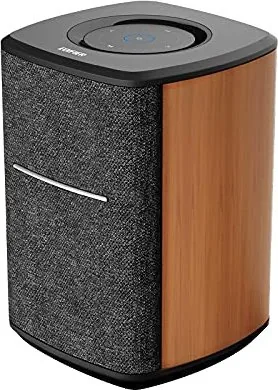
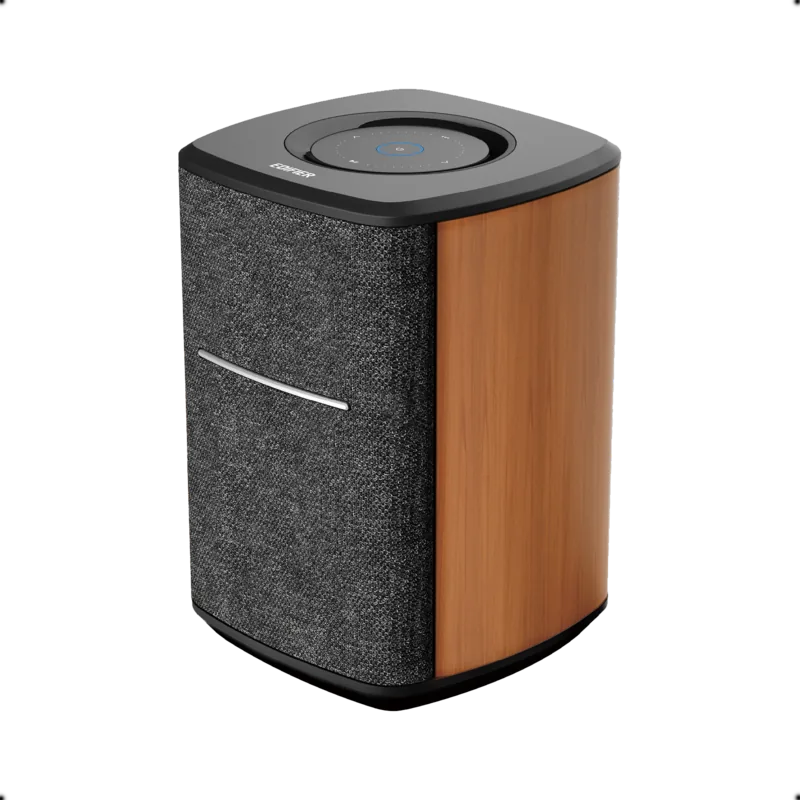
The Edifier MS50A represents a significant leap in home audio technology, blending high-fidelity sound with seamless smart connectivity. Designed for the modern listener, this active speaker serves as the centerpiece of your entertainment system by supporting both Wi-Fi and Bluetooth wireless technologies. Its core strength lies in its integration with Amazon Alexa, allowing users to stream music from popular services like Spotify, Amazon Music, Pandora, and TuneIn through simple voice commands or the Alexa app.
Setting up the MS50A is intuitive, whether you are connecting via Bluetooth to your phone or PC, or utilizing Apple AirPlay for wireless streaming on iOS devices. The speaker features a sleek touch panel that offers precise control over volume, track skipping, and power management. Users can easily create a stereo group using two MS50A units for an immersive listening experience or expand their setup into a multi-room system to play synchronized audio throughout the house.
Beyond its smart capabilities, the MS50A delivers robust audio performance with a frequency response ranging from 52Hz to 18KHz. The dual-driver configuration provides a rich soundscape with dedicated mid-bass and treble output. Whether you are hosting a party, working remotely, or relaxing at home, the MS50A ensures crystal clear audio quality. The device also includes a helpful LED indicator system that visually communicates connection status, battery levels, and mute functions, making it user-friendly for all tech skill levels.
Key Features
- Seamless integration with Amazon Alexa for voice control.
- Supports multiple streaming protocols including Wi-Fi, Bluetooth, and AirPlay.
- Touch-sensitive controls for easy operation.
- Capable of forming stereo pairs and multi-room audio systems.
Important Notes
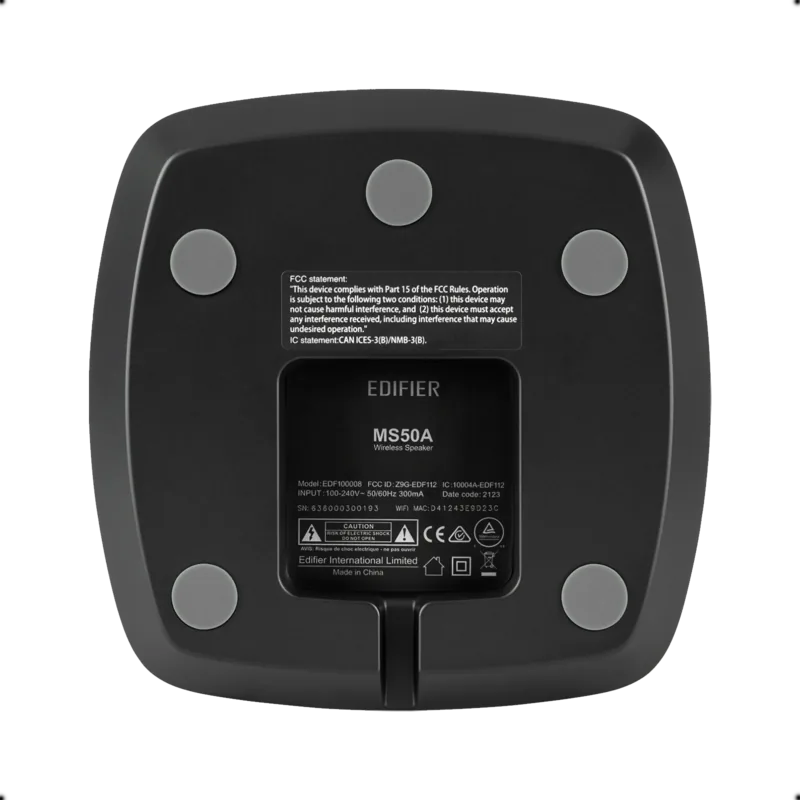
Please ensure you use the included power cable for optimal performance. If you encounter connectivity issues, try resetting the device to factory settings by holding the pause button for six seconds. Always check that your mobile device and speaker are on the same network when using Wi-Fi features.
Search for 67,706 Manuals online


Type-in Brand or Model